We found 16 create content tools with free tiers — and 1 of them are completely free, no credit card needed. Not "free for 14 days" free. Actually, permanently free. Here's every option worth your time, sorted by how much you actually get for $0.
When we say "free," we mean it. Every tool on this list meets our criteria: no credit card required to start, no forced upgrade after a trial period, and a free tier that's genuinely usable for early-stage startups. Some have usage caps. Some limit features. But none of them bait-and-switch you.
| — | $49/month | SMBs | Best-value | Details |
| 7-day free trial, No limits on requests | $39/month | Startups | Best-value | Details |
| Connect up to 3 channels | $6/month | Startups | Best-value | Details |
| Easy drag-and-drop editor and 1,000+ design types, 1.6M+ templates to get started fast | $10/month | Startups | Essential | Details |
| 3 videos per month, Videos up to 3-mins | $29/month | Startups | Best-value | Details |
| — | $39/month | SMBs | Best-value | Details |
| 500 AI credits per week, Unlimited visuals editing | $12/month | Startups | Niche | Details |
| — | $23/month | Startups | Best-value | Details |
| 30 credits, renewed daily, 3 generations with each style daily | $10/month | Startups | Best-value | Details |
| Must upgrade when your team grows | $25/month | Startups | Best-value | Details |
| — | $24.99/month | Startups | Best-value | Details |
| Free to start. Upgrade anytime. | $19/month | Startups | Best-value | Details |
| — | $39/month | Startups | Best-value | Details |
| Limited access | $15/month | Startups | Niche | Details |
| Professional hosting, Video recording and editing | $79/month | SMBs | Best-value | Details |
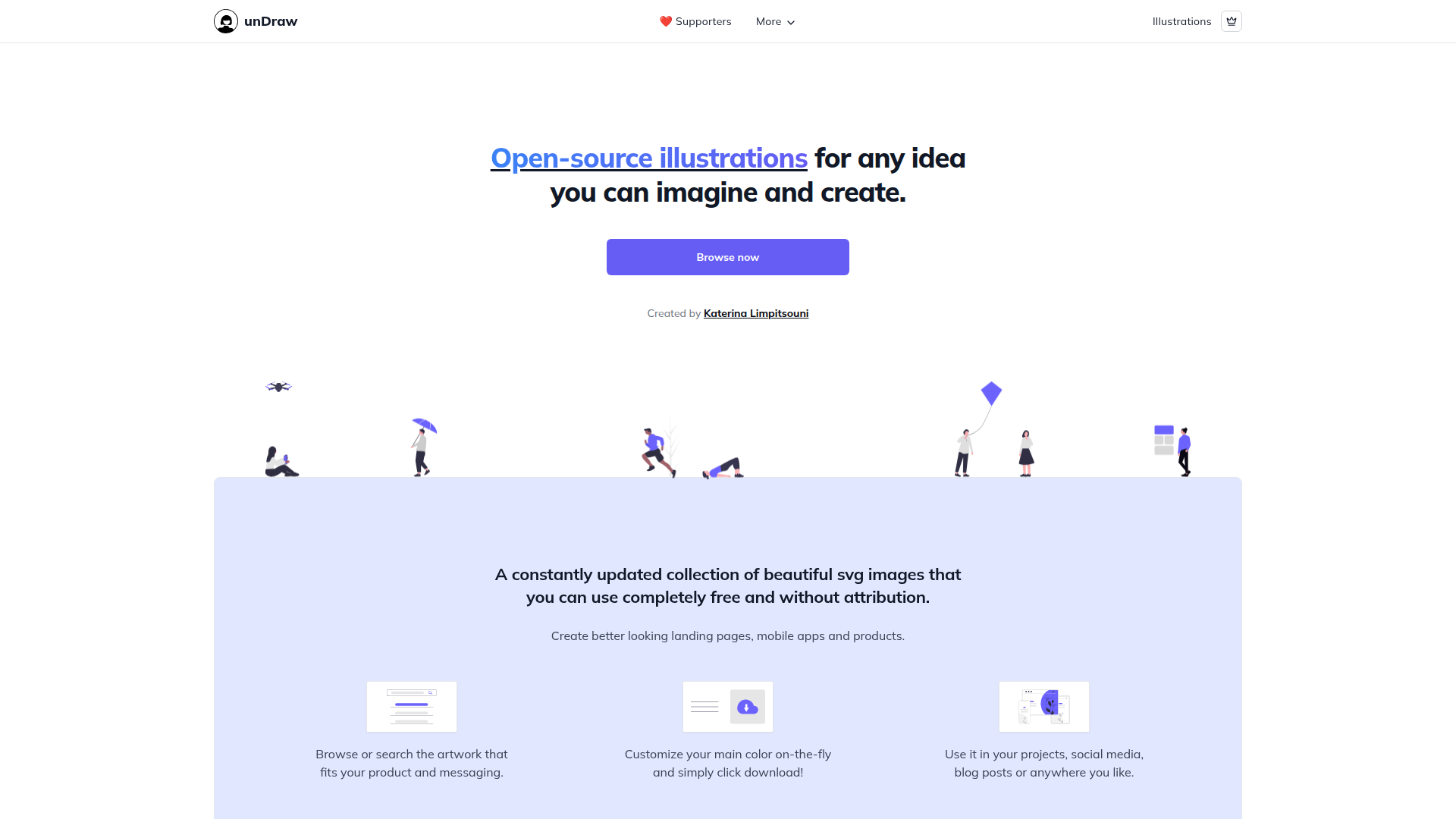
unDraw offers open-source, customizable SVG illustrations for any creative project, free of charge.
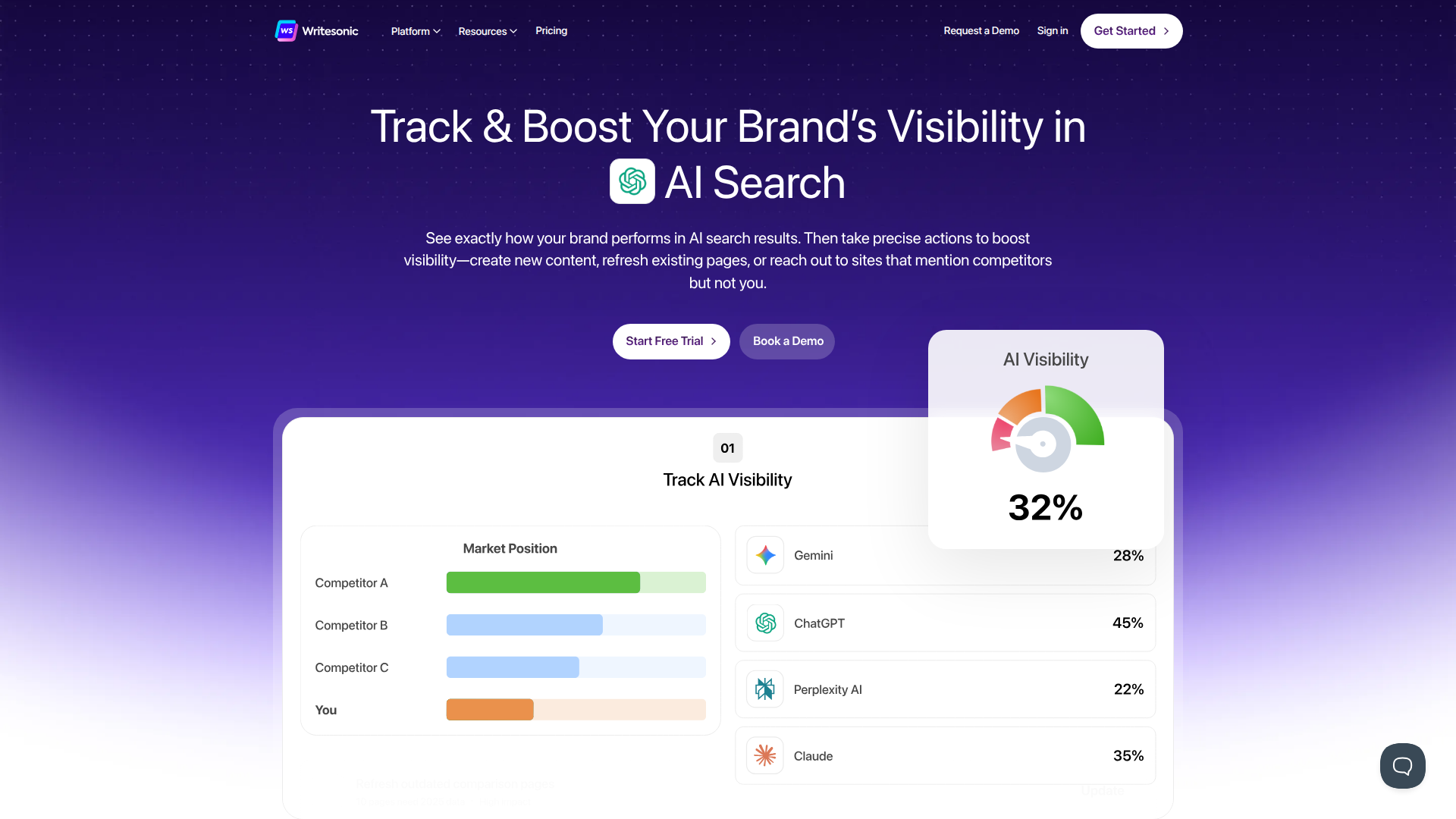
Writesonic enhances your brand's visibility with AI-driven SEO and content optimization across multiple platforms.

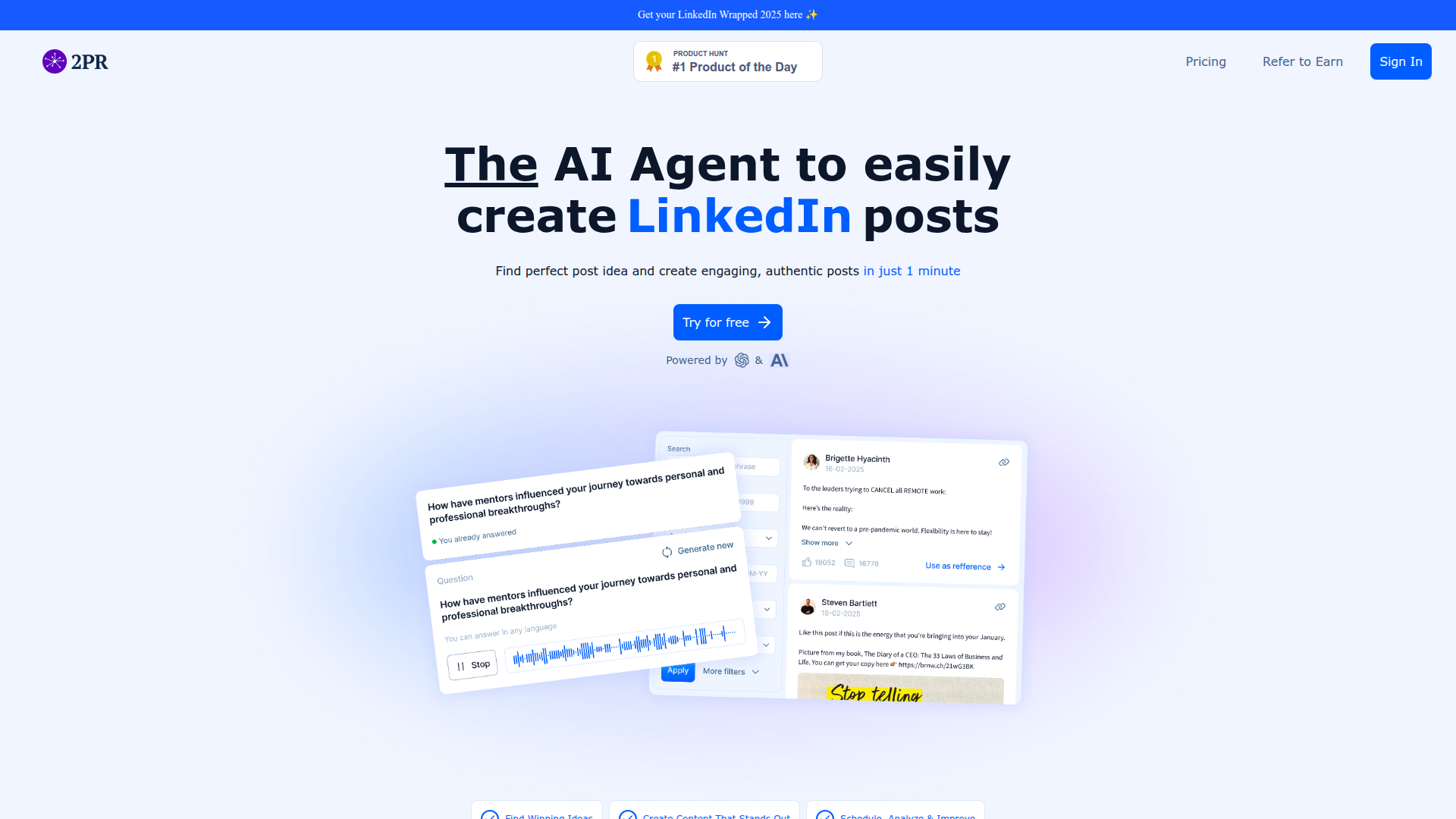
2pr enables users to create engaging LinkedIn content in just a minute, streamlining social media content creation.
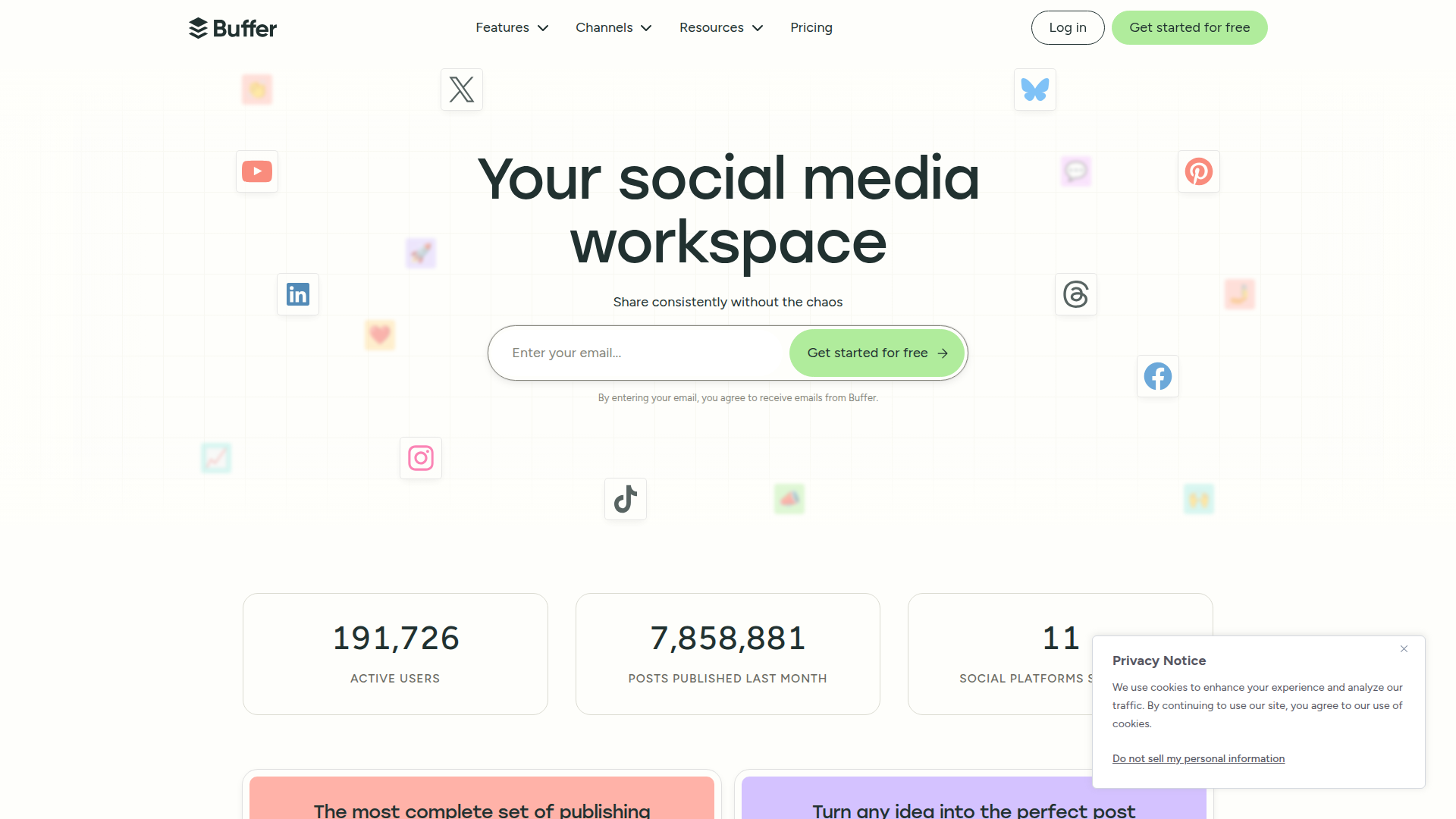
Buffer is a social media management tool that allows users to schedule, publish, and analyze their content across multiple platforms seamlessly.
Canva is a versatile design tool enabling users to create stunning visuals with ease.
AI video generator that creates videos from text, images, or audio with lifelike avatars.
AI-powered LinkedIn post generator for independents, agencies, and teams.
Napkin AI transforms your text into editable visuals, streamlining business storytelling.
NEURONwriter is an advanced content optimization tool designed to enhance website content for better search engine rankings.
Recraft empowers designers and creatives to generate and edit visuals using AI, from images to vectors and mockups.
Create MP4 videos with React for developers.
Scripe helps sales and marketing teams create high-converting LinkedIn content.
AI-powered carousel maker for LinkedIn, TikTok, and Instagram.

Taplio is an AI-powered tool designed to grow your personal brand on LinkedIn with content creation, analytics, and engagement features.
UX Pilot is an AI-powered tool that helps users create wireframes and UI designs quickly and efficiently.
Wistia is a video platform offering hosting, management, and analytics for marketing.
Here's how free create content tools compare at a glance:
| Tool | Best for | Strength | Setup effort | Ideal ICP |
|---|---|---|---|---|
| Self-hosting + full control | Specialized tool that does one thing exceptionally well | High | Solo founders, SMBs, and early teams | |
| AI-powered content creation | Strong features at a fraction of enterprise pricing | Low | SMBs and growing startups | |
![]() | Social media management | Strong features at a fraction of enterprise pricing | Low | Bootstrapped founders + indie hackers |
| Social media management | Strong features at a fraction of enterprise pricing | Low | Bootstrapped founders + indie hackers | |
| Early-stage startups | Industry standard with the widest ecosystem | Low | Solo founders, SMBs, and early teams | |
| Early-stage startups | Strong features at a fraction of enterprise pricing | Low | Bootstrapped founders + indie hackers |
Screenshots don't lie. Here's what you're signing up for — no stock photos, no marketing mockups.
Content creation used to mean either expensive software licenses or terrible free alternatives. That era is over. In 2026, the best free content creation tools are genuinely professional-grade — and some of them are better than their paid competitors.
The AI revolution didn't just create new tools — it made existing ones more generous. Canva added AI image generation to their free tier. CapCut became the default video editor for an entire generation. Notion turned into a writing environment that rivals dedicated apps. And AI writing tools went from "cute gimmick" to "I can't imagine working without this."
For startup founders and indie hackers who need to create content but can't afford a full creative team, the free tier landscape in 2026 is a goldmine. You can write, design, edit video, and schedule posts — all without spending a cent. The quality gap between free and paid has narrowed to the point where your audience genuinely cannot tell the difference.
Whether you're writing blog posts, social media copy, email newsletters, or product documentation, these free tools get the job done:
Notion is the Swiss army knife of content creation. Free for personal use with unlimited pages, it works as a writing tool, content calendar, project manager, and knowledge base. The Notion AI add-on has limited free usage, but the core writing experience is one of the best available. If you're a solo founder managing content across multiple channels, Notion is where you start.
Google Docs — yes, the boring answer is still a good answer. Real-time collaboration, version history, and commenting are unmatched for team content workflows. It's free, everyone knows how to use it, and the AI suggestions have gotten surprisingly good in 2026. Sometimes the best tool is the one your team doesn't need to learn.
AI writing assistants have transformed how founders create content. ChatGPT's free tier, Claude's free tier, and Gemini all offer enough capability to draft blog posts, social copy, and email sequences. The key insight: use AI for first drafts and ideation, then edit with your own voice. Content that sounds AI-generated is worse than no content at all.
The growth hacker take: your content stack should be Notion (planning + writing) + AI assistant (first drafts) + Google Docs (collaboration). Total cost: $0. The tools aren't your bottleneck — consistency is.
You don't need to be a designer to create professional visuals. These free tools prove it:
Canva Free is the undisputed king of free design tools for non-designers. Social media graphics, presentations, logos, infographics — Canva's templates make everything look professional. The free tier includes 250,000+ templates, millions of stock photos, and their AI image generation tool. For 90% of startup content needs, Canva Free is more than enough.
Figma Free is the professional's choice — but the free tier is generous enough for startup use. Three active projects with unlimited collaborators. If you need to design landing pages, app UI, or pitch decks, Figma's free tier handles it. The learning curve is steeper than Canva, but the output quality is significantly higher.
Photopea is the hidden gem nobody talks about. It's essentially Photoshop in your browser — free, no signup required, supports PSD files. For quick image editing, background removal, or working with designer files, Photopea is incredible. Bookmark it. You'll use it more than you think.
Video content drives more engagement than any other format in 2026. Here's how to create it for free:
CapCut became the default video editor for a reason — it's free, surprisingly powerful, and has AI features that automate the boring parts. Auto-captions, background removal, AI-generated b-roll, and templates that make any video look polished. For social media video content, CapCut is all you need.
DaVinci Resolve is the professional-grade free video editor. It's the same software used by Hollywood editors, with a free tier that includes everything except a handful of advanced color grading and collaboration features. The learning curve is steep, but if you're creating long-form YouTube content or product demos, DaVinci Resolve is genuinely better than most paid alternatives.
OBS Studio is free, open-source, and the standard for screen recording and live streaming. If you're creating product demos, tutorials, or webinar content, OBS handles it without watermarks, time limits, or upsell nags. It's not the prettiest software, but it works and it's free forever.
Creating content is half the battle. Getting it in front of people is the other half — and these free tools help with distribution:
Buffer Free lets you schedule posts to 3 social channels with up to 10 scheduled posts per channel. For solo founders posting to LinkedIn, Twitter/X, and one other platform, the free tier is enough. The interface is clean, scheduling is painless, and the analytics are basic but useful.
Later Free focuses on visual-first platforms — Instagram, TikTok, Pinterest. The free tier gives you 5 social profiles and 30 posts per profile per month. If your content strategy is heavily visual, Later's visual planner and link-in-bio tool are worth using.
Typefully is the tool for Twitter/X and LinkedIn power users. The free tier lets you write, schedule, and cross-post to both platforms. Thread creation is where Typefully shines — the split-and-preview interface makes long-form social content easy to manage.
The growth hacker take: don't overcomplicate distribution. Pick 2 channels maximum, schedule your content weekly, and focus on consistency over volume. A free Buffer account + a calendar reminder to post is better than an expensive social media suite you only use once a month.
Here's what we recommend at each stage:
Solo founder / Side project: Notion (writing) + Canva (design) + CapCut (video) + Buffer (scheduling). Total cost: $0. This stack covers 95% of content needs.
Small team (2-5 people): Google Docs (collaborative writing) + Canva/Figma (design) + CapCut (video) + Buffer (scheduling) + Notion (content calendar). Total cost: $0.
Growing startup: This is where free tiers start getting tight. Canva Pro ($13/month) unlocks brand kits and team features. Buffer paid tiers remove scheduling limits. But even here, the total stack cost stays under $50/month — a fraction of hiring a content agency.
The key insight for content creation tools: the tool matters less than the habit. A founder who posts consistently using free tools will outperform a team with a $500/month content stack that posts sporadically. Start free, build the habit, upgrade when the free tier becomes the bottleneck — not before.
Free content creation tools in 2026 are good enough to build a real content operation. Canva, CapCut, Notion, and Buffer form a stack that handles writing, design, video, and distribution for $0. AI writing tools have made first drafts almost effortless. The barrier to content creation has never been lower.
Stop telling yourself you'll start creating content "when you can afford better tools." The tools are free. The distribution channels are free. The only cost is your time and consistency. Start with the comparison table above, pick your tools, and publish something this week.
Based on our testing, unDraw stands out for its generous free tier and overall feature set. Writesonic is a strong runner-up, especially if you need a different feature mix. The "best" pick depends on your specific needs — check the comparison table above to match tools to your use case.
For pre-revenue startups and teams under 10 people, free tiers are usually more than enough. Most tools on this list serve thousands of startups on their free plans. The real question is when to upgrade — and we've included upgrade pricing in the table above so you can plan ahead. Don't pay for features you won't use for 6 months.
The most common free tier limits are usage caps (events tracked, emails sent, team members), reduced integrations, and community-only support. Some tools also add branding to your output on free plans. We've listed specific limits in the comparison table — the devil is in the details.
Every tool on this list can be started without a credit card. That's one of our criteria for inclusion. Some may ask for payment info when you upgrade, but the free tier itself is always no-strings-attached.
Upgrade when you consistently hit the free tier limits, need features only available on paid plans (like advanced integrations or team collaboration), or when the tool becomes critical to your workflow and you need priority support. Until then, save your money.
Need more options? Browse all create content tools, including paid ones with free trials.