| Feature |  |  |
|---|---|---|
| Starting Price | $10/month | $19/month |
| Pricing Model | Freemium | Freemium |
| Free Tier | ||
| Free Trial | 14 days | |
| Best For | Startups | Startups |
| Tool Type | Essential |
Canva vs SlideFast — Quick Summary
Who each tool is built for, what it does best, and how much effort it takes to get started.
At a Glance
What Each Tool Does
Canva
Canva is a design tool that lets you create social media posts, videos, presentations, and more. It's great for people who want to design but don't have professional skills.
Standout features:
- •Easy drag-and-drop editor — no design skills needed.
- •Huge library of templates — saves time and sparks ideas.
- •Collaboration tools — work with your team in real-time.
Limitations:
- •Some features need internet — offline users might struggle.
- •Free version has limited templates — serious users might need to pay.
Pricing: Free with optional paid plans for more features.
SlideFast
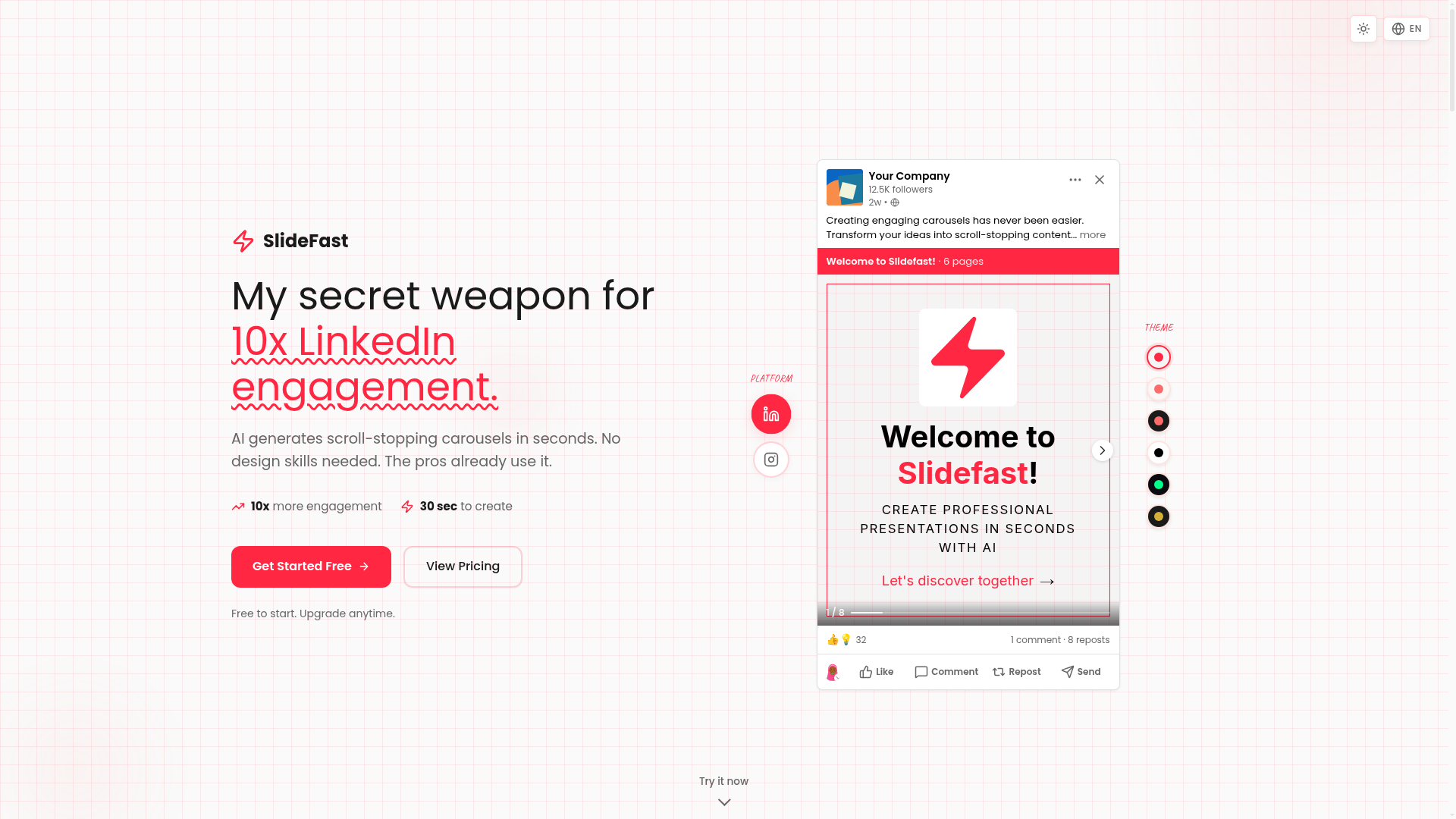
SlideFast creates AI-powered carousels for social media in seconds.
Standout features:
- •AI-Powered Writing — Generates viral headlines and copy.
- •Multi-Format Export — Perfect sizes for LinkedIn, TikTok, Instagram.
- •Beautiful Themes — 8+ presets or create custom themes.
Limitations:
- •Limited to carousel format — Not for other content types.
- •Requires internet access — Not usable offline.
Pricing: 14-day free trial, then €19/month.
Growth Hacker Verdict
Canva's your velocity play for shipping social content without becoming a design bottleneck — founders doing 1,400+ posts/year (looking at you, Taplio users) aren't spending cycles on pixel-perfect graphics, they're templating and automating. But it's a commodity tool now, so if your GTM lives on visual differentiation (custom UI, branded systems, proprietary aesthetics), Canva templates will make you indistinguishable from your competitors.
Stack it with Taplio ($30/mo) for the content-to-schedule pipeline and grab the $120/year plan — it's table stakes for LinkedIn and social. Only skip it if design *is* your moat or you're already deep in Figma for product work.
Use SlideFast if you're running a personal brand or bootstrapped SaaS and need to batch-create carousel content without hiring a designer — the AI writing actually saves time on hooks and CTAs. Skip it if you're scaling a brand with existing design systems or posting more than 3x weekly, since you'll hit the freemium limits fast and the templates feel pretty template-y.
Best move: pair it with a repurposing workflow (one LinkedIn carousel becomes 5 TikTok clips) to justify the paid tier.
TL;DR — Canva vs SlideFast
Choose Canva if you want the industry standard with the widest ecosystem and integrations. Starts at $10/month. Free tier available — no credit card needed.
Choose SlideFast if you want maximum value for your money — does 80% of what the big names do at a fraction of the cost. Starts at $19/month. Free tier available — no credit card needed.
On price alone, Canva wins at $10/month. But cheaper isn't always better — check the feature breakdown above.
When to Choose Canva Over SlideFast
Canva is a essential create content tool built for startups, starting at $10/month. Canva is a versatile design tool enabling users to create stunning visuals with ease.
Choose Canva if:
- Early-stage startups — This is where Canva shines. Industry standard with the widest ecosystem.
- Setup effort: Low — You can be up and running in minutes, not days.
- Free tier available — You can test Canva without a credit card. Try it alongside SlideFast and see which fits your workflow.
- Ideal for: Solo founders, SMBs, and early teams
See all SlideFast alternatives or browse the Create content directory.
When to Choose SlideFast Over Canva
SlideFast is a best-value create content tool built for startups, starting at $19/month. AI-powered carousel maker for LinkedIn, TikTok, and Instagram.
Choose SlideFast if:
- Early-stage startups — AI-powered carousel maker for LinkedIn, TikTok, and Instagram.
- Setup effort: Low — Quick onboarding with minimal configuration needed.
- Free tier available — Test SlideFast risk-free before committing any budget.
- Ideal for: Bootstrapped founders + indie hackers
See all Canva alternatives or browse the Create content directory.
Canva vs SlideFast: Pricing Breakdown
Let's talk money — because that's usually what drives the decision for startups and growth teams.
Canva starts at $10/month with 4 pricing tiers. Free tier included. Priced for startups — won't wreck your runway.
SlideFast starts at $19/month with 2 pricing tiers. Free tier included. Startup-friendly pricing.
Our take: Canva is the more affordable option at $10/month vs $19/month. But cheaper isn't always better — compare what you get at each tier before deciding. We always list monthly billing rates — not the discounted annual price that makes everything look cheaper.
FAQ: Canva vs SlideFast
Is Canva better than SlideFast in 2026?
It depends on your team size, budget, and priorities. Canva is a essential create content tool built for startups, starting at $10/month. SlideFast is a best-value option aimed at startups, starting at $19/month. See the feature comparison above for a detailed side-by-side.
Which is cheaper, Canva or SlideFast?
Canva starts at $10/month, while SlideFast starts at $19/month. Canva is more affordable on paper. Keep in mind: the cheapest plan isn't always the best deal. Compare what you get at each tier, not just the starting price. We always list monthly billing rates, not discounted annual prices.
Can I use both Canva and SlideFast together?
Both are design tools, so most teams pick one to avoid redundancy and extra costs. That said, some teams use both for different segments or use cases — just make sure the overlap doesn't waste your budget.
Does Canva or SlideFast have a free tier?
Both Canva and SlideFast offer free tiers. You can try each without a credit card and see which fits your workflow before spending anything.
How do I switch from Canva to SlideFast (or vice versa)?
Most create content tools support data export. Start by exporting your data from your current tool, then check the new tool's import documentation. Many offer migration assistance or onboarding calls to help with the switch.

