| Feature |  |  |
|---|---|---|
| Starting Price | $12/month | Free |
| Pricing Model | Freemium | Free |
| Free Tier | ||
| Free Trial | ||
| Best For | Startups | Startups |
| Tool Type |
Napkin AI vs unDraw — Quick Summary
Who each tool is built for, what it does best, and how much effort it takes to get started.
At a Glance
What Each Tool Does
Napkin AI
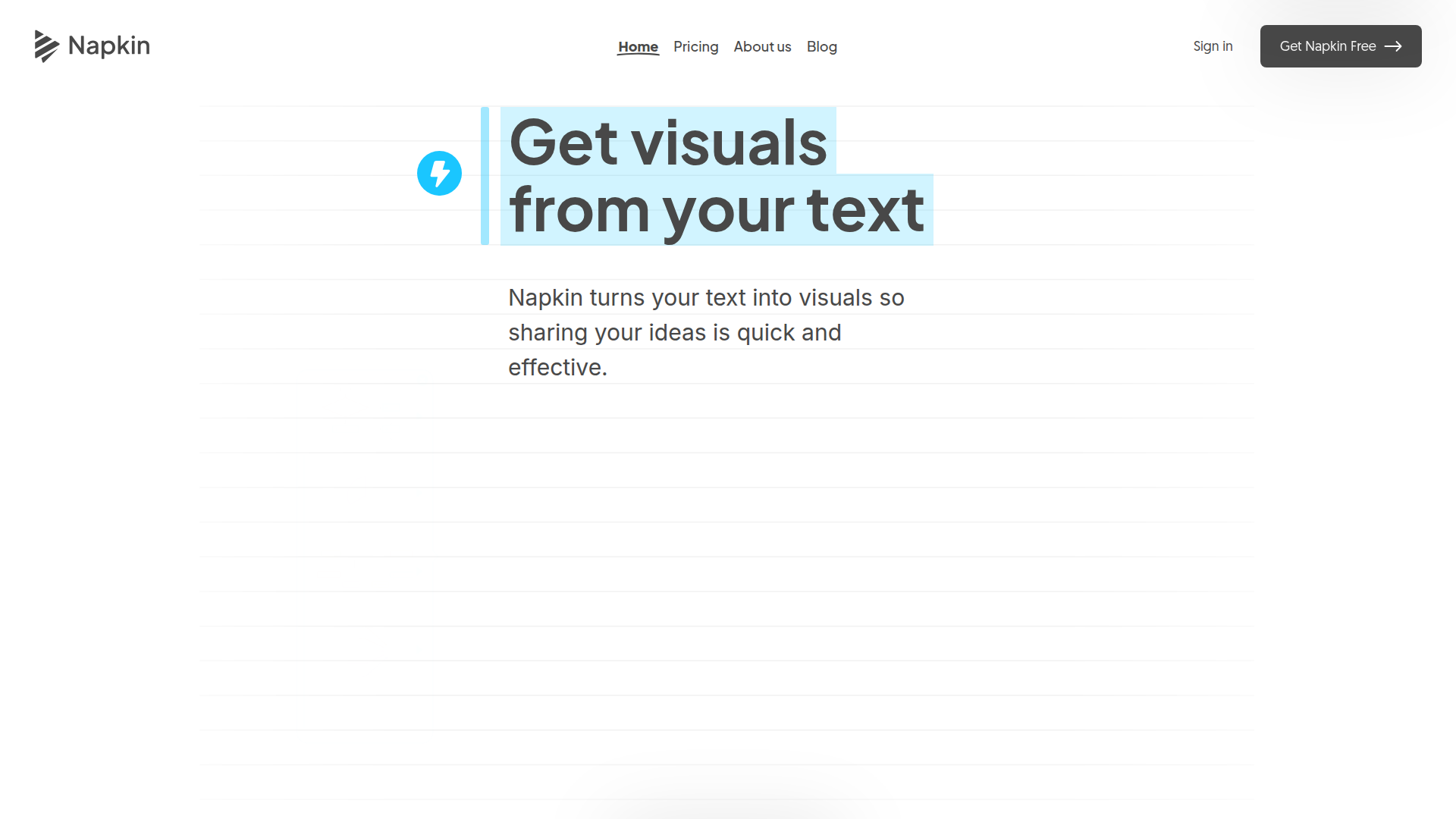
Napkin AI turns your words into visuals fast. Share your thoughts with clear images.
Standout features:
- •Text to visual — skip the hassle, get visuals straight from your text.
- •Editable visuals — change icons, colors, and fonts to fit your style.
- •Export options — use visuals in .ppt, .png, .pdf, or .svg formats.
Limitations:
- •Requires some design tweaking — might need adjustments to fit complex ideas.
- •Online only — not for those needing offline creation.
Pricing: Free to start, paid plans available.
unDraw
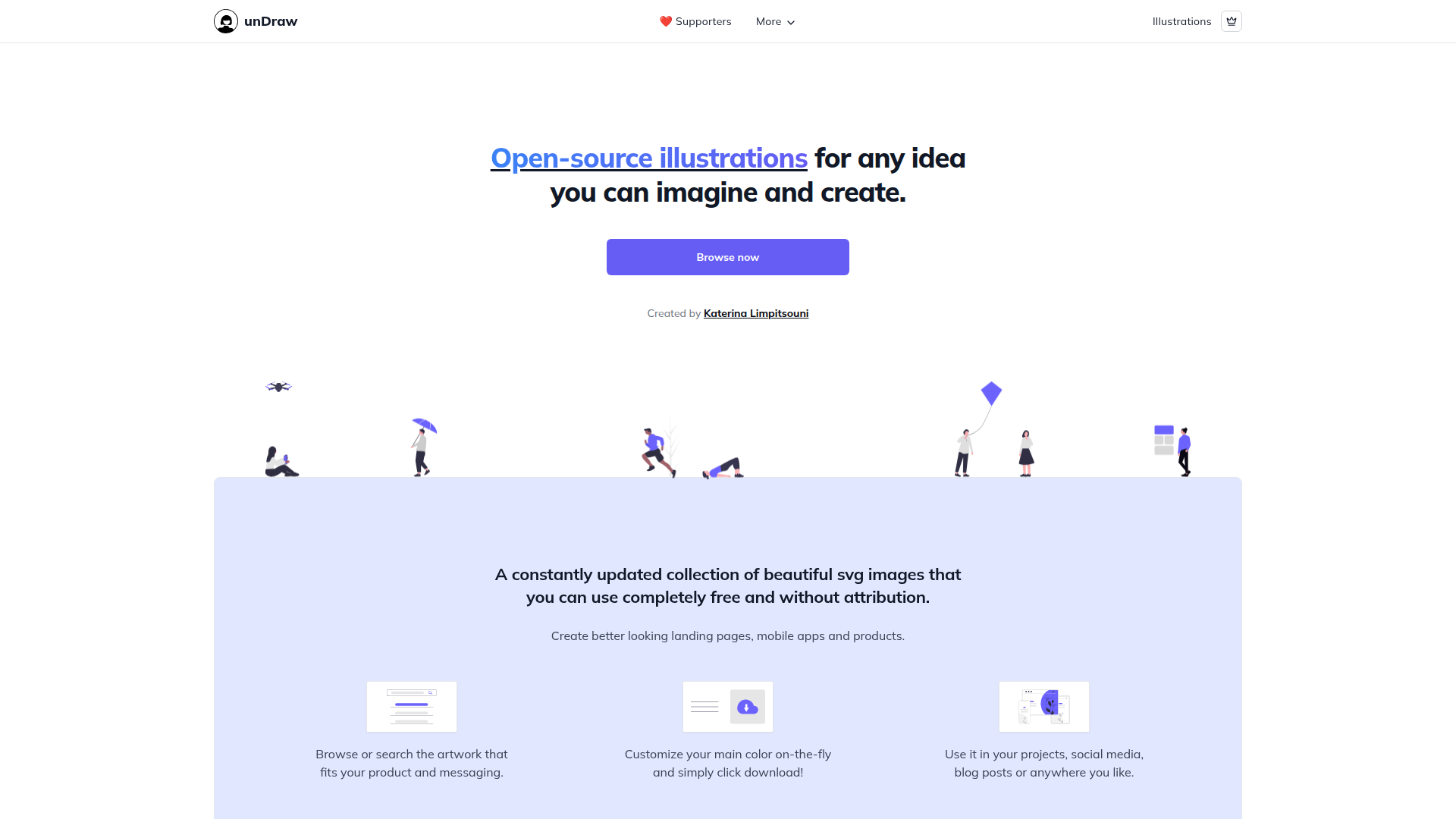
unDraw offers open-source illustrations for any idea you can think of. All images are free to use, no credit needed. Great for landing pages, apps, and products.
Standout features:
- •Free SVG images — no cost, no attribution.
- •Customize colors — match your brand easily.
- •Scalable SVGs — no loss in quality when resized.
Limitations:
- •Limited to existing styles — might not fit all brand aesthetics.
- •No advanced editing — basic color change only.
Pricing: Completely free.
Growth Hacker Verdict
Use Napkin if you're drowning in text-heavy decks and need to ship visual content 3x faster without hiring a designer—the freemium tier genuinely works for one-off explainers, but the paid plan only makes sense if you're pumping out sales collateral or founder updates weekly. Skip it if you're looking for pixel-perfect brand consistency or have budget for a real design tool; if you're already using Figma, you're probably overkilling this.
Best move: freemium account, test it on your next pitch deck, upgrade only if it actually saves you time instead of becoming another tab you forget about.
unDraw is a cheat code for B2B SaaS landing pages and onboarding flows where you need polished, on-brand illustrations fast—grab a bunch of SVGs, recolor them to match your palette, and ship in hours instead of weeks waiting on a designer. Skip it if you need photorealistic or heavily stylized visuals; the illustration style is distinctive enough that you'll see the same assets across dozens of sites, which kills differentiation if that matters to your brand.
Best play: pair it with a simple design system tool (Figma, Penpot) and batch-customize a full library during a sprint—way more efficient than hunting individual images. Free pricing means zero friction to test, so the only reason not to use it is aesthetic preference or needing true custom work.
TL;DR — Napkin AI vs unDraw
Choose Napkin AI if you want a specialized tool that does one thing exceptionally well. Starts at $12/month. Free tier available — no credit card needed.
Choose unDraw if you want a specialized tool that does one thing exceptionally well. Starts at Free. Free tier available — no credit card needed.
On price alone, unDraw wins at Free. But cheaper isn't always better — check the feature breakdown above.
When to Choose Napkin AI Over unDraw
Napkin AI is a niche create content tool built for startups, starting at $12/month. Napkin AI transforms your text into editable visuals, streamlining business storytelling.
Choose Napkin AI if:
- Early-stage startups — This is where Napkin AI shines. Specialized tool that does one thing exceptionally well.
- Setup effort: Low — You can be up and running in minutes, not days.
- Free tier available — You can test Napkin AI without a credit card. Try it alongside unDraw and see which fits your workflow.
- Ideal for: Solo founders, SMBs, and early teams
See all unDraw alternatives or browse the Create content directory.
When to Choose unDraw Over Napkin AI
unDraw is a niche create content tool built for startups, starting at Free. unDraw offers open-source, customizable SVG illustrations for any creative project, free of charge.
Choose unDraw if:
- Self-hosting + full control — Specialized tool that does one thing exceptionally well.
- Setup effort: High — More involved setup, but the flexibility is worth it for teams that need it.
- Free tier available — Test unDraw risk-free before committing any budget.
- Ideal for: Solo founders, SMBs, and early teams
See all Napkin AI alternatives or browse the Create content directory.
Napkin AI vs unDraw: Pricing Breakdown
Let's talk money — because that's usually what drives the decision for startups and growth teams.
Napkin AI starts at $12/month with 4 pricing tiers. Free tier included. Priced for startups — won't wreck your runway.
unDraw starts at Free. Free tier included. Startup-friendly pricing.
Our take: unDraw is the more affordable option at Free vs $12/month. Check the feature comparison above to see if the savings come with trade-offs. We always list monthly billing rates — not the discounted annual price that makes everything look cheaper.
FAQ: Napkin AI vs unDraw
Is Napkin AI better than unDraw in 2026?
It depends on your team size, budget, and priorities. Napkin AI is a niche create content tool built for startups, starting at $12/month. unDraw is a niche option aimed at startups, starting at Free. See the feature comparison above for a detailed side-by-side.
Which is cheaper, Napkin AI or unDraw?
Napkin AI starts at $12/month, while unDraw starts at Free. unDraw is more affordable on paper. Keep in mind: the cheapest plan isn't always the best deal. Compare what you get at each tier, not just the starting price. We always list monthly billing rates, not discounted annual prices.
Can I use both Napkin AI and unDraw together?
Both are design tools, so most teams pick one to avoid redundancy and extra costs. That said, some teams use both for different segments or use cases — just make sure the overlap doesn't waste your budget.
Does Napkin AI or unDraw have a free tier?
Both Napkin AI and unDraw offer free tiers. You can try each without a credit card and see which fits your workflow before spending anything.
How do I switch from Napkin AI to unDraw (or vice versa)?
Most create content tools support data export. Start by exporting your data from your current tool, then check the new tool's import documentation. Many offer migration assistance or onboarding calls to help with the switch.