UserGuiding vs Userpilot: Which One Deserves Your Money?
The budget-friendly challenger vs the industry standard. We compared UserGuiding and Userpilot on pricing, features, and real-world usage so you can skip the sales calls.
Updated February 2026 · Onboarding
| Feature |  |  |
|---|---|---|
| Starting Price | $174/month | $299/month |
| Pricing Model | Freemium | Paid |
| Free Tier | ||
| Free Trial | 14 days | |
| Best For | SMBs | SMBs |
| Tool Type | Best-value |
UserGuiding vs Userpilot — Quick Summary
Who each tool is built for, what it does best, and how much effort it takes to get started.
| Tool | Best for | Strength | Setup effort | Ideal ICP |
|---|---|---|---|---|
| Small-to-medium teams | Strong features at a fraction of enterprise pricing | Low | SMBs and growing startups |
| Small-to-medium teams | Industry standard with the widest ecosystem | Low | SMBs and growing startups |
At a Glance
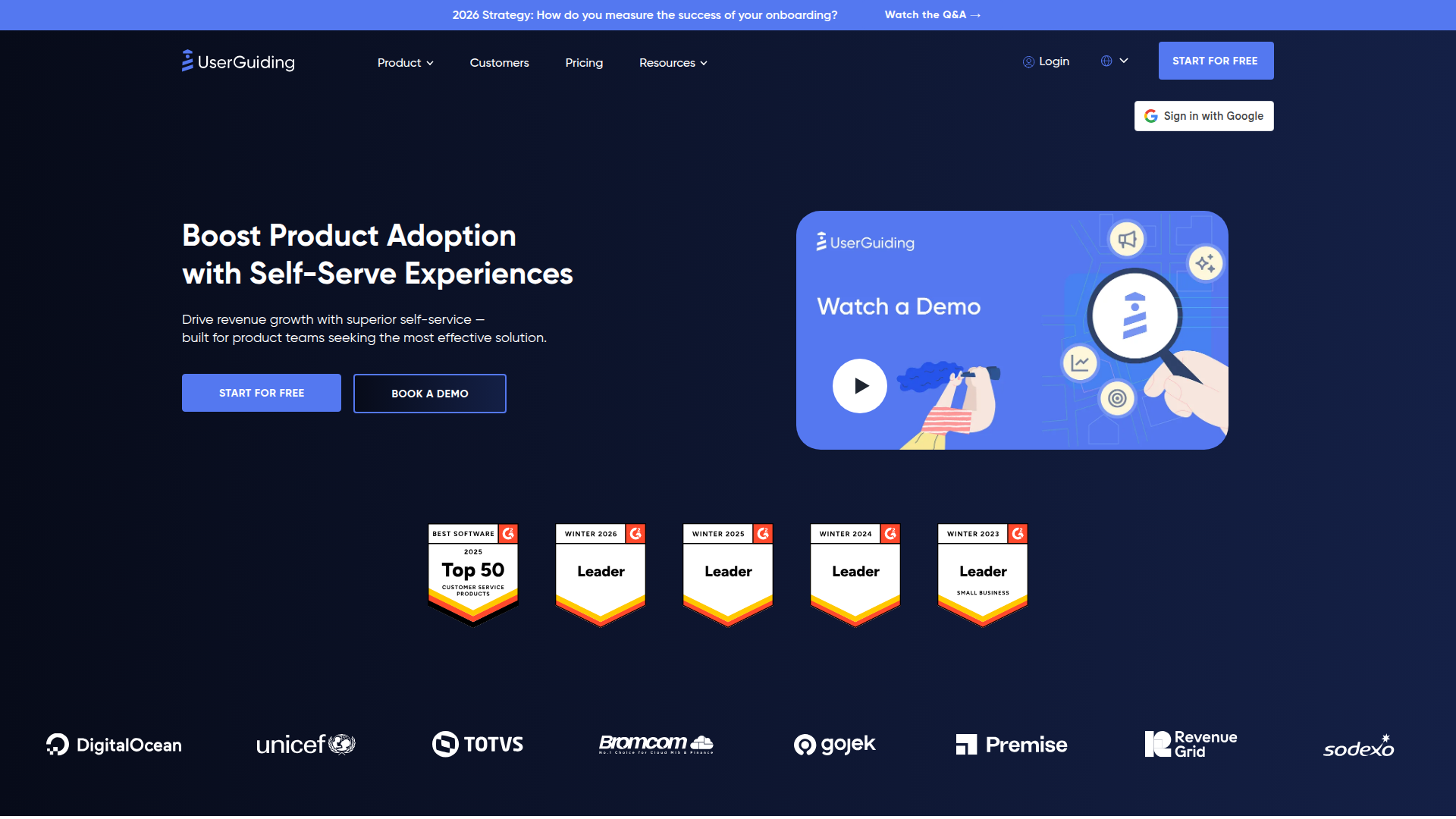
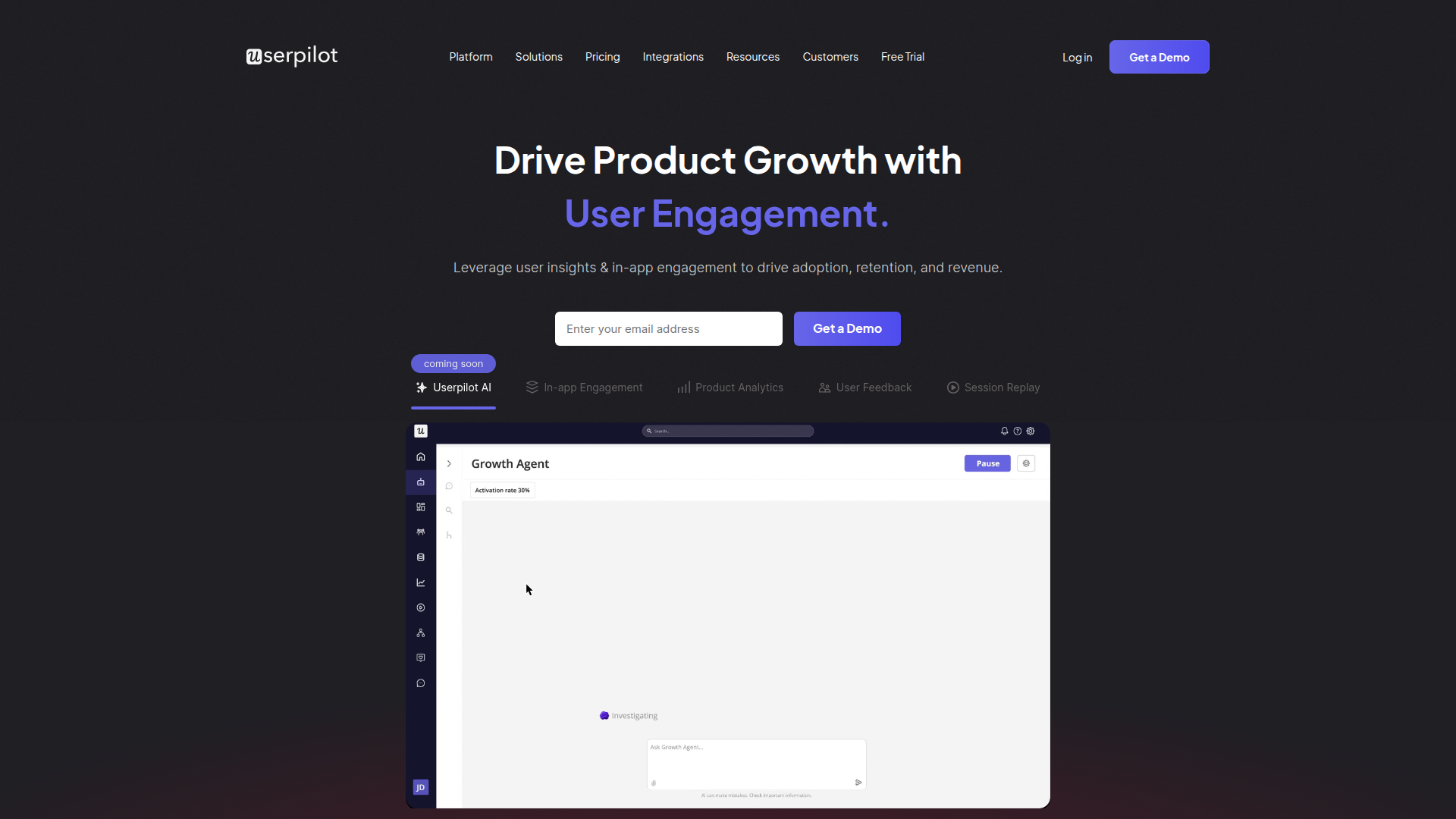
What Each Tool Does
UserGuiding
UserGuiding helps you make in-app guides for your users. You can create onboarding flows, tooltips, and more without coding.
Standout features:
- •Chrome Extension — build onboarding right on your web app.
- •In-app surveys and tooltips — boost user engagement easily.
- •Easy updates — change and publish content with a few clicks.
Limitations:
- •Some features might be too advanced for small teams — small startups might not need everything.
- •Requires initial setup — non-tech users might find it tricky at first.
Pricing: Free trial available, paid plans start at $89/month.
Userpilot
Userpilot helps you understand and engage your users better. It's great for product growth by giving insights through user feedback, analytics, and more.
Standout features:
- •In-app engagement tools — boosts user interaction.
- •Product analytics — helps you see how users behave.
- •Session replay — find and fix UI problems fast.
Limitations:
- •Might be too much for very small teams — indie devs with basic needs might not use all features.
- •Requires some setup time — not ideal for those wanting instant results.
Pricing: Offers a 14-day free trial, then scales with usage.
Growth Hacker Verdict
UserGuiding is for product teams who've hit the "users sign up but don't activate" wall — if your signup-to-aha moment conversion is bleeding users, this pays for itself fast. Skip it if you're still iterating on core product value or your main problem is getting people to sign up in the first place; no onboarding tool fixes a broken product.
The freemium tier is genuinely useful for testing whether better guidance actually moves your activation metrics, which means you can validate the ROI before committing spend. Best used alongside analytics that tracks which flows convert, not as a band-aid for poor UX.
Userpilot is the play if you're running multi-segment onboarding flows and have the budget to back it—think Series B+ with enough users to justify segmented in-app messaging. Skip it if you're pre-product-market fit or allergic to enterprise sales cycles; you'll burn time on discovery calls instead of shipping experiments.
The mobile optimization piece is legit for apps, but the real edge is behavioral segmentation and chained experiences—way better than Pendo for growth teams obsessed with conversion rate testing. Best paired with Amplitude or Mixpanel if you want data flowing back into your messaging decisions; standalone it's expensive motion.
TL;DR — UserGuiding vs Userpilot
Choose UserGuiding if you want maximum value for your money — does 80% of what the big names do at a fraction of the cost. Starts at $174/month. Free tier available — no credit card needed.
Choose Userpilot if you want the industry standard with the widest ecosystem and integrations. Starts at $299/month.
On price alone, UserGuiding wins at $174/month. But cheaper isn't always better — check the feature breakdown above.
When to Choose UserGuiding Over Userpilot
UserGuiding is a best-value conversion tool built for smbs, starting at $174/month. UserGuiding helps create in-app experiences for user onboarding and product adoption.
Choose UserGuiding if:
- Small-to-medium teams — This is where UserGuiding shines. Strong features at a fraction of enterprise pricing.
- Setup effort: Low — You can be up and running in minutes, not days.
- Free tier available — You can test UserGuiding without a credit card. Try it alongside Userpilot and see which fits your workflow.
- Ideal for: SMBs and growing startups
See all Userpilot alternatives or browse the Conversion directory.
When to Choose Userpilot Over UserGuiding
Userpilot is a essential conversion tool built for smbs, starting at $299/month. Userpilot empowers teams to enhance user engagement and drive growth through in-app experiences and data-driven insights.
Choose Userpilot if:
- Small-to-medium teams — Industry standard with the widest ecosystem.
- Setup effort: Low — Quick onboarding with minimal configuration needed.
- Pricing starts at $299/month — Compare what you get at each pricing tier, not just the starting price.
- Ideal for: SMBs and growing startups
See all UserGuiding alternatives or browse the Conversion directory.
UserGuiding vs Userpilot: Pricing Breakdown
Let's talk money — because that's usually what drives the decision for startups and growth teams.
UserGuiding starts at $174/month with 4 pricing tiers. Free tier included. Mid-range pricing for growing teams.
Userpilot starts at $299/month with 3 pricing tiers. 14-day free trial available. Reasonable pricing for scaling teams.
Our take: UserGuiding is the more affordable option at $174/month vs $299/month. But cheaper isn't always better — compare what you get at each tier before deciding. We always list monthly billing rates — not the discounted annual price that makes everything look cheaper.
FAQ: UserGuiding vs Userpilot
Is UserGuiding better than Userpilot in 2026?
It depends on your team size, budget, and priorities. UserGuiding is a best-value conversion tool built for smbs, starting at $174/month. Userpilot is a essential option aimed at smbs, starting at $299/month. See the feature comparison above for a detailed side-by-side.
Which is cheaper, UserGuiding or Userpilot?
UserGuiding starts at $174/month, while Userpilot starts at $299/month. UserGuiding is more affordable on paper. Keep in mind: the cheapest plan isn't always the best deal. Compare what you get at each tier, not just the starting price. We always list monthly billing rates, not discounted annual prices.
Can I use both UserGuiding and Userpilot together?
Both are onboarding tools, so most teams pick one to avoid redundancy and extra costs. That said, some teams use both for different segments or use cases — just make sure the overlap doesn't waste your budget.
Does UserGuiding or Userpilot have a free tier?
UserGuiding offers a free tier, while Userpilot does not. If you want to test before buying, UserGuiding has the advantage here.
How do I switch from UserGuiding to Userpilot (or vice versa)?
Most conversion tools support data export. Start by exporting your data from your current tool, then check the new tool's import documentation. Many offer migration assistance or onboarding calls to help with the switch.