Cal.com vs Calendly 2026: Open-Source Scheduling Wins?
Compare Cal.com and Calendly scheduling tools in 2026. Discover which offers better pricing, ease of use, customization, and enterprise features for your needs.

Marco Delvane
Growth Team
Key Takeaways
- Cal.com wins on price: Free self-hosted option vs. Calendly's $12/month minimum. Costs $0 for developers comfortable with deployment.
- Calendly wins on ease: Zero setup, works in 5 minutes. Cal.com requires technical knowledge or $29/month for hosted version.
- Open-source = flexibility: Cal.com lets you customize everything, white-label completely, and own your data. Calendly's a black box.
- Enterprise features differ: Calendly has routing, Salesforce sync, and better workflows out-of-box. Cal.com requires platform plan ($1,500/month) for routing.
- For most startups: Use Calendly to start (speed matters). Switch to Cal.com at scale (savings + control matter more).
Scheduling tools are supposed to save time. Yet here you are, comparing Calendly vs. Cal.com for the third time this month.
The choice isn't obvious. Calendly owns 60%+ market share because it works immediately. Cal.com raised $32M because developers hate paying $12/seat/month for what's essentially a database with email notifications.
Both do the same job: stop the "does Thursday work?" email tennis. But the how matters if you're building at scale, care about margins, or want to white-label scheduling into your product.
This guide breaks down exactly when each tool wins, with real pricing math and migration paths. No "it depends" cop-outs.
Why This Comparison Matters in 2026
Calendly launched in 2013 and grew to $100M+ ARR selling convenience. Cal.com launched in 2021 and hit $3M ARR in two years selling control.
The scheduling software market hit $546.8M in 2024 and is growing 13.1% annually. Every sales team, recruiter, and consultant needs one. The question is whether you pay the "convenience tax" or invest setup time for long-term savings.
What changed in 2026:
- Cal.com added enterprise features (routing, Salesforce, workflows) that used to be Calendly-only
- Calendly added AI scheduling assistant but kept prices high ($16-20/seat/month for useful features)
- Self-hosting became easier with one-click Railway/Render deployments
- White-labeling exploded as agencies and SaaS products embed scheduling
The gap narrowed on features. The gap widened on philosophy: rent vs. own.
Quick Comparison Table
| Feature | Calendly | Cal.com |
|---|---|---|
| Starting Price | $12/month (Standard) | Free (self-hosted) or $29/month (hosted) |
| Free Plan | 1 event type, basic features | Unlimited events (self-hosted) |
| Setup Time | 5 minutes | 1-4 hours (self-host) or 5 min (hosted) |
| Customization | Limited (branding on Pro+) | Full control (open-source) |
| Integrations | 100+ native | 50+ native, unlimited via API |
| White Label | No | Yes (self-hosted or Platform plan) |
| Round-Robin | Teams plan ($20/seat/month) | Platform plan ($1,500/month) or self-host |
| Salesforce Sync | Enterprise only | Platform plan ($1,500/month) |
| Data Ownership | Calendly owns it | You own it (self-hosted) |
| Best For | Non-technical teams, immediate use | Developers, cost-conscious scale, white-label |
1. Calendly — The Market Leader for Good Reason
Pricing: Free (limited) | Standard ($12/month) | Teams ($20/month) | Enterprise (custom)
Calendly's the incumbent for a reason: it just works. Connect your calendar, share your link, done. No technical setup, no configuration paralysis, no "how do I deploy this?"
10 million+ users chose simplicity over savings. Sales teams at HubSpot, Lyft, and eBay use Calendly because onboarding new reps takes 2 minutes instead of 2 hours.
The Teams plan at $20/seat/month includes round-robin routing (distribute meetings across SDRs), Salesforce sync, and workflow automation. For a 5-person sales team, that's $100/month to eliminate scheduling friction entirely.
What We Liked
- Zero setup friction: Connect Google/Outlook calendar, set availability, share link. Works in 5 minutes.
- 100+ integrations: Salesforce, HubSpot, Zoom, Slack, Stripe — everything connects natively without Zapier middleware.
- Routing workflows: Round-robin, priority-based, and collective scheduling for complex teams. No manual assignment.
- Mobile app quality: Native iOS/Android apps that don't feel like web wrappers. Reschedule while commuting.
What Could Be Better
- Expensive at scale: $20/month per seat adds up. 50-person team = $12K/year just for scheduling.
- No white-labeling: Your booking page says "Powered by Calendly" unless you're Enterprise. Looks unprofessional for agencies.
- Limited customization: Can't change booking flow logic, add custom fields easily, or integrate deeply with proprietary systems.
Growth Hacker Take: Use Calendly when speed-to-value matters more than cost. If you're pre-product-market-fit, spending 4 hours configuring Cal.com is a waste. Pay the $12/month and focus on closing deals.
Calendly Review — Is It Worth the Price?
External links: Calendly Pricing | G2 Reviews (4.7/5)
2. Cal.com — Open-Source Scheduling for Developers
Pricing: Free (self-hosted) | Starter ($29/month) | Platform ($1,500/month) | Enterprise (custom)
Cal.com is Calendly rebuilt for developers who hate vendor lock-in. Fully open-source (AGPLv3 license), self-hostable, and infinitely customizable.
The value proposition is simple: deploy once on Railway/Render for ~$20/month infrastructure cost, or use their hosted version at $29/month. Either way, you're saving 40-60% vs. Calendly at scale.
White-label completely. Add custom workflows. Integrate with internal tools. Build scheduling into your product without paying per-booking fees.
The catch: you need technical comfort. Self-hosting requires Docker knowledge, database setup, and ongoing maintenance. Non-technical teams should use the hosted Starter plan.
What We Liked
- $0 self-hosted option: Deploy on your infrastructure. Pay only for servers (~$20/month). No per-seat fees.
- Full white-labeling: Remove Cal.com branding, use your domain, embed in your product. Perfect for agencies and SaaS platforms.
- Open-source = no lock-in: Export data anytime, modify source code, contribute features. You own the scheduling logic.
- API-first design: Every feature accessible via REST API. Build custom integrations without fighting closed platforms.
What Could Be Better
- Setup complexity: Self-hosting requires Docker, PostgreSQL, environment variables. Not for non-technical users.
- Fewer native integrations: ~50 integrations vs. Calendly's 100+. More require custom API work or Zapier.
- Enterprise features gated: Round-robin routing and Salesforce sync require Platform plan ($1,500/month), not available in self-hosted.
Growth Hacker Take: Cal.com is a 10x ROI play for technical teams at scale. If you have 20+ people scheduling or need white-label, the savings compound quarterly. But don't self-host until you've validated fit with the $29/month hosted plan.
Cal.com Tutorial — Self-Hosting Guide
External links: Cal.com Pricing | GitHub Repo (26K+ stars) | Product Hunt Reviews
3. SavvyCal — The Middle Ground
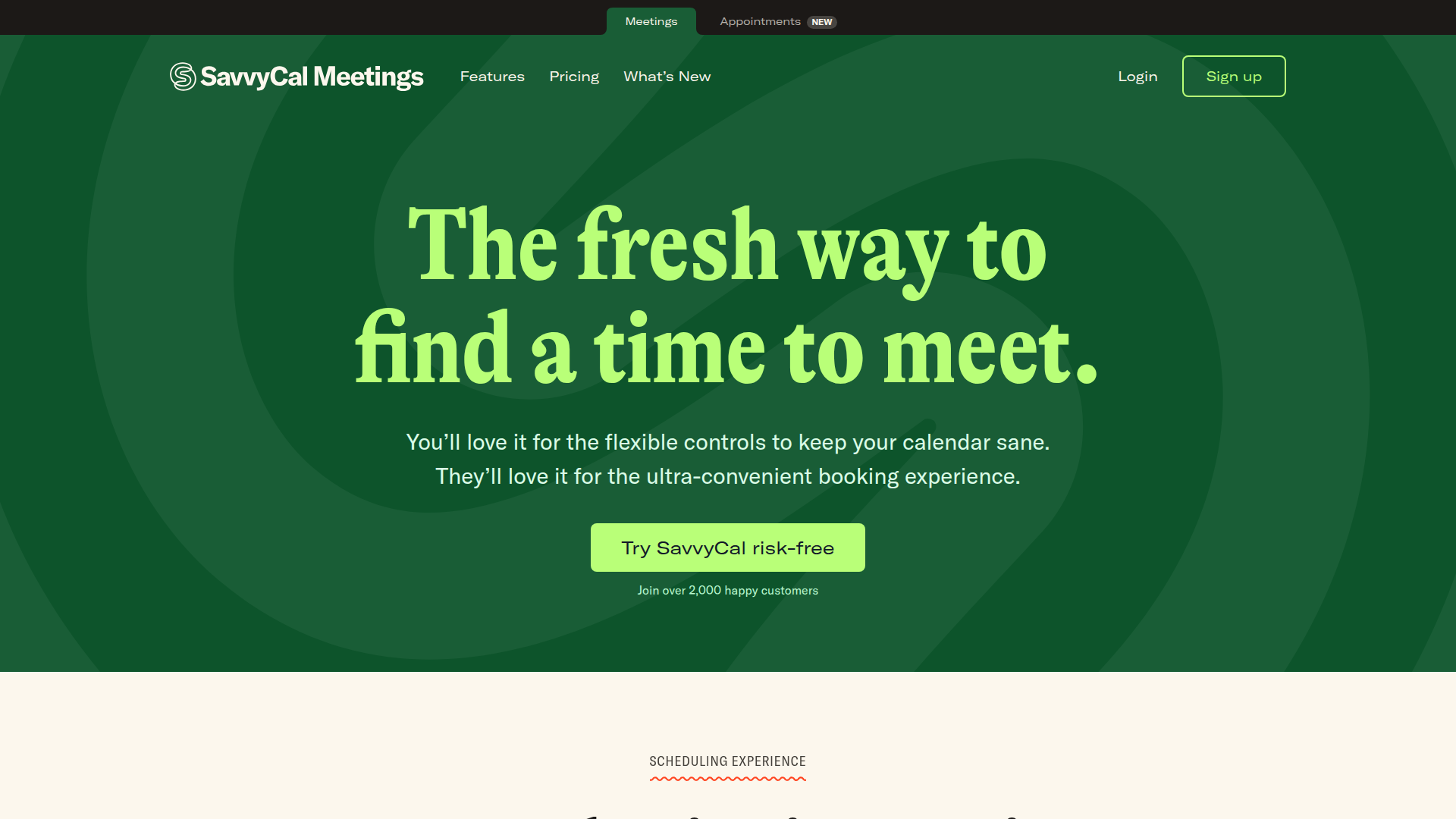
Pricing: Basic ($12/month) | Premium ($20/month) | Pro ($40/month)
SavvyCal sits between Calendly's polish and Cal.com's flexibility. Not open-source, but designed by indie hacker Derrick Reimer who sold Drip for $50M.
The killer feature: overlay voting. Instead of "pick my available slots," recipients share their calendar and you find mutual availability together. Reduces back-and-forth by 80%.
Great for consultants, coaches, and small teams who want personality in their scheduling flow. Poor choice for enterprise teams needing Salesforce sync or round-robin routing.
What We Liked
- Overlay voting UX: Let prospects share their calendar overlay. Find mutual slots visually. Game-changer for complex scheduling.
- Personality vs. corporate: Customizable colors, fonts, and layouts. Booking pages feel human, not SaaS-generic.
- Fair pricing: $12/month gets you unlimited event types. Calendly charges $12 for 6 event types.
What Could Be Better
- Limited integrations: ~20 native connections. Missing Salesforce, HubSpot, and most CRMs.
- No team features: Round-robin and routing workflows don't exist. Built for solopreneurs.
Growth Hacker Take: SavvyCal is perfect if you're a consultant or coach scheduling 10-30 meetings monthly. The overlay voting feature alone is worth the price. But don't pick this for sales teams—you'll outgrow it in 3 months.
External links: SavvyCal Pricing
4. Chili Piper — Enterprise Inbound Routing
Pricing: Starting at $30/user/month (Instant Booker) | $37.50/user/month (Handoff) | Custom (Distro)
Chili Piper isn't just scheduling—it's revenue acceleration. Forms convert 3x higher when meetings book instantly vs. emailing a calendar link.
The platform routes inbound leads to the right rep based on territory, account ownership, or round-robin rules. Then books meetings in real-time before leads go cold.
Used by Airbnb, Spotify, and Intuit. Overkill for early-stage startups. Essential for velocity-focused revenue teams at scale.
What We Liked
- Instant booking from forms: Lead submits demo request, sees rep's calendar immediately. Books meeting without leaving page.
- Sophisticated routing: Territory assignment, account-based routing, round-robin with priority weighting. Handles complex sales orgs.
- CRM native integrations: Deep Salesforce and HubSpot workflows. Updates contact records, creates tasks, logs activities automatically.
What Could Be Better
- Expensive: Minimum $30/seat/month plus $10K+ implementation fees for enterprise features. Not for bootstrapped startups.
- Overkill for simple use: If you just need "share my calendar link," this is a $500/month solution to a $12/month problem.
Growth Hacker Take: Only consider Chili Piper if you're doing $5M+ ARR with inbound velocity problems. If leads are filling forms but conversion drops because scheduling takes too long, this pays for itself. Otherwise, stick with Calendly or Cal.com.
External links: Chili Piper Pricing
How to Choose Between Cal.com and Calendly
Pick based on team size, technical ability, and long-term cost sensitivity:
- Choose Calendly if: You're non-technical, need it working today, or have fewer than 10 people scheduling. Speed > savings early on.
- Choose Cal.com (hosted) if: You want Calendly features at 40% lower cost and don't need enterprise routing yet.
- Choose Cal.com (self-hosted) if: You have technical resources, need white-labeling, or schedule 100+ meetings monthly. ROI compounds at scale.
- Choose SavvyCal if: You're a consultant or coach who values UX personality over enterprise features.
- Choose Chili Piper if: You're $5M+ ARR with inbound conversion problems. Forms should book meetings instantly, not send calendar links.
Migration path for growth: Start with Calendly ($12/month). Validate scheduling workflows. Once you hit 10+ schedulers or need white-label, migrate to Cal.com hosted ($29/month). When team reaches 50+, self-host Cal.com to cap costs.
Real Cost Comparison at Scale
Let's run the math for a 20-person sales team scheduling 400 meetings monthly:
Calendly Teams Plan:
- 20 seats × $20/month = $400/month
- Annual cost: $4,800
- 5-year cost: $24,000
Cal.com Hosted (Starter):
- 20 seats × $29/month = $580/month
- Annual cost: $6,960
- 5-year cost: $34,800
Wait, Cal.com is MORE expensive? Yes, if you use the hosted Starter plan. The savings come from self-hosting.
Cal.com Self-Hosted:
- Infrastructure (Railway/Render): $50/month
- Initial setup: 8 hours × $100/hour = $800 one-time
- Annual cost: $600 + $800 = $1,400 (year 1) | $600/year (ongoing)
- 5-year cost: $3,200
Savings vs. Calendly over 5 years: $20,800
That's the trade-off. Pay $800 setup + 8 hours of dev time once, save $4K+ annually forever.
FAQ
Is Cal.com really free?
Yes, if you self-host. You pay for server infrastructure (~$20-50/month) but no per-seat licensing fees. The hosted version starts at $29/month.
Can I white-label Calendly?
Only on Enterprise plans (pricing not public, typically $15K+/year minimum). Cal.com offers white-labeling on self-hosted or Platform plan ($1,500/month).
Which has better integrations?
Calendly has 100+ native integrations vs. Cal.com's 50+. But Cal.com's API-first design makes custom integrations easier for developers.
How hard is Cal.com to self-host?
Requires Docker, PostgreSQL knowledge, and environment variable configuration. Budget 4-8 hours for initial setup if experienced with DevOps. Non-technical teams should use hosted version.
Does Cal.com have round-robin scheduling?
Yes, but only on Platform plan ($1,500/month) or self-hosted with custom configuration. Not available on Starter ($29/month) plan.
Which is better for agencies?
Cal.com wins for white-labeling client scheduling. Self-host once, deploy unlimited branded instances. Calendly requires Enterprise plan ($15K+/year) per client.
Can I migrate from Calendly to Cal.com?
Yes. Export your Calendly event types manually, recreate in Cal.com, update calendar links. No automated migration tool exists yet. Budget 2-4 hours for 5-10 event types.
What's the catch with Cal.com?
Setup complexity (self-hosted) and fewer native integrations. If you're non-technical and need Salesforce sync immediately, Calendly is smoother. Cal.com requires more upfront investment.
About the Author
Marco Delvane
Growth Team at Vibe Growth Stack. Tested 100+ growth tools so you don't have to. Writes about what actually works for startups — no fluff, no affiliate bias.
Related Articles
Get growth tips in your inbox
No-BS growth hacks, tool reviews, and best-value picks. Weekly.
Unsubscribe anytime. We hate spam too.