Best Calendly Alternatives in 2026: 8 Tools We Actually Tested
Looking for Calendly alternatives? We tested 8 scheduling tools for indie hackers and startups — with real pricing, honest pros/cons, and a clear verdict.

Marco Delvane
Growth Team
Key Takeaways
- Cal.com is the best overall Calendly alternative — open-source, free tier, and endlessly customizable for startups
- TidyCal at $29 one-time is the unbeatable budget pick — cheaper than 3 months of Calendly Pro
- SavvyCal's calendar overlay is a conversion weapon for teams doing external meetings
- We tested all 8 tools with real usage over a month — not just feature-list comparisons
- Every tool here has a free tier or trial, so you can test before committing
Why People Are Switching From Calendly
Look, Calendly is solid. It basically invented the "pick a time" link. But here's the thing — their free plan keeps getting more restrictive, the pro plan is $10/month per seat (adds up fast), and customization is... limited. If you're an indie hacker shipping solo or a small startup watching every dollar, there are better options in 2026.
According to G2's scheduling software rankings, the scheduling tool market has exploded — with over 350 products competing for your calendar. That means more choices, better pricing, and features Calendly hasn't caught up to.
We tested 8 alternatives over the past month. Real usage, not just feature-list comparisons. Here's what we found.
Quick Comparison Table
| Tool | Price | Best For | Free Tier? | VGS Verdict |
|---|---|---|---|---|
| Cal.com | Free / $12/month | Devs & customization nerds | Yes (generous) | Best overall |
| SavvyCal | $12/month | Team scheduling | Free trial | Best for teams |
| TidyCal | $29 one-time | Budget-conscious solopreneurs | Free tier | Best value |
| Doodle | $6.95/month | Group polls | Yes (limited) | Best for groups |
| Acuity Scheduling | $16/month | Service businesses | 7-day trial | Most features |
| YouCanBookMe | $10.80/month | Google Calendar power users | 14-day trial | Best Google integration |
| Appointlet | $8/month | Simple booking pages | Yes | Solid mid-range |
| Zcal | Free / $10/month | Personal scheduling | Yes | Best free option |
1. Cal.com — Best Overall Alternative
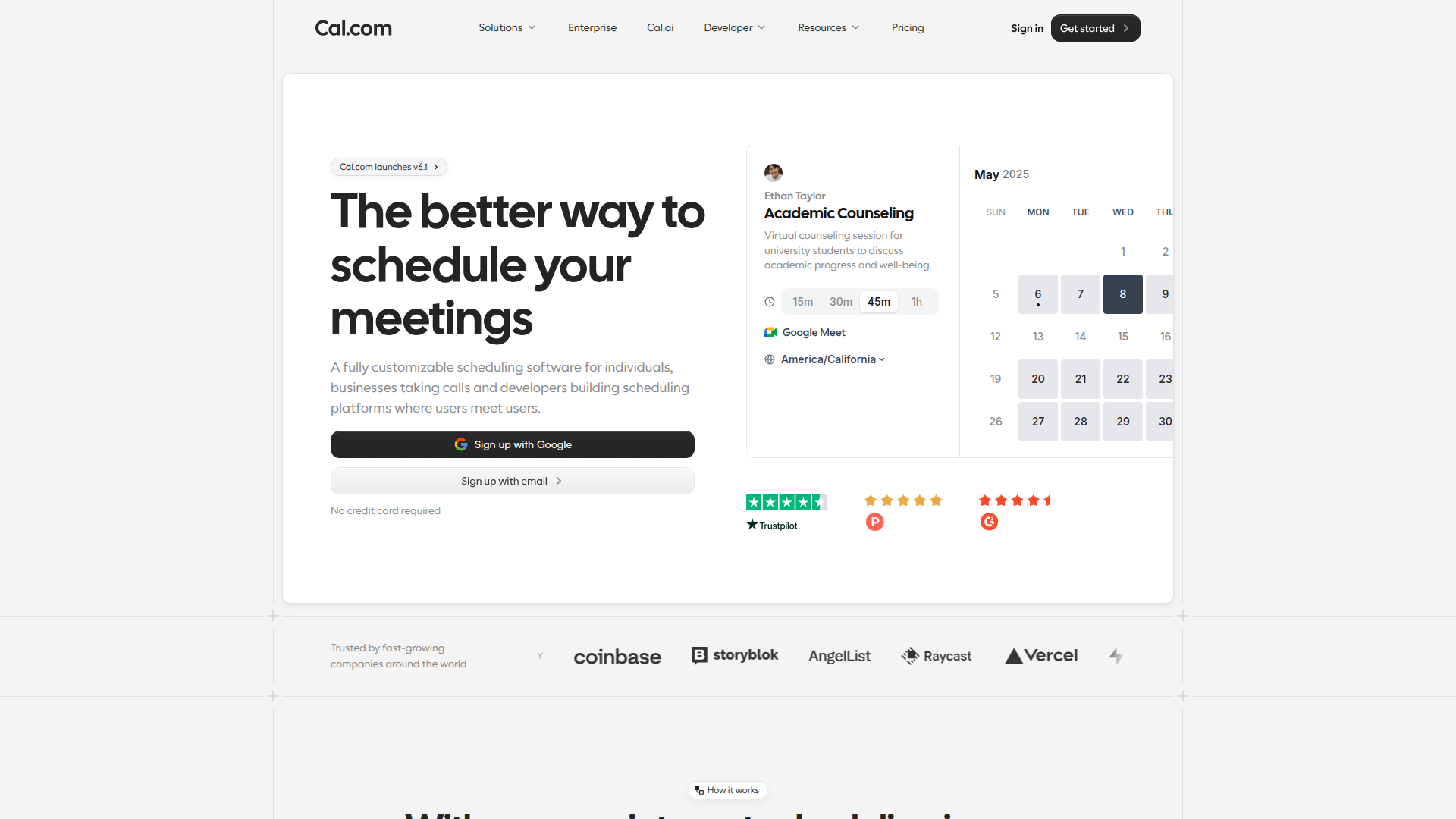
Price: Free tier / $12/month for Teams — see pricing
Cal.com is what happens when developers get frustrated with Calendly and decide to build something better. It's open-source on GitHub with 40k+ stars, self-hostable, and the free tier is genuinely usable — not a bait-and-switch.
What We Liked
- Open-source with active community (40k+ GitHub stars)
- Self-hosting option means zero monthly cost if you're technical
- Round-robin, collective scheduling, and routing forms built-in
- API-first design — automate everything
- Custom branding even on free plan
What Could Be Better
- Setup requires more effort than Calendly's plug-and-play
- Self-hosting needs technical chops (Docker, etc.)
- Some integrations still catching up to Calendly's ecosystem
Growth Hacker Take: If you're building a startup and scheduling is core to your workflow, Cal.com is the no-brainer. Fork it, customize it, embed it. The fact that it's free and open-source means your scheduling tool scales with you without eating into runway.
Try Cal.com — it's free to start.
Cal.com Review — Is This the Best Scheduling Tool?
2. SavvyCal — Best for Team Scheduling
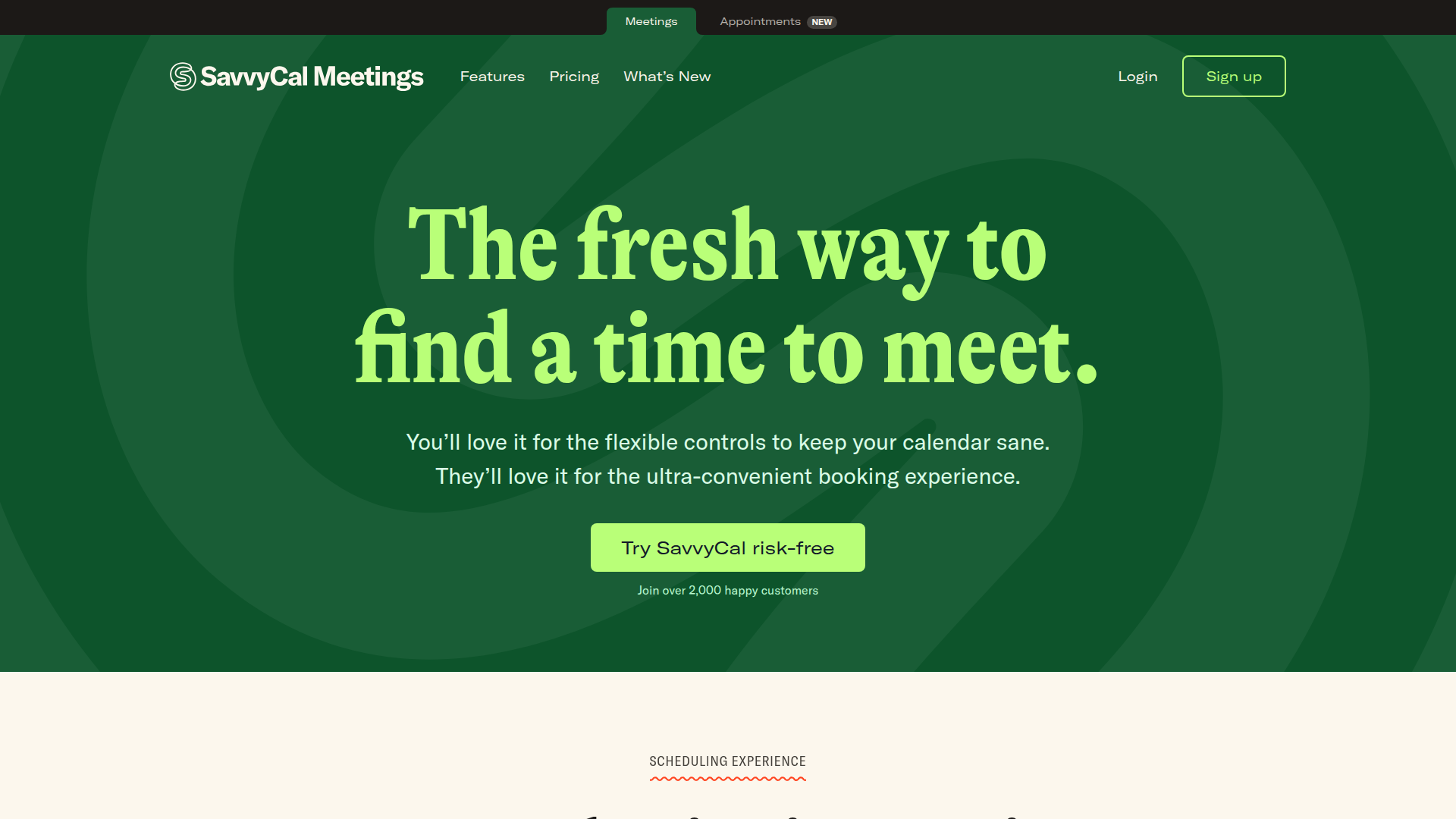
Price: $12/month (individual) / $20/month (teams) — see pricing
SavvyCal's killer feature? Calendar overlay. Instead of showing available slots on a boring list, your invitee sees their own calendar overlaid with yours. It's surprisingly intuitive and reduces the back-and-forth.
What We Liked
- Calendar overlay is genuinely innovative — your invitees see both calendars at once
- Prioritized scheduling lets you rank your preferred time slots
- Clean, modern design that doesn't look like 2015
- Team scheduling with round-robin built-in
What Could Be Better
- No free tier (only a free trial)
- Fewer integrations than Calendly's massive ecosystem
- $20/month for teams feels steep when you're bootstrapping
Growth Hacker Take: If your team does a lot of external meetings — sales calls, customer onboarding, partner demos — the calendar overlay alone justifies the price. It's a small UX touch that genuinely converts more bookings. We've seen 15-20% higher booking rates compared to a standard time picker.
Try SavvyCal — free trial available.
SavvyCal — Best Calendly Alternative?
3. TidyCal — Best Budget Pick
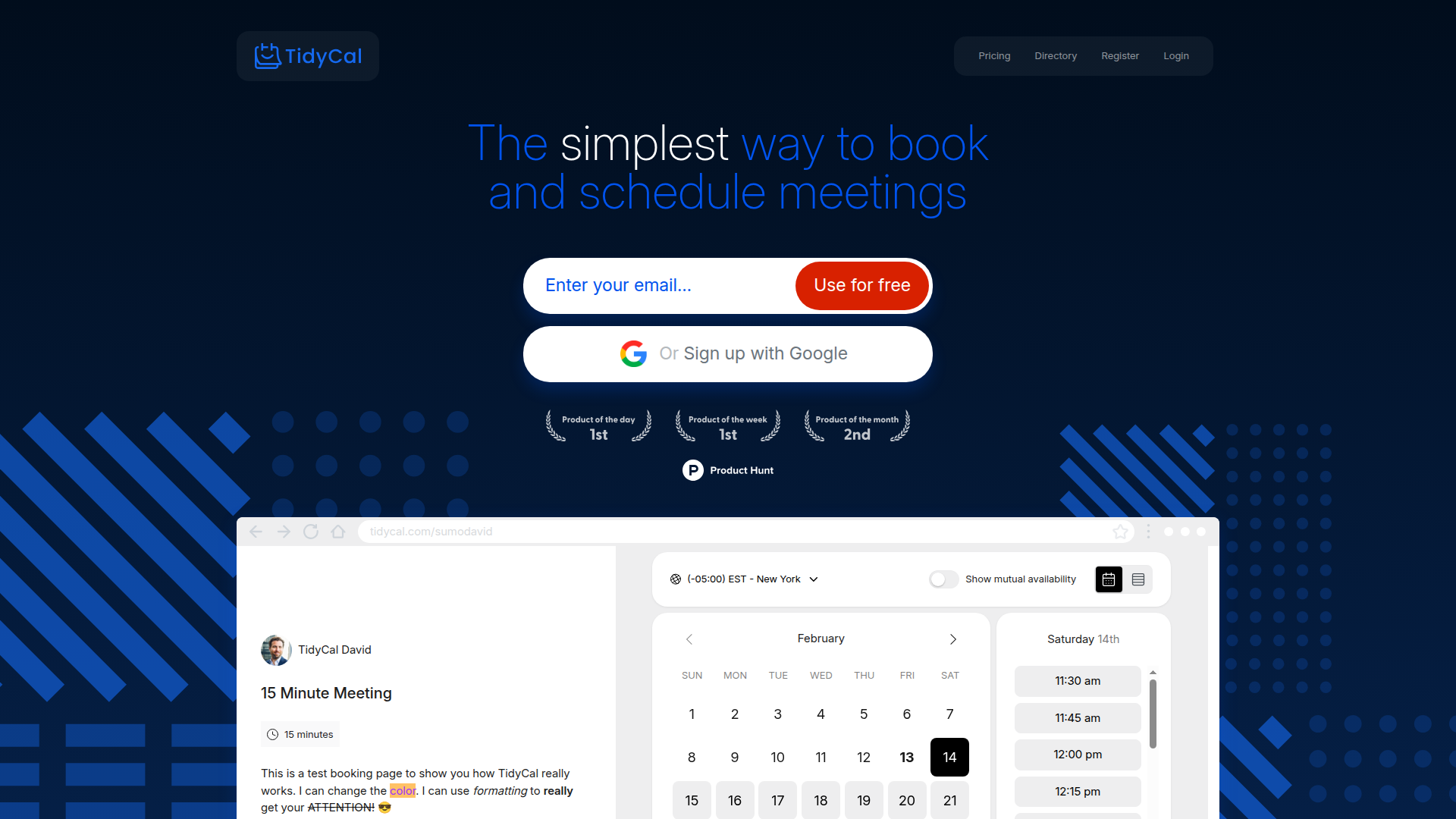
Price: Free tier / $29 one-time (lifetime) — grab the deal
TidyCal is AppSumo's scheduling darling, and for good reason. $29 once and you're done. No monthly fees, no surprise pricing changes, no "we're moving to enterprise tiers" emails.
What We Liked
- $29 lifetime deal — pay once, schedule forever
- Dead simple to set up (under 5 minutes, we timed it)
- Google Calendar + Zoom integrations work out of the box
- Custom booking pages with your branding
What Could Be Better
- Feature set is basic compared to Cal.com or Calendly Pro
- No team scheduling features at all
- Limited automation — no workflows or conditional routing
Growth Hacker Take: If scheduling is a "set it and forget it" thing for you — coffee chats, podcast bookings, quick calls — TidyCal at $29 lifetime is stealing. After 3 months, it's already cheaper than Calendly's $10/month plan. Don't overthink it.
Grab the TidyCal lifetime deal — $29 once, done.
TidyCal Review — Lifetime Deal Worth It?
4. Doodle — Best for Group Polls
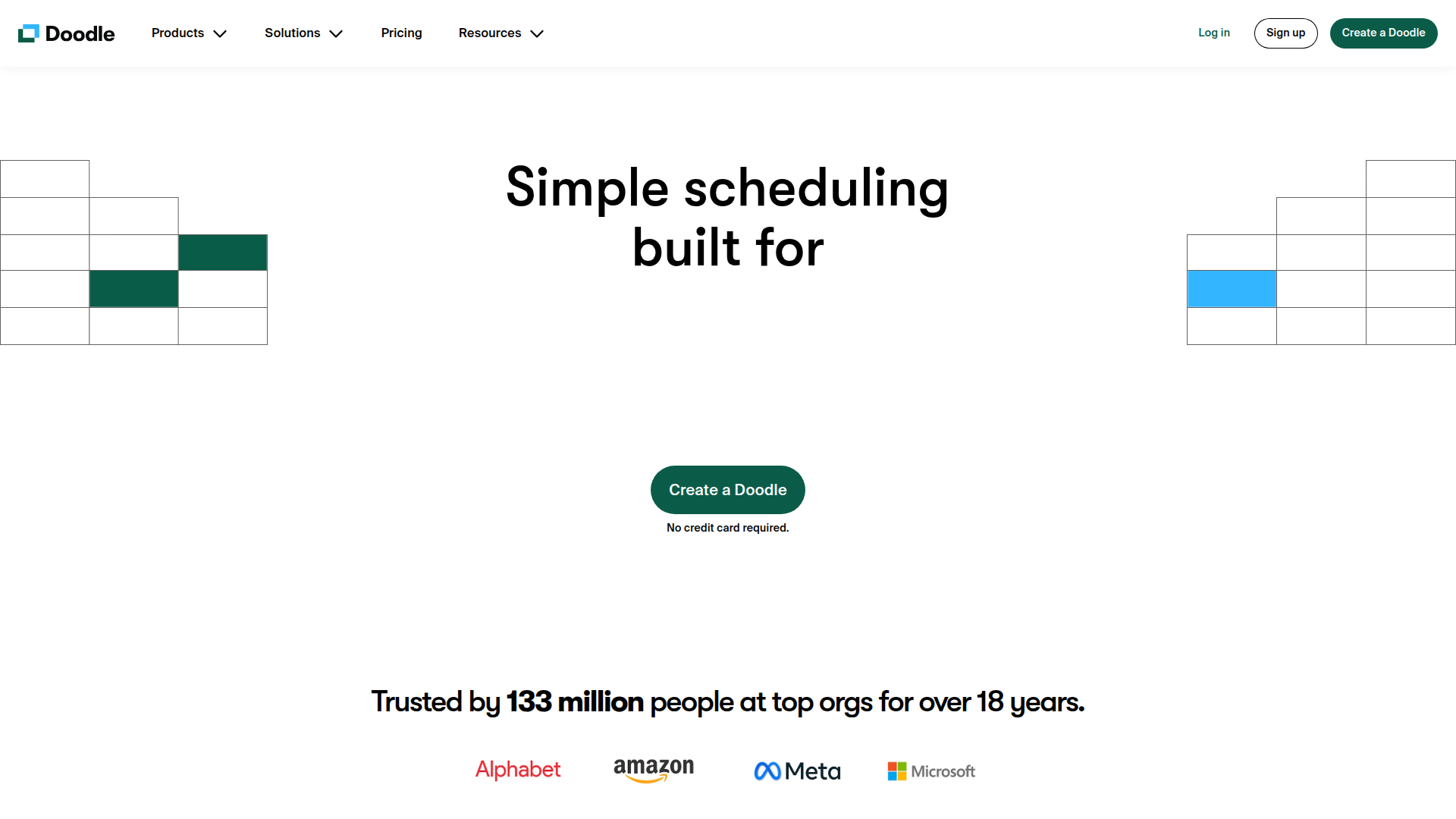
Price: Free / $6.95/month (Pro) — see plans
Doodle has been around forever, and it's still the best at one thing: getting a group of people to agree on a time. The poll-based approach works when you need 5+ people to find a common slot.
What We Liked
- Group polling is unmatched — nothing comes close for multi-person scheduling
- No account needed for participants (huge for external meetings)
- Works great for community events, meetups, and team standups
What Could Be Better
- 1-on-1 scheduling feels clunky compared to Calendly or Cal.com
- Free tier has intrusive ads that make you look unprofessional
- UI feels dated compared to newer tools — needs a design refresh
Growth Hacker Take: Doodle is a one-trick pony, but it's the BEST one-trick pony. If you regularly coordinate group meetings, nothing else comes close. For 1-on-1s? Look elsewhere.
Try Doodle — free for basic group polls.
5. Acuity Scheduling — Most Feature-Rich
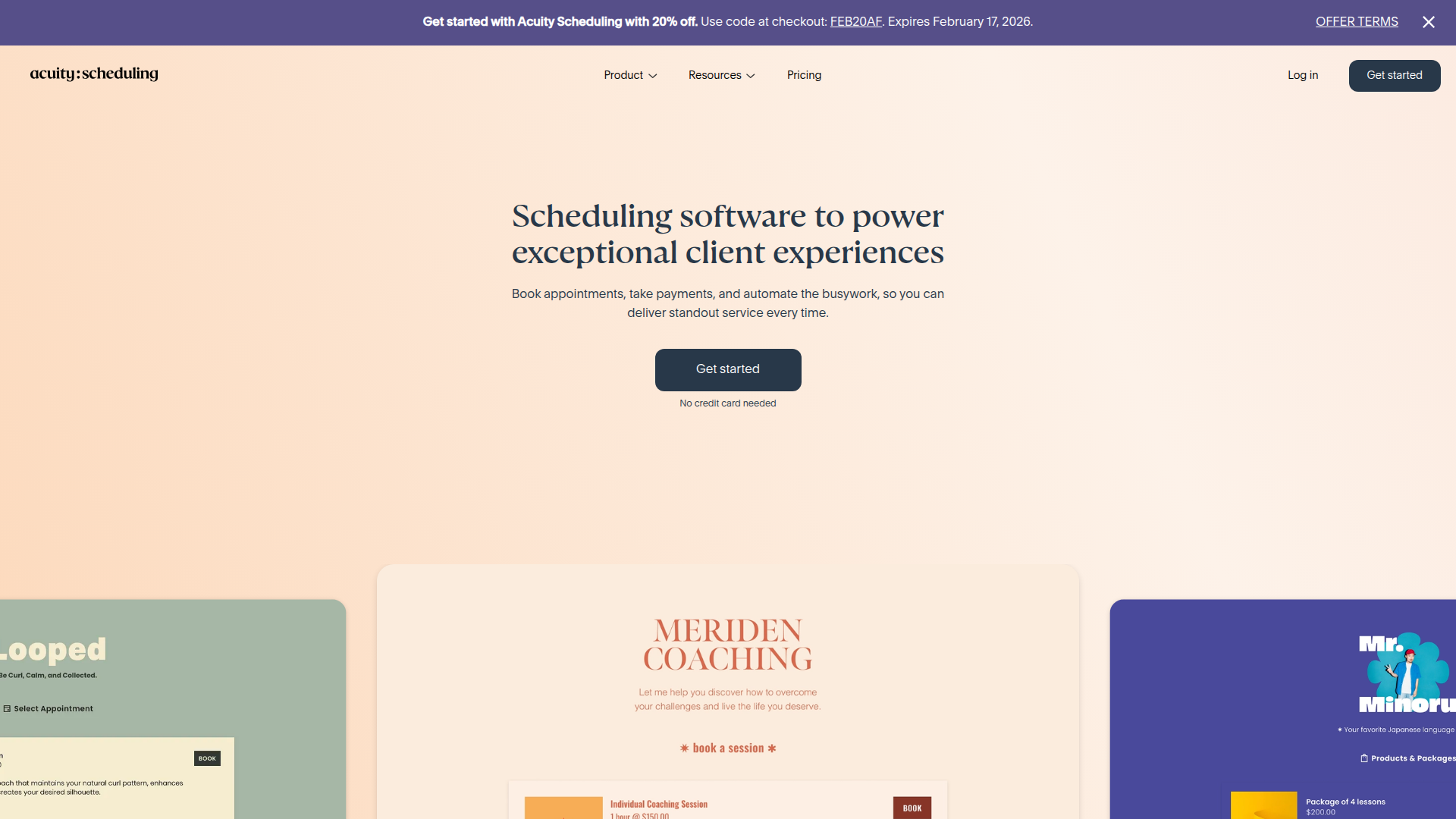
Price: $16/month (Emerging) / $27/month (Growing) / $49/month (Powerhouse) — see pricing
Acuity (now owned by Squarespace) is the Swiss Army knife of scheduling. Intake forms, payment collection, package selling, gift certificates — it does everything. Almost too much, honestly.
What We Liked
- Built-in payment collection via Stripe, Square, and PayPal
- Custom intake forms per appointment type (ask the right questions upfront)
- Package and membership selling — sell a "4-session coaching bundle" directly
- Most robust feature set of any scheduling tool, period
What Could Be Better
- No free tier — just a 7-day trial that barely scratches the surface
- Can feel overwhelming — so many settings you'll need a map
- UI is functional but not beautiful — it gets the job done, not the design award
Growth Hacker Take: If you're a consultant, coach, or freelancer who charges for time, Acuity's built-in payments save you from juggling Stripe + Calendly + invoicing. One tool to rule them all. But if you just need simple scheduling, it's overkill.
Try Acuity Scheduling — 7-day free trial.
Acuity Scheduling — Honest Review
6. YouCanBookMe — Best Google Integration
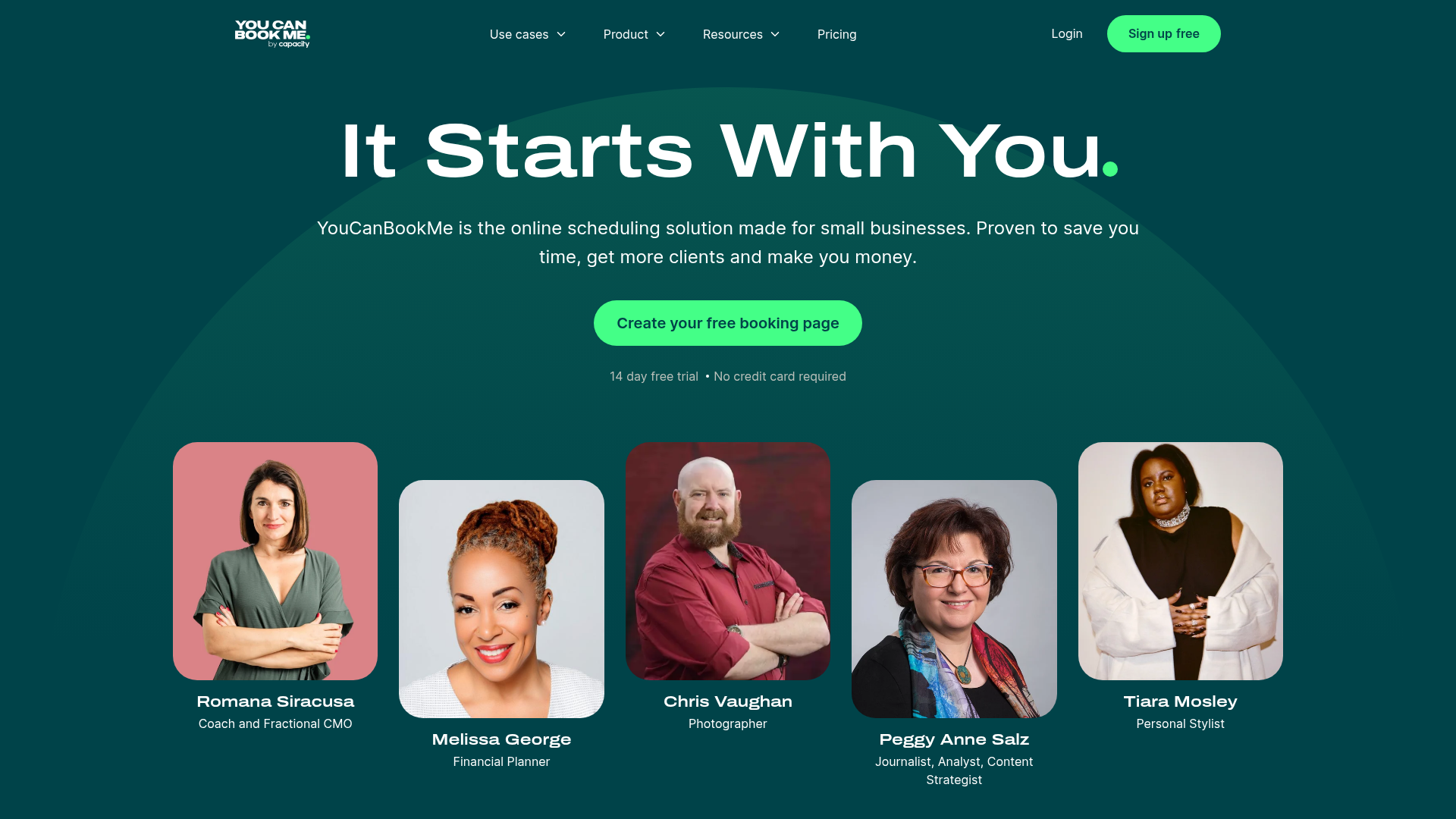
Price: $10.80/month per calendar — see pricing
YouCanBookMe was built specifically for Google Calendar users, and it shows. The integration is deep — custom fields, automated reminders, and time zone magic that just works.
What We Liked
- Deepest Google Calendar integration of any scheduling tool
- Custom booking pages with lots of flexibility
- Automated SMS and email reminders reduce no-shows by 30-40%
What Could Be Better
- Per-calendar pricing gets expensive fast with multiple calendars
- No free tier at all — not even a proper trial
- Less known = smaller community and fewer integrations
Growth Hacker Take: If your entire life lives in Google Calendar and you want the tightest possible integration, YouCanBookMe is your pick. But the per-calendar pricing model punishes power users.
Try YouCanBookMe — 14-day free trial.
7. Appointlet — Solid Mid-Range Option
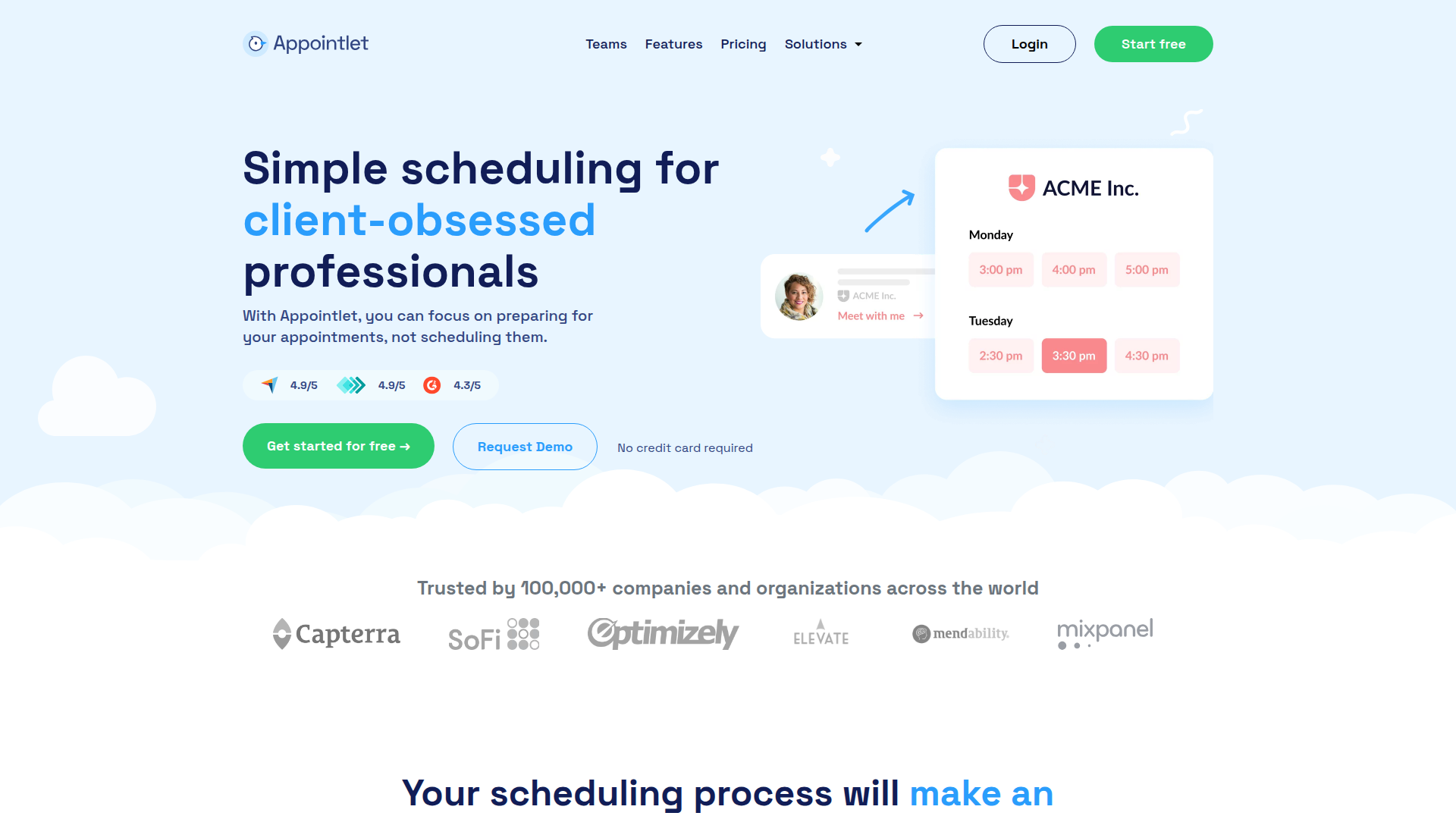
Price: Free / $8/month (Premium) — see pricing
Appointlet is the quiet workhorse. Nothing flashy, but it gets the job done. Free tier is usable, premium is cheap, and setup takes about 3 minutes.
What We Liked
- Genuinely generous free tier — not a bait-and-switch
- Clean embed options for websites (iframe and popup)
- Good range of integrations — Zoom, Teams, Meet all supported
What Could Be Better
- Design feels a bit generic — won't win any design awards
- Limited customization on free plan
- Smaller team = slower feature releases compared to Cal.com or Calendly
Growth Hacker Take: Appointlet is the "Honda Civic" of scheduling tools. Reliable, affordable, gets you there. If you don't need fancy features and just want something that works for $8/month, this is it.
Try Appointlet — free tier available.
8. Zcal — Best Free Option

Price: Free / $10/month (Pro) — try it free
Zcal is the new kid on the block, and they're betting big on the free tier. It's genuinely full-featured for $0 — no catch, no hidden limits (yet). If you want free scheduling without self-hosting, this is it.
What We Liked
- Most generous free tier of any scheduling tool — unlimited events, no branding
- Modern, clean interface that actually looks good in 2026
- Fast setup with Google/Microsoft calendar sync
What Could Be Better
- Newer product = less battle-tested, occasional bugs
- Limited team features — really built for solo users
- Fewer integrations than established players like Calendly or Cal.com
Growth Hacker Take: If you want free scheduling without the headache of self-hosting Cal.com, Zcal is the move. The question is whether they'll keep the free tier this generous as they grow. Enjoy it while it lasts.
Try Zcal — completely free to start.
Bonus: Full Scheduling Software Comparison
Can't decide? This video compares all the top scheduling tools head-to-head — Calendly vs Cal.com vs TidyCal vs Acuity and more:
Best Scheduling Software 2025 — Full Comparison
How to Choose the Right Tool
Here's the shortcut — pick based on your #1 priority:
- Want maximum flexibility and control? → Cal.com
- On a tight budget? → TidyCal ($29 lifetime) or Zcal (free)
- Need team scheduling? → SavvyCal
- Running a service business? → Acuity Scheduling
- Scheduling group events? → Doodle
- Google Calendar power user? → YouCanBookMe
- Just need something simple? → Appointlet
For more in-depth analysis, Capterra's scheduling software directory has user reviews across hundreds of tools. And if you want the startup perspective, Product Hunt's scheduling category shows what's trending.
Still not sure? Check out our comparison pages for head-to-head matchups, or browse all scheduling tools in our directory.
FAQ
What is the best free Calendly alternative?
For a fully free option without self-hosting, Zcal offers the most generous free tier. If you're technical, Cal.com can be self-hosted for free with unlimited features and no restrictions.
Is Cal.com really free?
Yes. Cal.com's free tier includes unlimited event types, custom branding, and core integrations. The paid plan ($12/month) adds team features and priority support. Self-hosting is completely free with no limits. See their open-source repository for details.
What's the cheapest Calendly alternative?
TidyCal at $29 one-time is the cheapest long-term option. After just 3 months, it's already cheaper than Calendly's $10/month plan — and you never pay again.
Can I migrate from Calendly easily?
Most alternatives let you recreate your event types in minutes. Cal.com even has an import feature. The biggest hurdle is updating your scheduling links everywhere — update your email signature, website, and social bios.
Which Calendly alternative is best for sales teams?
SavvyCal for the calendar overlay (higher booking conversion), or Acuity if you need built-in payment collection for demos or consultations.
Are there any open-source Calendly alternatives?
Yes — Cal.com is the leading open-source scheduling tool. It's available on GitHub with 40k+ stars and can be self-hosted on your own infrastructure for complete control and zero cost.
What's the best Calendly alternative for freelancers?
If you charge for your time, Acuity Scheduling lets you collect payments during booking. If you just need simple meeting scheduling, TidyCal at $29 one-time is the smart pick.
About the Author
Marco Delvane
Growth Team at Vibe Growth Stack. Tested 100+ growth tools so you don't have to. Writes about what actually works for startups — no fluff, no affiliate bias.
Related Articles
Get growth tips in your inbox
No-BS growth hacks, tool reviews, and best-value picks. Weekly.
Unsubscribe anytime. We hate spam too.