Best Tableau Alternatives 2026: 7 Affordable BI Tools
Discover 7 budget-friendly Tableau alternatives in 2026. Compare Metabase, Looker Studio, Preset, Sisense, Redash & more for your business intelligence needs.

Marco Delvane
Growth Team
Key Takeaways
- Best Overall: Metabase — Open-source powerhouse with visual query builder. Free forever or $85/month for cloud.
- Best for Non-Technical Teams: Looker Studio — Google's free BI tool. Zero learning curve if you know spreadsheets.
- Best for Modern Data Stacks: Preset — Apache Superset with enterprise features. From $20/month.
- Best for Embedded Analytics: Sisense — White-label BI for SaaS products. Enterprise pricing but worth it.
- Budget Champion: Redash — SQL-first, self-hosted, open-source. Literally free if you host it.
Tableau costs $70/user/month minimum. For a 10-person team, that's $8,400/year. And you still need to pay separately for Tableau Server if you want to share dashboards beyond your team.
The good news? The BI landscape shifted hard in the last three years. Tools like Metabase and Preset deliver 80% of Tableau's power at 20% of the cost. Looker Studio is straight-up free. And if you're technical, self-hosted options like Redash cost nothing but server time.
This guide covers seven Tableau alternatives that won't destroy your budget. We tested each one, compared pricing, and ranked them by use case. Whether you're a 3-person startup or a 300-person company, there's a better option than paying Salesforce's Tableau tax.
Quick Comparison: Tableau vs. Alternatives
| Tool | Starting Price | Best For | Free Tier? | VGS Verdict |
|---|---|---|---|---|
| Metabase | Free (self-hosted) / $85/month (cloud) | Teams wanting visual query builder | Yes | Best overall alternative |
| Looker Studio | Free | Google Workspace users | Yes | Unbeatable for price |
| Preset | $20/month | Modern data stacks | 14-day trial | Superset without ops headache |
| Sisense | Custom pricing | Embedded analytics in SaaS | No | Enterprise embedded BI |
| Redash | Free (self-hosted) | SQL-fluent teams | Yes | Best for developers |
| Power BI | $10/user/month | Microsoft ecosystem teams | Desktop version free | Solid but still Microsoft |
| Apache Superset | Free (open-source) | Data teams with DevOps resources | Yes | Most powerful free option |
1. Metabase — The Open-Source BI Tool That Just Works
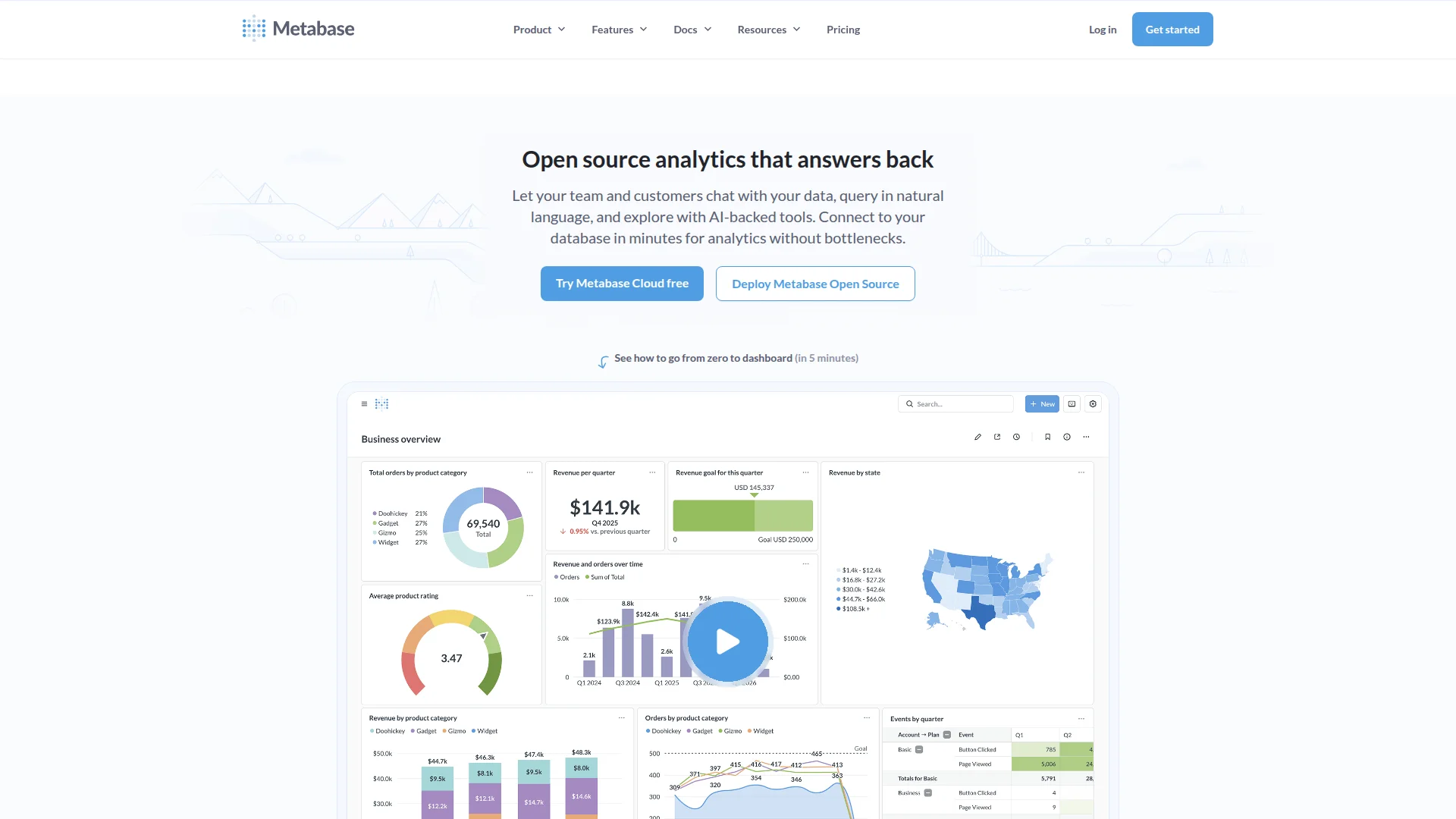
Pricing: Free (self-hosted) | Starter ($85/month for 5 users) | Pro ($500/month for 10 users)
Metabase is the first BI tool non-technical people actually enjoy using. The visual query builder lets marketing and sales teams build charts without writing SQL. But engineers can still drop into SQL mode when they need it. You get row-level permissions, embedded analytics, and automated dashboards out of the box.
The self-hosted version is completely free. The cloud version ($85/month) removes DevOps overhead and adds SSO, audit logs, and premium support. For most teams under 20 people, the Starter plan is perfect.
What We Liked
- Visual query builder — non-technical users can actually build charts
- Free self-hosted version with no feature limits
- Clean UI that doesn't require a PhD to navigate
- Active community and extensive integrations
What Could Be Better
- Self-hosted version requires Docker/server knowledge
- Advanced visualizations limited compared to Tableau
Growth Hacker Take: This is the Tableau replacement for 80% of teams. If you're not doing complex geospatial analysis or blending 47 data sources, Metabase delivers everything you need at a fraction of the cost.
Metabase Tutorial & Review
2. Looker Studio — Google's Free BI Secret Weapon
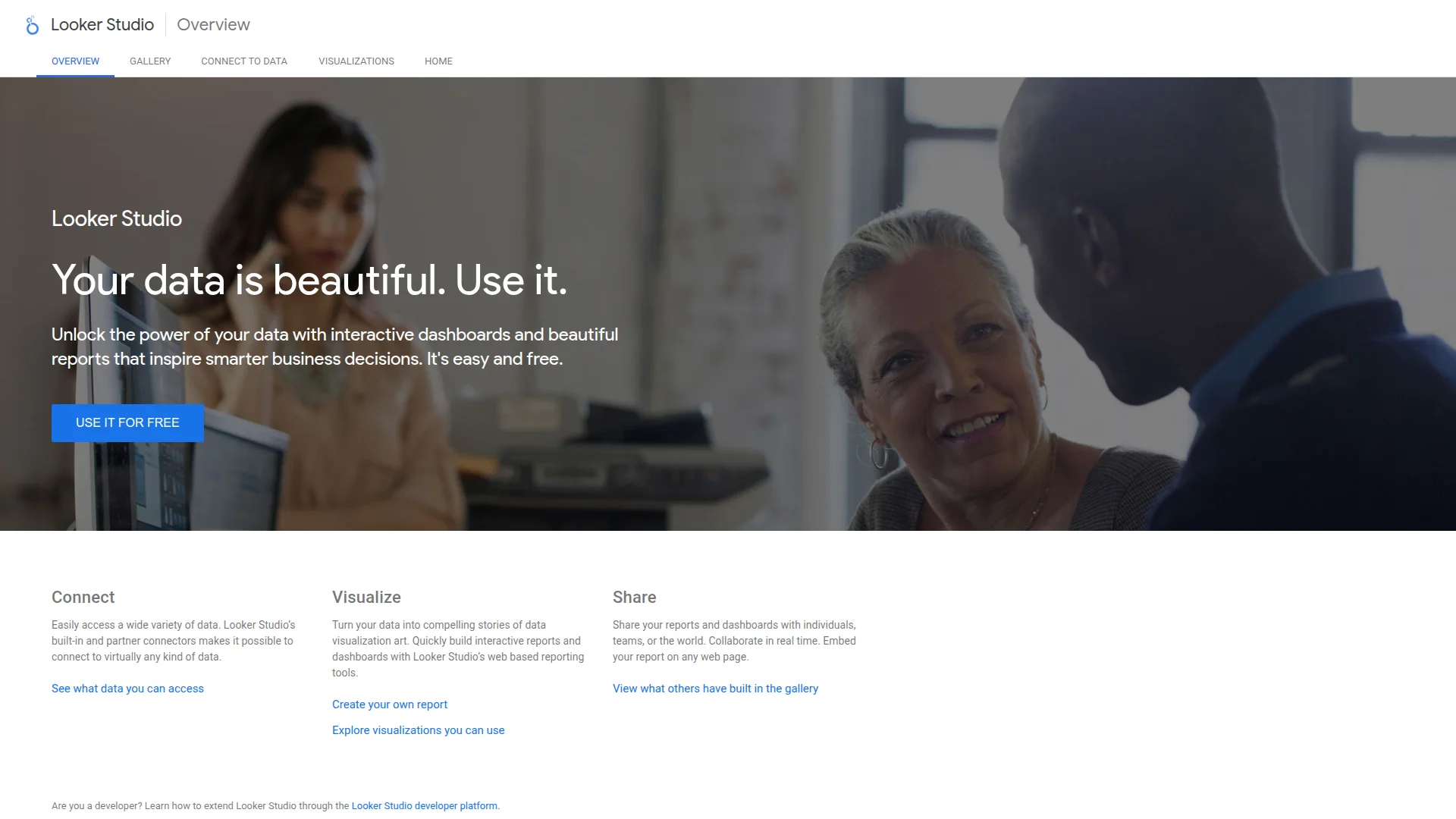
Pricing: Free (always)
Formerly Google Data Studio, Looker Studio is Google's answer to Tableau. It's completely free, connects to 800+ data sources, and integrates seamlessly with Google Analytics, BigQuery, and Sheets. The interface feels like Google Slides, so the learning curve is minimal.
The catch? It's built for marketers and analysts, not data scientists. You won't get advanced statistical functions or complex calculated fields. But for standard dashboards showing traffic, conversions, and revenue metrics, it's unbeatable value.
What We Liked
- Completely free with unlimited reports and users
- Native Google Analytics and BigQuery integration
- Familiar Google UI — zero learning curve
- Real-time collaboration like Google Docs
What Could Be Better
- Limited customization compared to paid tools
- Slow performance with large datasets
Growth Hacker Take: If you're already in the Google ecosystem, this is a no-brainer. Marketing teams love it because it connects GA4, Google Ads, and Search Console in 30 seconds. Just don't expect enterprise-grade performance.
Looker Studio Full Tutorial
3. Preset — Apache Superset Without the Headache
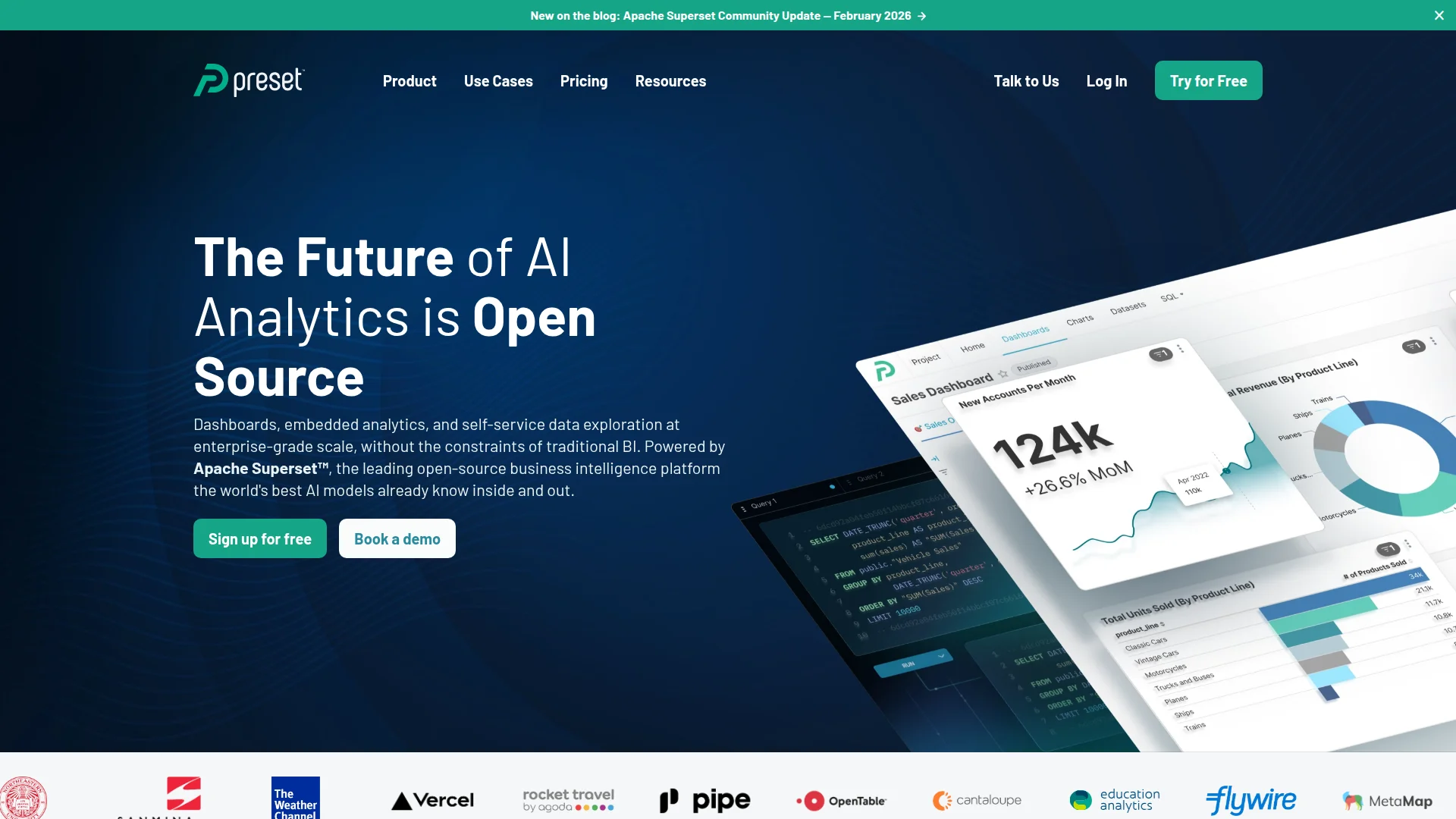
Pricing: Team ($20/month per editor) | Business ($40/month per editor) | Enterprise (custom)
Preset is Apache Superset as a managed service. You get the power of open-source Superset (SQL Lab, 40+ visualization types, modern data stack integrations) without managing infrastructure. It's built by the creators of Apache Superset, so updates ship faster than self-hosted versions.
The Team plan at $20/month per editor is absurdly good value. You get unlimited viewers, Git-based version control, and semantic layers. Perfect for startups with a modern data stack (dbt, Snowflake, BigQuery).
What We Liked
- Full Superset power without DevOps overhead
- Git integration for dashboard version control
- SQL Lab for exploratory data analysis
- Semantic layer for consistent metrics
What Could Be Better
- Steeper learning curve than Metabase
- Per-editor pricing adds up quickly
Growth Hacker Take: This is the best choice if you're running a modern data stack. Native dbt integration means your metrics layer stays in sync. Just be ready to invest time in setup—it's not plug-and-play like Looker Studio.
Preset vs Apache Superset Comparison
4. Sisense — When You Need Embedded Analytics
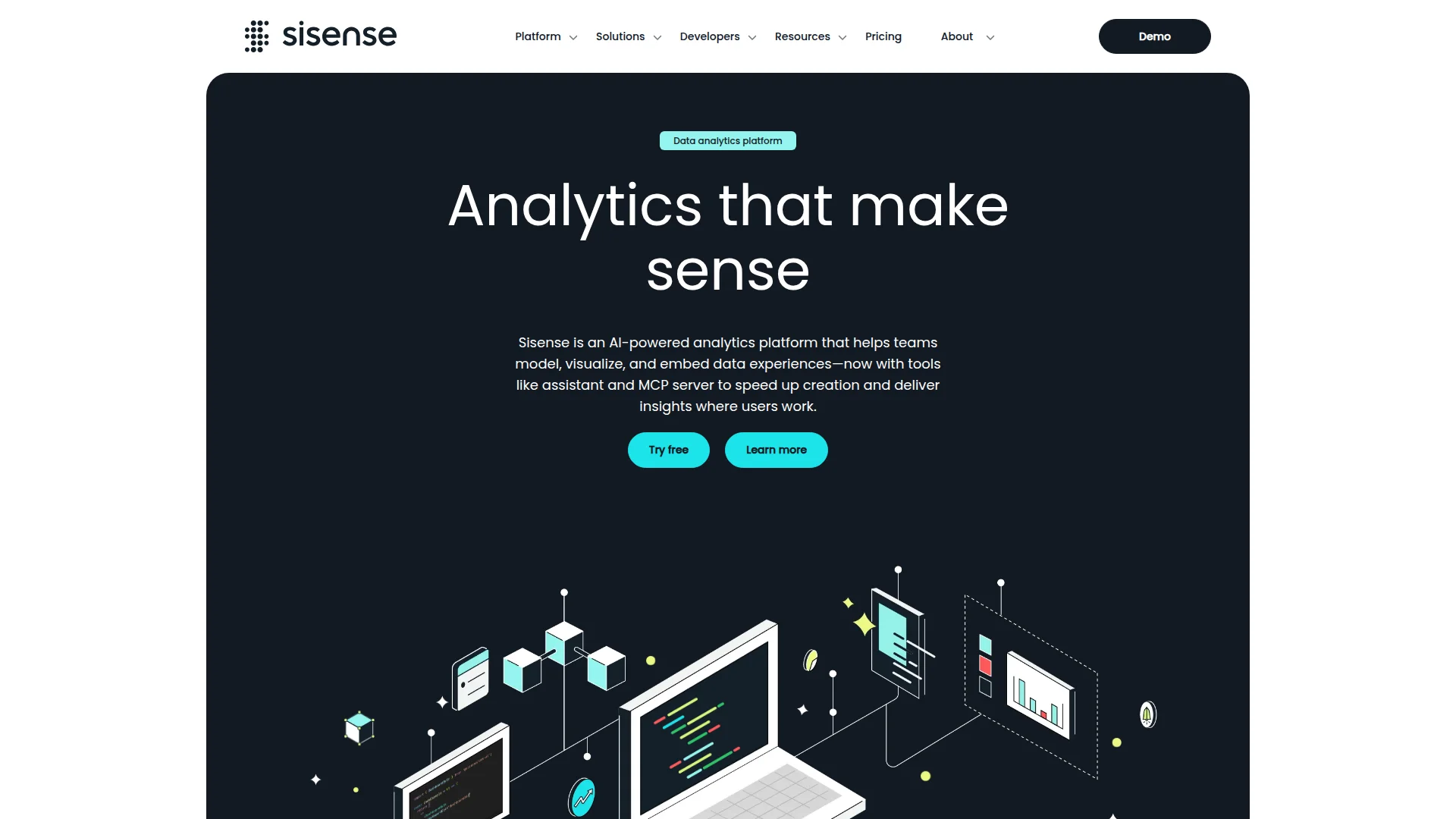
Pricing: Custom (starts around $1,000/month)
Sisense is the embedded analytics choice for B2B SaaS companies. If you're building dashboards inside your product for customers, Sisense makes it painless. White-label everything, use their SDK for custom visualizations, and scale to thousands of embedded users without performance issues.
It's not cheap—expect to pay $1K+/month minimum. But the alternative is building your own analytics infrastructure, which costs 10x more in engineering time. Companies like Philips, Nasdaq, and UiPath use Sisense for customer-facing analytics.
What We Liked
- Purpose-built for embedded use cases
- White-label customization without limits
- In-chip technology for fast queries on large datasets
- Multi-tenancy support out of the box
What Could Be Better
- Enterprise pricing only—no transparent tiers
- Overkill if you just need internal dashboards
Growth Hacker Take: Only consider Sisense if you're embedding analytics into a SaaS product. For internal dashboards, literally anything else on this list is better value. But for embedded? This is the gold standard.
5. Redash — SQL-First BI for Developer Teams
Pricing: Free (self-hosted, open-source)
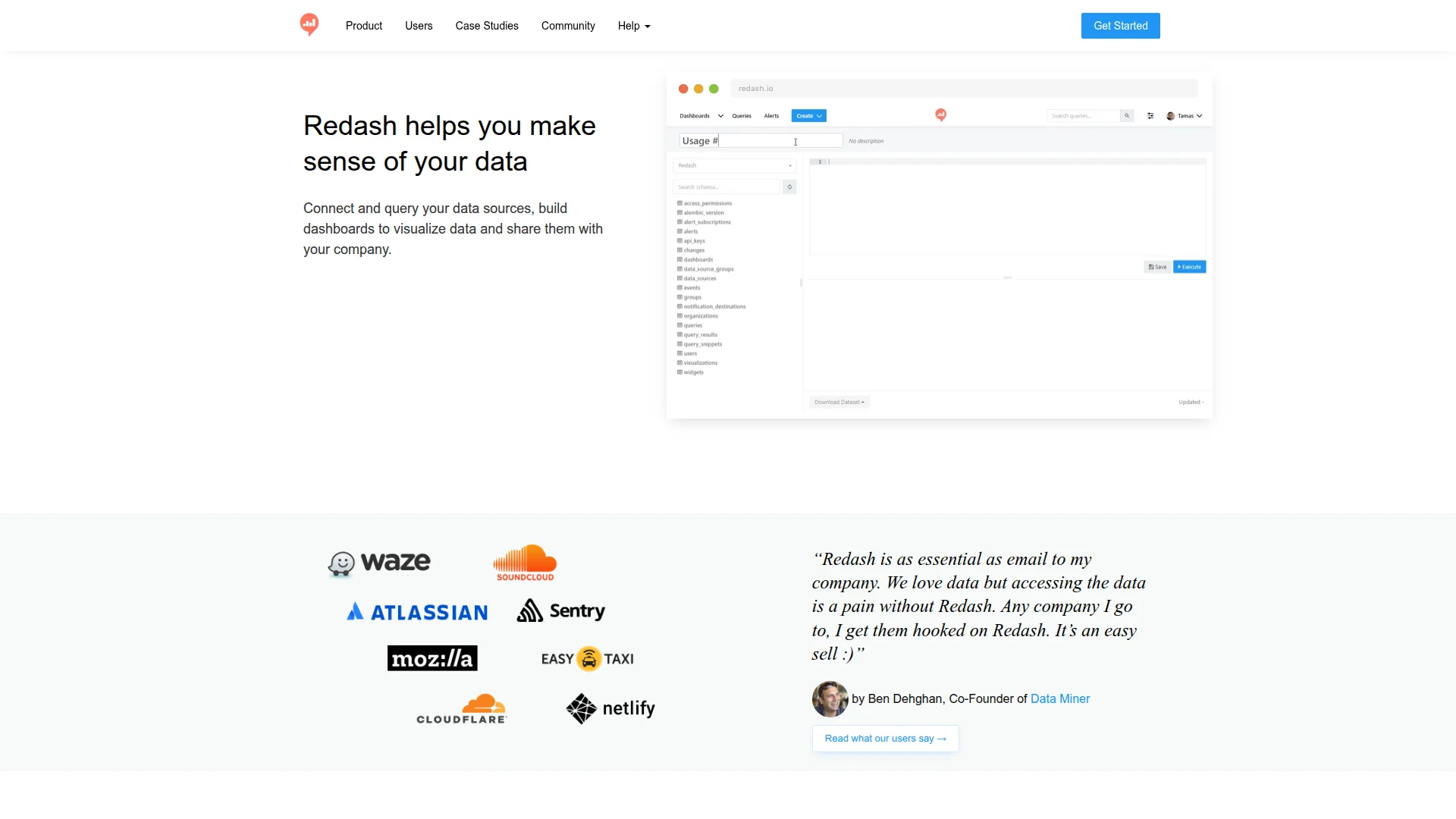
Redash is for teams that live in SQL. You write queries, Redash visualizes them. No drag-and-drop builders, no visual query designers. Just raw SQL and beautiful charts. It connects to 30+ data sources (PostgreSQL, MySQL, BigQuery, Redshift, MongoDB) and lets you schedule queries to run automatically.
The entire product is open-source and self-hosted. Spin up a Docker container, point it at your database, and you're running BI for $0/month. Perfect for engineering-heavy teams allergic to Tableau's bloat.
What We Liked
- Completely free and open-source
- SQL-first design — no abstraction layers
- Lightweight and fast
- Active community and extensive data source support
What Could Be Better
- Non-technical users can't build dashboards
- Limited visualization options compared to competitors
Growth Hacker Take: If your entire team speaks SQL, Redash is perfect. Marketing wants to build their own charts? Send them to Metabase instead. This is a developer tool, not a business user tool.
6. Power BI — The Microsoft Ecosystem Play
Pricing: Free (Power BI Desktop) | Pro ($10/user/month) | Premium ($20/user/month)
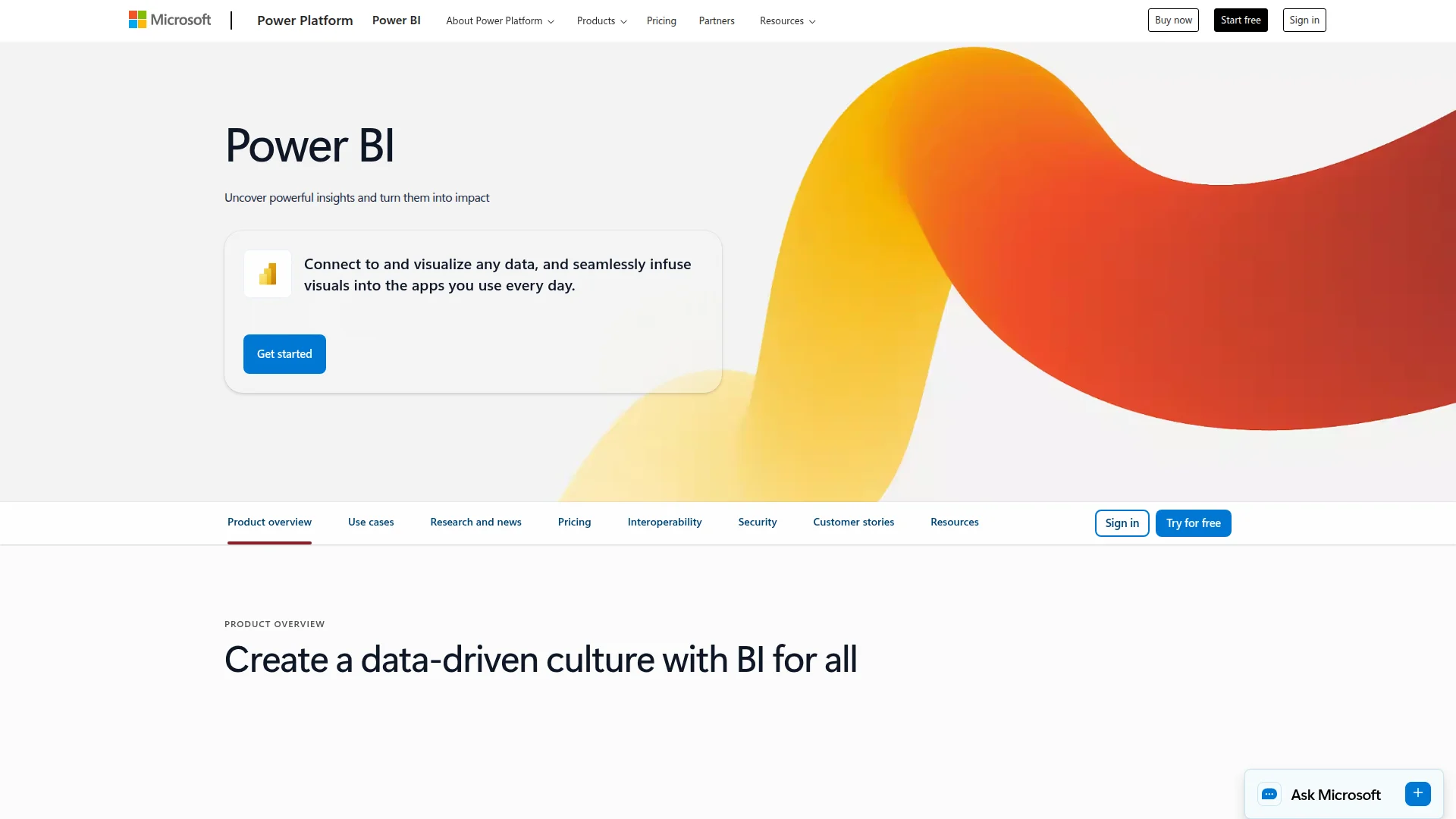
Power BI is Microsoft's Tableau killer. At $10/user/month, it's significantly cheaper than Tableau's $70/user/month. You get DAX for advanced calculations, native Azure integration, and AI-powered insights. The free desktop version lets you build unlimited reports locally.
The problem? It's deeply Microsoft. If you're not running on Azure, SQL Server, and Office 365, you'll fight integrations constantly. And the UI feels like Excel had a baby with SharePoint—functional but ugly.
What We Liked
- $10/month is absurdly cheap for enterprise BI
- DAX language rivals Tableau's calculated fields
- Seamless Microsoft ecosystem integration
- AI-powered natural language queries
What Could Be Better
- Clunky UI that feels stuck in 2015
- Poor support for non-Microsoft data sources
Growth Hacker Take: If you're already paying Microsoft, Power BI is a no-brainer at $10/month. Everyone else should probably look at Metabase or Preset first. You're buying into the Microsoft ecosystem, not just a BI tool.
7. Apache Superset — Maximum Power, Maximum Effort
Pricing: Free (open-source)
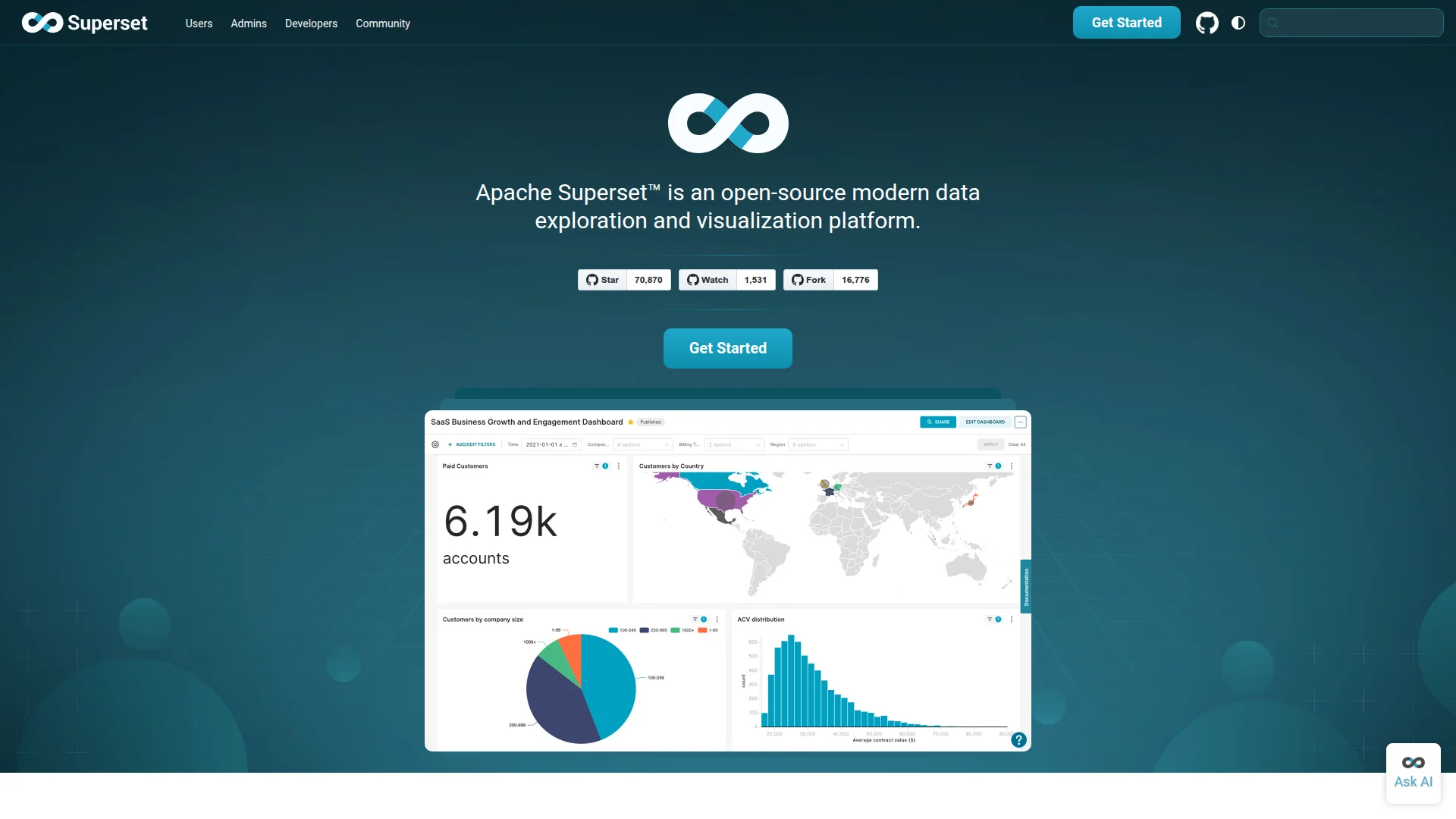
Apache Superset is what you run when you want Tableau power without Tableau cost. It's maintained by Apache, used by Airbnb, and supports 40+ visualization types. You get SQL Lab for exploration, a semantic layer for consistent metrics, and role-based access control.
The downside? You're managing infrastructure. Setting up Superset requires Kubernetes knowledge, database admin skills, and ongoing DevOps maintenance. Most teams opt for Preset (managed Superset) instead.
What We Liked
- Most powerful free BI tool available
- 40+ chart types including advanced geospatial
- SQL Lab for data exploration
- Active development and large community
What Could Be Better
- Requires serious DevOps knowledge to deploy
- Steep learning curve for end users
Growth Hacker Take: Only self-host Superset if you have dedicated platform engineers. Everyone else should pay $20/month for Preset and save 40 hours of setup pain. The cost difference is negligible compared to engineering time.
How to Choose Your Tableau Alternative
Your best option depends on team size, technical skills, and budget:
- Choose Metabase if: You want visual query building for non-technical users, are okay with basic self-hosting, or need a balance of power and simplicity. Best all-around Tableau replacement.
- Choose Looker Studio if: You're already using Google Analytics, BigQuery, or Google Ads, need something free immediately, or have mostly marketing use cases.
- Choose Preset if: You run a modern data stack (dbt, Snowflake, BigQuery), need Git-based version control, or want Superset without infrastructure headaches.
- Choose Sisense if: You're embedding analytics into a B2B SaaS product, need white-label customization, or have budget for enterprise pricing.
- Choose Redash if: Your entire team writes SQL comfortably, you want zero software costs, or you're a developer-first organization.
- Choose Power BI if: You're already paying for Microsoft 365, use Azure/SQL Server extensively, or want cheap enterprise BI with AI features.
- Choose Apache Superset if: You have platform engineers available, need maximum customization, or want to avoid vendor lock-in entirely.
FAQ
Is Metabase really free forever?
Yes, the self-hosted version is completely free and open-source with no feature limits. You only pay for the cloud version ($85/month) if you want managed hosting and premium support.
Can Looker Studio replace Tableau for enterprise use?
Not for complex analytics. Looker Studio works great for marketing dashboards and basic reporting, but lacks advanced features like statistical functions, complex joins, and high-performance data blending that enterprise teams need.
What's the difference between Preset and Apache Superset?
Preset is managed Apache Superset. You get the same core features but Preset handles hosting, updates, security, and scaling. Worth the $20/month to avoid DevOps complexity.
Why is Tableau so expensive compared to alternatives?
Salesforce acquired Tableau in 2019 and shifted to enterprise-focused pricing. Alternatives emerged because the market demanded affordable BI tools for SMBs and startups that Tableau abandoned.
Do I need SQL knowledge to use these tools?
Metabase, Looker Studio, Power BI, and Sisense all offer visual query builders. Redash and Apache Superset assume SQL knowledge. Preset sits in the middle with both SQL Lab and visual options.
Which tool has the best performance with large datasets?
Sisense (in-chip technology), Apache Superset, and Preset handle large datasets best. Looker Studio struggles above 100K rows. Metabase and Redash performance depends on your database optimization.
About the Author
Marco Delvane
Growth Team at Vibe Growth Stack. Tested 100+ growth tools so you don't have to. Writes about what actually works for startups — no fluff, no affiliate bias.
Related Articles
Get growth tips in your inbox
No-BS growth hacks, tool reviews, and best-value picks. Weekly.
Unsubscribe anytime. We hate spam too.