Best Amplitude Alternatives 2026: 7 Cost-Effective Analytics Tools
Discover 7 affordable Amplitude alternatives for product analytics. Compare PostHog, Mixpanel, Heap, and more to find the best fit for your startup.

Marco Delvane
Growth Team
Part of our Best Analytics Tools for Startups 2026 Guide guide
Key Takeaways
- Best Overall: PostHog — Open-source, self-hostable, includes session replay and feature flags ($0-450/month)
- Best Free Tier: Mixpanel — 20M monthly events free, no credit card required
- Best for Startups: June — Simple setup, affordable pricing, focuses on B2B SaaS metrics ($50/month)
- Best for Scale: Heap — Automatic event tracking, retroactive analysis, enterprise-ready ($3,600/year)
- Amplitude's Problem: Pricing jumps dramatically after free tier, complex interface, overkill for most startups
Why People Are Ditching Amplitude
Amplitude became the default product analytics choice for growth teams. Then the pricing changed. What starts as a generous free tier (10M monthly events) quickly escalates to $50K+ annual contracts once you hit scale. The interface overwhelms new users with dozens of chart types, and you need a data team to implement it properly.
Three common complaints drive teams to alternatives: Pricing shock when upgrading from free tier. Implementation complexity requiring engineering resources for weeks. Feature bloat where 80% of capabilities go unused. The shift to PostHog, Mixpanel, and newer tools reflects a market tired of enterprise pricing for startup needs.
The best alternatives share three traits: transparent pricing that doesn't require sales calls, faster implementation (hours, not weeks), and focused feature sets that solve 90% of use cases without the complexity tax.
Quick Comparison Table
| Tool | Starting Price | Best For | Free Tier? | VGS Verdict |
|---|---|---|---|---|
| PostHog | $0/month | Engineers, self-hosting | 1M events/month | Most flexible, best value |
| Mixpanel | $0/month | Product teams, mobile apps | 20M events/month | Cleanest UX, generous free tier |
| June | $50/month | B2B SaaS, small teams | 1K users free | Simplest setup, focused metrics |
| Heap | $3,600/year | Retroactive analysis | 10K sessions/month | Auto-tracking magic |
| Pendo | Contact sales | Product-led growth | No free tier | Guides + analytics combo |
| Matomo | $0 (self-hosted) | Privacy-first orgs | Unlimited | GDPR compliance built-in |
| Hotjar | $0/month | Qualitative insights | 35 sessions/day | Heatmaps + session replay |
1. PostHog — The Open-Source Analytics Suite
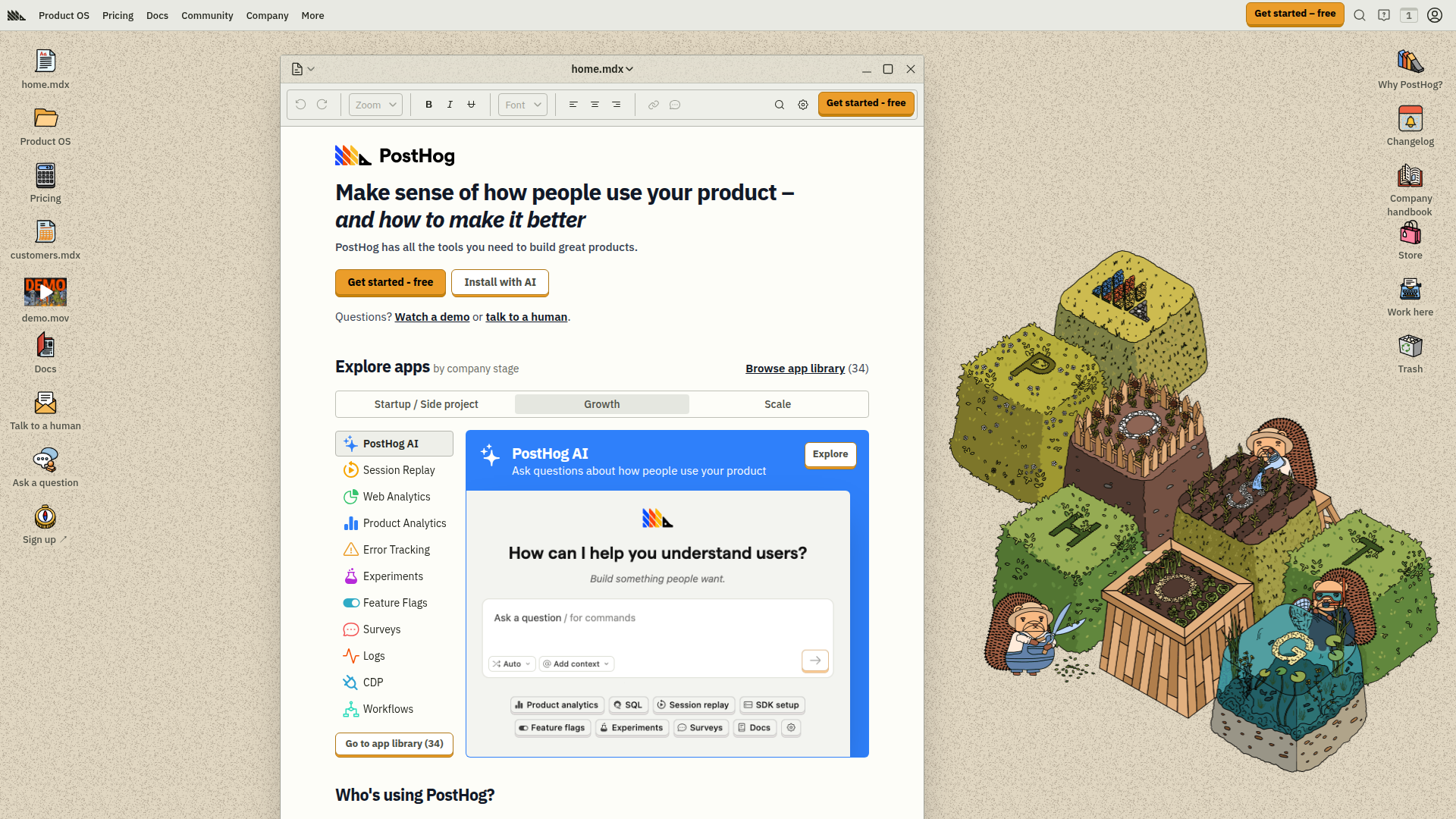
Pricing: Free up to 1M events/month | Pro starts at $0 with usage-based pricing | Self-hosted available
PostHog combines product analytics, session replay, feature flags, A/B testing, and surveys in one platform. Built for engineers who want control without vendor lock-in. Self-hosting option means your data never leaves your infrastructure. The free tier is actually usable (1M monthly events), and pricing scales linearly without surprise jumps. Session replay shows exactly what users did before converting or churning. Feature flags integrate directly with analytics, so you see experiment impact immediately.
What We Liked
- Open-source with self-hosting option (no vendor lock-in)
- Generous free tier that covers most startups (1M events)
- Session replay included at no extra cost
- Feature flags + A/B testing integrated natively
What Could Be Better
- Steeper learning curve than plug-and-play alternatives
- Self-hosted version requires DevOps resources
Growth Hacker Take: PostHog wins on flexibility and value. If you have engineering bandwidth, self-hosting eliminates analytics costs entirely. The integrated feature flag system means you can test, measure, and iterate without switching tools. For technical teams building product-led growth engines, it's the obvious choice.
PostHog Product Analytics Review
External Links: PostHog Pricing | G2 Reviews
2. Mixpanel — The Product Analytics Classic
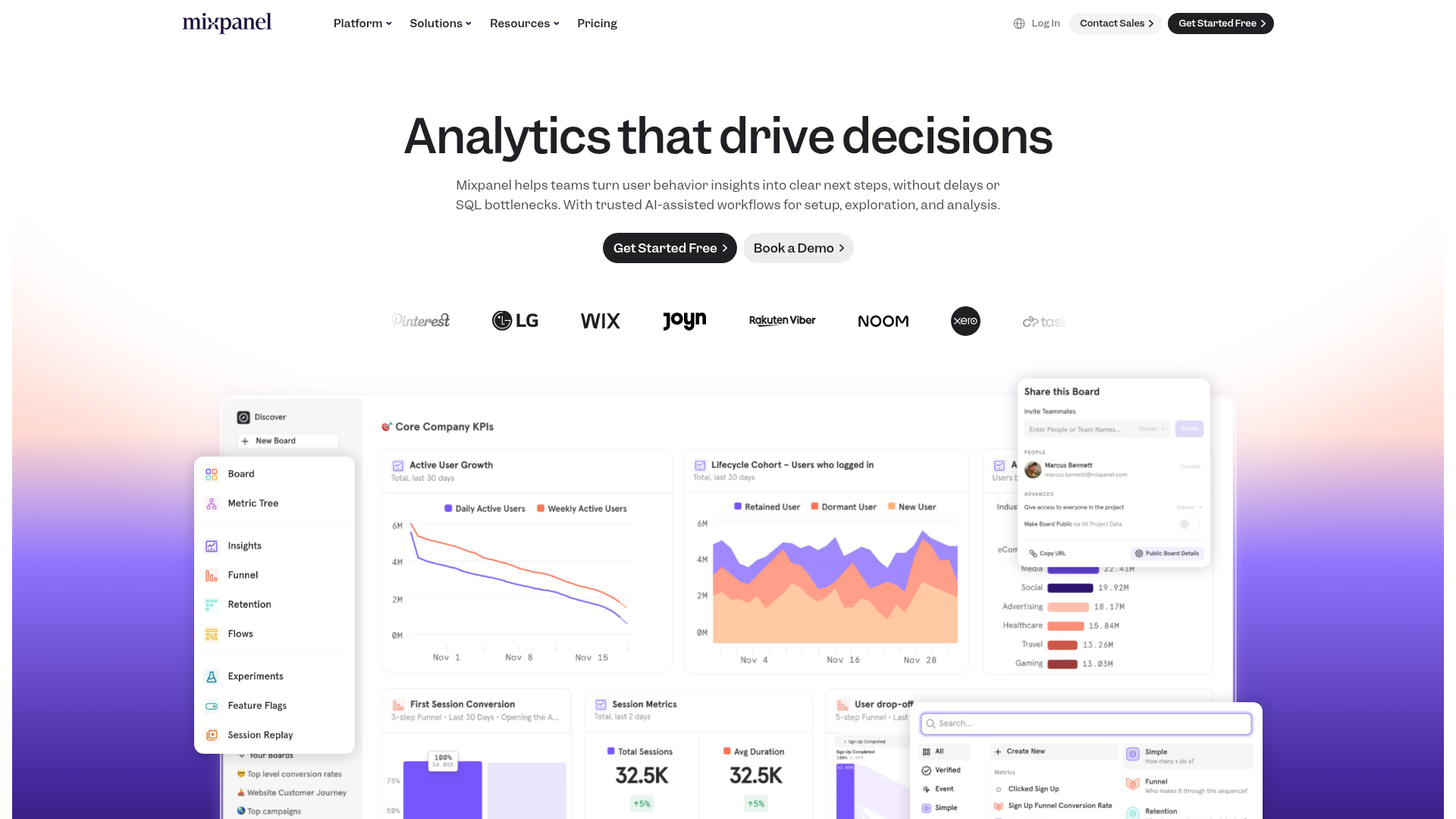
Pricing: Free up to 20M events/month | Growth starts at $25/month (100M events) | Enterprise pricing on request
Mixpanel pioneered event-based analytics and still has the cleanest interface in the category. The free tier is ridiculously generous (20M monthly events), making it perfect for startups. Funnel analysis is best-in-class, showing exactly where users drop off. Cohort retention views reveal which user segments stick around. Implementation is straightforward with SDKs for every major platform. The mobile app lets you check metrics from anywhere.
What We Liked
- 20M free events monthly (most generous tier)
- Intuitive interface that non-technical teams understand
- Excellent mobile analytics and in-app notifications
- Fast query performance even with large datasets
What Could Be Better
- Pricing jumps significantly after free tier
- Limited session replay capabilities compared to PostHog
Growth Hacker Take: Mixpanel remains the gold standard for product analytics UX. If your team is less technical, the learning curve is gentler than PostHog. The free tier covers most early-stage companies completely. Once you're doing $5M+ ARR, the pricing becomes comparable to Amplitude anyway.
Mixpanel Tutorial for Beginners
External Links: Mixpanel Pricing | G2 Reviews
3. June — B2B SaaS Analytics Made Simple

Pricing: Free up to 1K users | Pro at $50/month (5K users) | Scale at $150/month (20K users)
June focuses exclusively on B2B SaaS metrics. Setup takes 15 minutes instead of days. Pre-built reports cover activation rate, feature adoption, power users, and retention cohorts. The interface shows only what matters, hiding unnecessary complexity. Weekly email reports keep teams aligned without constant dashboard checking. Integrates with Segment for companies using a CDP.
What We Liked
- Fastest setup in the category (under 30 minutes)
- Pre-built B2B SaaS reports (no configuration needed)
- Transparent pricing based on users, not events
What Could Be Better
- Limited customization compared to Mixpanel or PostHog
- Best for B2B SaaS only (not consumer apps)
Growth Hacker Take: June wins on simplicity. If you're a B2B SaaS founder who wants analytics running today, not next month, June delivers. The opinionated approach means fewer decisions and faster insights. Trade-off: less flexibility for custom analysis.
June Analytics Platform Tour
External Links: June Pricing
4. Heap — Automatic Event Tracking

Pricing: Free up to 10K sessions/month | Growth at $3,600/year | Pro and Premier require sales contact
Heap's superpower is automatic event capture. Install one script and it tracks every click, tap, form submission, and page view. No engineering work to define events upfront. Retroactive analysis means you can answer questions about past behavior without having tracked it explicitly. Session replay shows user journeys. The downside: auto-capture generates massive data volumes, making costs unpredictable at scale.
What We Liked
- Automatic event tracking (zero implementation work)
- Retroactive analysis of historical data
- Session replay included in all paid plans
What Could Be Better
- Auto-capture creates data bloat and higher costs
- Interface feels dated compared to modern alternatives
Growth Hacker Take: Heap is perfect if you hate tracking plans. The auto-capture approach means you'll never miss an important conversion event. But that convenience comes with cost unpredictability as you scale. Best for teams who value speed over data efficiency.
External Links: Heap Pricing | G2 Reviews
5. Pendo — Product-Led Growth Platform
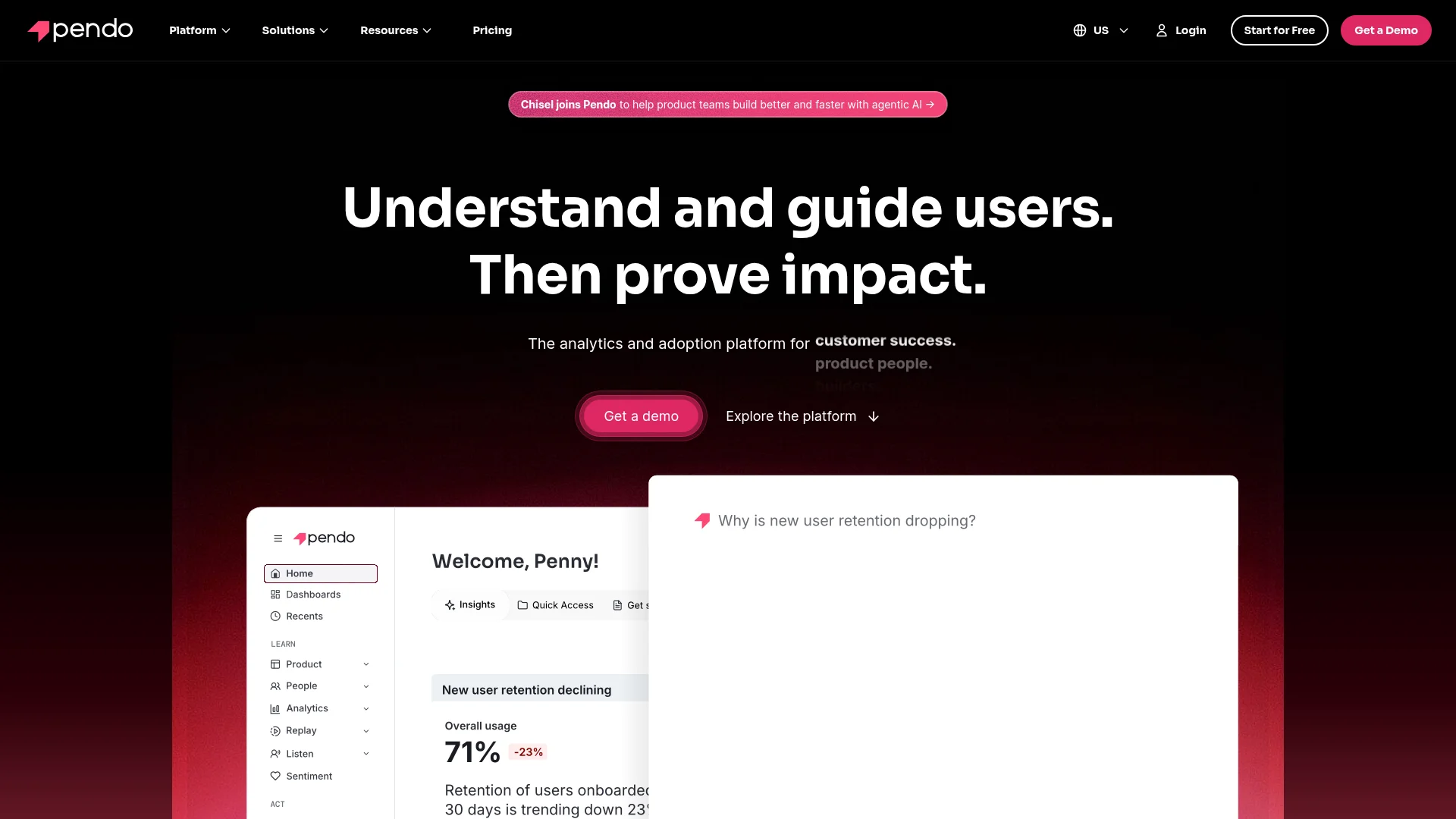
Pricing: Contact sales (typically $7K-20K/year minimum) | Free tier with limited features for up to 1K MAU
Pendo combines analytics with in-app guides, surveys, and roadmap planning. The value prop is driving product adoption through contextual onboarding. Feature tagging tracks adoption without code changes. Resource Center centralizes help content. NPS surveys measure satisfaction. The catch: pricing is opaque and enterprise-focused. Implementation requires product and engineering coordination.
What We Liked
- In-app guides for user onboarding without dev work
- Feature tagging without code changes
- NPS and survey tools integrated
What Could Be Better
- Enterprise pricing requires sales conversations
- Overkill for teams just needing analytics
Growth Hacker Take: Pendo makes sense if you need analytics plus product adoption tools. For pure analytics, you're paying for features you won't use. The guide builder is powerful but comes with a significant price premium.
External Links: Pendo Pricing | G2 Reviews
6. Matomo — Privacy-First Analytics
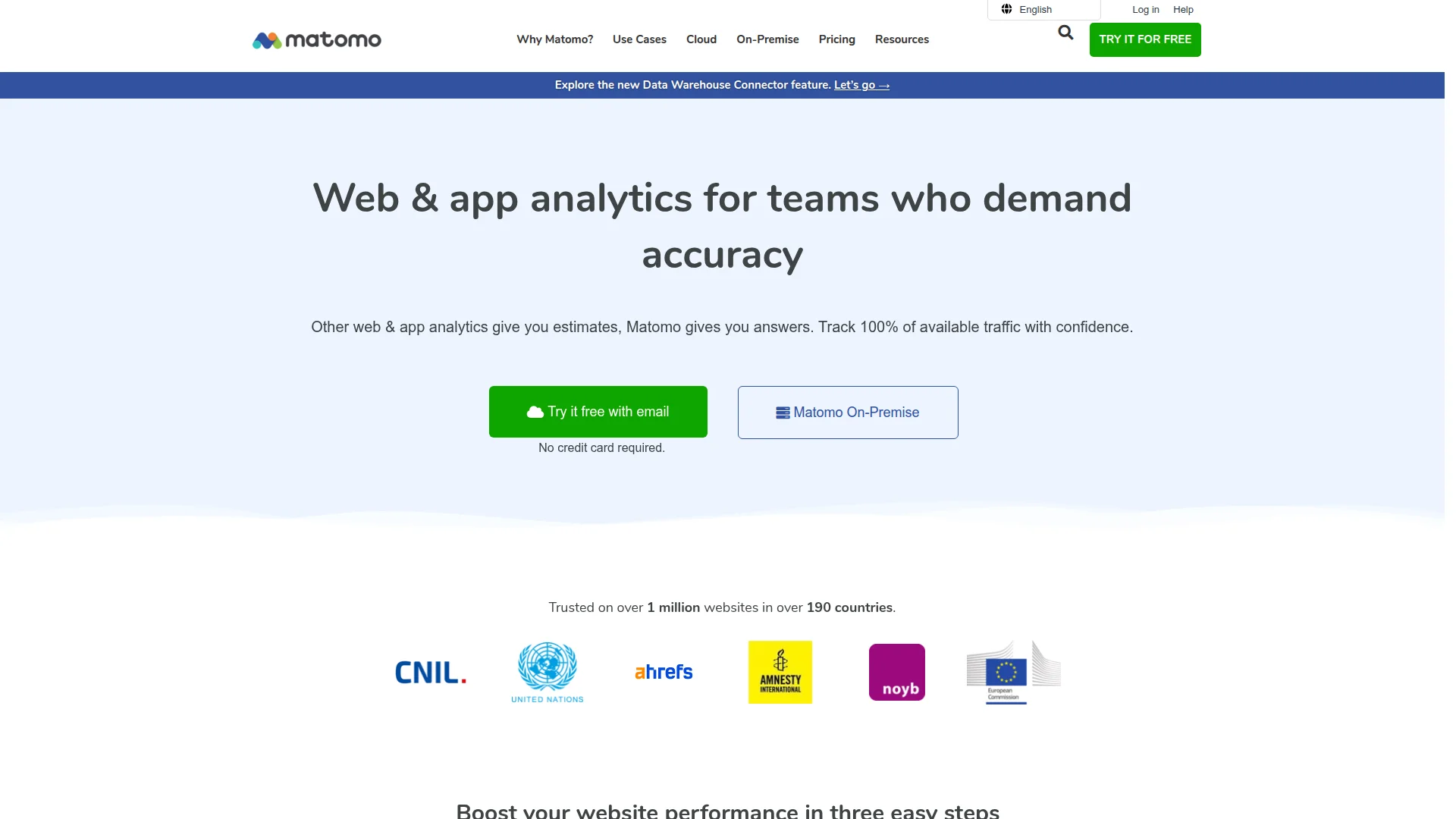
Pricing: Free (self-hosted, unlimited) | Cloud starts at $23/month (50K actions) | Enterprise pricing available
Matomo is the open-source alternative for privacy-conscious organizations. Self-hosting means complete data ownership and GDPR compliance by default. No cookie consent banners required in some jurisdictions. Heatmaps, session recordings, A/B testing, and funnel analysis included. The interface resembles Google Analytics, easing migration. Trade-off: you manage infrastructure and updates.
What We Liked
- 100% data ownership with self-hosting
- GDPR compliant without cookie banners
- Unlimited users and websites on self-hosted version
What Could Be Better
- Requires server management skills
- Interface less modern than PostHog or Mixpanel
Growth Hacker Take: Matomo is ideal for European companies or privacy-first brands. The self-hosted option eliminates ongoing costs entirely. If privacy regulations drive your analytics choices, Matomo removes compliance headaches.
External Links: Matomo Pricing | G2 Reviews
7. Hotjar — Qualitative Insights
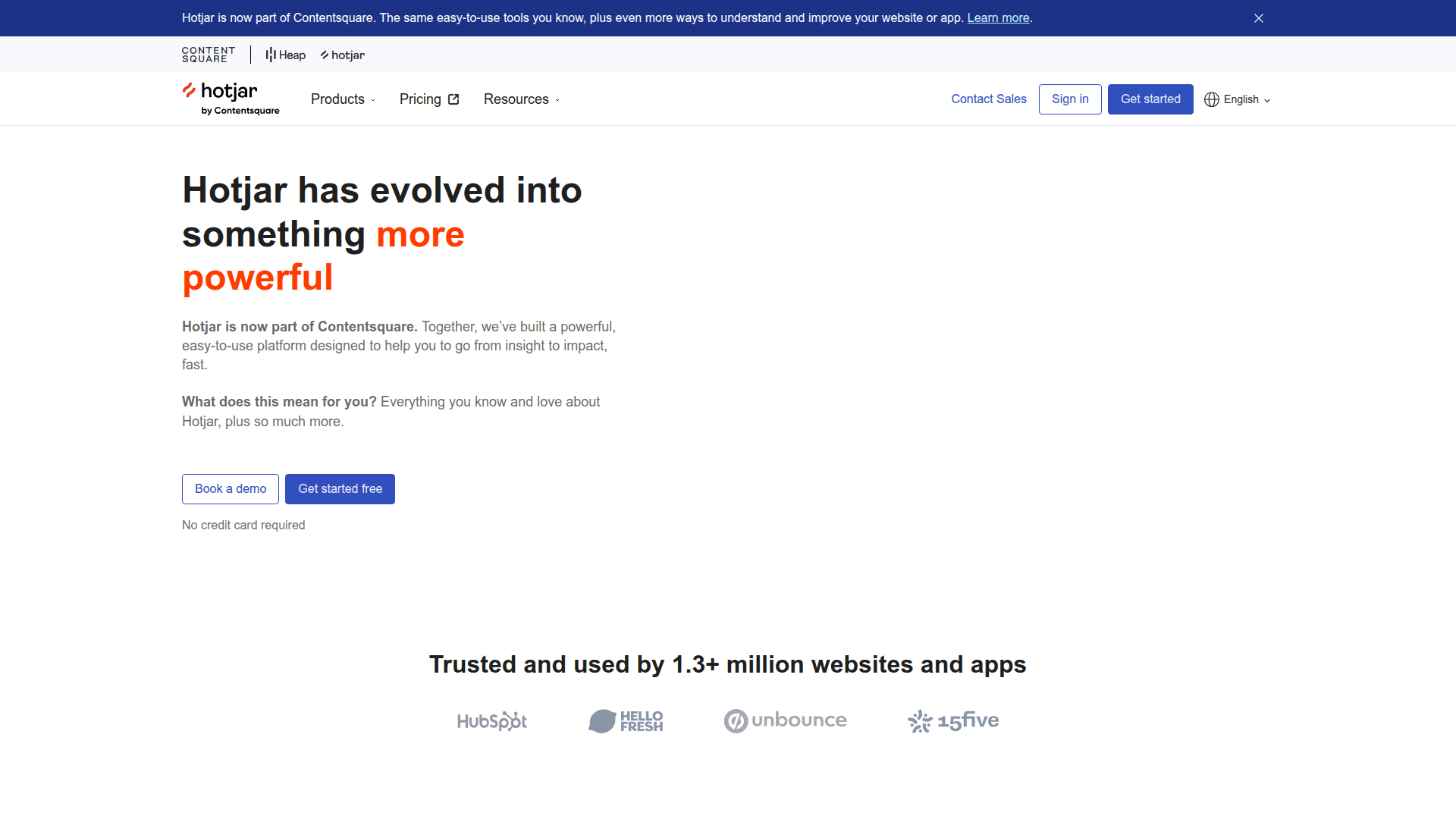
Pricing: Free (35 daily sessions) | Plus at $39/month (100 daily sessions) | Business at $99/month (500 daily sessions)
Hotjar focuses on qualitative data that quantitative analytics miss. Heatmaps show where users click, scroll, and spend time. Session recordings reveal friction points. Feedback polls capture user sentiment. Surveys target specific user segments. The combination of heatmaps and recordings helps identify UX problems faster than conversion funnels alone. Pairs well with PostHog or Mixpanel for complete insight.
What We Liked
- Heatmaps reveal UX issues quantitative data misses
- Session recordings show real user behavior
- Affordable pricing starting at $39/month
What Could Be Better
- Not a replacement for event-based analytics
- Limited analysis capabilities beyond recordings
Growth Hacker Take: Hotjar complements rather than replaces tools like Mixpanel. Use it to understand the "why" behind funnel drop-offs. The heatmap + recording combo finds conversion blockers faster than A/B testing alone.
External Links: Hotjar Pricing | G2 Reviews
How to Choose Your Amplitude Alternative
Pick based on your primary need:
- Choose PostHog if you want all-in-one analytics with feature flags and don't mind a technical setup. Engineers love it. Self-hosting option eliminates costs at scale.
- Choose Mixpanel if you need best-in-class product analytics with a generous free tier. Perfect for product managers who want clean UX.
- Choose June if you're a B2B SaaS startup that values speed over customization. You'll be analyzing data today, not next month.
- Choose Heap if you hate tracking plans and want automatic event capture. Pay the price premium for convenience.
- Choose Pendo if you need analytics plus in-app guides for product adoption. Only makes sense if you use both features.
- Choose Matomo if privacy regulations drive your decisions. GDPR compliance built-in, no cookie banners needed.
- Choose Hotjar as a complement to any of the above. Qualitative insights reveal problems quantitative data misses.
Most teams combine quantitative (PostHog/Mixpanel) with qualitative (Hotjar) for complete product intelligence. Starting budget: $0-100/month covers most startups.
FAQ
Is Mixpanel better than Amplitude?
Mixpanel has a cleaner interface and more generous free tier (20M events vs. Amplitude's 10M). Amplitude offers deeper behavioral analysis but requires more technical setup.
What is the cheapest Amplitude alternative?
PostHog and Mixpanel both offer free tiers that cover most startups. PostHog's self-hosted option eliminates costs entirely if you have DevOps resources.
Can I switch from Amplitude without losing historical data?
Most alternatives offer data import APIs. PostHog and Mixpanel can ingest historical events via bulk upload. Plan 2-4 weeks for complete migration.
Do I need product analytics if I have Google Analytics?
Yes. Google Analytics tracks page views; product analytics tracks user actions (button clicks, feature usage, conversion paths). They solve different problems.
Which tool has the best session replay?
PostHog and Hotjar lead in session replay quality. PostHog includes it free; Hotjar specializes in it with better filtering and search.
Should I use multiple analytics tools?
Many teams combine quantitative (PostHog/Mixpanel) with qualitative (Hotjar). One tool for event tracking, another for heatmaps and recordings provides complete insight.
About the Author
Marco Delvane
Growth Team at Vibe Growth Stack. Tested 100+ growth tools so you don't have to. Writes about what actually works for startups — no fluff, no affiliate bias.
More in this series
View full guide →PostHog vs Mixpanel 2026: Which Analytics Tool Wins?
Compare PostHog vs Mixpanel in 2026. Explore pricing, features, self-hosting options, and find the best product analytics tool for your team.
Best FullStory Alternatives 2026: 7 Session Replay Tools
Compare top FullStory alternatives including PostHog, Hotjar, and LogRocket. Find affordable session replay and user behavior analytics tools.
Best Hotjar Alternatives in 2026: Top Heatmap Tools
Discover the best Hotjar alternatives for 2026. Compare session recording tools, heatmap software, and user behavior analytics platforms with better pricing and features.
Best Mixpanel Alternatives in 2026
Discover top Mixpanel alternatives for product analytics. Compare PostHog, Amplitude, Plausible Analytics, Umami, and more event tracking tools.
Related Articles
Get growth tips in your inbox
No-BS growth hacks, tool reviews, and best-value picks. Weekly.
Unsubscribe anytime. We hate spam too.