Figma vs Canva 2026: Which Design Tool Fits Your Workflow?
Compare Figma vs Canva for your design needs. Learn which tool wins for collaboration, templates, pricing, and team workflows in 2026.

Marco Delvane
Growth Team
Part of our Best Design Tools for Startups 2026 guide
Key Takeaways
- Figma wins for product teams: Real-time collaboration, design systems, and prototyping make it the standard for SaaS and app design.
- Canva wins for content velocity: Templates, AI tools, and speed make it unbeatable for marketing teams shipping daily social posts.
- Price gap is real: Canva starts at $15/month per person. Figma starts at $15/month but quickly jumps to $45/month for teams.
- Don't pick one: Best teams use both — Figma for product design, Canva for marketing assets.
- Learning curve matters: Canva onboards in minutes. Figma takes weeks to master properly.
Every founder faces this question: Figma or Canva? The answer isn't "which is better" — it's "which fits your workflow."
Figma dominates product design. Every SaaS team uses it for UI/UX work. But Canva crushes content production. Marketing teams ship 10x faster with templates.
This isn't a "versus" battle. It's a workflow match. Use Figma when precision matters. Use Canva when speed matters. Most teams need both.
Here's how to choose based on what you're actually building.
Why This Actually Matters in 2026
Design tools aren't just for designers anymore. Founders build landing pages. Marketers create ads. Sales teams customize decks. The tool you pick determines your velocity.
The shift: Design moved from specialist skill to team competency. Everyone creates visuals now. The question is speed vs. control.
Figma gives you control. Full design systems. Component libraries. Pixel-perfect precision. But it requires learning. A designer can master it. A marketer struggles.
Canva gives you speed. 800,000+ templates. Drag-and-drop everything. AI background removal. Brand kits. Anyone ships content in minutes.
Your choice depends on what you're optimizing for: craft or velocity.
Quick Comparison: Figma vs Canva
| Feature | Figma | Canva |
|---|---|---|
| Best For | Product design, UI/UX, design systems | Social media, presentations, marketing |
| Starting Price | $15/month per editor (Professional) | $15/month per person (Pro) |
| Learning Curve | Steep (weeks to master) | Gentle (minutes to start) |
| Collaboration | Real-time multiplayer, commenting | Real-time editing, approval workflows |
| Templates | Community templates (limited) | 800,000+ professional templates |
| Prototyping | Advanced (animations, variables) | Basic (simple transitions) |
| Design Systems | Built-in (components, variants) | Brand kits only |
| AI Features | Limited (text generation, fill) | Extensive (background removal, Magic Write) |
| Free Plan | Yes (3 files, unlimited viewers) | Yes (limited features) |
| VGS Verdict | Product teams, design-first orgs | Marketing teams, content velocity |
1. Figma — The Product Design Standard
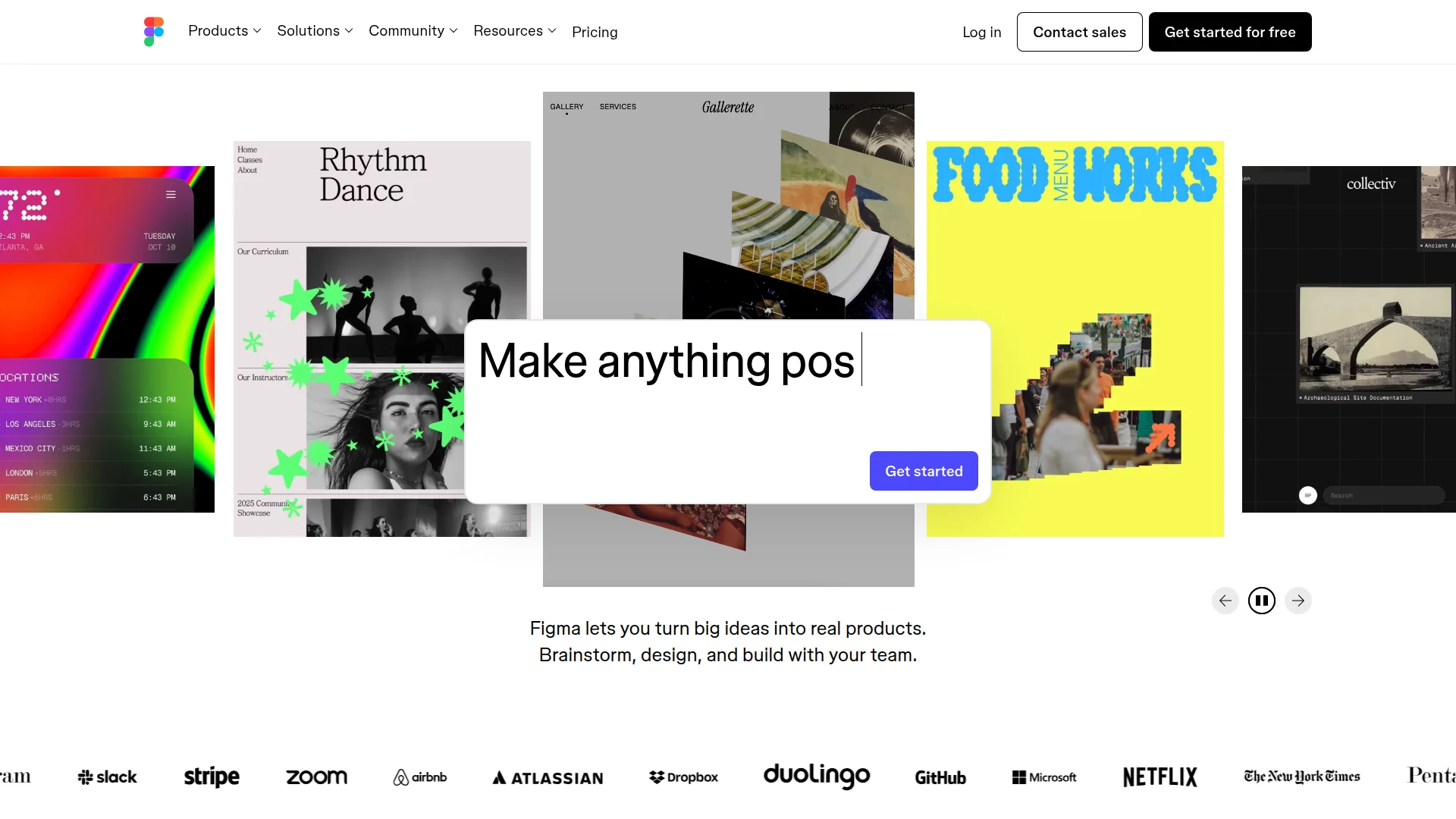
Pricing: Free (3 files) | Professional ($15/month per editor) | Organization ($45/month per editor) | Enterprise (custom)
What We Liked
- Real-time multiplayer: Multiple designers work simultaneously. No versioning chaos. Live cursors show who's editing what.
- Component systems: Build once, reuse everywhere. Change the master component, updates cascade across files.
- Dev handoff: Inspect tool shows CSS, Swift, Android code. Developers copy exact values without guessing.
- Prototyping depth: Smart animate, variables, conditional logic. Build clickable prototypes that feel like real apps.
What Could Be Better
- Performance at scale: Large files (1,000+ frames) lag noticeably. RAM usage spikes.
- Non-designer onboarding: Marketers struggle. Learning curve steeper than alternatives.
Growth Hacker Take: Figma is infrastructure, not a quick tool. If you're building a product, you need it. If you're shipping Instagram posts, you don't. The component system alone justifies the learning curve for product teams.
Figma Tutorial 2026
2. Canva — The Content Velocity Machine
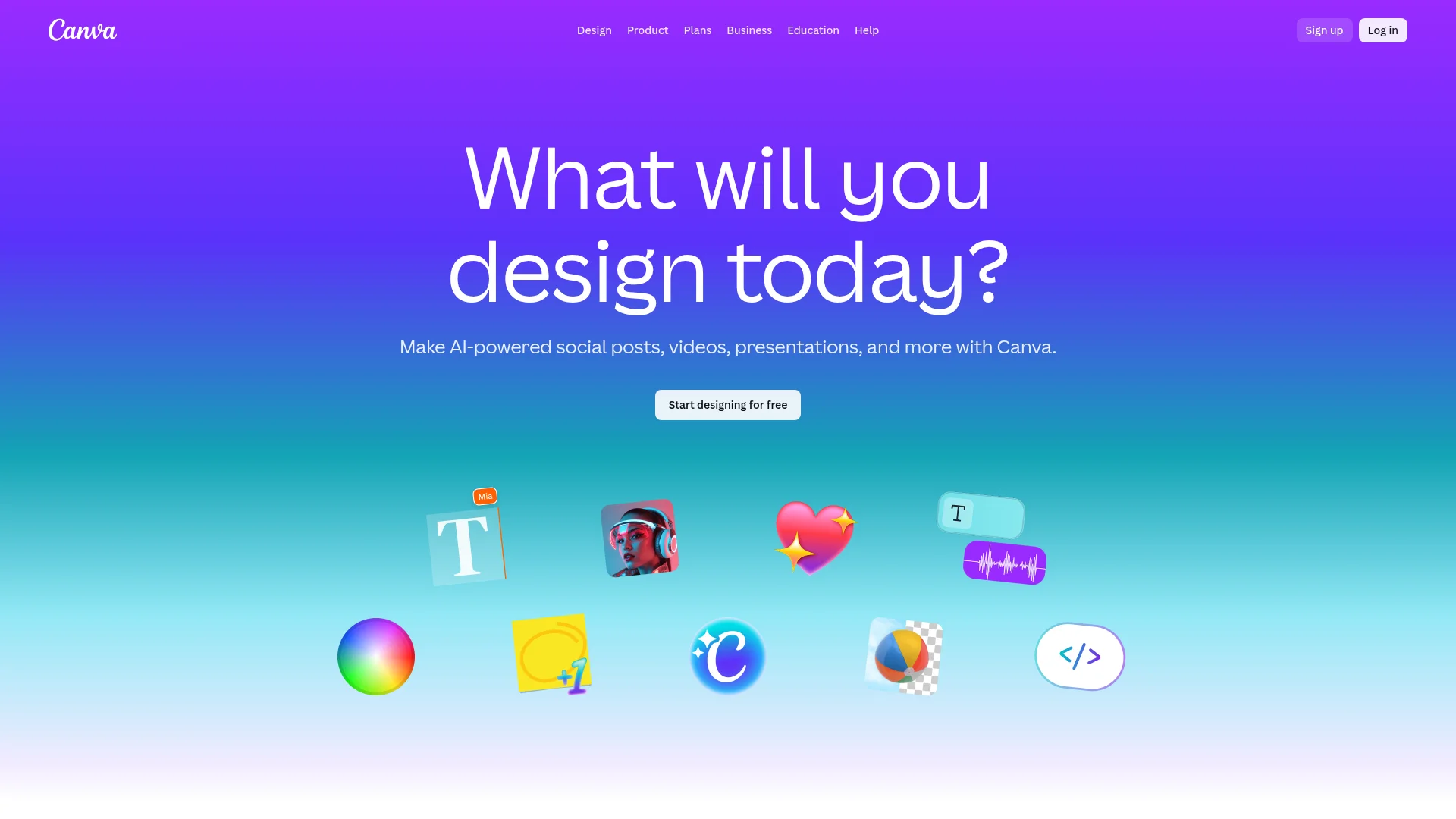
Pricing: Free (limited) | Pro ($15/month per person) | Teams ($30/month for 5 people) | Enterprise (custom)
What We Liked
- Template library: 800,000+ templates. Every format imaginable. Instagram posts to investor decks.
- AI superpowers: Background removal in one click. Magic Write generates copy. Magic Eraser removes objects.
- Brand kits: Upload logo, colors, fonts once. Every design stays on-brand automatically.
- Learning curve: Non-designers ship professional content in minutes. Literally anyone can use it.
What Could Be Better
- Precision limits: Pixel-perfect alignment is hard. Not built for detailed UI work.
- Template dependency: Easy to make everything look "Canva-ish" if you rely on templates too heavily.
Growth Hacker Take: Canva is speed. If your competitive advantage is shipping 3 LinkedIn posts daily, Canva wins. The AI features alone save hours weekly. Just don't try to design your SaaS UI in it.
Canva Pro Tips 2026
When Figma Actually Wins
You're building a product. If you're designing a SaaS app, mobile app, or web platform, Figma is non-negotiable. The design system capabilities alone justify it. Every component library, every design token, every prototype lives in Figma.
Your team has designers. Figma rewards expertise. A skilled designer builds systems that scale. Components propagate changes instantly. Variants handle state logic. The learning curve pays off.
Developer handoff matters. The inspect panel shows exact CSS, padding, colors, spacing. Developers copy values directly. No "looks about 16px" guesswork. Reduces design-dev friction significantly.
You need advanced prototyping. Smart animate creates micro-interactions. Variables enable conditional logic. Overlays simulate modals. You can user-test prototypes before writing code.
Design consistency is critical. Brand guidelines enforced through components. Update master component, all instances update. Typography systems prevent font chaos. Color tokens ensure consistency.
When Canva Actually Wins
You're shipping content daily. Social posts, blog headers, LinkedIn carousels, email banners. Volume matters more than pixel-perfection. Canva's templates let you ship 10x faster than custom designs.
Non-designers create visuals. Sales needs custom decks. Marketing needs ad variants. Founders need pitch decks. Canva's drag-and-drop empowers everyone. No design bottleneck.
Brand consistency without systems. Brand kit feature ensures colors, fonts, logos stay consistent. Not as powerful as Figma's component system, but 90% of teams don't need that depth.
AI tools save hours. Background removal used to require Photoshop skills. Magic Eraser removes unwanted objects. Text-to-image generates visuals. Magic Write drafts copy. These features compound productivity.
Budget constraints. Canva Teams is $30/month for 5 people. Figma Organization is $45/month per person. For a 5-person team, that's $30 vs $225. Math matters for bootstrapped teams.
Pricing Breakdown: What You Actually Pay
Figma Pricing Reality
Free tier: 3 files, unlimited viewers. Good for solo founders testing ideas. Not viable for teams.
Professional ($15/month): Unlimited files. But only works for solo designers. No shared team libraries. Most teams outgrow this fast.
Organization ($45/month per editor): Where real teams land. Shared libraries, branching, design system features. For a 3-person design team: $135/month.
Hidden cost: Viewers are free, but editors need paid seats. Marketing reviewing designs? Free. Marketing creating assets? Paid seat. This adds up.
Canva Pricing Reality
Free tier: Limited templates, basic features. Viable for personal use, not teams.
Pro ($15/month): Full template library, brand kit, background remover, Magic features. Most solo users land here.
Teams ($30/month for 5 users): Shared brand assets, approval workflows, team templates. Then $10/month per additional user.
Hidden benefit: Everyone can edit. No viewer vs. editor distinction. Entire marketing team collaborates for $30/month base.
Real-World Workflows: How Teams Actually Use Both
The ColdIQ Stack (Our Actual Usage)
Figma for: Website design, landing pages, product mockups, design system documentation. Designers work in Figma exclusively for anything customer-facing and pixel-critical.
Canva for: LinkedIn posts, blog headers, Twitter graphics, presentation decks, email banners. Marketers ship daily without design bottlenecks.
Why both? Different jobs. Figma handles precision work where consistency matters. Canva handles volume where speed matters. Trying to force one tool for everything creates friction.
Common Team Patterns
Product-Led Growth (PLG) Startups: Figma for product UI, Canva for marketing. Design team owns Figma, growth team owns Canva.
Agencies: Figma for client brand systems, Canva for social content. Designers build templates in Figma, account managers execute in Canva.
Solo Founders: Start with Canva for everything. Migrate to Figma when hiring first designer or building actual product.
AI Features: Where Each Tool Actually Excels
Figma's AI (Limited but Growing)
Figma AI focuses on design efficiency, not content generation. Rename layers intelligently. Fill shapes with AI-generated content. Remove backgrounds. Translate designs across languages.
Recent additions include text generation for placeholder content and AI-powered layer organization. But Figma isn't competing on AI features yet. Their moat is collaboration, not automation.
Canva's AI (Aggressive Feature Expansion)
Magic Write: GPT-powered copywriting. Generates social captions, email subject lines, blog intros. Quality varies, but it's fast iteration fuel.
Magic Eraser: Remove unwanted objects from photos. Click, erase, done. Used to require Photoshop skills.
Background Remover: One-click background removal. Saved countless hours across our team.
Text to Image: Generate images from text prompts. Quality is hit-or-miss, but useful for placeholder content and ideation.
Magic Edit: Brush over areas, describe changes in text, AI makes edits. Like Photoshop's generative fill, simplified.
Canva is clearly betting on AI as a differentiator. New features ship monthly. Figma is more conservative.
How to Choose: Decision Framework
Pick based on your primary use case. Most teams eventually use both, but start with the tool matching your immediate need.
- Choose Figma if: You're designing a product, have dedicated designers, need advanced prototyping, require design system management, or value developer handoff precision.
- Choose Canva if: You're creating marketing content, need non-designers to ship assets, prioritize template velocity, want AI content tools, or have budget constraints.
- Use both if: You have both product and marketing needs, employ designers and non-designers, or need both craft and velocity.
- Start with Canva if: You're a solo founder, haven't hired designers, or primarily ship content not products.
- Start with Figma if: You're building a SaaS, have design talent, or need collaboration infrastructure from day one.
Integration Ecosystem: What Connects Where
Figma Integrations
Figma's plugin ecosystem is developer-focused. Over 1,000 plugins available. Key integrations include Slack (design review notifications), Jira (link designs to tickets), Notion (embed prototypes), Maze (user testing), Zeplin (handoff alternative).
API access enables custom workflows. Export designs programmatically. Sync components with code. Automate screenshot generation for documentation.
Canva Integrations
Canva integrates with content distribution platforms. Publish directly to Instagram, Facebook, Twitter, YouTube. Schedule posts through Buffer, Hootsuite integration. Connect Google Drive, Dropbox for asset storage.
Zapier integration enables automation. New blog post? Auto-generate social graphics. Customer signup? Create personalized welcome image. The integrations focus on content workflow, not design systems.
Migration Considerations: Switching Costs
Moving From Canva to Figma
Difficulty: Moderate. Export designs as images or PDFs, rebuild in Figma. Components and templates don't translate directly.
Time investment: 2-4 weeks to rebuild core templates and establish design system.
Training: Expect 1-2 months for non-designers to reach basic proficiency.
Moving From Figma to Canva
Difficulty: Easy for simple designs, painful for complex systems. Component architecture doesn't transfer. Design tokens become manual brand kit entries.
Why you'd do it: Rarely intentional. Usually about empowering non-designers after Figma proved too complex for broader team.
FAQ
Is Figma harder to learn than Canva?
Yes. Figma takes weeks to master, Canva takes minutes. Figma rewards design expertise, Canva rewards template selection.
Can I use Figma for social media graphics?
Technically yes, but inefficient. Figma lacks templates and AI tools that make Canva 10x faster for content creation.
Is Canva good enough for professional designers?
For marketing content, yes. For product design, no. Canva lacks design system depth and prototyping capabilities designers need.
Which is better for startups on a budget?
Canva Teams ($30/month for 5 users) beats Figma Organization ($225/month for 5 users) on price. But if you're building a product, Figma is infrastructure, not optional.
Can Figma and Canva work together?
Absolutely. Most teams use both — Figma for product design, Canva for marketing assets. They serve different jobs.
Does Figma have templates like Canva?
Figma Community has templates, but nowhere near Canva's 800,000+ library. Figma templates are more design systems than ready-to-publish content.
About the Author
Marco Delvane
Growth Team at Vibe Growth Stack. Tested 100+ growth tools so you don't have to. Writes about what actually works for startups — no fluff, no affiliate bias.
Related Articles
Get growth tips in your inbox
No-BS growth hacks, tool reviews, and best-value picks. Weekly.
Unsubscribe anytime. We hate spam too.