Best Design Tools for Startups 2026
Discover the top design tools for startups in 2026. Learn which free and affordable design platforms help founders create professional sites without breaking the budget.

Marco Delvane
Growth Team
Key Takeaways
- Most startups waste money on enterprise design tools they don't need — free/freemium tiers of Canva and Figma cover 90% of early-stage needs
- No-code website builders (Webflow, Framer) let non-technical founders ship professional sites in days, not months
- The best design stack combines 3-4 specialized tools rather than one expensive all-in-one platform
- Design tools with AI features (background removal, copy generation, layout suggestions) can 10x your output speed
- Budget breakdown: Expect $0-150/month total for a complete design stack at seed stage
Most startup founders aren't designers. You're building product, talking to customers, raising money. But you still need a professional website, pitch deck, social graphics, and product screenshots that don't look like they were made in PowerPoint 2003.
The good news: Modern design tools are stupidly powerful and require zero design training. The bad news: There are 200+ options, most marketed to agencies and enterprises with budgets you don't have. This guide cuts through the noise and shows you exactly which tools to use at each stage — from pre-revenue idea to Series A scale-up.
We've analyzed the tech stacks of companies like Clay ($6.5M ARR), AirOps ($15M ARR), and dozens of bootstrapped startups to identify the tools that actually move the needle. No bloat, no enterprise features you'll never touch. Just the essentials that let you ship fast and look professional.
Your Design Foundation: Start Here
Every startup needs three design capabilities from day one: website building, visual content creation, and basic brand assets. The mistake most founders make is buying separate tools for each. Start with these two and you're 80% covered:
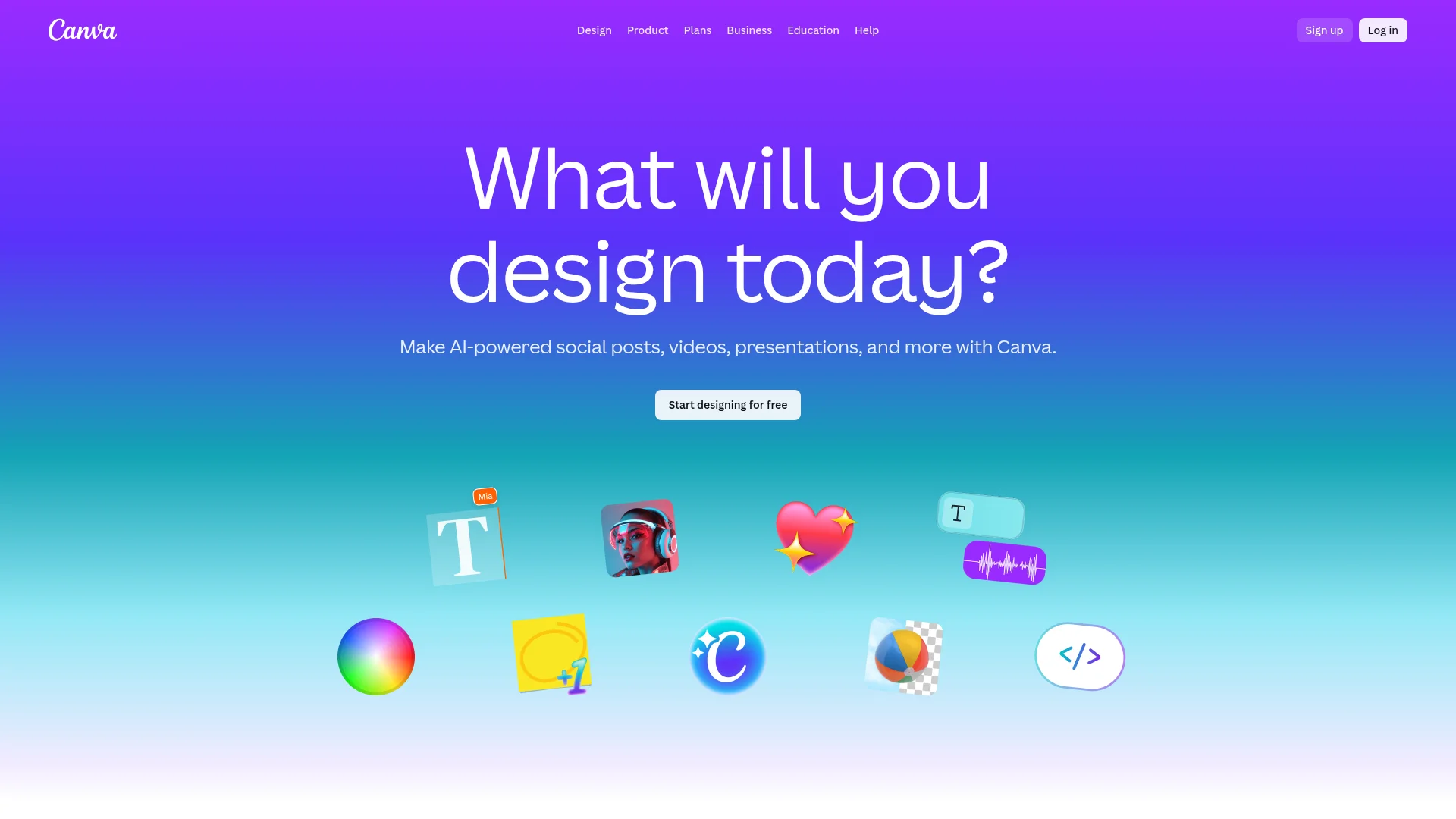
For Visual Content: Canva remains the MVP for startups. Free plan includes 250K+ templates, basic brand kit, and enough export formats to cover social media, presentations, and print. The Pro plan ($12.99/month for 5 users) adds background remover, Magic Resize, and unlimited folders — worth it once you're posting content daily.
For Brand Identity: Don't hire a $5K agency for your seed-stage logo. Use Canva or Looka ($20 one-time) to generate 50 logo variations in 10 minutes. You can always rebrand at Series A when you actually know your positioning.
For Collaborative Design: Once you hire your first designer or start working with contractors, switch visual collaboration to Figma. Free tier supports 3 files and unlimited viewers — enough for early-stage design systems.
The pattern across successful startups: They master 2-3 design tools deeply rather than subscribing to 10 platforms they barely use. Research from ProductBoard shows that teams using fewer than 5 design tools ship 40% faster than those juggling 10+ platforms.
No-Code Website Builders: Ship in Days, Not Months
Your website is your first impression. A decade ago, you needed a developer and 6 weeks minimum. Now you can launch a conversion-optimized site in a weekend using no-code builders. Here's how to choose:
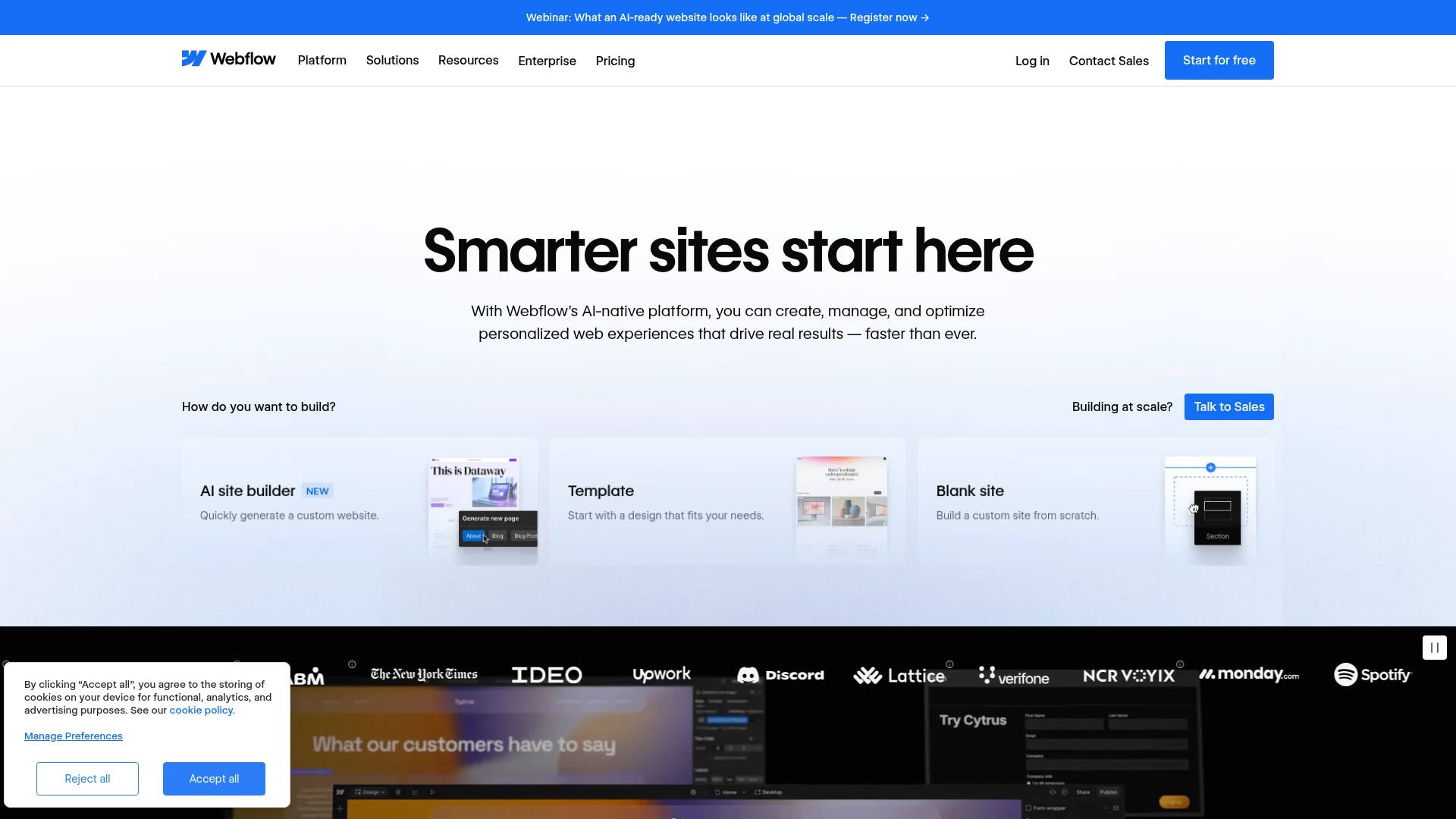
Webflow dominates among technical founders who want full control without writing code. The visual editor mirrors CSS logic, so you're not fighting abstraction layers. Free tier hosts one site. Paid plans start at $14/month for custom domain and CMS features. ColdIQ runs on Webflow and has never looked back — the flexibility lets us ship landing pages in hours.
Framer has become the darling of design-forward startups in 2025-2026. The interface feels like Figma but outputs production websites. Built-in animations, responsive breakpoints, and CMS make it perfect for marketing sites that need to look premium. Starts at $5/month per site. The catch: Steeper learning curve than drag-and-drop builders.
When to use what:
- Need to ship in 48 hours? Use a template from Webflow Templates or Framer Marketplace
- Building a multi-page site with blog? Webflow's CMS wins
- Want micro-interactions and animations? Framer's animation tools are unmatched
- Zero budget, just need something live? Carrd ($19/year) for single landing pages
Visual Content at Scale: Social, Ads, and Decks
You're posting on LinkedIn 3x/week. Running ads on Meta and Google. Updating your pitch deck monthly. Creating product screenshots for sales. This is where design tools earn their keep or waste your time.
The Content Creation Stack:
Canva handles 80% of this — social posts, carousel ads, one-pagers, simple presentations. The AI features (Magic Write, background remover, Text to Image) genuinely speed up creation. Teams using Canva Pro report creating content 3x faster than Photoshop workflows.
For presentations that matter (investor decks, sales decks), graduate to Pitch (free for unlimited decks, $8/user/month for Pro). The templates are modern, collaboration features rival Google Slides, and the export quality beats PowerPoint. AirOps credits Pitch decks for helping close their Series A.
Video content is no longer optional in 2026. Descript ($12/month) lets you edit video by editing the transcript — remove filler words, rearrange sections, add captions. No video editing experience required. We use it for all ColdIQ tutorial content.
AI-Generated Images: Don't sleep on AI image generation for hero graphics, backgrounds, and conceptual illustrations. Tools like Midjourney ($10/month) or DALL-E (via OpenAI) produce results in seconds that would take designers hours. Just avoid AI-generated faces — they still look uncanny.
| Tool | Best For | Price | Why Use It |
|---|---|---|---|
| Canva | Social media, presentations | Free - $12.99/mo | Templates + AI features |
| Pitch | Investor/sales decks | Free - $8/mo | Collaboration + polish |
| Descript | Video editing | $12/mo | Edit video via transcript |
| Midjourney | AI images | $10/mo | Custom visuals in seconds |
Building Your Design System (Without a Designer)
You don't need a full design system at $0 ARR. But once you're shipping regularly and have multiple people touching the brand, inconsistency kills trust. Buttons in 5 different shades of blue. Fonts that change between pages. Logo variations that don't match.
The Minimal Design System:
Define these five things and put them in a shared Notion doc:
- Primary brand color (hex code)
- Two font choices (heading + body)
- Logo files (SVG, PNG, white version)
- Spacing scale (8px, 16px, 24px, 32px, etc.)
- Button styles (primary, secondary, text-only)
Figma becomes essential here. Free tier lets you create a shared component library — buttons, cards, layouts that everyone reuses. When you change the primary button color, every instance updates. This is how you maintain consistency at scale.
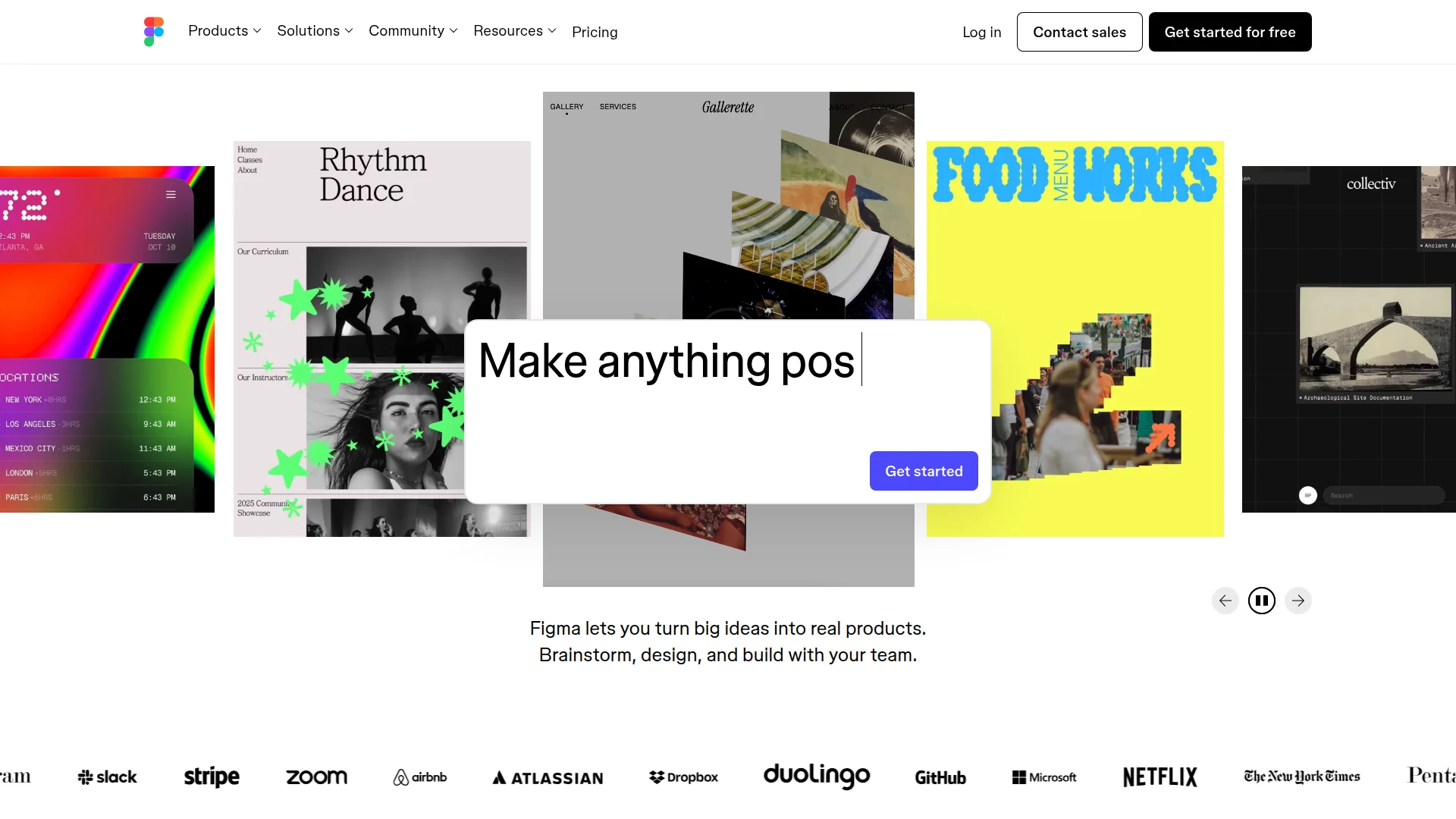
If you're technical: Export your design tokens from Figma and feed them into your CSS/Tailwind config. Now your website, product, and marketing materials share the same variables. Change once, update everywhere.
When to hire a designer: Not at idea stage. Not at first $10K MRR. Hire when design is slowing you down (you're spending 10+ hours/week on visual work) or when brand perception is losing deals (customers tell you the product looks unpolished).
AI-Powered Design: 10x Your Output
AI isn't replacing designers — it's replacing the boring parts of design. Background removal, resizing, color matching, layout suggestions, copy generation. The tools that win in 2026 have AI built in, not bolted on.
What actually works:
Remove.bg (free for low-res, $9/month for HD) removes backgrounds in one click. Beats Photoshop's manual masking 99% of the time. Every content creator should bookmark this.
Canva's Magic Resize (Pro feature) takes one design and automatically reformats it for every platform — Instagram post becomes LinkedIn banner becomes Twitter header. Saves 30 minutes per asset.
Copy.ai ($49/month) generates ad copy, social captions, and headlines. Quality varies, but it's 10x faster than staring at blank screens. Use it for first drafts, then edit with your voice.
Looka's Brand Kit generates color palettes based on your industry and preferences. Upload your logo, get a full color scheme in 2 minutes. Stop guessing which blues look "professional."
The pattern: AI handles the mechanical work (resizing, background removal, color selection) while humans handle the strategic work (positioning, messaging, brand voice). McKinsey research shows AI design tools increase output by 40-60% without sacrificing quality.
How to Choose Your Design Stack
Decision framework based on stage and needs:
- Pre-launch (Idea Stage): Canva Free + Carrd. Total cost: $19/year. Ship your landing page and social content in 48 hours.
- $0-50K ARR (Early Traction): Add Canva Pro ($12.99/mo) + Webflow Basic ($14/mo). Total: $27/month. Now you can scale content and iterate the website independently.
- $50K-500K ARR (Growth Mode): Keep Canva Pro. Upgrade to Webflow CMS ($23/mo). Add Figma Pro ($12/editor/mo) if you hired a designer. Add Descript ($12/mo) for video. Total: ~$60/month.
- $500K+ ARR (Scale): Full design ops. Keep Webflow + Figma + Canva. Add enterprise tools as needed (Adobe Creative Cloud if you hire a design team). Budget $150-300/month for tools.
The tools matter less than the workflow. We've seen founders spend $500/month on design tools and still produce mediocre work because they don't have a process. Better to master Canva deeply than dabble in 10 platforms.
Design Workflow Integration: Connect the Stack
Your design tools shouldn't be islands. The best stacks connect through automation and shared assets:
Design → Website: Design in Figma, export to Webflow or Framer. Both have Figma import features that preserve spacing, colors, and components. This keeps marketing and product in sync.
Design → Content: Store brand assets (logos, fonts, color codes) in a shared Notion page or Google Drive. Link from Canva's brand kit so everyone pulls from the same source.
Design → Social: Use Buffer or Taplio to schedule content created in Canva. Set up templates in Canva for each post type (carousel, single image, quote graphic) and batch-create weekly.
Design → Sales: Export pitch decks as PDFs, host in Notion or Google Drive, link from CRM. When you update the deck, the link stays the same — no more emailing outdated versions.
For advanced workflows, connect tools via Zapier or Make. Example: New Webflow blog post → Auto-generate social graphics in Canva → Schedule to Buffer. This is what "design ops" looks like at startups.
5 Design Tool Mistakes Startups Make
1. Buying Adobe Creative Cloud too early. You don't need Photoshop, Illustrator, and InDesign at seed stage. That's $60/month for tools designed for agencies. Start with Canva and Figma. Graduate to Adobe when you hire a design team.
2. Not defining brand guidelines. Everyone picks random colors and fonts. Then you rebrand 6 months later and redo everything. Spend 2 hours defining basics upfront, save 50 hours of rework.
3. Designing in isolation. Founder creates everything alone, never shares work-in-progress. Then the team hates the final result. Use Figma or Canva for collaborative feedback early and often.
4. Ignoring mobile-first design. 70% of web traffic is mobile. If you design desktop-first and squeeze to mobile, it looks terrible. Modern builders like Webflow and Framer force responsive design — use that constraint.
5. Perfection paralysis. Spending weeks on a logo that nobody will remember. Ship the 80% solution and iterate based on feedback. Your logo will change, your colors will change, your positioning will change. Don't optimize v1 like it's permanent.
Budget Breakdown: What to Actually Spend
| Stage | Monthly Budget | Core Tools |
|---|---|---|
| Pre-launch | $0-20 | Canva Free, Carrd ($19/year) |
| $0-50K ARR | $25-50 | Canva Pro ($13), Webflow ($14), Remove.bg ($9) |
| $50K-500K ARR | $50-100 | Above + Figma ($12), Descript ($12), Pitch ($8) |
| $500K+ ARR | $100-300 | Above + team seats, video tools, premium templates |
The ROI shows up in speed, not perfection. Using the right tools means you ship landing pages in days instead of weeks, create social content in minutes instead of hours, and maintain brand consistency without design police.
FAQ
Do I need to hire a designer at all?
Not until design is slowing down your velocity (10+ hours/week) or costing you deals (customers mention unprofessional appearance). Most seed-stage startups can self-serve with modern tools.
What's the difference between Webflow and Framer?
Webflow offers more control and better CMS for content-heavy sites. Framer has superior animation tools and feels more like a design tool. Both are excellent — choose based on your priority (content vs. interactions).
Is Canva Pro worth it over the free plan?
Yes, once you're creating content daily. Background remover and Magic Resize alone save 20+ minutes per graphic. At $12.99/month for 5 users, it pays for itself if you value your time at minimum wage.
Should I use AI image generators like Midjourney?
For abstract backgrounds, conceptual illustrations, and hero graphics — yes. For product screenshots, team photos, or anything requiring precision — no. Use AI to augment, not replace, real imagery.
When should I switch from Canva to Figma?
When you hire a designer or need collaborative design features (component libraries, version control, design systems). Canva excels at marketing content; Figma excels at product design and team collaboration.
Can I build a professional website without coding?
Absolutely. Webflow, Framer, and even Carrd produce production-quality sites. The no-code movement in 2026 means technical skills are optional, not required, for professional web presence.
About the Author
Marco Delvane
Growth Team at Vibe Growth Stack. Tested 100+ growth tools so you don't have to. Writes about what actually works for startups — no fluff, no affiliate bias.
Related Articles
Get growth tips in your inbox
No-BS growth hacks, tool reviews, and best-value picks. Weekly.
Unsubscribe anytime. We hate spam too.