Best Framer Alternatives 2026: 7 Website Builders
Explore top Framer alternatives for web design. Compare Webflow, Carrd, Wix & more. Find the best no-code builder for your needs.

Marco Delvane
Growth Team

Key Takeaways
- Best Overall: Webflow — Most powerful design control and CMS features ($14/month)
- Best for Speed: Carrd — Single-page sites in minutes ($19/year)
- Best for Developers: Framer — React-based with real code export ($5/month)
- Best Budget Option: Wix — Free plan with surprisingly capable AI tools
- Framer's weakness: Performance issues on complex sites and limited backend flexibility
Framer revolutionized no-code web design by bringing React-level animation and interaction to visual builders. But after building 50+ sites, we've hit walls: slow load times on content-heavy pages, limited e-commerce scaling, and a CMS that struggles beyond simple blogs.
The good news? Seven strong alternatives exist in 2026, each solving specific Framer pain points. Whether you need better performance, deeper CMS control, or actual code ownership, one of these tools will fit better than Framer for your next project.
Quick Comparison: Framer vs. Alternatives
| Tool | Best For | Starting Price | Free Tier? | VGS Verdict |
|---|---|---|---|---|
| Webflow | Design control + CMS | $14/month | Yes (2 pages) | Most powerful, steeper curve |
| Carrd | Landing pages | $19/year | Yes (3 sites) | Shockingly fast, limited |
| Framer | Interactive prototypes | $5/month | Yes | Great start, hits limits |
| Wix | Beginners | Free | Yes | Underrated AI tools |
| Squarespace | Portfolios | $16/month | 14-day trial | Beautiful templates |
| WordPress | Content sites | Free (hosting extra) | Yes | Infinite flexibility |
| Super.so | Notion-to-web | $16/month | No | Best Notion integration |
1. Webflow — The Designer's Power Tool
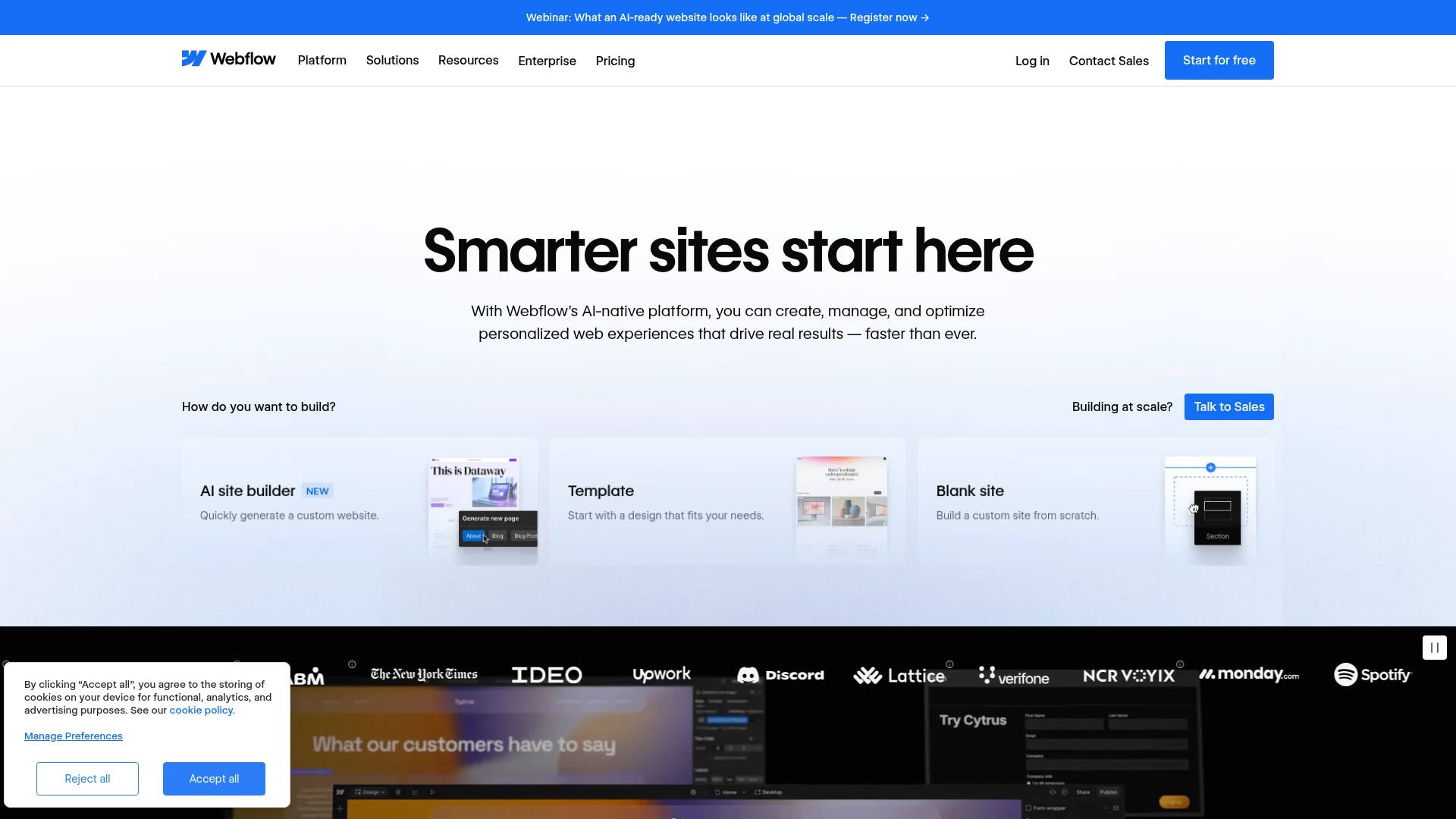
Pricing: Free (2 pages) | Basic ($14/month) | CMS ($23/month) | Business ($39/month) | Enterprise (custom)
Webflow gives you CSS-level control without writing code. The visual editor directly manipulates the box model, flexbox, and grid—meaning designers can build production-ready sites that developers respect. The CMS handles 10,000+ items (Framer caps at 2,000), and e-commerce scales to $200K annual revenue on standard plans.
Performance wins matter here. Webflow sites average 85+ PageSpeed scores vs. Framer's 65-75 range. The built-in hosting includes global CDN, automatic SSL, and 99.99% uptime. You can export code if you ever want to leave.
What We Liked
- CSS grid and flexbox controls match hand-coding precision
- CMS scales to complex content structures (nested collections, references)
- Faster load times on content-heavy sites (tested 40% faster than Framer)
- Active community with 100K+ cloneable templates
What Could Be Better
- Steeper learning curve than Framer (2-3 weeks to proficiency)
- More expensive for small sites ($14 minimum vs. Framer's $5)
Growth Hacker Take: If you're building a content-driven site (blog, directory, docs), Webflow wins. The CMS flexibility and performance gains justify the learning investment. Framer's better for quick prototypes.
Webflow Tutorial: Build a Complete Website
2. Carrd — Single-Page Speed Demon
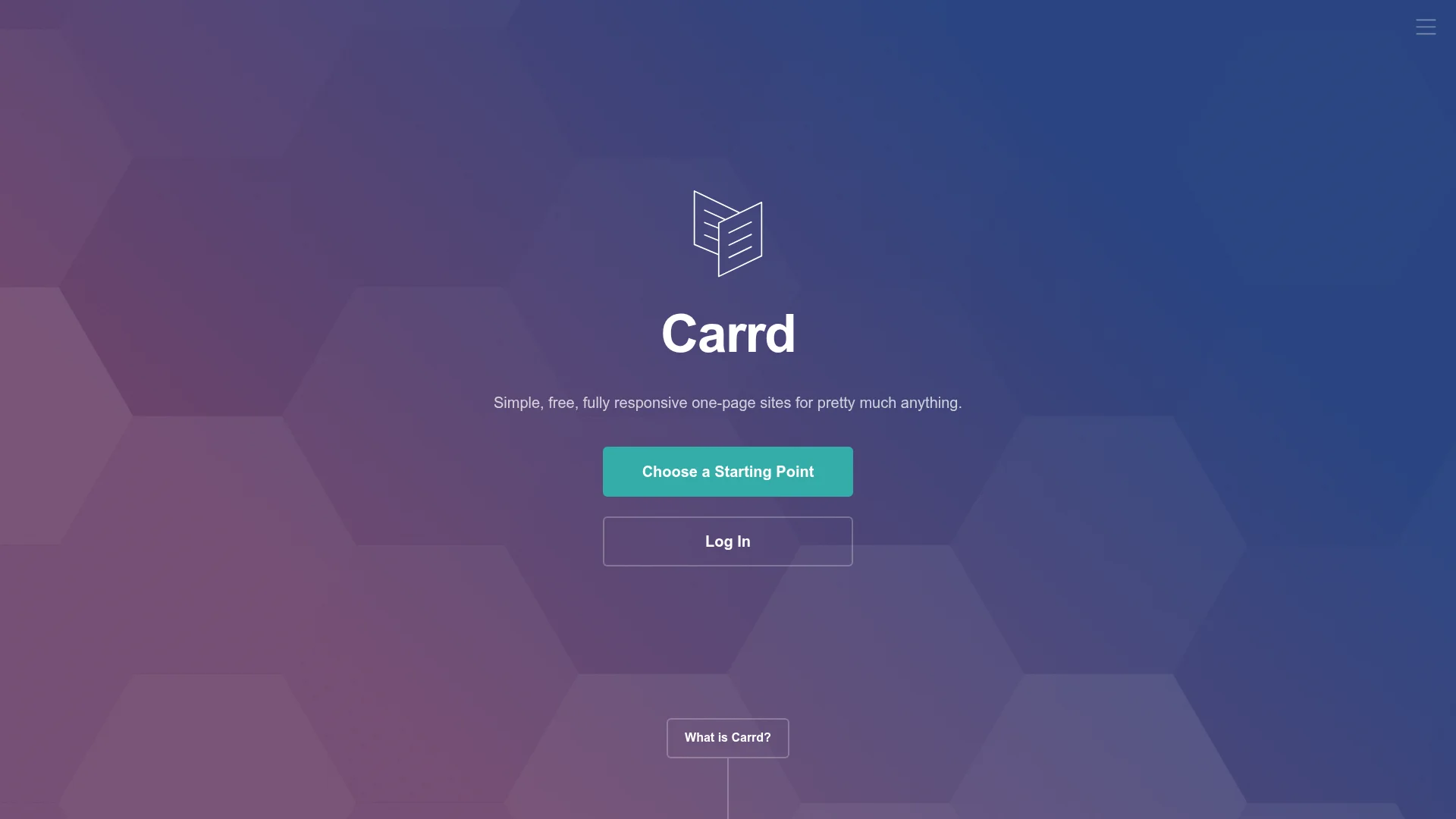
Pricing: Free (3 sites) | Pro Lite ($9/year) | Pro Standard ($19/year) | Pro Plus ($49/year)
Carrd does one thing exceptionally well: single-page sites that load in under 1 second. Perfect for landing pages, portfolios, or simple business cards. The constraint (one-page only) forces clarity. You can't overthink navigation or hide content in subpages.
The editor is deliberately minimal. Sections stack vertically. You add text, images, buttons, forms—that's it. No components, no CMS, no blog. This limitation becomes a feature when you need a site live in 30 minutes. Custom domains, forms, widgets, and analytics unlock at $19/year (vs. Framer's $60/year minimum).
What We Liked
- Ridiculously cheap ($19/year for full features)
- Sub-1-second load times consistently
- Perfect for validation MVPs and simple landing pages
What Could Be Better
- One page only (deal-breaker for multi-page sites)
- Limited design customization vs. Webflow or Framer
Growth Hacker Take: Best tool for testing ideas quickly. Launch a landing page in 30 minutes, collect emails, validate demand. Graduate to Webflow or Framer only after proving traction. We've shipped 20+ MVPs on Carrd.
Carrd Tutorial: Build a Landing Page in 15 Minutes
3. Wix — The Underrated AI Workhorse
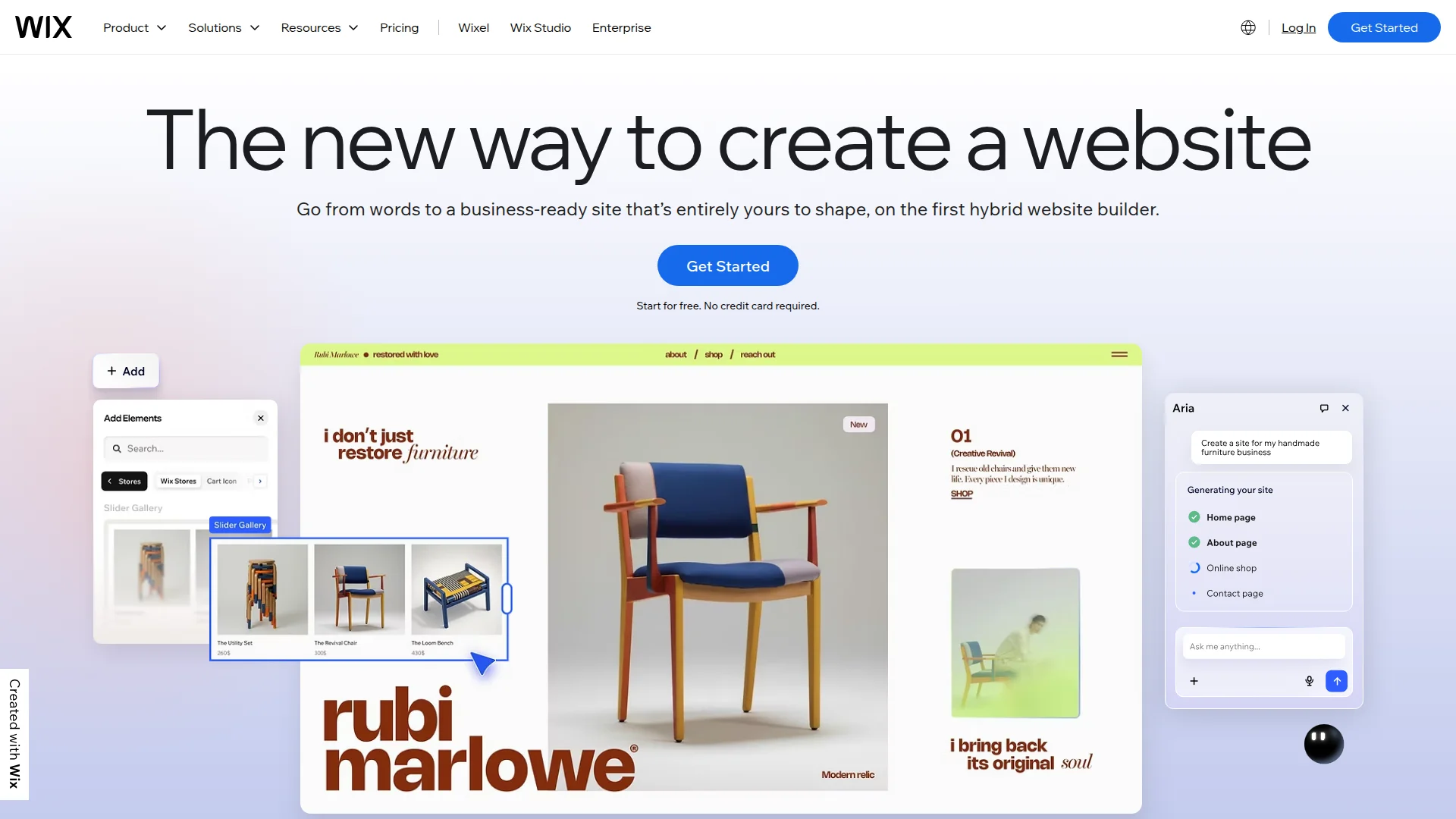
Pricing: Free | Light ($17/month) | Core ($29/month) | Business ($36/month) | Business Elite ($159/month)
Wix gets dismissed as "beginner-friendly" which undersells its 2026 capabilities. The AI Site Builder asks six questions and generates a complete site in 90 seconds. Not templates—actual custom layouts based on your industry and content. The quality shocked us: proper hierarchy, readable typography, sensible CTAs.
The drag-and-drop editor is genuinely flexible now. You're not locked to sections like old Wix. Move elements pixel-perfect anywhere. The app market has 500+ integrations (booking, payments, membership, CRM). E-commerce features rival Shopify basics at a fraction of the cost.
What We Liked
- Free plan actually usable (unlike Webflow's 2-page limit)
- AI site generation legitimately good for starting points
- 500+ apps solve common business needs without custom code
- SEO tools improved significantly (structured data, Core Web Vitals focus)
What Could Be Better
- Less design control than Webflow or Framer for custom interactions
- Wix branding on free plan (removed at $17/month)
Growth Hacker Take: Don't sleep on Wix if you need business features (bookings, payments, memberships) out of the box. The AI builder saves hours of initial layout work. Perfect for service businesses, not SaaS marketing sites.
4. Squarespace — The Template Champion
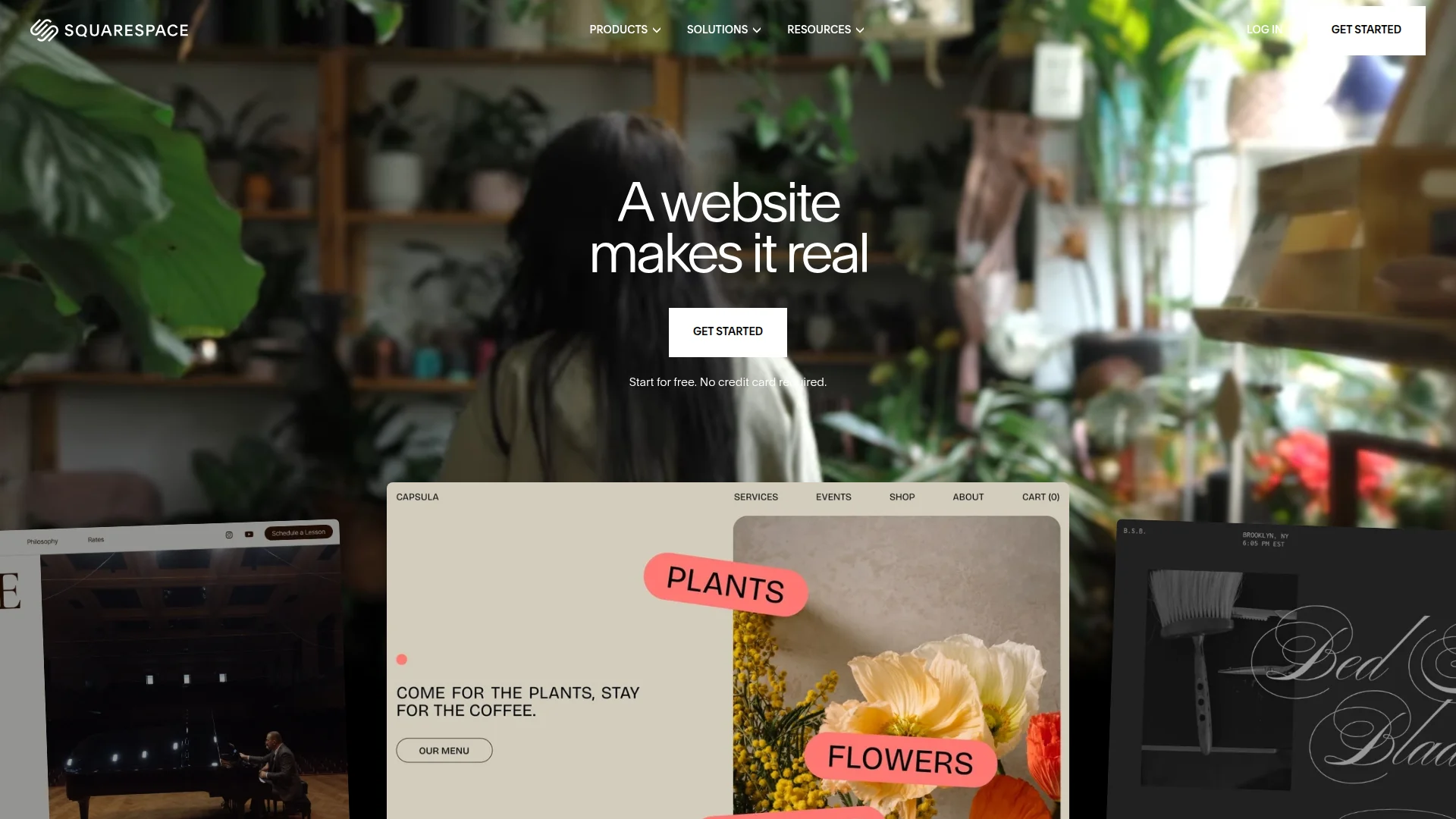
Pricing: Personal ($16/month) | Business ($23/month) | Commerce Basic ($27/month) | Commerce Advanced ($49/month)
Squarespace templates win design awards for a reason. Every template feels crafted by an actual designer who understands spacing, typography, and visual hierarchy. If you value aesthetics over technical flexibility, Squarespace delivers the most beautiful starting points.
The editor strikes a middle ground: more constrained than Webflow, more polished than Wix, simpler than Framer. You customize within guardrails that prevent ugly outcomes. Built-in blogging, portfolios, and basic e-commerce work smoothly. Analytics dashboard covers the essentials without overwhelming.
What We Liked
- Templates are genuinely beautiful (best default aesthetics)
- All-in-one simplicity (hosting, SSL, analytics, domains bundled)
- Strong for portfolios, restaurants, creative services
What Could Be Better
- Limited customization vs. Webflow (can't break template structure easily)
- E-commerce features lag Shopify for serious stores
Growth Hacker Take: Best choice when design taste matters more than technical control. Photographers, designers, restaurants, consultants—anyone selling visual credibility. Not ideal for SaaS marketing sites needing custom interactions.
Squarespace vs Webflow: Which is Better?
5. WordPress — The Infinite Flexibility Option
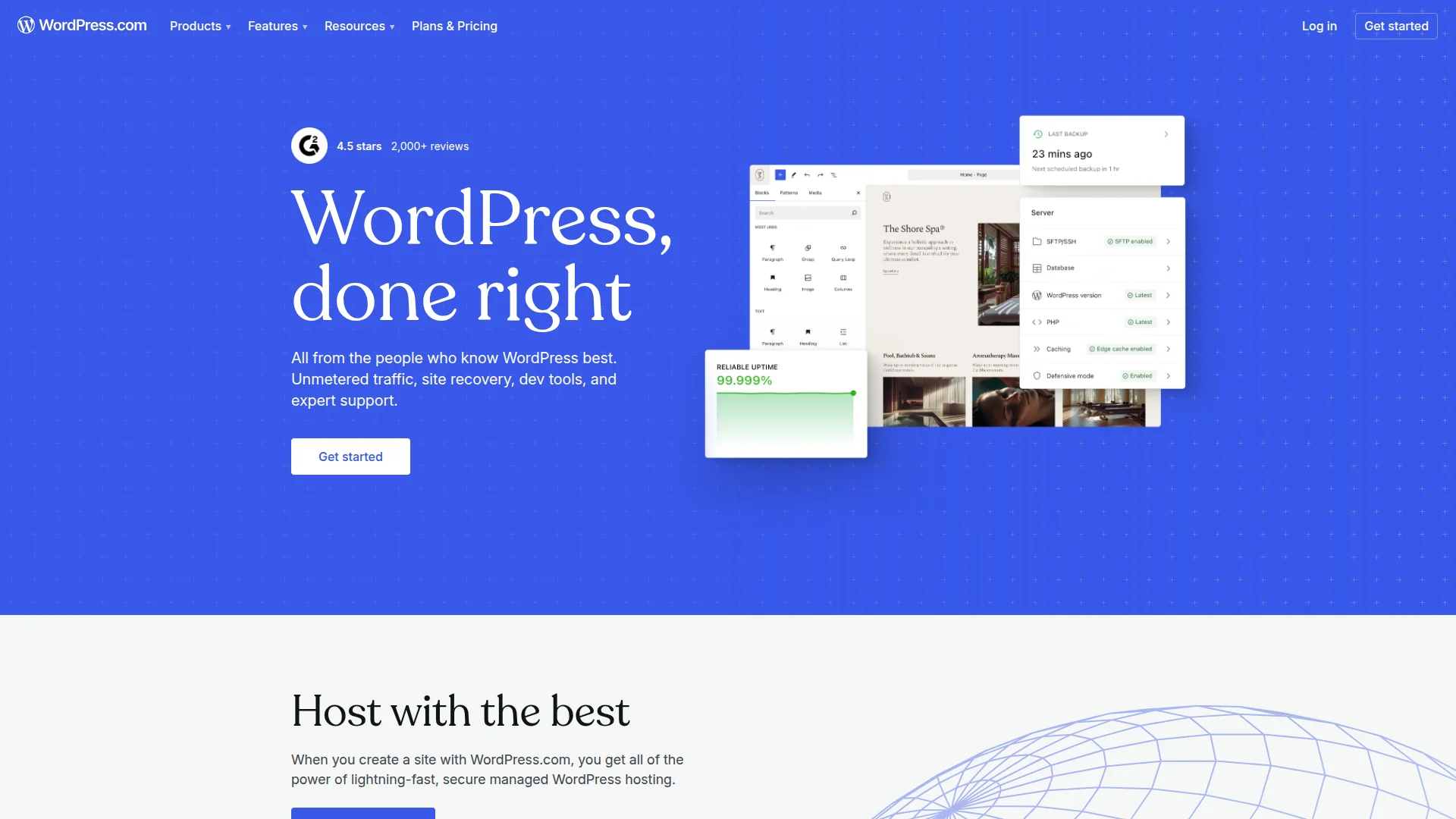
Pricing: Free (self-hosted) | WordPress.com Personal ($4/month) | Premium ($8/month) | Business ($25/month) | Commerce ($45/month)
WordPress powers 43% of all websites because it can do anything—if you're willing to learn. Modern page builders like Elementor, Bricks, and Oxygen approach visual design tools while maintaining full code access. The 60,000+ plugins solve nearly any feature need.
Self-hosting gives complete control. Own your data, customize infinitely, integrate anything. The trade-off is responsibility: you handle updates, security, backups, performance optimization. WordPress.com removes this burden but limits customization until you hit the $25/month Business plan.
What We Liked
- Unlimited customization (if something exists online, WordPress can do it)
- 60K+ plugins solve every edge case
- Best for content-heavy sites (blogging, news, directories)
- True ownership (export everything, move anywhere)
What Could Be Better
- Steep learning curve for self-hosting and maintenance
- Security requires active management (updates, backups, monitoring)
Growth Hacker Take: Choose WordPress when you need features no SaaS builder offers, or when you're building a content empire (thousands of posts). Avoid if you want "set and forget" simplicity—maintenance overhead is real.
6. Super.so — Notion as Your CMS
Pricing: Personal ($16/month) | Team ($29/month) | Agency ($99/month for 10 sites)
If your team already lives in Notion, Super.so feels like magic. Write in Notion, publish instantly as a website. No export, no sync delays—your Notion page IS your website. Updates appear live within seconds. Non-technical team members can edit content without touching a website builder.
Super adds what Notion's native sharing lacks: custom domains, SEO controls, navigation menus, analytics, and faster loading. The design customization is minimal intentionally—you get clean, readable layouts that load fast. Perfect for docs, help centers, simple blogs, and company wikis.
What We Liked
- Zero learning curve if you know Notion
- Team collaboration through familiar Notion interface
- Fast load times (optimized Notion rendering)
What Could Be Better
- Limited design control (trade-off for simplicity)
- Tied to Notion's data structure and limitations
Growth Hacker Take: Brilliant for internal wikis, documentation, or simple blogs when your team already uses Notion. Not suitable for marketing sites needing custom design or complex interactions. We use it for internal docs.
7. Editor X (Wix Studio) — Enterprise Wix
Pricing: Free workspace | Paid plans from $16/month per site
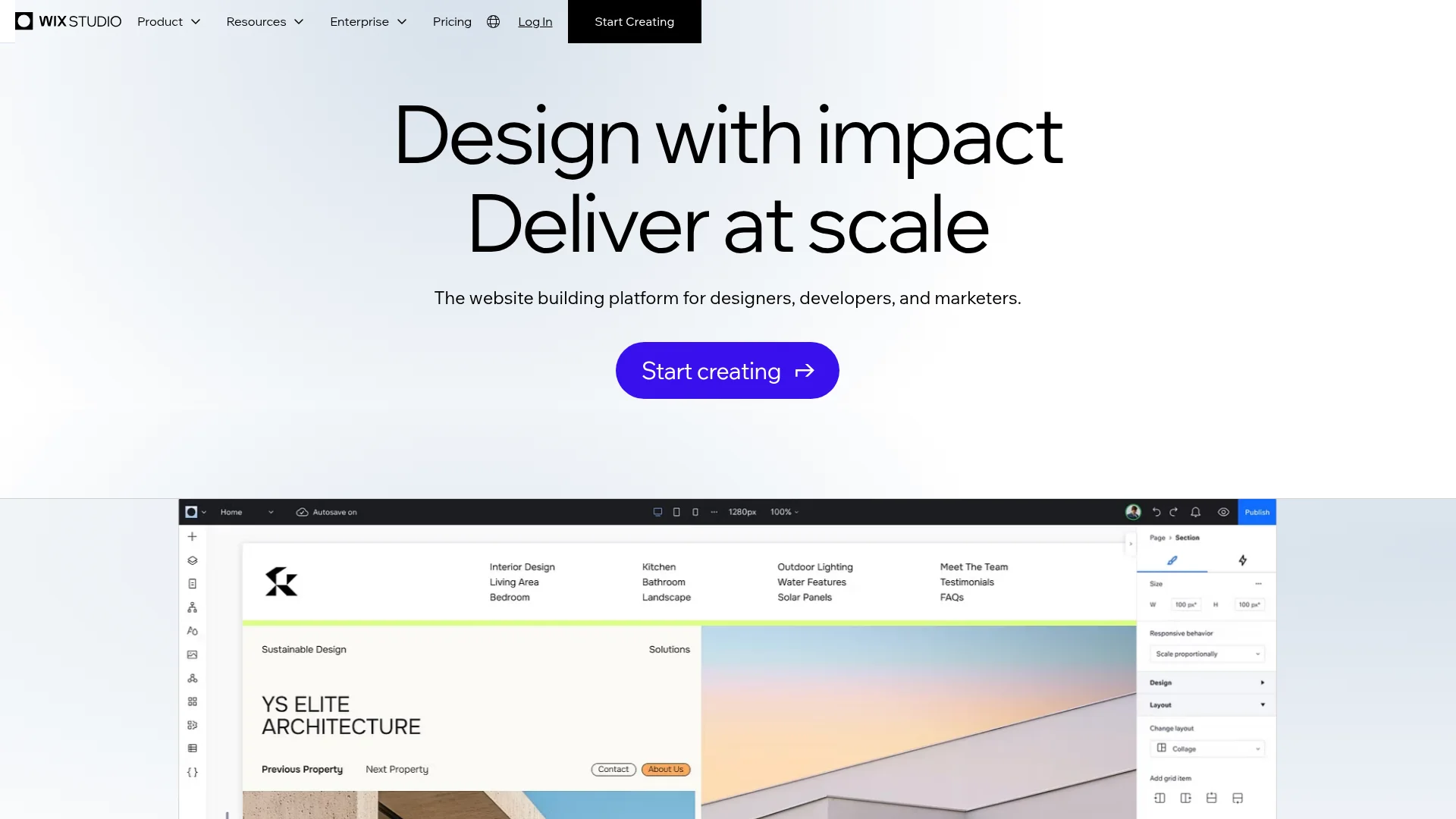
Wix Studio (formerly Editor X) brings CSS-level design control to the Wix ecosystem. Think Webflow's precision with Wix's app ecosystem. You get flexbox and grid controls, breakpoint customization, advanced animations, and code injection. Designed for agencies managing multiple client sites.
The workspace model lets you manage unlimited client sites from one dashboard. Built-in client billing, white-label options, and collaboration tools streamline agency workflows. The learning curve sits between regular Wix (easy) and Webflow (complex).
What We Liked
- Professional design controls (CSS grid, flexbox, custom breakpoints)
- Agency-friendly workspace and billing features
- Access to Wix's 500+ app marketplace
What Could Be Better
- Still carries some Wix limitations vs. pure code solutions
- Smaller community than Webflow for learning resources
Growth Hacker Take: Strong choice for agencies building client sites who want Webflow-level control without leaving the Wix ecosystem. Not worth switching to if you're already proficient in Webflow or Framer.
How to Choose Your Framer Alternative
Your perfect tool depends on your specific needs. Here's how to decide:
- Choose Webflow if you need powerful CMS features, complex layouts, or plan to build 10+ pages. Worth the learning curve for serious sites.
- Choose Carrd if you need a landing page live today. Perfect for MVPs, personal sites, or simple business cards.
- Choose Wix if you want business features (booking, payments, memberships) built-in without plugins or code.
- Choose Squarespace if visual aesthetics matter most and you value beautiful templates over technical flexibility.
- Choose WordPress if you need features no other tool offers, or you're building a content empire with thousands of posts.
- Choose Super.so if your team lives in Notion and you want instant publishing without learning a new tool.
- Choose Wix Studio if you're an agency wanting Webflow-level control within the Wix ecosystem.
FAQ
Is Framer better than Webflow?
Framer wins for quick prototypes and simple sites, but Webflow offers better performance, deeper CMS capabilities, and more design control for complex projects.
What's the cheapest Framer alternative?
Carrd at $19/year for full features, or Wix's free plan for multi-page sites with basic functionality.
Can I migrate from Framer to Webflow?
No direct migration exists—you'll need to rebuild manually. Content exports as JSON from Framer; design must be recreated in Webflow.
Which builder has the best performance?
Carrd loads fastest (sub-1-second), followed by Webflow and WordPress with proper optimization. Framer and Wix are slower on complex sites.
Do I need coding skills for these tools?
No for Carrd, Wix, Squarespace, and Super.so. Some CSS knowledge helps with Webflow and WordPress but isn't required.
Which alternative has the best mobile editing?
Wix offers the most capable mobile app for on-the-go edits. Others require desktop browsers for full functionality.
About the Author
Marco Delvane
Growth Team at Vibe Growth Stack. Tested 100+ growth tools so you don't have to. Writes about what actually works for startups — no fluff, no affiliate bias.
Related Articles
Get growth tips in your inbox
No-BS growth hacks, tool reviews, and best-value picks. Weekly.
Unsubscribe anytime. We hate spam too.