Best Webflow Alternatives 2026: 7 Top Builders
Compare 7 best Webflow alternatives in 2026. Find the right no-code website builder for designers, e-commerce, and fast launches.

Marco Delvane
Growth Team

Key Takeaways
- Best Overall: Framer — $5/site/month, cleanest animations, ideal for designers who want Webflow power without the headaches
- Best for Speed: Readymag — $16/month, launch marketing sites in hours, not weeks
- Best Free Plan: Wix — Actually functional at $0, unlike most "free" tiers that are useless demos
- Best for E-commerce: Shopify — $39/month, no contest if you're selling products (Webflow's e-com is painful)
- Webflow's Real Problem: Not pricing. It's the learning curve + clunky CMS + constant bugs in the designer
Webflow is powerful. Too powerful, actually. You wanted to build a simple landing page and somehow ended up debugging nested flexboxes for 3 hours while your competitor launched on Framer in 20 minutes.
The truth? Webflow's visual designer is incredible when it works. But the learning curve is brutal, the CMS is confusing, and pricing jumps from $14/month to $29/month the moment you need custom code or CMS collections. For agencies managing 10+ client sites, you're suddenly paying $300+/month.
This guide covers 7 Webflow alternatives that actually ship faster. No "revolutionary" claims. Just tools indie hackers and startups are using right now to build sites in 2026.
Quick Comparison: Webflow Alternatives
| Tool | Starting Price | Best For | Free Tier? | VGS Verdict |
|---|---|---|---|---|
| Framer | $5/site/month | Design-focused sites with animations | Yes (2 sites) | Webflow for people who value speed |
| Readymag | $16/month | Marketing sites, portfolios | Yes (limited) | Fastest time-to-launch |
| Wix | Free / $17/month | Small business sites, simplicity | Yes (functional) | Underrated, actually good now |
| Squarespace | $16/month | Creators, visual brands | 14-day trial | Best templates, zero flexibility |
| Shopify | $39/month | E-commerce (any scale) | 3-day trial | E-com king, don't even consider Webflow |
| WordPress | Free (hosting extra) | Content-heavy sites, blogs | Yes | Still unmatched for SEO + plugins |
| Carrd | Free / $19/year | Single-page sites, MVPs | Yes (1 site) | Stupid simple, perfect for testing ideas |
1. Framer — Webflow for Designers Who Actually Ship
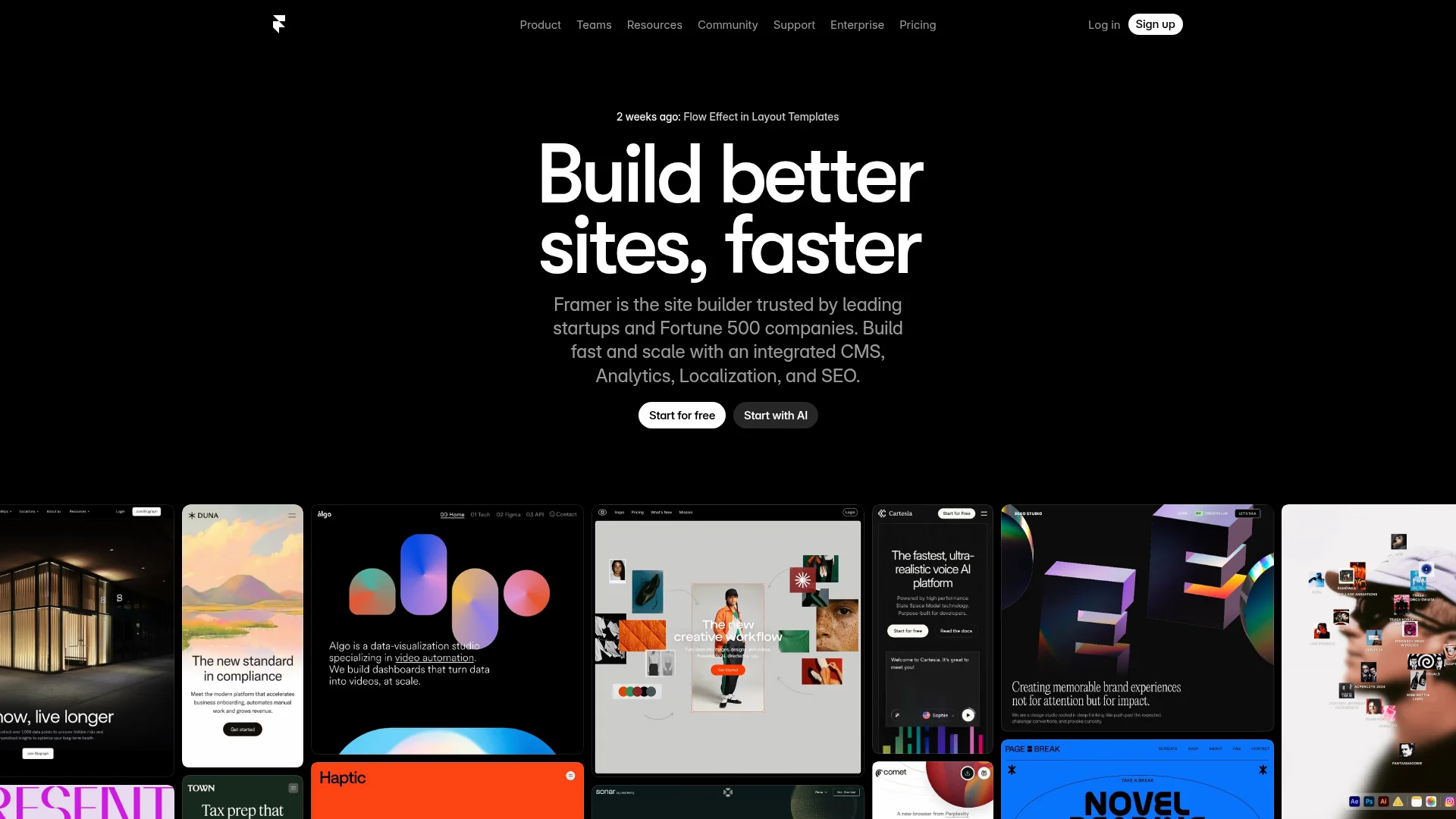
Pricing: Free (2 sites, Framer domain) | Mini ($5/site/month) | Basic ($15/site/month) | Pro ($30/site/month)
Framer feels like Webflow if Webflow cared about user experience. It's a visual builder with professional-grade animations, but you can launch a site in under an hour instead of spending a day fighting CSS grid.
The AI site generator is surprisingly good — drop in your brand colors and content, get a decent starting point. From there, you're editing visually. The component system is cleaner than Webflow's symbols. CMS is simpler (sometimes too simple, but that's usually fine).
Agencies love it because client sites start at $5/month instead of Webflow's $14+ minimum. The template marketplace has genuinely good designs, not the generic garbage most builders offer.
What We Liked
- Animations that look professional without coding (scroll triggers, page transitions, hover states)
- AI site generator creates usable starting points, not random templates
- CMS is intuitive — add fields, connect data, done
- $5/month per site pricing beats Webflow for agencies managing multiple clients
What Could Be Better
- CMS limitations hit fast for complex data structures (no relational fields)
- SEO controls less granular than Webflow (but good enough for 95% of sites)
Growth Hacker Take: If you're choosing between Webflow and Framer, ask: "Do I need complex CMS relationships?" If no, Framer ships 3x faster. We've seen startups launch entire sites in a weekend that would've taken 2 weeks in Webflow.
External Links: Framer Pricing | G2 Reviews (4.6/5)
2. Readymag — Ship Marketing Sites in Hours
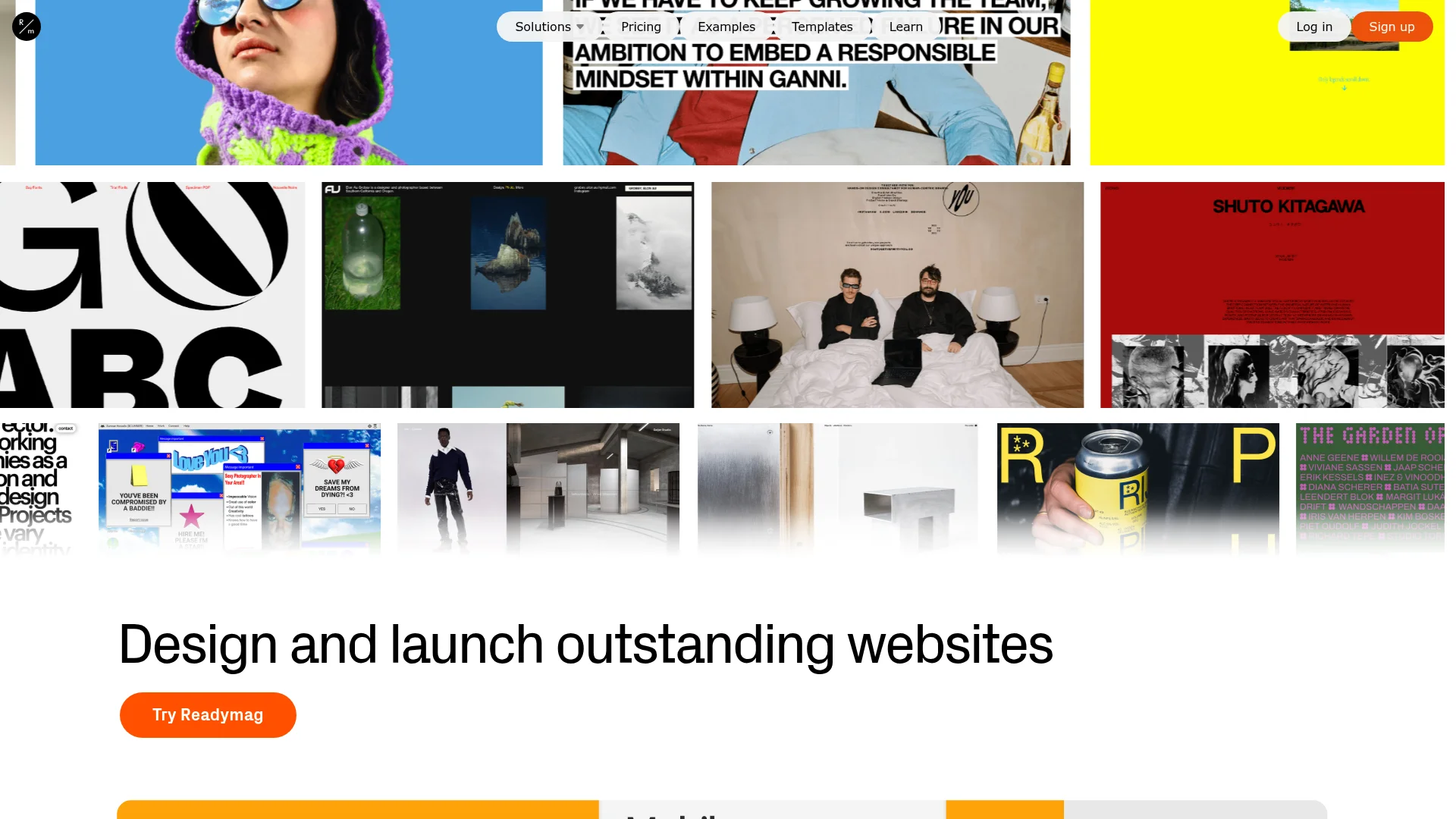
Pricing: Free (Readymag domain) | Personal ($16/month) | Pro ($39/month) | Team ($99/month, 3 users)
Readymag doesn't try to be everything. It's optimized for one thing: launching visually striking marketing sites and portfolios ridiculously fast. Think Webflow's visual control minus 80% of the complexity.
The widget library covers common needs (forms, video embeds, animations) without custom code. You're dragging, dropping, styling — then publishing. No database setup, no CMS collections to configure, no deployment pipeline.
Legitimately good for agencies pitching clients. Build a concept site in 2 hours, show it in the first meeting. If they buy in, you can migrate to something heavier later (or just keep using Readymag because it works).
What We Liked
- Fastest time-to-launch of any builder we tested (seriously, hours not days)
- Widget library covers 90% of common needs without custom code
- Clean export to HTML if you need to migrate later
What Could Be Better
- No CMS — you're building static pages (fine for marketing sites, limiting for blogs)
- SEO features are basic compared to Webflow or WordPress
Growth Hacker Take: Perfect for landing page testing. Launch 5 variations in a day, see what converts, then rebuild the winner in your main stack. We've used it for Product Hunt launches where speed mattered more than features.
External Links: Readymag Pricing | G2 Reviews (4.5/5)
3. Wix — Underrated in 2026
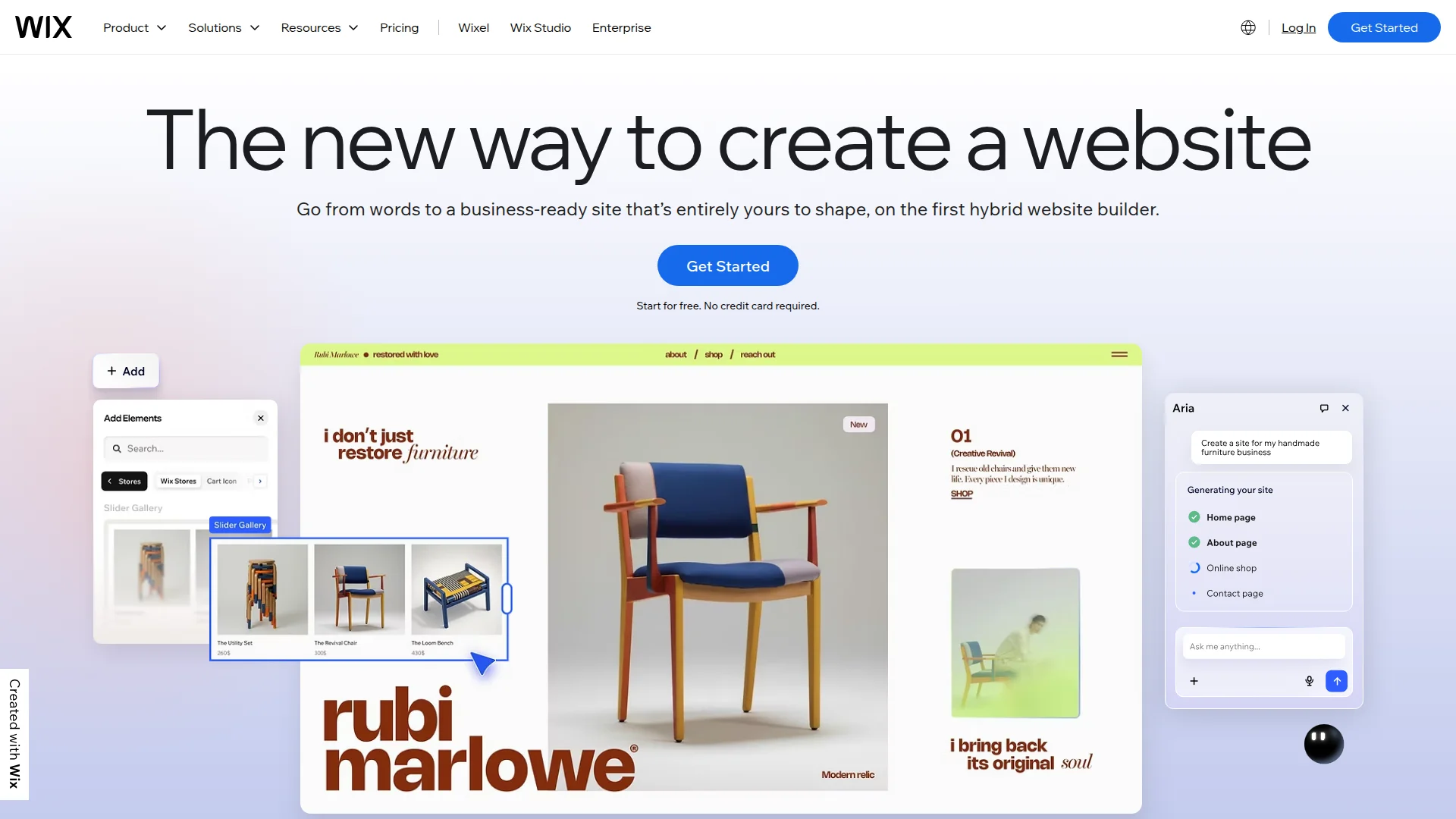
Pricing: Free (Wix ads + domain) | Light ($17/month) | Core ($29/month) | Business ($36/month) | Business Elite ($159/month)
Yes, Wix. Before you skip: they fixed the problems. The 2026 version is legitimately good. Still drag-and-drop simple, but now with advanced features hidden under the hood for when you need them.
The AI builder (Wix ADI) creates surprisingly usable starting points. The App Market has 300+ integrations. SEO tools are actually functional now. And the free tier is one of the only "free" plans that isn't just a useless demo.
Small businesses love it because you can start free, add e-commerce later, scale to $36/month for payment processing. No migration hell, no replatforming drama.
What We Liked
- Free tier actually works (unlike most builders where free = unusable)
- App Market has real integrations (booking, CRM, marketing tools)
- Built-in SEO tools improved massively (title tags, meta descriptions, structured data)
- E-commerce features solid for small stores (inventory, payments, shipping)
What Could Be Better
- Design control still limited vs Webflow (pixel-perfect layouts harder)
- Once you pick a template, switching is painful (rebuild from scratch)
Growth Hacker Take: Don't dismiss it for small business clients. A local service business doesn't need Webflow's complexity — they need booking, payments, and SEO. Wix handles all three without drama. We've seen bakeries outrank competitors using Wix because they focused on content instead of fighting their CMS.
External Links: Wix Pricing | G2 Reviews (4.2/5)
4. Squarespace — Best Templates, Zero Flexibility
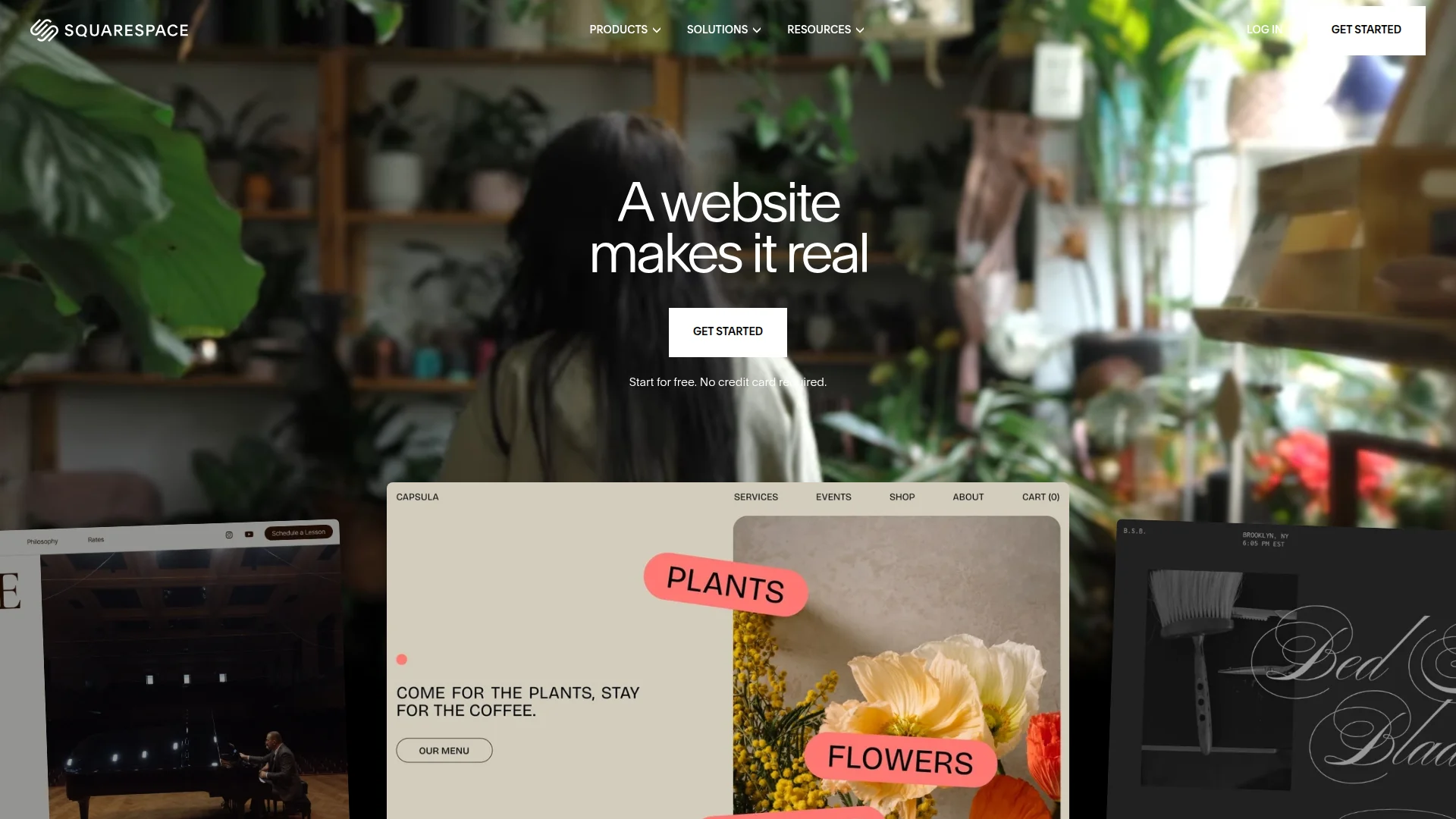
Pricing: Personal ($16/month) | Business ($23/month) | Commerce Basic ($27/month) | Commerce Advanced ($49/month)
Squarespace templates are gorgeous. Actually. The design team understands typography, whitespace, and visual hierarchy. You pick a template, swap your content, done. Site looks professional immediately.
The tradeoff? You're staying inside the lines. Customization exists but it's limited. This works great for photographers, consultants, and creators who want a beautiful site without learning web design. It's terrible if you need unique layouts or complex interactions.
Blogging experience is smooth. E-commerce is decent for small stores. SEO basics are covered. Analytics are built-in. You're paying for polish and simplicity, not power.
What We Liked
- Templates are genuinely beautiful (best out-of-box designs we've seen)
- Blogging experience is intuitive (better than Webflow's CMS for simple blogs)
- All-in-one pricing (hosting, SSL, domain included)
What Could Be Better
- Customization hits walls fast (can't build custom layouts easily)
- Locked into Squarespace ecosystem (migration out is painful)
Growth Hacker Take: Perfect for non-technical founders who want to look professional fast. But if you're running growth experiments (A/B testing landing pages, custom signup flows), you'll outgrow it in 6 months. Use it for your personal brand, not your startup.
External Links: Squarespace Pricing | G2 Reviews (4.4/5)
5. Shopify — E-commerce King (Don't Use Webflow)

Pricing: Starter ($5/month for 3 months, then $39/month) | Basic ($39/month) | Shopify ($105/month) | Advanced ($399/month)
If you're selling products, use Shopify. Webflow's e-commerce exists but it's half-baked. Shopify handles inventory, payments, shipping, taxes, abandoned cart recovery — everything that matters for actually running a store.
The theme marketplace has thousands of options. You can customize extensively or stay stock. Apps extend functionality infinitely (email marketing, upsells, reviews, subscriptions). The checkout is optimized for conversions because Shopify processes billions in transactions.
Drawback? You're not building a "website" — you're building a store. For content marketing or complex pages outside the store, you'll bolt on a separate blog or use Shopify's basic pages (which are limited).
What We Liked
- E-commerce features actually work (inventory, shipping, taxes, payments)
- App ecosystem solves everything (8,000+ apps for any feature you need)
- Checkout optimization is world-class (Shopify optimizes billions in GMV)
- Scales from $39/month side hustle to $10M+ businesses
What Could Be Better
- Content marketing features weak (blog is basic, pages are limited)
- Transaction fees on Basic plan (2% unless you use Shopify Payments)
Growth Hacker Take: We've never seen a startup succeed with Webflow e-commerce. Everyone who tries eventually migrates to Shopify. Save yourself the pain. If you're selling physical or digital products, start here. Use Ghost for your blog and Shopify for the store.
External Links: Shopify Pricing | G2 Reviews (4.4/5)
6. WordPress — Still SEO King
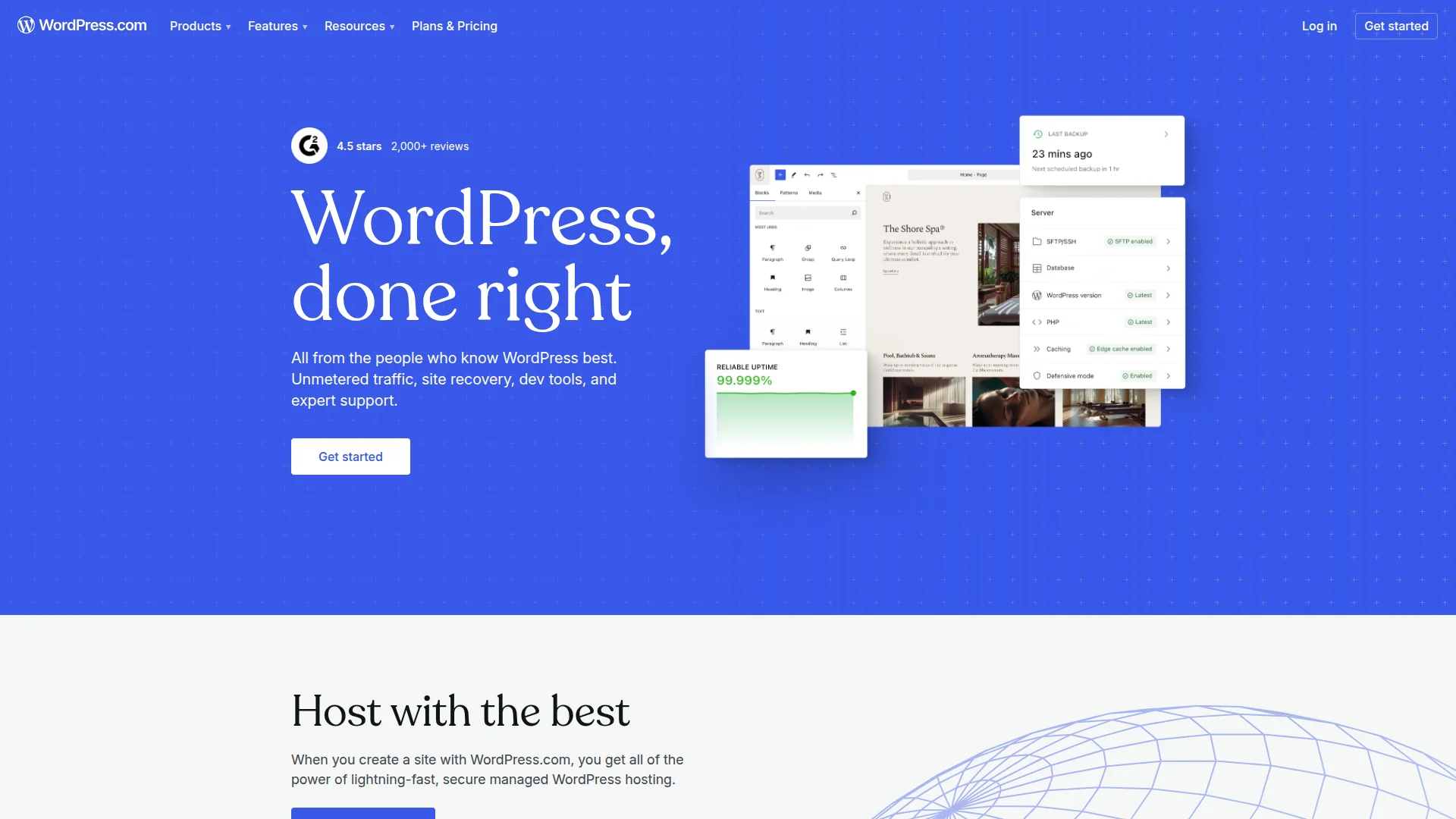
Pricing: Free (self-hosted, hosting costs $5-50/month) | WordPress.com plans from $4/month
WordPress runs 43% of the internet. Not because it's trendy — because it works. For content-heavy sites, blogs, or anything SEO-critical, WordPress is still unmatched. The plugin ecosystem has a solution for literally everything.
Modern page builders (Elementor, Oxygen, Bricks) make WordPress visual like Webflow. Yoast and Rank Math give you granular SEO control. WooCommerce handles e-commerce. Advanced Custom Fields lets you build complex data structures.
Downside? It feels dated. Security requires maintenance. Updates break things occasionally. But if you need 100% control and SEO priority, WordPress delivers.
What We Liked
- SEO control is unmatched (Yoast, Rank Math, schema, sitemaps)
- Plugin ecosystem solves everything (60,000+ plugins)
- True ownership (self-hosted, export anytime, no lock-in)
What Could Be Better
- Maintenance required (updates, security, backups)
- Default experience feels dated vs modern builders
Growth Hacker Take: If your growth model depends on SEO traffic, use WordPress. We've seen SaaS companies generate $50K/month from organic search using WordPress + Yoast. Webflow's SEO is good, WordPress is better. Choose accordingly.
External Links: WordPress.org | WordPress.com Pricing
7. Carrd — Perfect for Single-Page MVPs
Pricing: Free (1 site, Carrd domain) | Pro Lite ($9/year) | Pro Standard ($19/year) | Pro Plus ($49/year)
Carrd does one thing: single-page sites. Landing pages. Coming soon pages. Personal portfolios. Link-in-bio pages. That's it. And it's perfect for that.
You build a site in 30 minutes. The limitations force simplicity. You can't overthink the design because options are limited. Great for testing ideas before building something bigger.
The pricing is absurdly cheap — $19/year for unlimited sites. Indie hackers love it for launching MVPs, side projects, and "let's see if anyone cares" ideas.
What We Liked
- Fastest builder to ship anything (literally 15-30 minutes start-to-publish)
- $19/year for unlimited sites is insane value
- Limitations force focus (can't overcomplicate because features don't exist)
What Could Be Better
- Single-page only (no multi-page sites without workarounds)
- Pro features locked behind yearly plans (no monthly option)
Growth Hacker Take: Use this for idea validation. Build your landing page in an hour, set up a waitlist form, drive traffic. If people sign up, rebuild in Framer or Webflow. If they don't, you saved 40 hours. We've launched 10+ side projects on Carrd before committing to real development.
External Links: Carrd Pricing | Product Hunt Reviews
How to Choose Your Webflow Alternative
Your use case matters more than features. Here's the decision tree:
- Choose Framer if: You're a designer or agency wanting Webflow's power without the complexity. You value speed and modern UX.
- Choose Readymag if: You need to ship a marketing site or portfolio this week. Speed trumps features.
- Choose Wix if: You're a small business owner who wants simple, functional, and affordable. E-commerce optional.
- Choose Squarespace if: You're a creator who wants a beautiful site immediately and won't customize much.
- Choose Shopify if: You're selling products. Period. Don't even consider Webflow for e-commerce.
- Choose WordPress if: Your growth depends on SEO. You want full control and don't mind maintenance.
- Choose Carrd if: You're testing an MVP or need a single-page site in under an hour.
Still using Webflow? It's fine if you already know it. But if you're starting fresh in 2026, consider whether you need its complexity. Most startups don't.
Framer Tutorial
Readymag Tutorial
Wix Tutorial
Squarespace Tutorial
FAQ
Is Framer easier to learn than Webflow?
Yes. Most designers ship their first Framer site in hours vs days/weeks for Webflow's learning curve.
Can I migrate from Webflow to these alternatives?
Partially. You'll need to rebuild designs, but you can export content and assets. Migration is easier to WordPress or Framer than Wix/Squarespace.
Which builder has the best free plan?
Wix. Unlike most "free" plans that are demos, Wix Free is actually functional with Wix branding.
Do these alternatives support custom code?
Framer (React components), WordPress (full control), Wix (Velo for JavaScript). Squarespace and Carrd are limited.
Which is best for SEO?
WordPress with Yoast or Rank Math. Then Webflow and Framer. Wix improved but still behind. Carrd and Readymag are basic.
Can I build membership sites with these tools?
WordPress (MemberPress, Restrict Content Pro), Wix (Member Area), Squarespace (Member Areas). Framer and Carrd don't support memberships natively.
About the Author
Marco Delvane
Growth Team at Vibe Growth Stack. Tested 100+ growth tools so you don't have to. Writes about what actually works for startups — no fluff, no affiliate bias.
Related Articles
Get growth tips in your inbox
No-BS growth hacks, tool reviews, and best-value picks. Weekly.
Unsubscribe anytime. We hate spam too.