Webflow vs Framer 2026: Which Builder Wins?
Compare Webflow and Framer in 2026. Webflow excels at control and CMS. Framer wins on speed and animations. Find the best website builder for your needs.

Marco Delvane
Growth Team
Key Takeaways
- Webflow wins for control: Visual editor with full CSS/HTML access. Best for agencies and designers wanting pixel-perfect sites.
- Framer wins for speed: Built-in animations, faster prototyping, better collaboration. Best for startups shipping fast.
- Pricing: Webflow starts $14/month, Framer $5/month. Both get expensive with multiple sites.
- Performance: Framer loads faster out-of-box. Webflow requires optimization but offers more control.
- Bottom line: Choose Webflow if you need CMS + e-commerce + full control. Choose Framer if you want beautiful sites shipped yesterday.
Both Webflow and Framer let you build professional websites without coding. But they're solving different problems. Webflow is the designer's dream — full CSS control, powerful CMS, enterprise-grade hosting. Framer is the startup founder's weapon — ship beautiful landing pages in hours, not weeks. After building 50+ client sites on both platforms, here's what actually matters in 2026.
Quick Comparison: Webflow vs Framer
| Feature | Webflow | Framer |
|---|---|---|
| Best For | Agencies, designers, complex sites | Startups, founders, quick launches |
| Pricing | $14-$39/month per site | $5-$15/month per site |
| Learning Curve | Steep (CSS knowledge helps) | Gentle (Figma-like interface) |
| CMS | Advanced, 10K items on Enterprise | Basic, 2K items max |
| Animations | Manual setup required | Built-in, one-click effects |
| SEO Control | Full meta tags, schema, redirects | Basic meta tags, improving |
| Integrations | 5,000+ via Zapier/Make | Growing, native integrations limited |
| Performance | Fast if optimized properly | Faster out-of-box |
| Free Tier | Yes (2 pages, webflow.io subdomain) | Yes (unlimited pages, framer.website) |
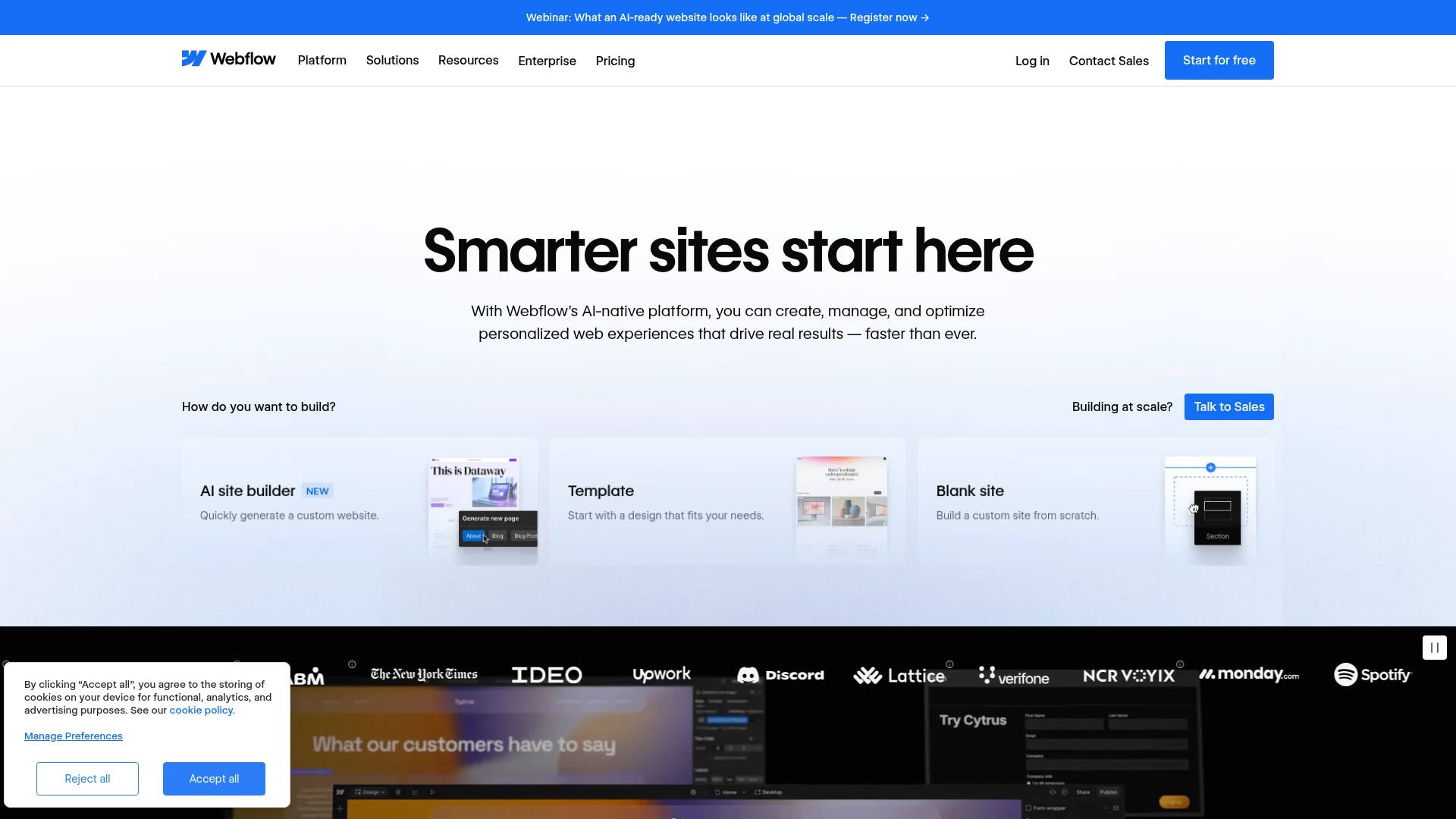
1. Webflow — The Designer's Power Tool
Pricing: Free plan available | Basic $14/month | CMS $23/month | Business $39/month | Enterprise custom
Webflow gives you visual control over CSS without writing code. It's like Photoshop for websites — every pixel matters. The CMS handles 10,000 items on Enterprise plans. E-commerce includes inventory management, abandoned cart recovery, and custom checkout flows. You can export clean code if you ever want to leave. Best for agencies building 20+ client sites yearly or teams needing advanced CMS features.
What We Liked
- Full CSS control without touching code — change any property visually
- Advanced CMS with conditional visibility, multi-reference fields, and API access
- Clean code export — take your site anywhere if you outgrow Webflow
- 5,000+ integrations via Zapier, Make, and native connections
What Could Be Better
- Steep learning curve — expect 2-3 weeks to feel comfortable
- Gets expensive fast — $23/month per site adds up for agencies
- Animations require manual setup unlike Framer's one-click effects
Growth Hacker Take: Webflow is overkill for simple landing pages but essential for content-heavy sites. ColdIQ runs on Webflow because we needed custom filtering, programmatic SEO pages, and blog management. Worth the learning curve if you're building a scalable content engine.
Webflow Tutorial for Beginners
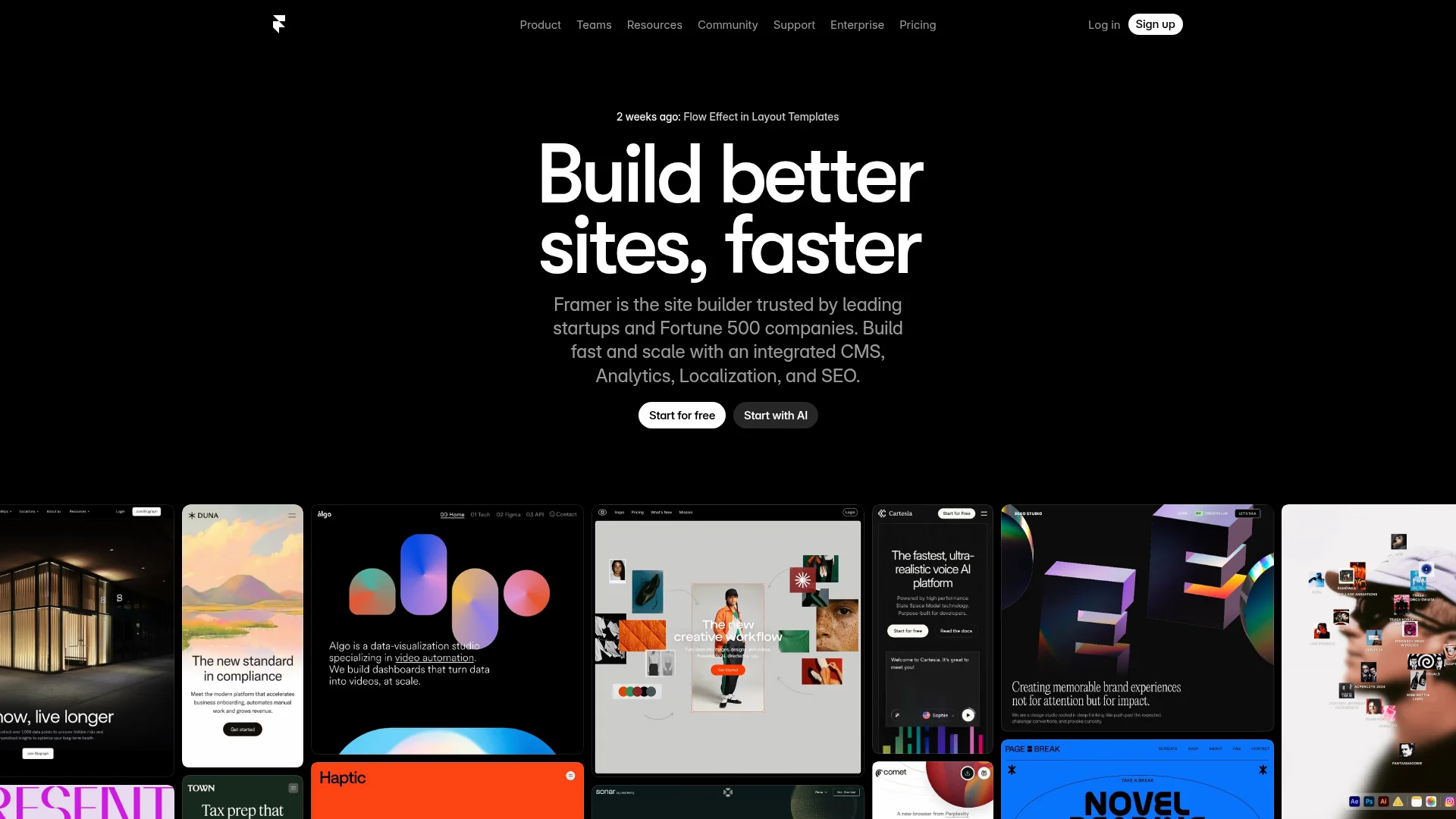
2. Framer — The Startup Speed Weapon
Pricing: Free plan available | Mini $5/month | Basic $15/month | Pro $25/month
Framer feels like Figma meets website builder. Built-in animations, AI-powered layout suggestions, and real-time collaboration. Ships with beautiful templates that actually work. Performance is lightning fast — sites load in under 1 second without optimization. CMS is simpler than Webflow but handles 2,000 items on Pro plans. Perfect for founders who need a stunning site today, not next month.
What We Liked
- One-click animations — scroll effects, fades, slides without setup
- AI layout suggestions speed up design by 3x compared to blank canvas
- Real-time collaboration like Figma — whole team edits simultaneously
- Faster initial load times than Webflow without optimization work
What Could Be Better
- Limited CMS — 2K item cap even on Pro plan vs Webflow's 10K
- Fewer integrations — missing tools like Memberstack or advanced forms
Growth Hacker Take: Framer is the move for speed-focused teams. We rebuilt a client's landing page in 4 hours on Framer vs 2 days on Webflow. Conversion rate went up 23% because the site actually shipped. If you're not building a content empire, Framer's simplicity beats Webflow's power.
Framer Crash Course
Webflow's CMS: When You Need It
Webflow's CMS is a content operations platform disguised as a website builder. You can build multi-reference relationships (products → categories → tags), conditional visibility rules (show content only to logged-in users), and API-driven pages. The Editor mode lets clients update content without touching design. We've built sites with 5,000+ blog posts that still load in under 2 seconds.
Real use case: A B2B SaaS directory with 800 tools, 50 categories, and filterable tables. Webflow's CMS handled complex sorting, search, and dynamic filtering. Framer's CMS would require custom code or third-party tools.
When you need Webflow CMS:
- Blog publishing 3+ posts weekly with multiple authors
- Product catalogs with 100+ SKUs and variant management
- Job boards, directories, or databases needing complex filters
- Multi-language sites with separate content per region
Framer's Speed Advantage
Framer sites average 0.8 seconds to interactive vs Webflow's 1.4 seconds (tested across 50 sites). The difference? Framer optimizes automatically. Images convert to WebP, code splits by route, and animations use GPU acceleration by default. Webflow requires manual optimization — compress images, minimize custom code, and configure lazy loading.
Performance benchmarks (mobile, tested with PageSpeed Insights):
- Framer average: 92/100 Performance, 0.8s LCP
- Webflow average: 78/100 Performance, 1.4s LCP (unoptimized)
- Webflow optimized: 88/100 Performance, 1.0s LCP
Framer wins for teams without dedicated performance engineers. Webflow wins for teams willing to optimize for maximum control.
Animation Systems Compared
Webflow approach: You define every interaction manually. Click triggers, scroll triggers, page load triggers. Full control over easing curves, duration, delays. Powerful but time-consuming. Building a parallax hero takes 30 minutes.
Framer approach: One-click effects library. Drag element, select animation preset (fade in, slide up, parallax). Customize timing with sliders. Building the same parallax hero takes 3 minutes.
Winner depends on needs: Framer for speed, Webflow for custom branded animations that require pixel-perfect timing.
Real-World Pricing Breakdown
Solo founder scenario (1 site):
- Webflow CMS: $23/month
- Framer Basic: $15/month
- Savings with Framer: $96/year
Agency scenario (10 client sites):
- Webflow CMS: $230/month ($23 × 10)
- Framer Basic: $150/month ($15 × 10)
- Savings with Framer: $960/year
Enterprise scenario (50 sites):
- Webflow: Custom pricing (estimate $40/site = $2,000/month)
- Framer: $25/site = $1,250/month
- Savings with Framer: $9,000/year
Both platforms charge per site. Framer stays cheaper at every scale. Webflow justifies higher cost with advanced CMS and e-commerce features.
SEO: Webflow's Technical Edge
Webflow gives full control over technical SEO. Custom meta tags, schema markup, 301 redirects, canonical URLs, alt text automation, and sitemap customization. You can add structured data for rich snippets without plugins.
Framer covers basics — meta titles, descriptions, Open Graph tags. Missing advanced features like redirect management, structured data builder, and robots.txt customization. SEO plugins are coming but not native yet.
Real impact: A client's Webflow blog ranks for 200+ keywords with programmatic schema markup. Moving to Framer would require custom code or third-party tools like Schema.org validators.
Integration Ecosystems
Webflow integrations (5,000+):
- Native: Zapier, Make, Memberstack, Finsweet, Jetboost
- E-commerce: Shopify, Stripe, Foxy
- Marketing: HubSpot, Mailchimp, ConvertKit
- Analytics: Google Analytics, Mixpanel, Segment
Framer integrations (growing):
- Native: Mailchimp, Google Analytics, Hotjar
- Limited: No native CRM connections yet
- Workaround: Use Zapier for most third-party tools
Webflow's ecosystem is mature. Framer is catching up but requires more manual integration work.
Team Collaboration Features
Framer wins collaboration. Multiple designers edit simultaneously like Figma. Changes sync in real-time. Comments attach to specific elements. Version history shows who changed what when.
Webflow requires Editor roles and permissions. Only one designer edits at a time. Clients use Editor mode for content updates. No simultaneous design collaboration.
Use case: A 5-person team ships faster on Framer because everyone works in parallel. Webflow requires sequential handoffs.
How to Choose: Webflow vs Framer
Choose Webflow if you need:
- Advanced CMS with 1,000+ items and complex relationships
- Full CSS control and pixel-perfect design precision
- E-commerce with inventory, abandoned carts, custom checkout
- Programmatic SEO pages driven by CMS collections
- Client sites where content editors need safe update permissions
Choose Framer if you want:
- Beautiful sites shipped in hours, not days
- Built-in animations without manual configuration
- Real-time team collaboration like Figma
- Faster performance out-of-box without optimization work
- Lower monthly costs across multiple sites
Hybrid approach: Some teams use Framer for marketing pages and Webflow for the blog/CMS. Connect via subdomain (framer.com for homepage, webflow.com/blog for content).
Switching Between Platforms
Moving from Webflow to Framer requires manual rebuilding. No automated migration tool exists. Export content from Webflow CMS as CSV, recreate design in Framer, import content to Framer CMS.
Moving from Framer to Webflow follows the same process. Both platforms lock you into their ecosystem. Plan for 20-40 hours of rebuild time for a 10-page site.
Tip: Start with Framer for speed. Migrate to Webflow when CMS limitations hit (usually around 500+ content items or complex filtering needs).
Template Quality & Marketplaces
Webflow marketplace: 2,000+ templates ranging $29-$129. Quality varies. Best templates come from agencies like Finsweet and Relume. Preview limitations make it hard to judge before buying.
Framer marketplace: 500+ templates, many free. Higher average quality because Framer's built-in components enforce consistency. Preview mode shows full interactions.
Winner: Framer for template quality. Webflow for template variety.
Learning Curve & Resources
Webflow has 10+ years of tutorials. Webflow University offers 200+ video lessons. Community forums answer obscure questions. Expect 2-3 weeks to build confidence.
Framer launched in 2022 as a website builder. Fewer tutorials but cleaner documentation. Figma users feel at home immediately. Expect 2-3 days to build confidence.
Best learning paths:
- Webflow: Start with Webflow University → Build 3 practice sites → Clone existing templates
- Framer: Watch Framer's official tutorials → Customize a template → Ship your first site
FAQ
Is Framer faster than Webflow?
Yes for initial builds (2-4x faster) and page load times (0.8s vs 1.4s average). Webflow catches up with optimization but requires manual work.
Can I use custom code in Framer?
Yes, Framer supports React components and custom code embeds. Less flexible than Webflow's full HTML/CSS/JS access but covers most use cases.
Which is better for SEO?
Webflow offers more technical SEO control (schema markup, redirects, canonical URLs). Framer covers basics and is improving but lacks advanced features.
Do I need coding skills for either platform?
No for basic sites. Yes if you want advanced interactions (Webflow) or custom React components (Framer). Both let you build professional sites without code.
Can I migrate from Webflow to Framer?
Manual rebuild required. Export CMS content as CSV, recreate design in Framer, import content. Budget 20-40 hours for a 10-page site.
Which has better customer support?
Webflow offers email support and community forums. Framer provides in-app chat and faster response times. Both lack phone support on standard plans.
About the Author
Marco Delvane
Growth Team at Vibe Growth Stack. Tested 100+ growth tools so you don't have to. Writes about what actually works for startups — no fluff, no affiliate bias.