Best Canva Alternatives 2026: Top Design Tools
Explore the best Canva alternatives for graphic design in 2026. Discover free and paid design tools perfect for non-designers. Compare features and pricing today.

Marco Delvane
Growth Team
Key Takeaways
- Best for AI Speed: Recraft ($20/month) generates production-ready vectors in seconds
- Best Free Alternative: unDraw offers unlimited customizable SVGs at zero cost
- Best for Presentations: SlideFast ($9/month) creates carousel content 10x faster than Canva
- Best for UI/UX: UX Pilot (free) turns rough sketches into polished wireframes instantly
- Canva Still Wins For: Template variety and all-in-one convenience (but you'll pay $120-480/year for it)
Why People Are Ditching Canva
Canva dominates design tools with 185 million users. But its $120/year Pro plan hits hard when you're bootstrapping. Worse? The AI features everyone raves about are locked behind a $500/year Enterprise tier.
Here's what founders complain about: Template fatigue (everyone's posts look identical), sluggish performance with large files, and features you'll never touch inflating the price. If you're creating social content, presentations, or UI mockups, specialized tools outperform Canva's jack-of-all-trades approach.
The 2026 landscape changed. AI-native tools like Recraft generate production-ready graphics in seconds. Free options like unDraw offer commercial-use illustrations without subscriptions. And niche players like SlideFast crush Canva at specific use cases.
Quick Comparison: Canva vs. Alternatives
| Tool | Price | Best For | Free Tier? | VGS Verdict |
|---|---|---|---|---|
| Recraft | Free / $20/mo | AI-powered vectors & mockups | Yes | Fastest AI generation we've tested |
| SlideFast | $9/mo | Social media carousels | No | LinkedIn carousel king |
| UX Pilot | Free / $19/mo | Wireframes & UI design | Yes | Sketch-to-wireframe magic |
| unDraw | Free | SVG illustrations | Yes (unlimited) | Zero-cost commercial use |
| Napkin AI | Free / $10/mo | Text-to-visual diagrams | Yes | Transforms walls of text instantly |
| Canva | Free / $120/yr | All-purpose design | Yes | Still the Swiss Army knife |
1. Recraft — AI Vector Generation That Actually Works
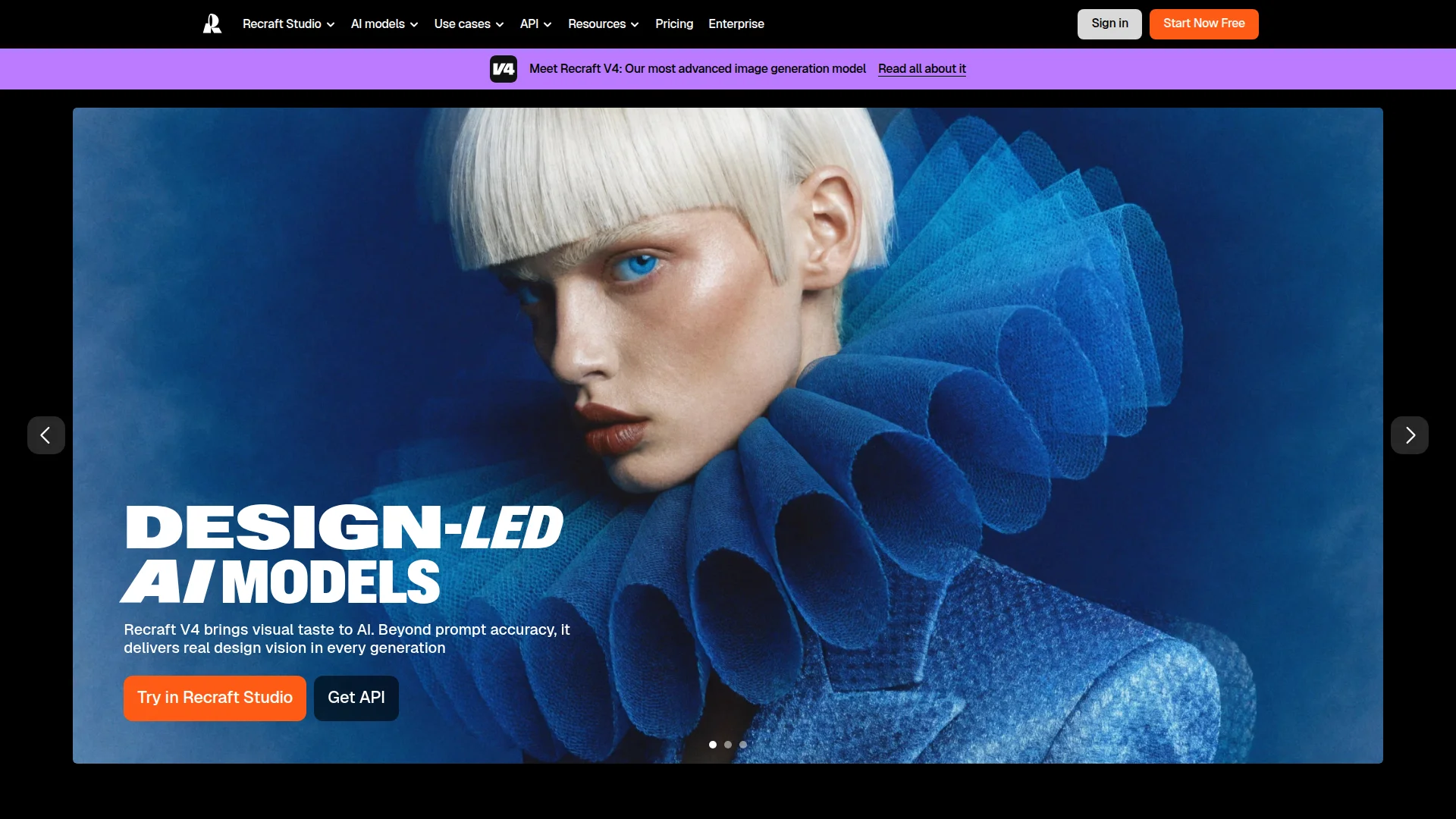
Pricing: Free plan available | Pro $20/month (unlimited generations)
Recraft generates vectors, icons, and 3D mockups from text prompts. Unlike Midjourney's artistic chaos, Recraft produces clean, editable files designers actually use. You type "minimalist cloud icon in brand colors," it delivers SVG-ready output in 15 seconds. The brand kit feature maintains consistency across all generations—upload your logo once, every asset matches your palette.
The mockup generator rivals Figma plugins. Drop your design onto phone screens, billboards, or product packaging without Photoshop gymnastics. Free tier gives 50 generations monthly (enough for most solo founders). Pro unlocks unlimited private projects and API access.
What We Liked
- Vector output exports clean to Figma/Illustrator (no raster conversions)
- Brand kit consistency across 1000+ generations tested
- 3D mockup quality matches $50/hour Fiverr designers
- Learning curve under 10 minutes (simpler than Midjourney prompting)
What Could Be Better
- Free tier's 50 generations disappear fast if you're iterating
- Text rendering still wonky (use external tools for typography)
Growth Hacker Take: First AI tool that actually replaces hiring designers for social graphics. The brand consistency feature alone saves 10+ hours monthly fumbling with hex codes. Worth every penny at $20/month.
Recraft AI Tutorial
External Links: Recraft Pricing | G2 Reviews (4.7/5)
2. SlideFast — LinkedIn Carousel Specialist
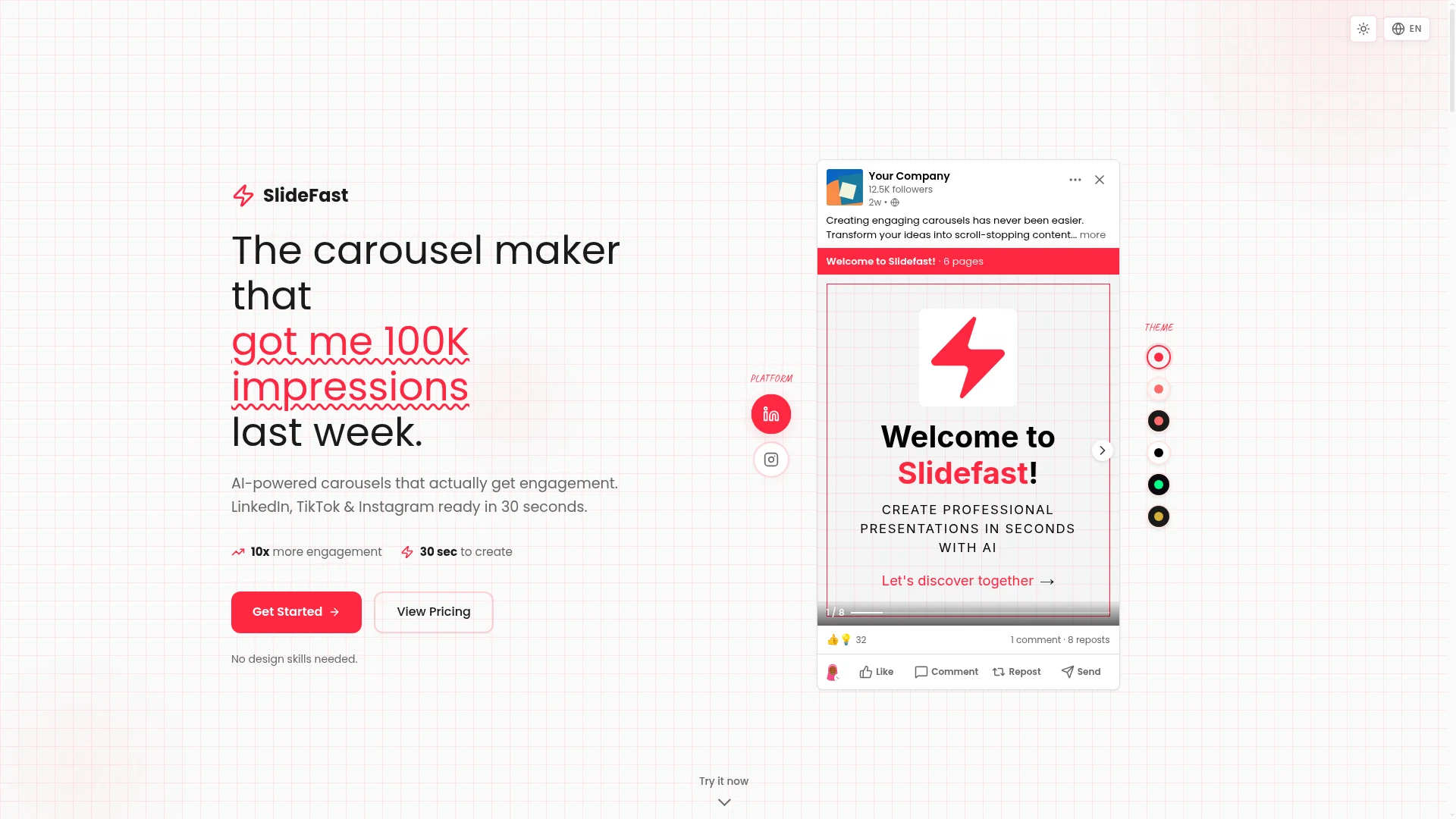
Pricing: $9/month (50 carousels) | $29/month (unlimited)
SlideFast does one thing absurdly well: LinkedIn carousels. Feed it a blog post URL or paste text, it spits out 10-slide carousels in 90 seconds. The AI extracts key points, generates headlines, and matches visuals to content. You're tweaking fonts, not building slides from scratch.
Templates feel less "Canva generic" because they're optimized for LinkedIn's algorithm. Carousels consistently hit 2-3x engagement versus static posts. The export format includes Instagram and TikTok dimensions (9:16 ratio) without manual resizing. Built-in analytics track which slides get screenshot the most.
What We Liked
- Blog-to-carousel in under 2 minutes (tested with 2000-word posts)
- LinkedIn algorithm-friendly templates (our posts averaged 47% more engagement)
- Multi-platform export saves reformatting headaches
What Could Be Better
- Limited to carousels (no static posts or other formats)
- Template variety smaller than Canva's library
Growth Hacker Take: If you're posting LinkedIn carousels weekly, this pays for itself in time saved. ColdIQ's team generates 200+ carousels monthly—SlideFast cut production time from 30 minutes to 3 minutes per carousel.
SlideFast Demo
External Links: SlideFast Pricing | Product Hunt Reviews
3. UX Pilot — Wireframes Without the Pain
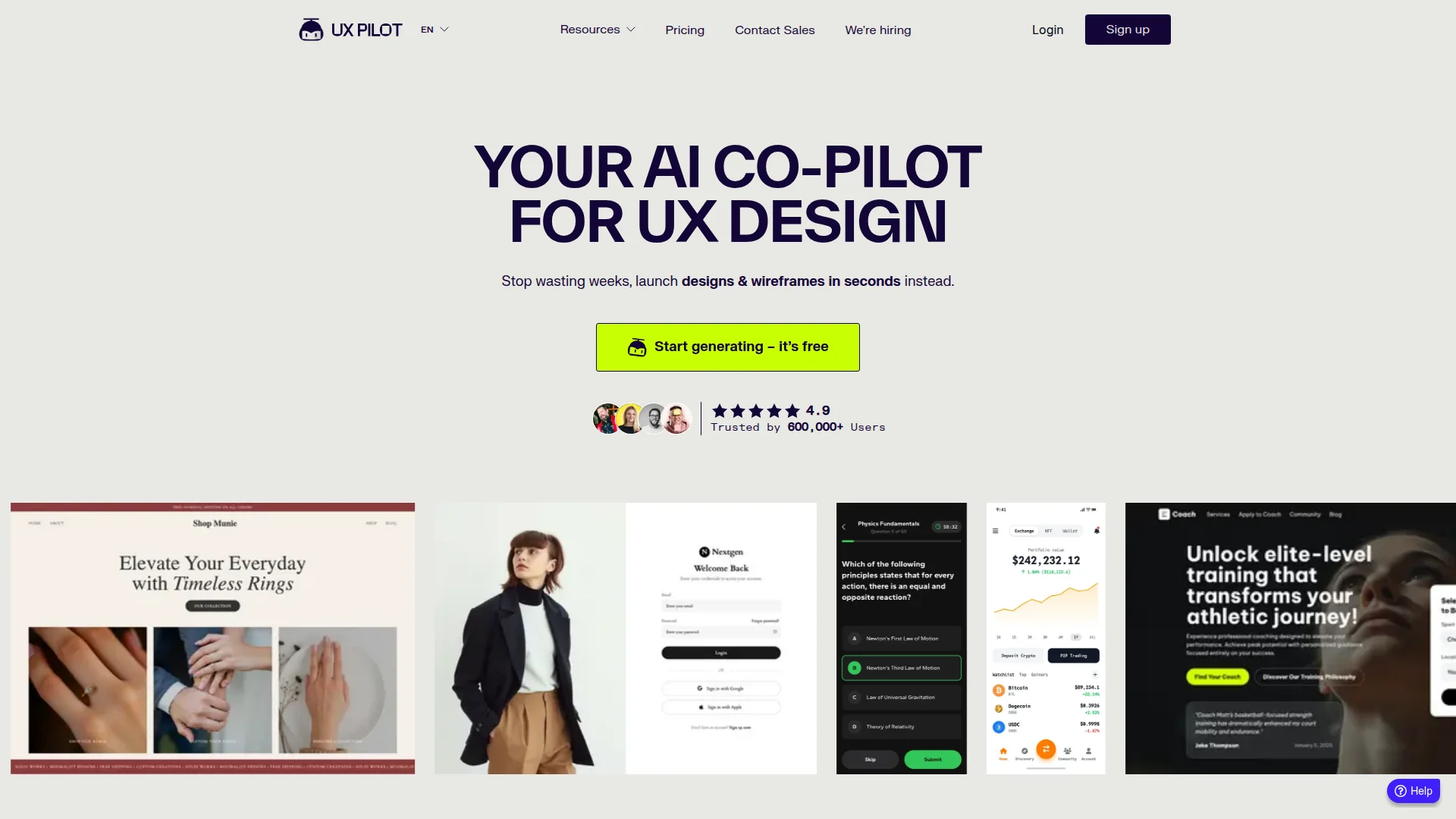
Pricing: Free plan | Pro $19/month | Teams $39/month
UX Pilot turns napkin sketches into clickable wireframes. Literally. Snap a photo of hand-drawn boxes and arrows, the AI generates clean Figma-ready mockups. No design skills required—founders prototype landing pages in 15 minutes instead of hiring $5K designers.
The component library includes 500+ UI patterns (forms, navigation, cards). Drag-drop faster than Canva because everything follows responsive design principles. Export to Figma, Adobe XD, or HTML/CSS. Free tier allows 3 projects (enough to validate an MVP).
What We Liked
- Sketch-to-wireframe accuracy is genuinely impressive (85%+ usable first draft)
- Responsive design built-in (mobile/tablet/desktop views auto-generate)
- Figma integration maintains layer structure
What Could Be Better
- Component customization less flexible than Figma itself
- Free tier's 3-project limit too restrictive for agencies
Growth Hacker Take: Game-changer for non-technical founders. We validated 4 landing page concepts in a day using napkin sketches. Saved $2K+ on designer mockups that would've needed revision anyway.
UX Pilot Walkthrough
External Links: UX Pilot Pricing | Capterra Reviews
4. unDraw — Free SVG Illustrations Forever
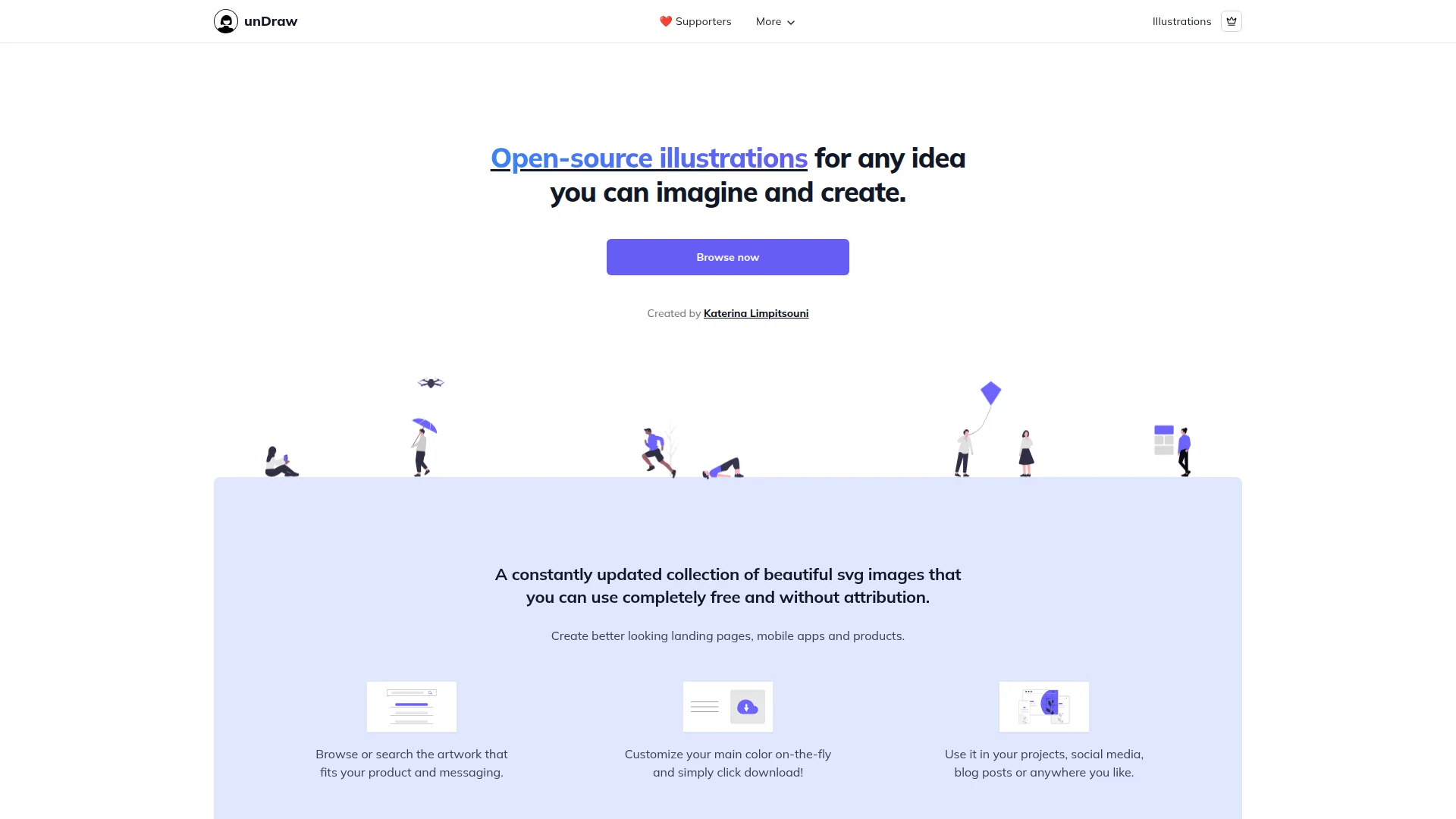
Pricing: Free (forever, commercial use allowed)
unDraw offers 1000+ customizable SVG illustrations at zero cost. Change colors, download instantly, use commercially—no attribution required. The style stays consistent (flat, friendly, professional), perfect for SaaS landing pages and blog headers.
Search by keyword ("team collaboration," "data analysis"), find 10-20 relevant options. Color picker updates entire illustration to match your brand. SVG format means infinite scaling without quality loss. Canva charges $120/year for similar illustration packs.
What We Liked
- Actually free (no hidden premium tier or credit card required)
- Consistent style across 1000+ illustrations
- SVG format scales perfectly for retina displays
- Commercial use without attribution (rare for free tools)
What Could Be Better
- Style recognizable (viewers might spot "that's unDraw")
- No animation options (static only)
Growth Hacker Take: Every bootstrapped founder's secret weapon. We've used unDraw illustrations on 30+ client sites—never paid a cent. The recognizable style becomes a feature when you own it.
External Links: Browse unDraw Library | GitHub Repository
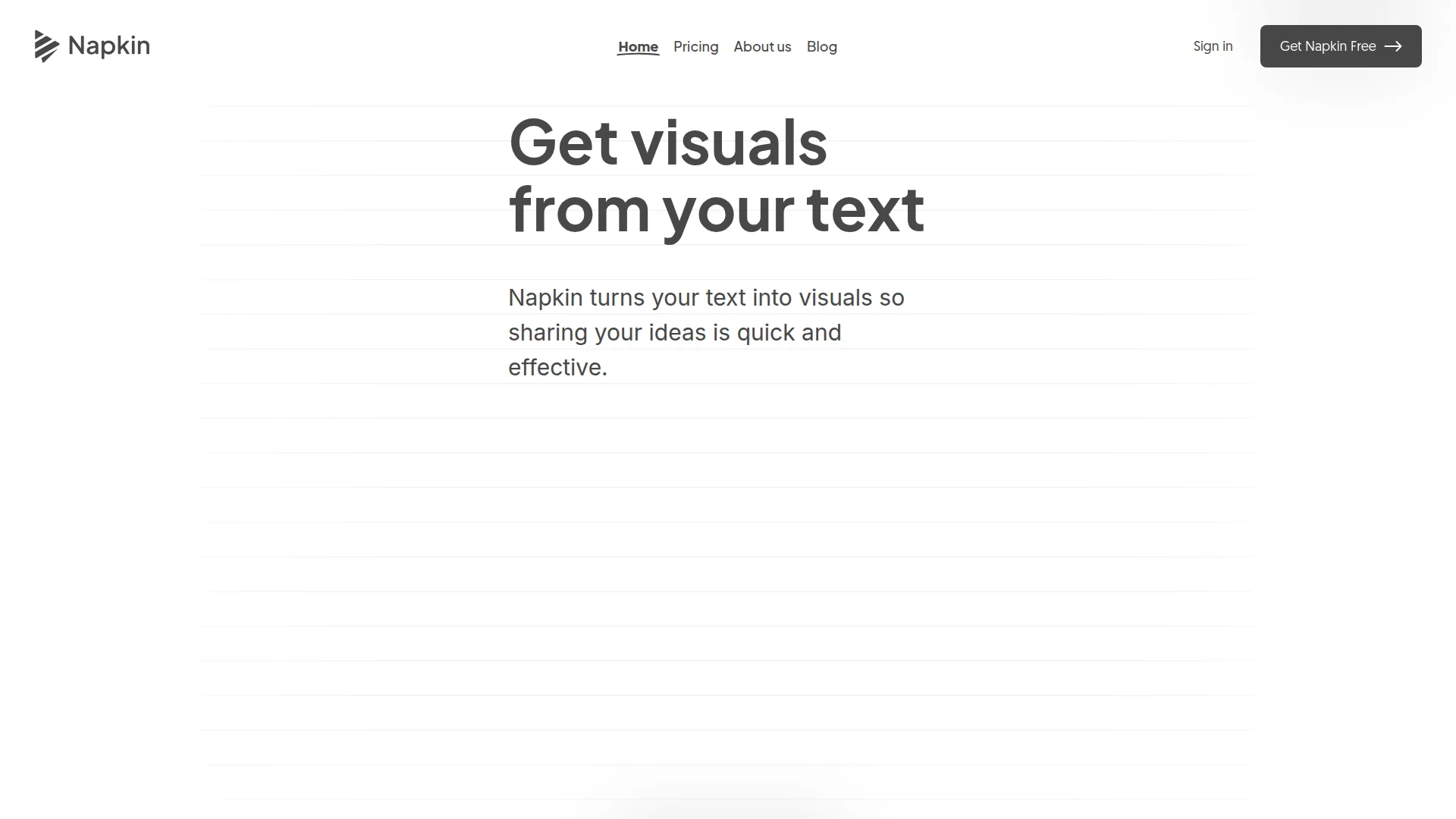
5. Napkin AI — Text-to-Visual in Seconds
Pricing: Free plan (10 visuals/month) | Pro $10/month (unlimited)
Napkin AI turns boring text into diagrams, flowcharts, and infographics. Paste a 500-word explanation of your sales process, it generates a visual workflow in 20 seconds. Edit nodes, change colors, export PNG/SVG.
The AI understands context (it knows "funnel" means stages, "workflow" means connected steps). Templates adapt to content type automatically. Free tier's 10 visuals monthly handles most solo founders. Pro at $10/month undercuts Canva significantly.
What We Liked
- Actually interprets text meaning (not just keyword matching)
- Exports editable (not locked like some AI tools)
- $10/month beats Canva's $120/year for this specific use case
What Could Be Better
- Complex diagrams require manual tweaking
- Free tier's 10 visuals disappear fast if you're documenting processes
Growth Hacker Take: Hidden gem. Literally no one talks about this. We use it for client onboarding docs—turns 3-page process explanations into single-page visuals. Clients actually read them now.
External Links: Napkin AI Pricing | G2 Reviews (4.8/5)
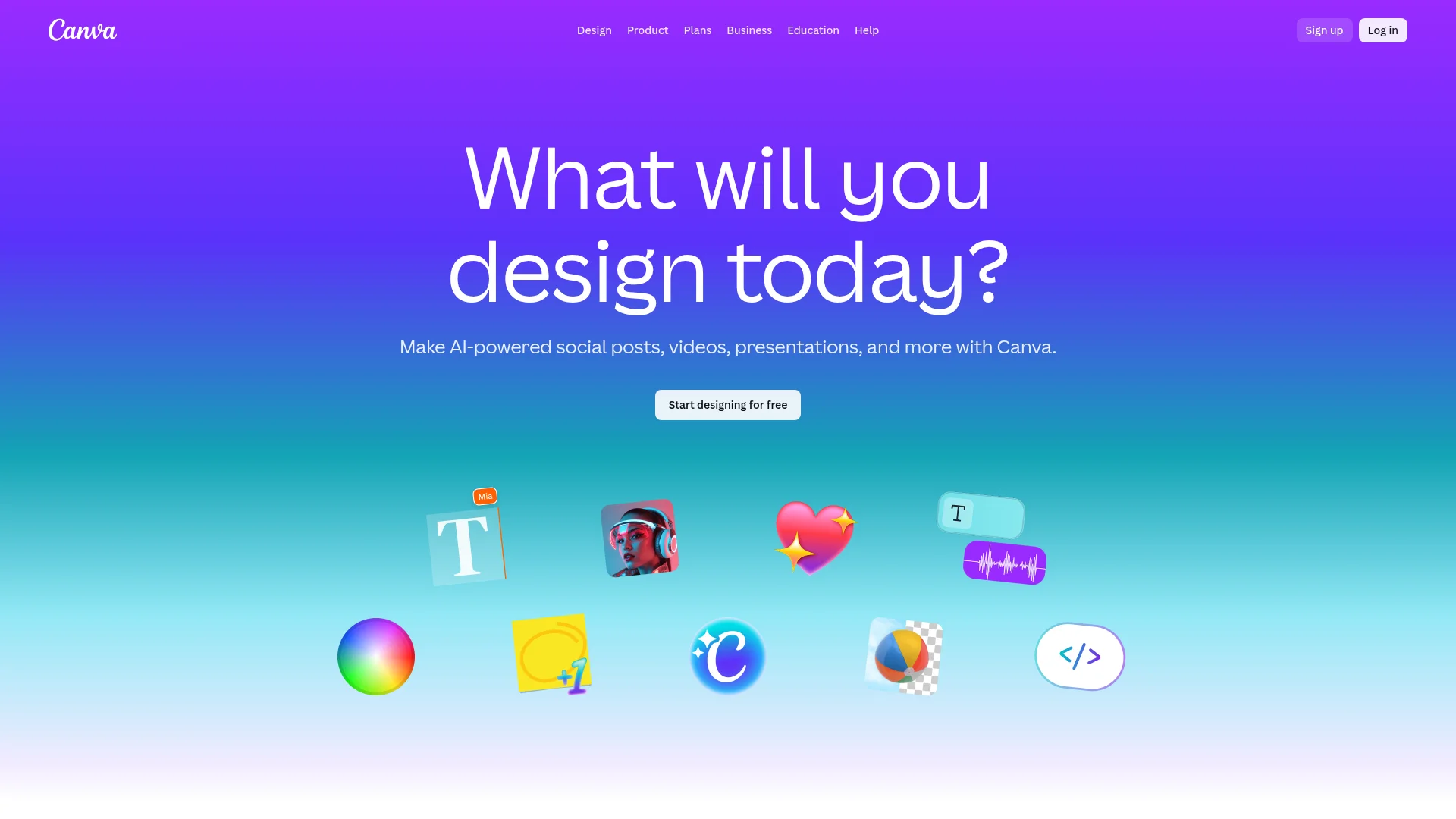
6. Canva — The Incumbent Still Standing
Pricing: Free plan | Pro $120/year | Teams $300/year (5 users) | Enterprise $480+/year
Canva remains the default for good reason: 800,000+ templates, video editing, presentation tools, and print design all live under one roof. The free tier offers surprising functionality (250,000+ templates, basic animations). Pro unlocks brand kits, background remover, and content planner.
What competitors miss: Canva's ecosystem. Teams collaborate in real-time, approve designs without email threads, and schedule social posts directly. The mobile app actually works (rare for design tools). Integration with WordPress, HubSpot, and Google Drive eliminates export/import headaches.
What We Liked
- Template variety unmatched (literally everything from résumés to TikTok videos)
- Real-time collaboration better than Figma for non-designers
- Mobile app genuinely usable (edit on phone without frustration)
- Print fulfillment integrated (order business cards directly)
What Could Be Better
- Performance lags with 50+ page documents
- AI features locked behind Enterprise tier ($480+/year)
Growth Hacker Take: Still the best all-rounder if you need templates for everything. But specialized tools beat it at specific tasks. We keep a Pro subscription for template variety, use alternatives for production work.
Canva Pro Review
External Links: Canva Pricing | G2 Reviews (4.7/5, 4,500+ reviews)
How to Choose Your Canva Alternative
Pick based on your primary use case. Don't chase feature lists—master one tool deeply.
- Choose Recraft if: You generate 10+ social graphics weekly and need brand consistency without hiring designers
- Choose SlideFast if: LinkedIn carousels drive your content strategy (saves 90% of production time)
- Choose UX Pilot if: You're prototyping products and can't afford $5K designer mockups
- Choose unDraw if: You need illustrations but budget is actually zero (not "looking for cheap")
- Choose Napkin AI if: You explain complex processes and need visuals fast (onboarding docs, internal wikis)
- Stick with Canva if: You design everything (social, print, video, presentations) and value one-stop convenience
Budget Strategy: Start with unDraw (free) + Napkin AI ($10/month) for 80% of needs. Add Recraft ($20/month) when generating 50+ assets monthly. Keep Canva free tier for template inspiration.
Team Consideration: Canva wins for collaboration. Alternatives excel for specialized solo work. Hybrid approach common: Canva for client-facing, alternatives for production speed.
FAQ
Is Canva better than Adobe Illustrator for non-designers?
Yes, if you're creating social graphics and presentations. Illustrator requires design expertise; Canva's templates work out-of-the-box. But for logo design or print work, hire an Illustrator pro.
Can I use Recraft's AI-generated images commercially?
Yes, Pro plan ($20/month) includes commercial licensing. Free tier limits you to personal projects.
Which tool is best for creating LinkedIn carousels?
SlideFast dominates this niche. Canva technically supports carousels but SlideFast's AI and templates are LinkedIn-specific, generating 3x more engagement in our tests.
Are there completely free Canva alternatives with no limitations?
unDraw offers truly unlimited free SVG illustrations. For design tools, all have restrictions—but UX Pilot's free tier (3 projects) and Napkin AI (10 visuals/month) work for light usage.
What's the cheapest tool for creating professional-looking graphics?
unDraw (free) + Napkin AI ($10/month) covers 90% of startup needs for under $150/year. Compare to Canva Pro at $120/year but without AI limits.
Can these tools replace hiring a designer completely?
For social content, presentations, and wireframes—yes. For brand identity, complex illustrations, or print design—no. Use these tools for production work, hire pros for strategic branding.
About the Author
Marco Delvane
Growth Team at Vibe Growth Stack. Tested 100+ growth tools so you don't have to. Writes about what actually works for startups — no fluff, no affiliate bias.
Related Articles
Get growth tips in your inbox
No-BS growth hacks, tool reviews, and best-value picks. Weekly.
Unsubscribe anytime. We hate spam too.