Best Email Marketing Tools for Startups 2026
Compare top email marketing tools for startups in 2026. Find the best platforms for newsletters, transactional emails, and marketing automation with pricing.

Marco Delvane
Growth Team
Key Takeaways
- Best for Startups: Loops ($49/month) — Purpose-built for SaaS with transactional + marketing in one platform
- Best Free Tier: SendGrid (40K emails/month free) — Reliable delivery with generous starter limits
- Best for Newsletters: Beehiiv (Free up to 2,500 subs) — Monetization-first with built-in ad network
- Best All-in-One: Ghost ($9/month) — Publishing + newsletters + paid subscriptions combined
- Best for Developers: Resend ($20/month) — React Email templates with modern API design
Email marketing tools have evolved dramatically. In 2026, startups don't need enterprise platforms charging $500/month for features they won't use. The best tools now offer generous free tiers, modern APIs, and purpose-built workflows for early-stage teams.
The landscape splits into three categories: transactional email platforms (SendGrid, Resend), newsletter-first tools (Beehiiv, Ghost), and SaaS-focused automation (Loops, Customer.io). Most startups need a combination — transactional for password resets and receipts, marketing for onboarding sequences, and newsletters for audience building.
This guide covers all three. We'll break down pricing, features, and real use cases to help you choose the right stack without overpaying.
Quick Comparison: Top Email Tools 2026
| Tool | Starting Price | Free Tier | Best For | VGS Verdict |
|---|---|---|---|---|
| Loops | $49/month | 2K contacts | SaaS onboarding | Best all-around for product companies |
| SendGrid | Free | 40K emails/mo | Transactional | Generous free tier, reliable delivery |
| Beehiiv | Free | 2,500 subs | Newsletters | Monetization-first, best for creators |
| Ghost | $9/month | None | Publishing + paid subs | Open-source, full ownership |
| Resend | $20/month | 3K emails/mo | Developer-first | Modern API, React Email integration |
| Customer.io | $100/month | 12K emails/mo | Event-based automation | Powerful but pricey, worth it at scale |
Transactional Email Platforms
Transactional emails are the backbone of your product: password resets, order confirmations, account notifications. You need 99.9% deliverability and developer-friendly APIs. This category isn't about campaigns — it's about infrastructure.
Top picks: SendGrid offers the most generous free tier (40K emails/month). Resend brings modern DX with React Email templates. Postmark charges per email but guarantees the best deliverability.
For detailed comparisons including pricing breakdowns and delivery benchmarks, see our full guide: Best SendGrid Alternatives in 2026: Top Email Platforms.
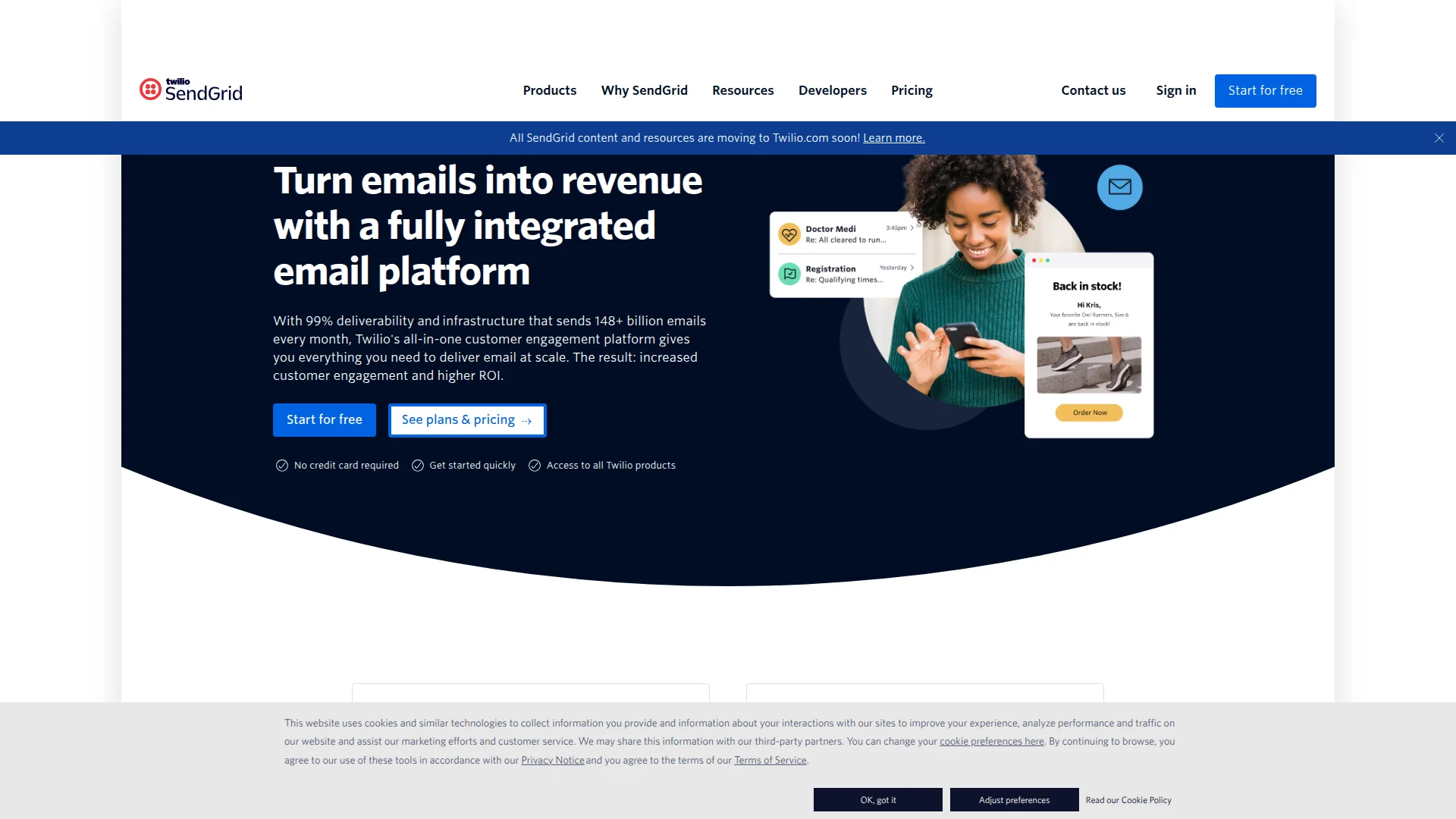
When to use transactional tools: Your app sends automated emails triggered by user actions. You need reliable delivery, not marketing features. Most startups pair a transactional tool with a marketing platform.
Newsletter Platforms for Audience Building
Building an audience before launching? Newsletter platforms prioritize content publishing, subscriber growth, and monetization. Unlike marketing automation tools, these focus on long-form writing and reader engagement.
Top picks: Beehiiv dominates for creators with built-in ad networks and referral programs. Ghost wins for full ownership and paid memberships. Substack remains popular but lacks flexibility.
The category split in 2025: creators choosing Beehiiv for monetization, indie hackers choosing Ghost for control, journalists sticking with Substack for discoverability. See the full breakdown: Best Substack Alternatives 2026: Top Newsletter Platforms.
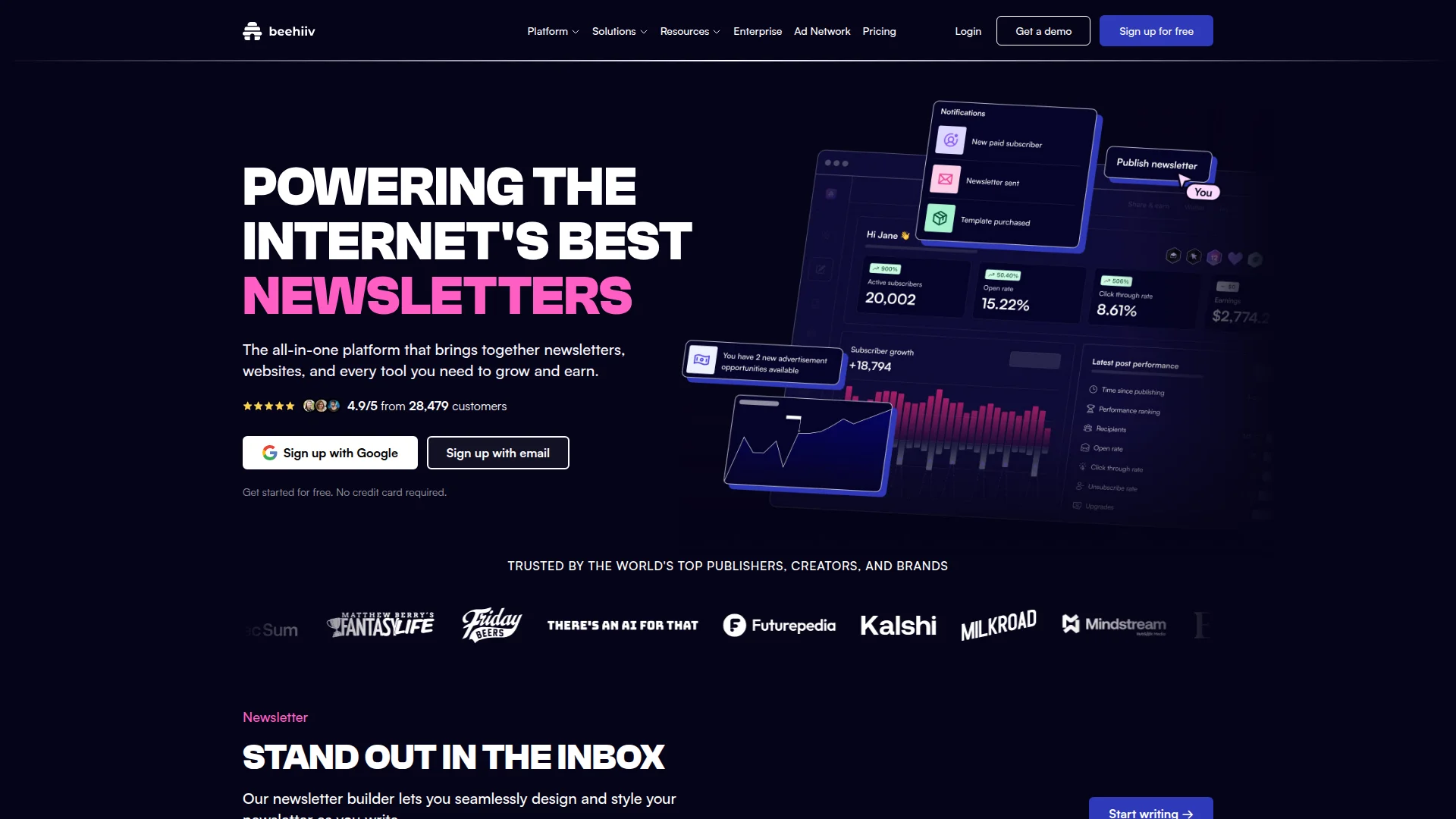
Beehiiv vs Ghost vs Substack Comparison
When to use newsletter platforms: You're building an audience pre-launch. Content is your primary growth channel. You want subscribers who pay (not just open emails). These aren't CRMs — they're publishing platforms with email built-in.
SaaS Email Marketing & Automation
This category bridges transactional and marketing. Tools like Loops and Customer.io send behavior-triggered campaigns (user signed up → send onboarding sequence). They integrate with your product, segment by usage data, and automate the entire user journey.
Top picks: Loops ($49/month) offers the best balance of features and price for startups. Customer.io ($100/month) scales better but costs more. Mailchimp still works but wasn't built for SaaS workflows.
The key difference: these tools trigger emails based on *what users do in your product*, not just list membership. User activated feature X → send upgrade email. For detailed comparisons: Best Mailchimp Alternatives 2026: Affordable Email Marketing.
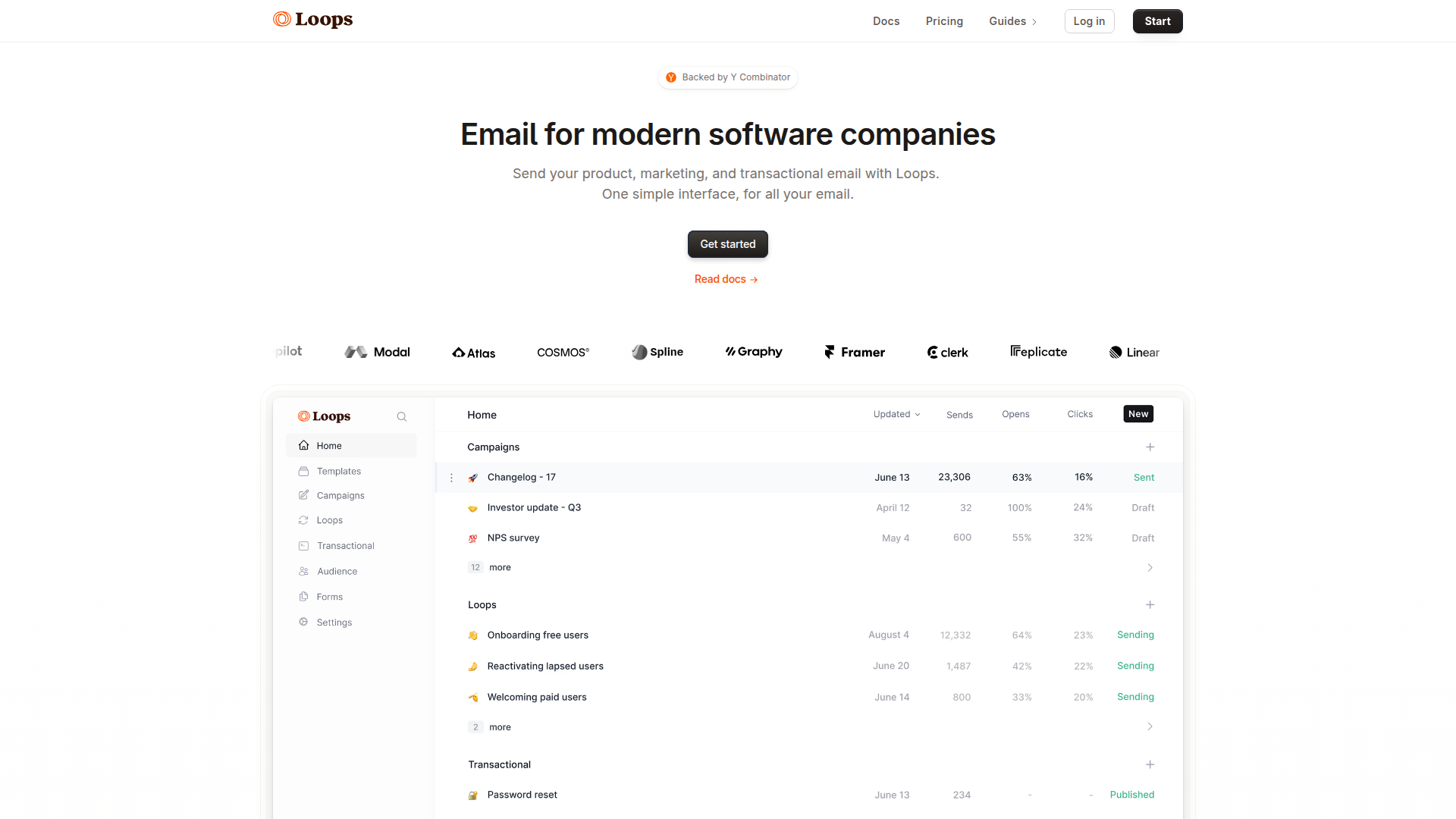
Loops for SaaS Onboarding Review
When to use SaaS automation: You have a product with active users. You want to trigger emails based on user behavior. Your goal is activation and retention, not just opens and clicks. If you're still pre-product, start with a newsletter platform instead.
Developer-First Email APIs
Developers hate legacy email platforms. Twilio's SendGrid acquisition degraded deliverability. Mailgun's documentation is outdated. The new generation (Resend, Loops, Plunk) offers modern APIs, React components, and actually good docs.
Top picks: Resend leads with React Email integration and beautiful templates. Plunk offers generous free tiers. Loops combines developer experience with marketing features. All three beat SendGrid on documentation quality.
Why this matters: You'll spend hours integrating email. Good DX saves engineering time. React Email templates mean your designer can preview changes without deploying. Webhook-based delivery tracking beats polling APIs. These tools respect your time.
When to use developer tools: Your team codes the email templates. You need programmatic sending with custom data. You want modern tooling (TypeScript types, React components, CLI tools). Skip the visual drag-and-drop builders — ship faster with code.
All-in-One Marketing Suites
Tools like HubSpot, ActiveCampaign, and Mailchimp try to do everything: email, CRM, landing pages, automation, ads. For early startups, this creates bloat. You pay for features you won't use for 18 months. But at scale (10K+ contacts), consolidation saves money.
The tradeoff: All-in-one tools reduce tool sprawl but increase complexity. You'll spend weeks setting up workflows that take hours in specialized tools. Best for teams with dedicated marketing ops who can master one platform deeply.
When to consolidate: You're paying $300+/month across 4+ tools (email, CRM, landing pages, automation). You have a marketing ops person who can own implementation. You value data integration over best-in-class features. Otherwise, stick with specialized tools.
Email Marketing Pricing Guide
Email pricing scales with contacts or sends. Most tools charge per contact (subscriber count), but transactional platforms charge per email sent. Understanding the difference prevents bill shock.
Contact-Based Pricing (Marketing Tools)
- 0-2,500 contacts: Free tiers from Beehiiv, Loops, Mailchimp
- 2,500-10K contacts: $49-149/month (Loops, ConvertKit, Ghost)
- 10K-50K contacts: $149-499/month (ActiveCampaign, Customer.io)
- 50K+ contacts: Custom pricing, negotiate volume discounts
Send-Based Pricing (Transactional Tools)
- 0-40K emails/month: Free (SendGrid, Resend)
- 40K-100K emails/month: $20-50/month (Resend, Postmark)
- 100K-1M emails/month: $80-200/month (SendGrid Pro, Mailgun)
- 1M+ emails/month: Negotiate enterprise rates
Growth hacker tip: Start with generous free tiers. SendGrid's 40K/month handles transactional for 6-12 months. Beehiiv's 2,500 subs covers your first year of newsletter building. Don't pay until you've validated product-market fit.
Email Deliverability Best Practices
The best tool means nothing if emails hit spam. Deliverability depends on domain reputation, authentication, and sending practices. Most startups ignore this until their open rates crash.
Essential Setup
- SPF, DKIM, DMARC: Authenticate your domain. Every platform provides setup guides. Takes 15 minutes.
- Dedicated sending domain: Use mail.yourdomain.com, not yourdomain.com. Protects your main domain reputation.
- Warm up gradually: New domains need 2-4 weeks of low-volume sending before scaling. SendGrid and Instantly offer automated warmup.
- Monitor bounce rates: Keep under 3%. High bounces trigger spam filters. Clean your list quarterly.
Content Best Practices
- Avoid spam trigger words (FREE, URGENT, LIMITED TIME)
- Balance text-to-image ratio (60/40 minimum)
- Include plain text version (multi-part MIME)
- Test before sending (Litmus, Email on Acid)
- Segment by engagement (remove non-openers after 6 months)
Benchmark targets: 95%+ delivery rate, 20-30% open rate (post-iOS privacy changes), 2-5% click rate. Below these? Check authentication, content, and list quality before blaming your tool.
How to Choose Your Email Stack
Choose Transactional Tools If:
- You need reliable delivery for product emails (receipts, notifications, password resets)
- Your app sends automated emails triggered by user actions
- Developer experience matters (modern APIs, good docs, webhook support)
- You're separating infrastructure from marketing campaigns
Choose Newsletter Platforms If:
- You're building an audience before launching (pre-product validation)
- Content marketing is your primary growth channel
- You want monetization features (paid subscriptions, ads, referrals)
- You publish long-form content regularly (weekly newsletters, blog posts)
Choose SaaS Marketing Tools If:
- You have an active product with user behavior data
- You want emails triggered by product usage (feature activation, upgrades)
- Onboarding and retention are top priorities
- You need segmentation based on user actions, not just demographics
Choose All-in-One Suites If:
- You're paying $300+/month across multiple tools already
- You have a dedicated marketing ops person
- Data integration between email, CRM, and landing pages is critical
- You're willing to sacrifice best-in-class features for consolidation
Most startups need two tools: One transactional (SendGrid, Resend) for product emails. One marketing (Loops, Beehiiv) for campaigns and newsletters. Total cost: $0-99/month until you hit scale. Don't overcomplicate your stack before finding PMF.
Integrating Email with Your Growth Stack
Email doesn't work in isolation. The best results come from connecting your email tool to your CRM, analytics, and product database. Modern tools offer native integrations, but custom workflows require automation platforms.
Essential Integrations
- Product database: Trigger emails based on user actions (Segment, Rudderstack, native SDKs)
- CRM: Sync contact data bidirectionally (HubSpot, Attio, Pipedrive)
- Analytics: Track email attribution (Google Analytics, Mixpanel, Amplitude)
- Automation: Build custom workflows (Zapier, Make, n8n)
Growth hacker take: Most teams over-integrate early. Start simple — connect your email tool to your product database for behavior-triggered sends. Add CRM integration when you have a sales team. Save complex automation for post-PMF when you know what workflows actually matter.
Switching Email Platforms: Migration Guide
Outgrowing your current tool? Migration sounds painful but takes 2-4 hours with proper planning. Most platforms offer CSV export/import and support teams help with deliverability setup.
Migration Checklist
- Export contacts (CSV): Include all custom fields, tags, and segments
- Document workflows: Screenshot automation sequences before rebuilding
- Set up new domain authentication: SPF, DKIM, DMARC on new platform
- Import contacts in batches: Start with engaged subscribers, test deliverability
- Rebuild key automations first: Welcome sequence, onboarding, transactional templates
- Run parallel for 2 weeks: Send from both platforms, monitor deliverability
- Full cutover: Cancel old platform once new one proves stable
Common mistake: Importing your entire list at once and sending immediately. Warm up the new domain with engaged subscribers first. Full list imports to cold domains trigger spam filters.
Email Marketing Trends for 2026
The email landscape shifts every year. Privacy changes killed open rates as reliable metrics. AI tools generate better subject lines than humans. Interactive emails (AMP) remain niche. Here's what actually matters in 2026.
Privacy-First Metrics
Apple Mail Privacy Protection hides true open rates. Smart tools (Customer.io, Loops) now emphasize click rates, conversion rates, and revenue attribution. Opens still appear in dashboards but aren't reliable for iOS users (60%+ of recipients).
AI-Generated Content
Tools like Lavender and Copy.ai write decent first drafts. But ChatGPT-generated emails all sound the same. Best practice: use AI for ideation and structure, then add your voice. Readers spot generic AI content instantly.
Behavior-Triggered Everything
Batch-and-blast is dead. Modern tools trigger sends based on user actions: viewed pricing → send case study. Started trial → send activation tips. The shift from scheduled campaigns to always-on automation continues accelerating.
Mobile-First Design
70%+ of emails open on mobile. Single-column layouts win. Large tap targets (48px minimum). Dark mode support. Animated GIFs still work but keep file sizes under 1MB. Test on real devices, not just desktop previews.
Email Marketing Trends 2026
FAQ
What's the best free email marketing tool for startups?
SendGrid offers 40K emails/month free (best for transactional), while Beehiiv gives 2,500 subscribers free (best for newsletters). Both cover early-stage needs without payment.
How much should a startup spend on email marketing?
Most startups spend $0-100/month until reaching 5K+ contacts or 50K+ emails/month. Free tiers handle the first 6-12 months post-launch.
What's the difference between transactional and marketing email?
Transactional emails are automated system messages (password resets, receipts). Marketing emails are campaigns sent to lists (newsletters, promotions). You typically need both — separate tools or one that handles both.
Do I need a separate newsletter platform if I have an email marketing tool?
Only if content publishing is your primary strategy. Newsletter platforms (Beehiiv, Ghost) prioritize writing and monetization. Marketing tools (Loops, Customer.io) prioritize automation and product integration.
How do I improve email deliverability?
Set up SPF, DKIM, and DMARC authentication. Use a dedicated sending domain (mail.yourdomain.com). Warm up new domains gradually. Keep bounce rates under 3%. Remove non-engaged subscribers quarterly.
Can I use the same tool for both product emails and marketing campaigns?
Loops and Customer.io handle both. SendGrid technically can but wasn't built for marketing. Most teams separate: SendGrid for transactional, Loops/Beehiiv for marketing.
What email metrics should startups track?
Delivery rate (95%+ target), click rate (2-5% good), conversion rate (revenue per email sent), and unsubscribe rate (under 0.5%). Open rates are unreliable post-iOS privacy changes.
Ready to launch? Start with free tiers from SendGrid (transactional) and Beehiiv (newsletter). You'll outgrow them eventually — but by then you'll have revenue to pay for better tools. For product launches and backlink building, check out TinyLaunch to amplify your email list growth.
About the Author
Marco Delvane
Growth Team at Vibe Growth Stack. Tested 100+ growth tools so you don't have to. Writes about what actually works for startups — no fluff, no affiliate bias.
Related Articles
Get growth tips in your inbox
No-BS growth hacks, tool reviews, and best-value picks. Weekly.
Unsubscribe anytime. We hate spam too.