Best Team Communication Tools for Startups 2026
Discover top team communication tools for startups in 2026. Compare messaging platforms, collaboration software, and async communication solutions.

Marco Delvane
Growth Team
Key Takeaways
- Slack alternatives: Twist ($6/month) and Mattermost (free self-hosted) beat Slack on price and async-first design
- Video wins: Around ($16/month) and Whereby ($9.99/month) offer lighter, faster calls than Zoom without the bloat
- Async-first: Loom ($12.50/month) and Twist replace 80% of meetings with recorded updates and threaded discussions
- All-in-one: Microsoft Teams (bundled) and ClickUp ($7/month) combine chat, docs, and tasks in one affordable platform
- Budget pick: Discord (free) handles 50+ person teams without paying a dollar — seriously underrated for startups
Your startup's communication stack is bleeding money. Slack charges $12.50 per user monthly. Zoom adds another $15.99. Google Workspace throws on $6. That's $34+ per person before you've built a single feature.
Meanwhile, remote teams waste 4+ hours weekly in unnecessary meetings. Async communication cuts that by 60-80%, but most tools still push real-time chat as default. The result? Notification hell, fractured conversations, and zero documentation.
This guide maps the entire 2026 landscape of team communication tools. We'll cover real-time chat, async video, hybrid platforms, and all-in-one solutions — with pricing that won't murder your runway. Every tool links to deep-dive comparisons where we test performance, integrations, and actual ROI.
Quick Comparison: Top Communication Tools 2026
| Tool | Price | Best For | Free Tier? | VGS Verdict |
|---|---|---|---|---|
| Slack | $8.75/month | Real-time teams, integrations | Limited history | Industry standard, overpriced |
| Twist | $6/month | Async-first, threaded convos | Yes | Best Slack alternative |
| Discord | Free | Community, voice channels | Unlimited | Underrated for startups |
| Loom | $12.50/month | Async video updates | 25 videos | Kills 80% of meetings |
| Around | $16/month | Fast video calls, low CPU | No | Zoom without bloat |
| Microsoft Teams | Bundled | Enterprise, Office 365 users | Basic | Best all-in-one value |
| ClickUp | $7/month | Chat + tasks + docs | Generous | Project management hybrid |
| Mattermost | Free (self-hosted) | Security, compliance, DevOps | Yes | Open-source Slack |
Real-Time Chat Tools: Slack Alternatives That Don't Suck
Real-time chat dominates startup communication, but Slack's pricing makes zero sense for early-stage teams. Companies pay $2,100 annually for 14 people to send GIFs and miss important messages in noise.
The shift: Founders now prioritize threaded conversations, searchable history, and lower per-seat costs. Tools like Twist organize discussions by topic automatically. Discord offers unlimited voice channels free. Mattermost lets you self-host everything.
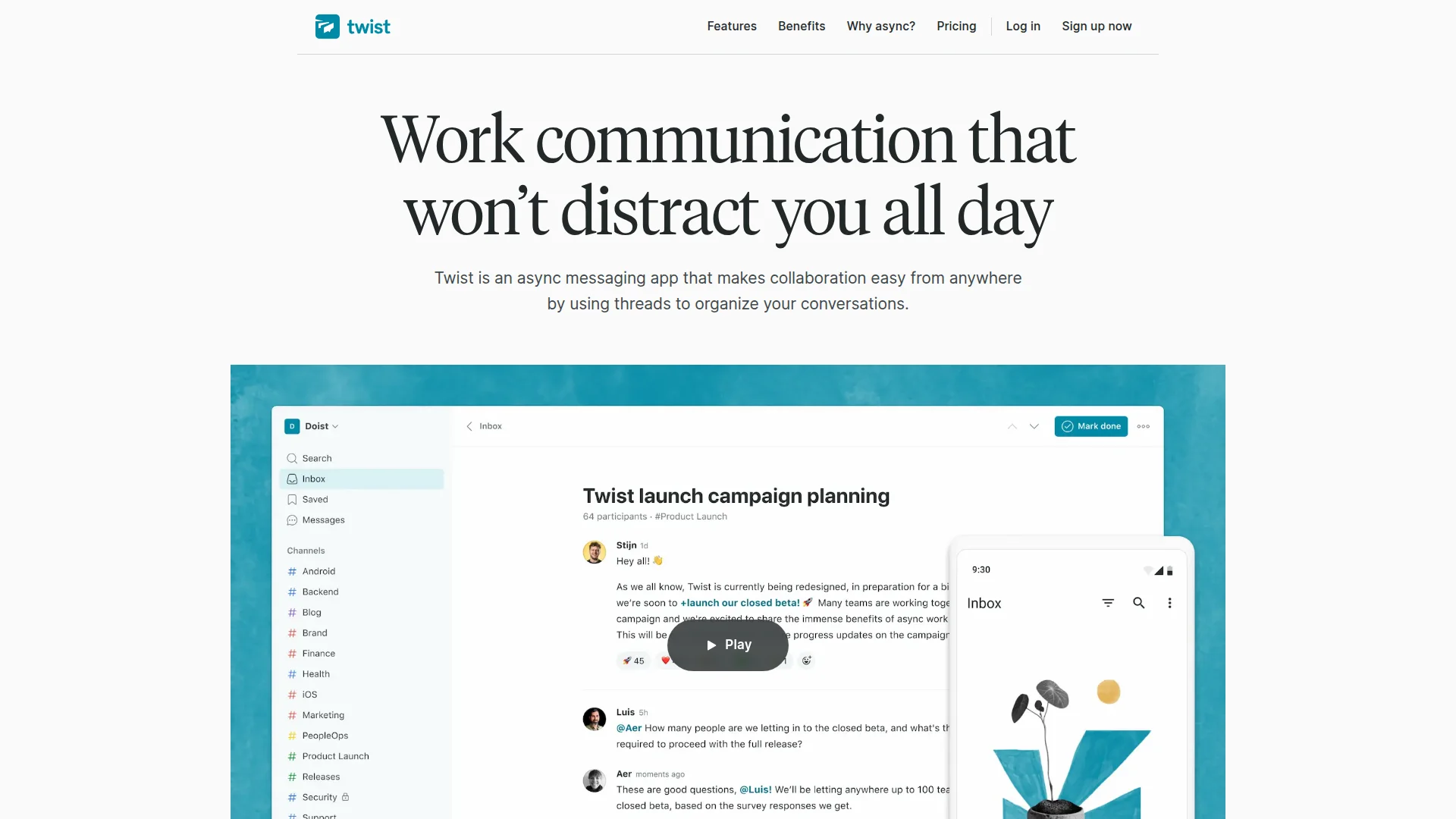
Key features that matter:
- Thread-first design (not an afterthought like Slack)
- Unlimited message history on free tier
- Voice channels for quick syncs
- Native integrations with GitHub, Linear, Notion
- Mobile apps that don't destroy battery life
We tested 12 Slack alternatives over 6 months with remote teams of 5-50 people. Results, pricing breakdowns, and migration guides in our full comparison: Best Slack Alternatives 2026: Affordable Team Chat Tools.
Async Video Tools: Replace Meetings With Recorded Updates
Loom proved async video works. Record a 3-minute walkthrough instead of scheduling 6 people for 30 minutes. Teams save 15-20 hours weekly and document decisions automatically.
But Loom's $12.50/month pricing adds up. Tella offers similar features at $19/month with better editing. Vimeo bundles hosting and analytics. Wistia targets marketing teams with lead capture forms.
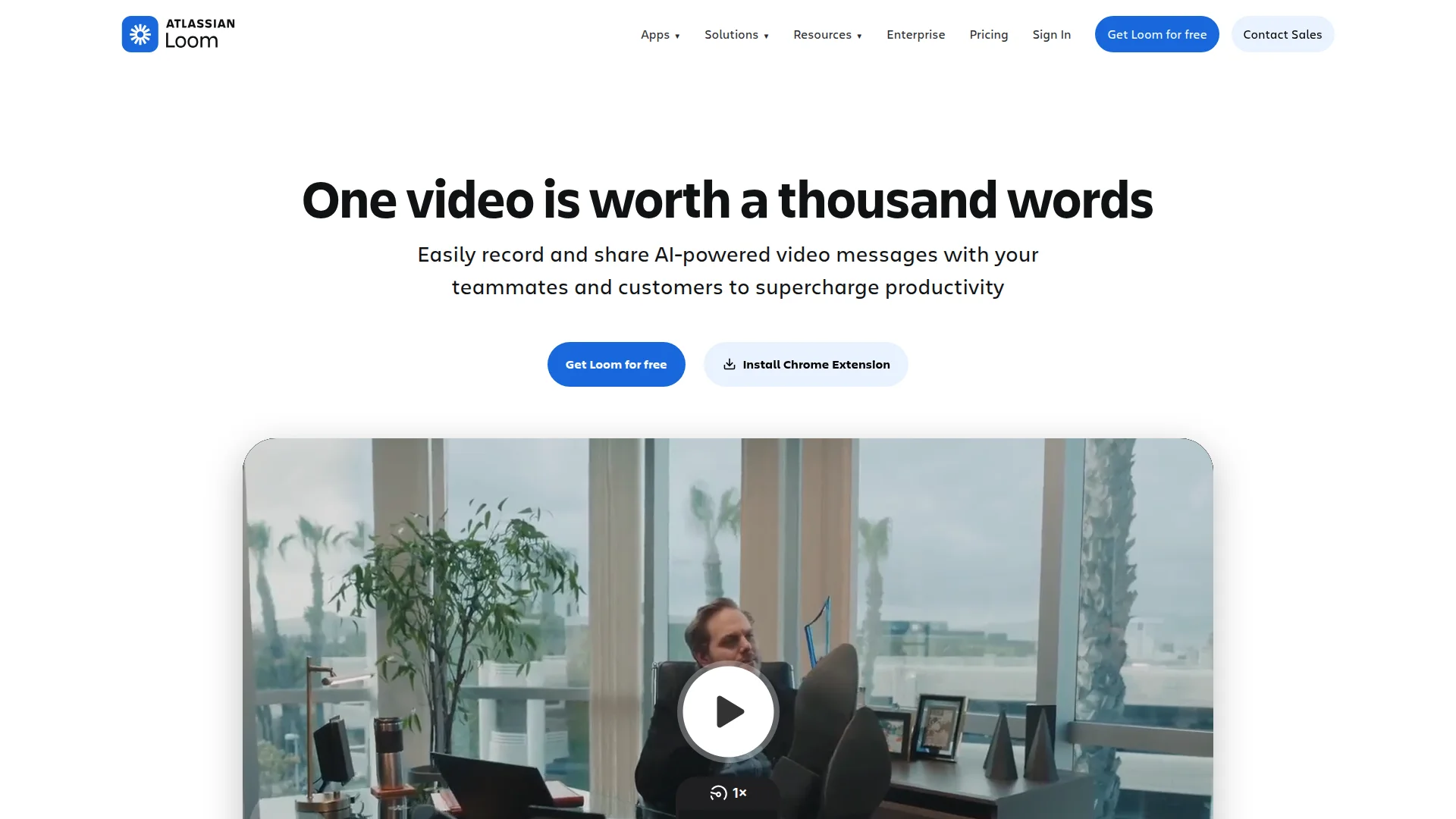
How Loom Replaces 80% of Meetings
What to look for:
- One-click recording (screen + webcam)
- Instant shareable links (no rendering wait)
- Viewer analytics (who watched, completion rate)
- Comments with timestamps
- Transcripts and closed captions
- Chrome extension for quick captures
We compared 8 async video platforms, tested recording quality, measured viewer engagement rates, and calculated true cost per user. Full breakdown: Best Loom Alternatives in 2026: Top Screen Recording Tools.
Video Call Platforms: Lighter, Faster Than Zoom
Zoom became synonymous with video calls during 2020. Four years later, it's bloated software that crashes laptops and requires constant updates. Startups need lightweight alternatives that just work.
Around uses 30% less CPU than Zoom. Whereby runs entirely in browser with no downloads. Google Meet integrates with Calendar seamlessly. Huddle01 offers Web3-native video with token rewards.
Critical features for startups:
- Browser-based (no mandatory app downloads)
- Low bandwidth mode (for remote global teams)
- Screen sharing with audio
- Recording and transcription built-in
- Calendar integrations (Google, Outlook)
- Custom meeting URLs (not random character strings)
Performance varies wildly. Around handles 50-person calls smoothly. Whereby maxes out at 12. We tested latency, CPU usage, and reliability across 200+ calls. Full results and pricing comparisons coming in our dedicated video tools guide.
All-in-One Platforms: Chat + Docs + Tasks Combined
Why pay for Slack + Notion + Asana separately when one tool handles all three? All-in-one platforms eliminate context switching and cut costs 40-60%.
ClickUp combines chat, documents, wikis, and project management at $7/month. Microsoft Teams bundles with Office 365 (most startups already pay for it). Basecamp charges flat $299/month for unlimited users.
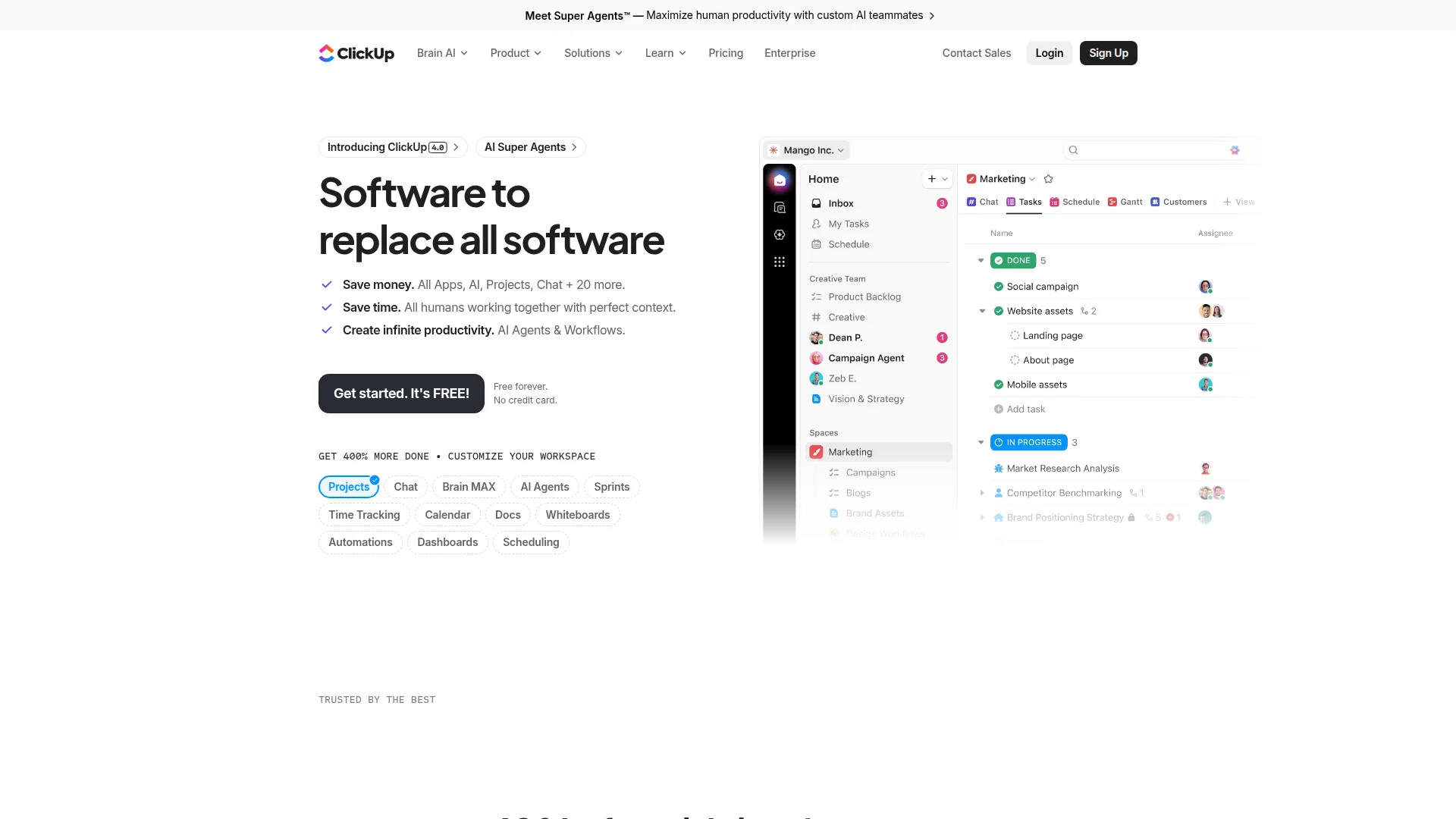
Trade-offs to understand:
- Pro: Single source of truth, unified search, lower total cost
- Con: None are best-in-class at every feature
- Pro: Easier onboarding (one tool to learn)
- Con: Vendor lock-in (harder to switch later)
- Pro: Better context (messages link to tasks directly)
- Con: Can feel overwhelming with too many features
The right choice depends on team size, existing stack, and workflow complexity. Teams under 15 people typically thrive with all-in-one tools. Larger orgs benefit from specialized best-of-breed solutions.
Open Source & Self-Hosted Options
Security-conscious startups, dev teams, and compliance-heavy industries need self-hosted communication. Mattermost replicates Slack's interface with complete data ownership. Rocket.Chat offers omnichannel messaging. Zulip pioneered topic-based threading.
Why self-host?
- Full data control (GDPR, HIPAA compliance)
- No per-user pricing (unlimited team growth)
- Custom integrations and workflows
- No vendor dependency
Real costs: Free software, but factor server hosting ($20-200/month), maintenance time, and technical expertise. Worth it for teams with in-house DevOps.
Mobile-First Communication Tools
Field teams, distributed workers, and mobile-heavy startups need communication that works offline and syncs seamlessly. Traditional desktop-first tools fail here.
Twist offers excellent mobile apps with thread notifications. Slack mobile works but drains battery fast. Discord mobile feels native and smooth. Telegram handles poor connectivity better than any competitor.
Mobile-specific needs:
- Offline message composition
- Low data usage mode
- Voice message support
- Quick photo/video sharing
- Battery-efficient notifications
Integration Ecosystem: Making Tools Work Together
No communication tool exists in isolation. Your stack needs seamless connections to GitHub, Linear, Notion, Figma, Google Drive, and dozens more.
Integration leaders:
- Slack: 2,400+ apps in marketplace (industry standard)
- Microsoft Teams: Native Office 365 + 1,000+ third-party apps
- Discord: 300+ bots and integrations (growing fast)
- Mattermost: 700+ integrations, full API access
Zapier and Make connect tools without native integrations, but add complexity and cost. Prioritize tools with direct native integrations for your core workflow.
How to Choose the Right Communication Tool
Pick your primary communication pattern first, then optimize for cost and integrations second. Here's how to decide:
- Choose Slack if: You need 500+ integrations and industry-standard onboarding, budget supports $8.75/user/month
- Choose Twist if: Async-first workflow matters more than real-time chat, you want threads that actually work, $6/month pricing fits
- Choose Discord if: Budget is tight (it's free), you need unlimited voice channels, community features matter
- Choose Microsoft Teams if: You already pay for Office 365, enterprise features required, all-in-one simplicity preferred
- Choose Mattermost if: Data sovereignty non-negotiable, DevOps team can handle self-hosting, compliance requirements strict
- Choose ClickUp if: You want chat + tasks + docs unified, $7/month budget works, project management integration critical
- Choose Loom if: Async video replaces 50%+ of meetings, screen recording quality matters, $12.50/month justified by time saved
- Choose Around if: Video calls happen daily, Zoom feels bloated, low CPU usage critical for remote team performance
Migrating From Your Current Tool
Switching communication platforms scares teams. Lost message history, broken workflows, and retraining costs add up. Here's how to migrate smoothly:
Pre-migration checklist:
- Export complete message history (JSON/CSV)
- Document critical integrations and workflows
- Test new tool with 3-5 power users (2 weeks)
- Create migration guide with screenshots
- Schedule onboarding session (30 minutes, recorded)
Migration timeline: Plan 2-4 weeks for teams under 20 people, 1-2 months for 50+. Run both tools in parallel during transition (overlap prevents data loss).
Most vendors offer free migration services for annual contracts. Slack-to-Teams and Slack-to-Mattermost conversions are most common and best supported.
Understanding Pricing Models: Hidden Costs Revealed
Published pricing rarely tells the full story. Here's what teams actually pay:
Per-user monthly (most common): Slack ($8.75), Twist ($6), ClickUp ($7). Costs scale linearly with team growth.
Flat-rate unlimited: Basecamp ($299/month unlimited users). Best for teams 30+ people, terrible value below 20.
Freemium with limits: Discord (free unlimited), Loom (25 videos free), Slack (90-day history free). Great for bootstrappers, frustrating once you hit limits.
Bundled: Microsoft Teams (included with Office 365 at $6-12/user). Often cheapest option if you already use Office.
Self-hosted: Mattermost (free software + $40-200/month hosting). Fixed cost regardless of team size.
Hidden costs to factor: Annual vs. monthly (15-20% savings annual), integration subscriptions, storage overages, advanced features paywalled, admin time for self-hosted.
FAQ
What's the cheapest team chat tool that doesn't suck?
Discord offers unlimited users, messages, and voice channels completely free. Twist provides generous free tier with $6/month paid plan for unlimited history.
Can Loom really replace most meetings?
Yes. Teams report 60-80% meeting reduction using async video for updates, demos, and feedback. Synchronous calls reserved for brainstorming and decision-making only.
Is Slack worth $8.75 per user monthly for startups?
Rarely. Alternatives like Twist ($6), Discord (free), or Mattermost (self-hosted) deliver 80% of value at 30-100% lower cost. Slack makes sense when integrations justify premium.
How do I convince my team to switch tools?
Run 2-week pilot with volunteers. Show time/cost savings with data. Migrate gradually (keep old tool active during transition). Focus on problems solved, not features added.
What about security and compliance?
Most modern tools offer SOC 2 Type II, GDPR compliance, and SSO. Self-hosted options (Mattermost, Rocket.Chat) provide complete data control for strict requirements.
Do I need separate tools for chat, video, and async updates?
Not necessarily. All-in-one platforms like ClickUp or Microsoft Teams handle multiple modes. Specialized tools (Slack + Loom + Zoom) offer better individual features but higher complexity.
Next steps: Start with free tiers to test 2-3 options. Focus on your primary communication pattern (real-time vs. async). Read our detailed comparisons for Slack alternatives and Loom alternatives. Migrate gradually to avoid disruption.
About the Author
Marco Delvane
Growth Team at Vibe Growth Stack. Tested 100+ growth tools so you don't have to. Writes about what actually works for startups — no fluff, no affiliate bias.