Best Loom Alternatives in 2026: Top Screen Recording Tools
Looking for Loom alternatives? Compare the best screen recording and async video tools in 2026. Find free and affordable options with AI features and better pricing.

Marco Delvane
Growth Team
Part of our Best Team Communication Tools for Startups 2026 guide
Key Takeaways
- Loom's pricing jumped to $15/month in 2024, pushing indie hackers toward alternatives like Tango ($0-20/month) and Screencastify ($0-8/month).
- Privacy-focused teams are switching to open-source options like Screenity (free Chrome extension) that keep data local.
- Async video tools now integrate AI transcription, automated captions, and analytics—features that cost extra in Loom.
- Best free alternatives: Screencastify (5 min/video), Tango (unlimited screenshots), and Screenity (unlimited everything).
- For teams, BerryCart and Vimeo Record offer better collaboration at similar or lower prices.
Why People Are Ditching Loom
Loom used to be the darling of remote teams. Clean interface, quick recordings, shareable links. But since their Series B, pricing got weird. The free plan dropped from 100 to 25 videos, and the Starter plan surged from $8 to $15/month, making it an 87% hike in two years. For indie hackers, that's a deal-breaker. Tools like Screencastify offer similar features at $96/year, and Tango gives unlimited screenshot workflows for free.
Privacy's another concern. Loom hosts everything on their servers, which is a no-go for teams needing data to remain local, especially under GDPR and other regulations. Open-source alternatives like Screenity let you control what gets uploaded. Plus, Loom's features have barely evolved since 2022. So why wait?
Quick Comparison Table
| Tool | Price | Best For | Free Tier? | VGS Verdict |
|---|---|---|---|---|
| Tango | $0-20/month | Step-by-step guides | Yes (unlimited) | Perfect for docs, light on video |
| Screencastify | $0-8/month | Educators & quick demos | Yes (5 min/video) | Cheapest paid tier, basic but solid |
| Screenity | Free | Privacy-focused teams | Yes (unlimited) | Open-source gem, no cloud lock-in |
| BerryCart | $0-15/month | Team collaboration | Yes (75 videos) | Better free tier than Loom |
| Vimeo Record | $12-75/month | Professional video hosting | No | Overkill for solopreneurs, great for teams |
| Zight | $0-9.95/month | Screenshots + video combo | Yes (limited) | Underrated for visual feedback |
| Komodo Decks | $0-29/month | Sales demos with slides | Yes (basic) | Niche but powerful for presentations |
| Vidyard | $0-custom | Video sales enablement | Yes (25 videos) | Sales-focused, analytics-heavy |
1. Tango — Best for Process Documentation
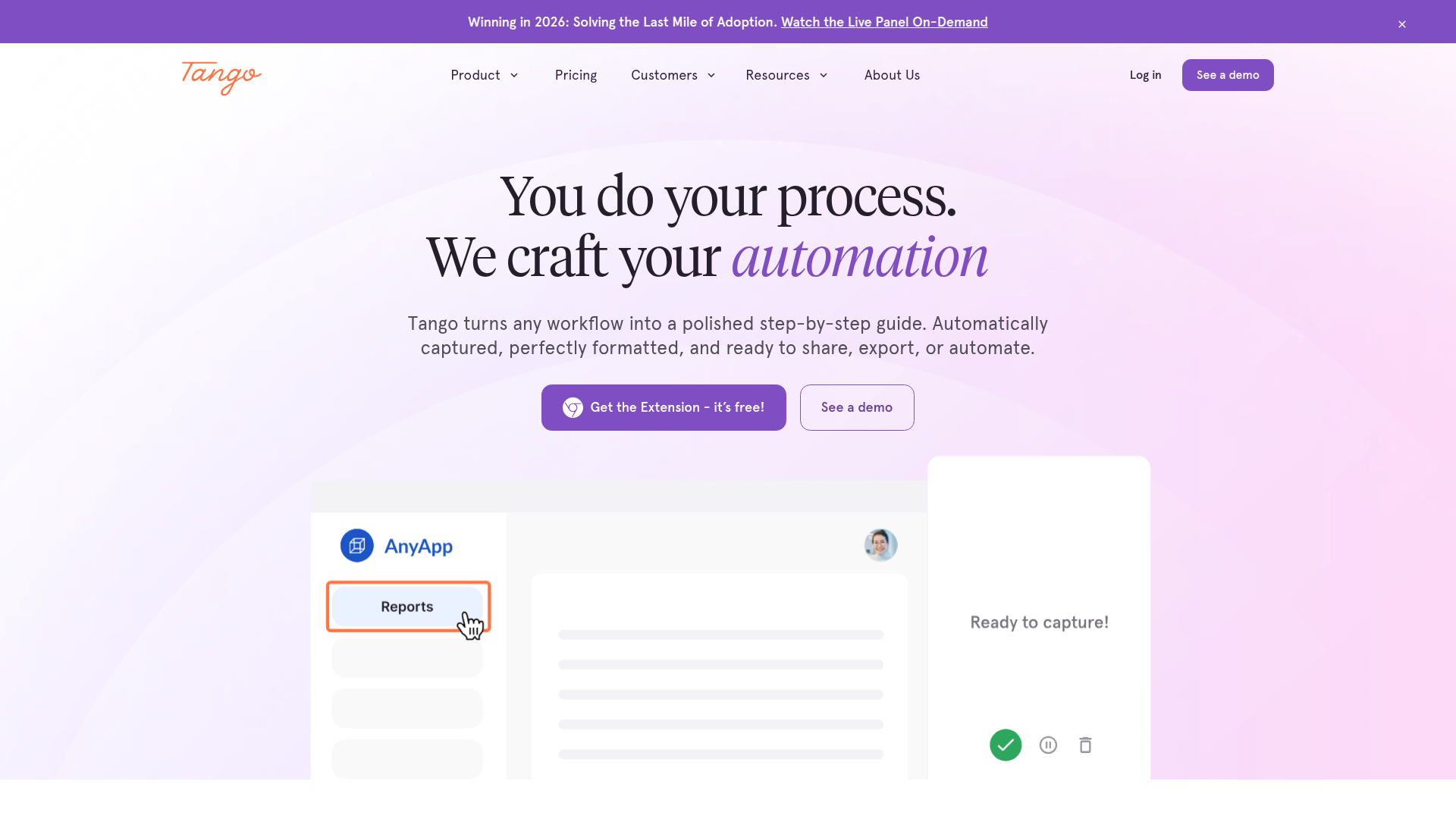
Pricing: Free for unlimited screenshot-based workflows; Pro at $20/month
Tango captures clicks to create screenshot guides with auto-generated text. Perfect for onboarding docs without the hassle of recording a video. The free tier covers unlimited workflows, making it excellent for process documentation.
What We Liked
- Unlimited screenshot workflows on free plan—no competitor offers this
- Auto-generates written instructions from your actions, saves hours
- Interactive embeds for Notion, Confluence, and most knowledge bases
What Could Be Better
- Video recording feels tacked on, not as smooth
- No mobile app for recording on-the-go, desktop/browser only
Growth Hacker Take: For documenting features or processes, Tango trumps Loom. Quick to scan and consume.
Tango Pricing | G2 Reviews (4.6/5)2. Screencastify — Best Budget Option
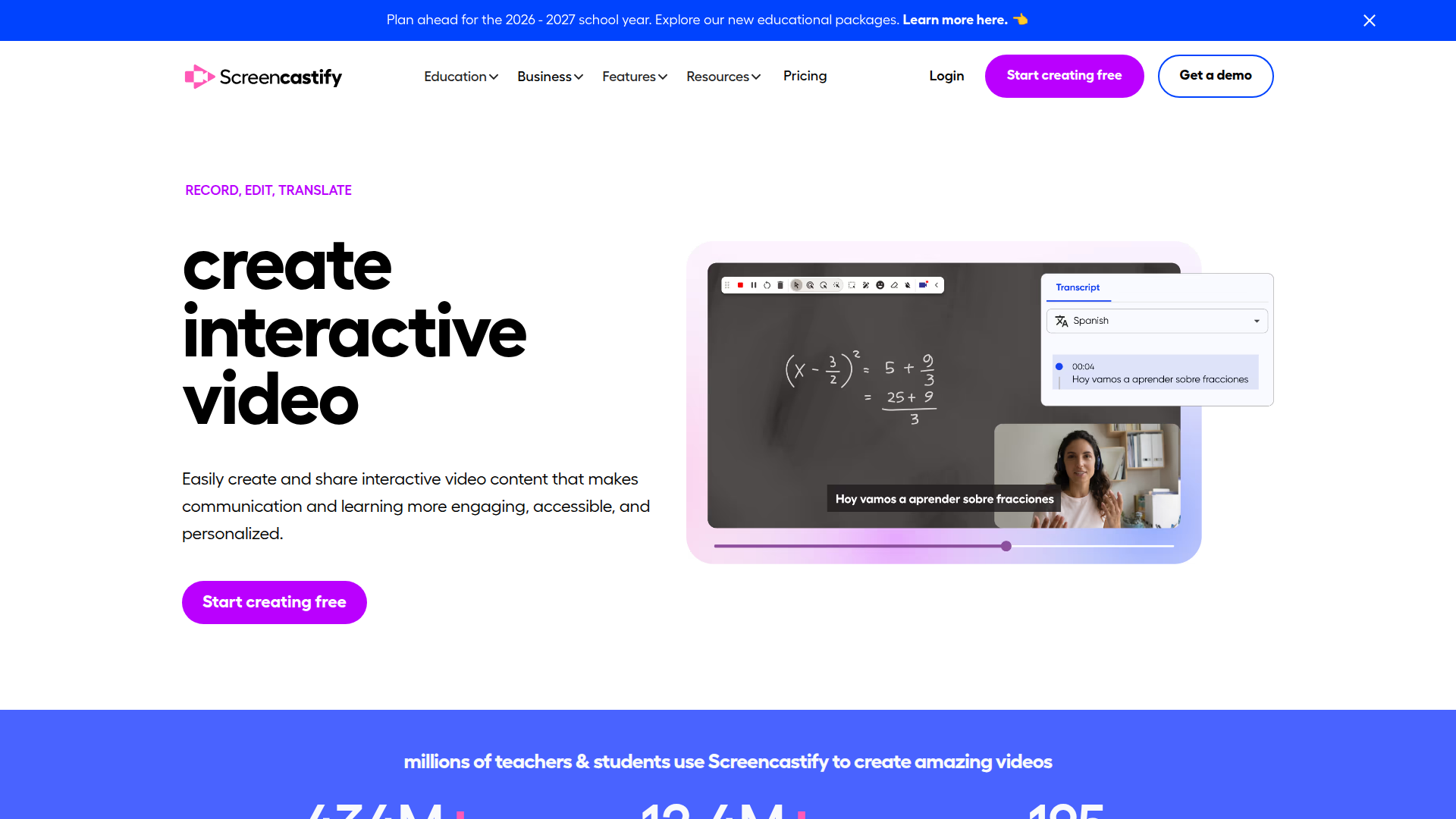
Pricing: Free for 5-minute recordings; Unlimited at $8/month (annual)
As a Chrome extension, Screencastify records screen or webcam with one click, saving to Google Drive. The free plan limits recordings to 5 minutes, but it's budget-friendly at $8/month for unlimited use, especially compared to Loom.
What We Liked
- Cheapest paid screen recorder at $8/month
- Auto-saves to Google Drive, integrates well with Google services
- In-browser editing—no software installs required
What Could Be Better
- Chrome-only, no Firefox or Safari support
- UI feels dated, lacks some modern polish
Growth Hacker Take: Essential for those needing unlimited recordings on a tight budget. Reliable and simple.
Screencastify Pricing | Capterra Reviews (4.6/5)3. Screenity — Best Open-Source Option
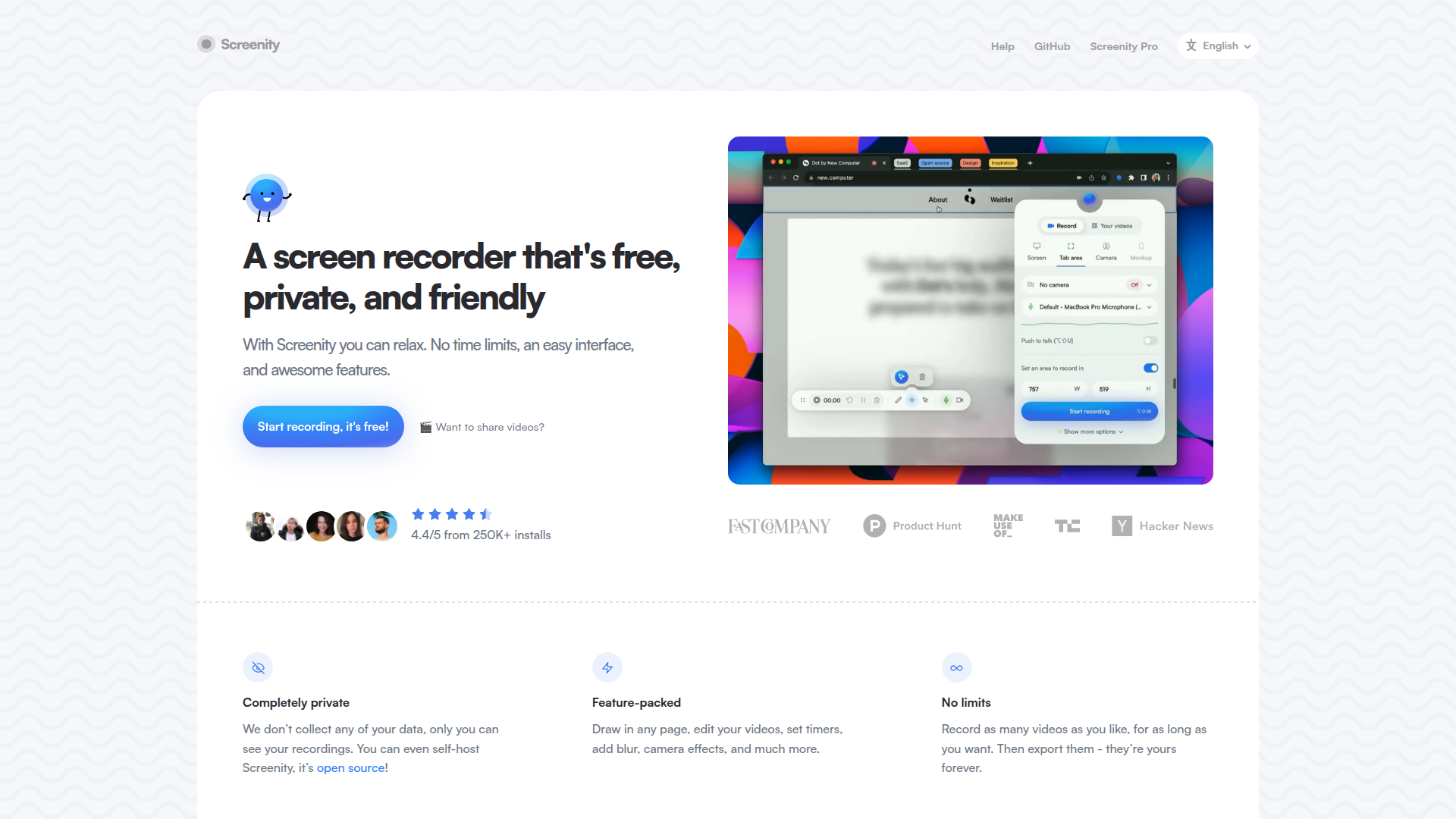
Pricing: Free and open-source
Screenity offers unlimited recording with no account needed. Recordings stay local until you upload them, making it ideal for privacy-focused users. It features trimming, click highlights, and drawing tools. An open-source gem!
What We Liked
- Free with no restrictions on features or length
- Privacy-first—recordings stay local unless exported
- Drawing tools and mouse highlights included
What Could Be Better
- No cloud hosting; you handle video sharing
- Chrome/Edge only
Growth Hacker Take: A hidden gem for privacy-aware users. Pair it with your storage solution, and you're golden.
Screenity GitHub | Chrome Web Store4. BerryCart — Best Free Tier for Teams
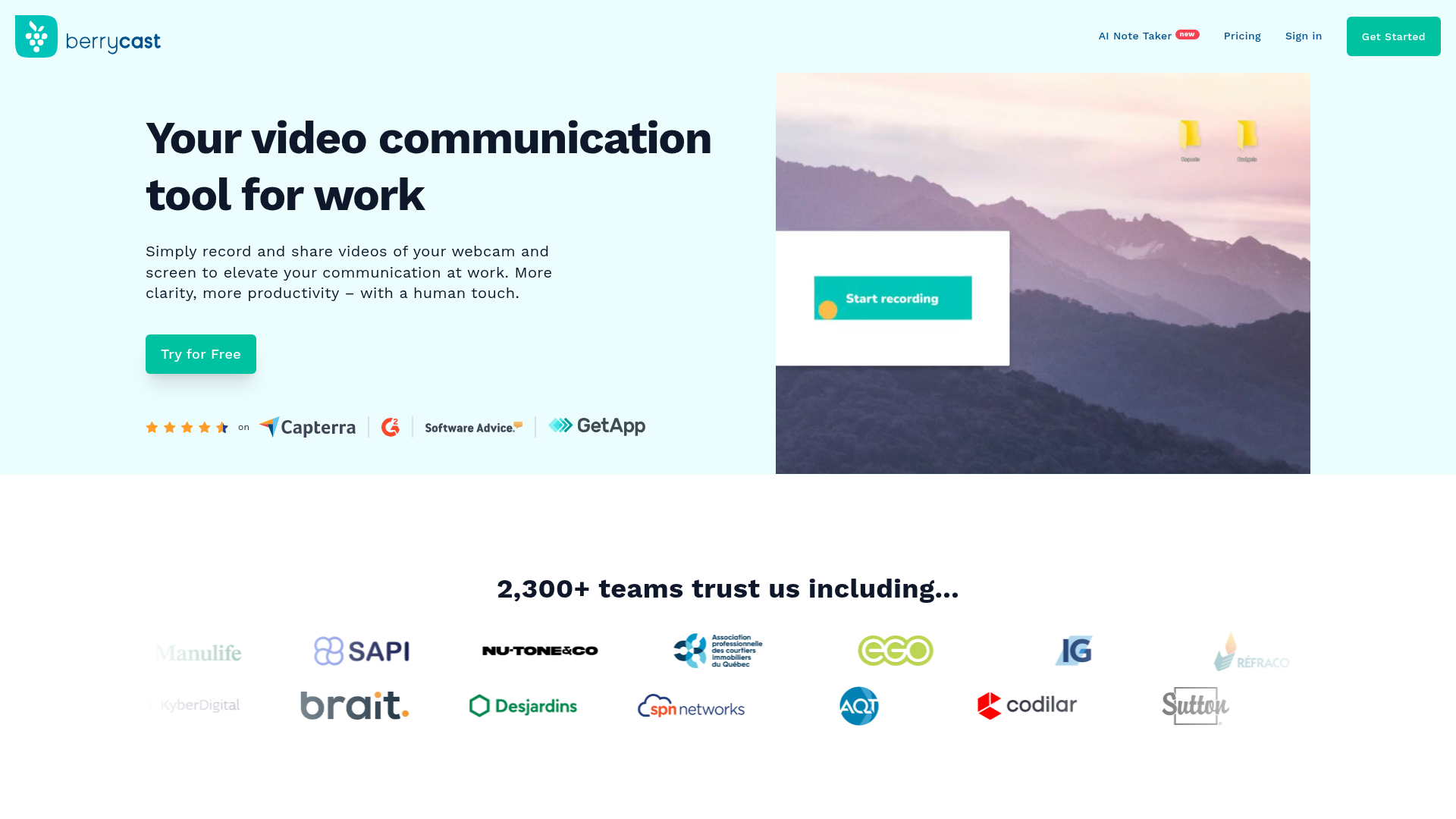
Pricing: Free for 75 videos; Pro at $5/month
BerryCart resembles classic Loom. It allows 75 videos in the free tier with screen and webcam recording. The Pro tier at $5/month adds more videos and custom branding. It's excellent for team updates and async video feedback.
What We Liked
- 75 videos on free plan vs Loom's 25
- $5/month Pro tier is cost-effective
- Mobile apps available for iOS/Android
What Could Be Better
- Fewer integrations than Loom
- Basic video editor with minimal features
Growth Hacker Take: For those who enjoyed Loom's earlier business model, BerryCart ticks all the boxes. Solid free option for small teams.
BerryCart Pricing | Product Hunt Reviews5. Vimeo Record — Best for Professional Video Hosting
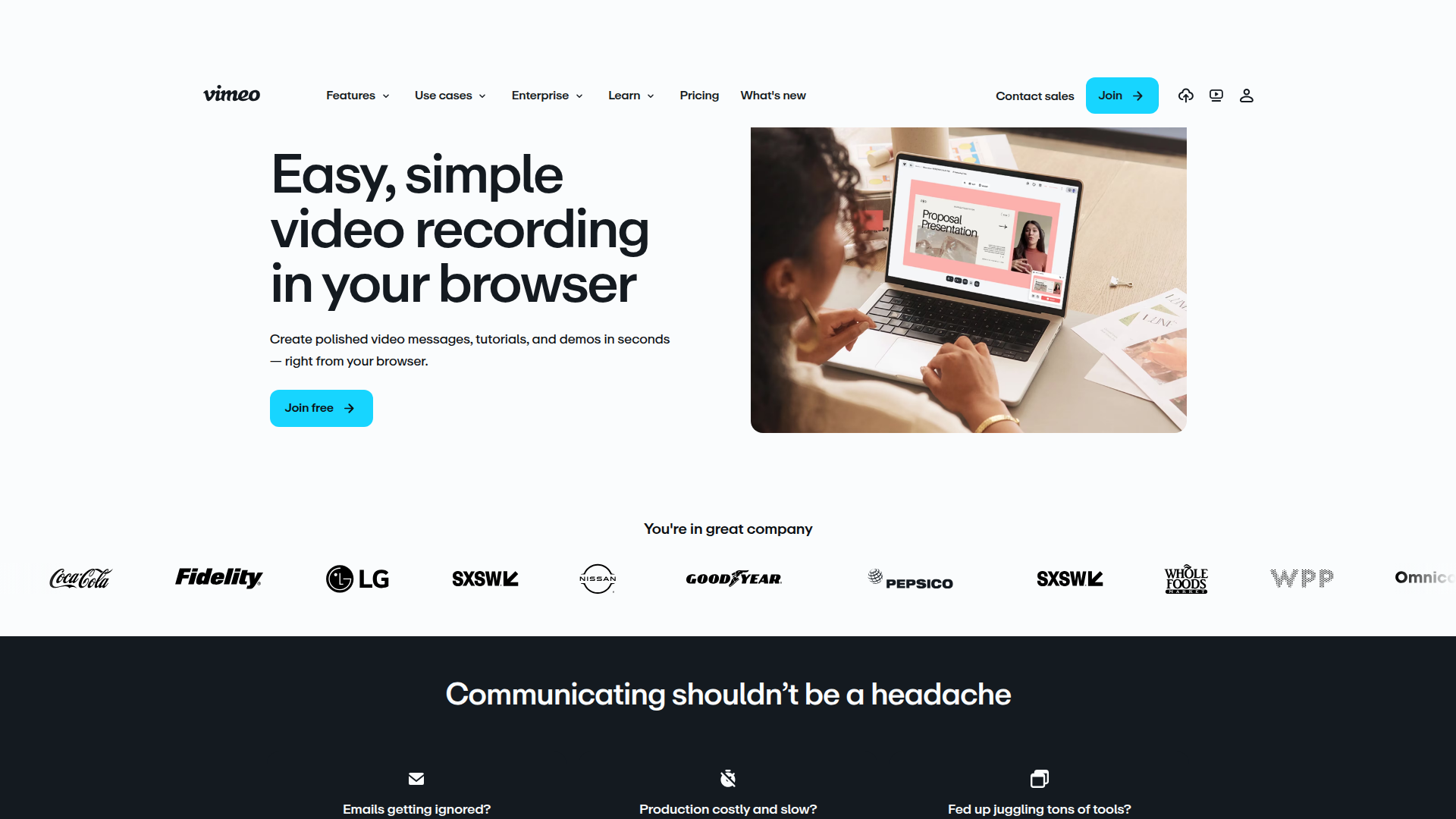
Pricing: Starter at $12/month
Vimeo Record is perfect for teams needing more than just a screen recorder. It bundles recording with Vimeo's video platform—custom player, analytics, and more. The built-in teleprompter and transcription make it ideal for professional outputs.
What We Liked
- Bundled with Vimeo's video platform
- 1080p recording with teleprompter
- Advanced analytics with heat maps
What Could Be Better
- Overkill for basic needs; no free tier
- $12/month minimum, storage limits apply
Growth Hacker Take: For serious production quality or when video hosting is already in your budget, Vimeo is unbeatable. Great for marketing teams!
Vimeo Record Features | G2 Reviews (4.2/5)6. Zight — Best for Visual Feedback
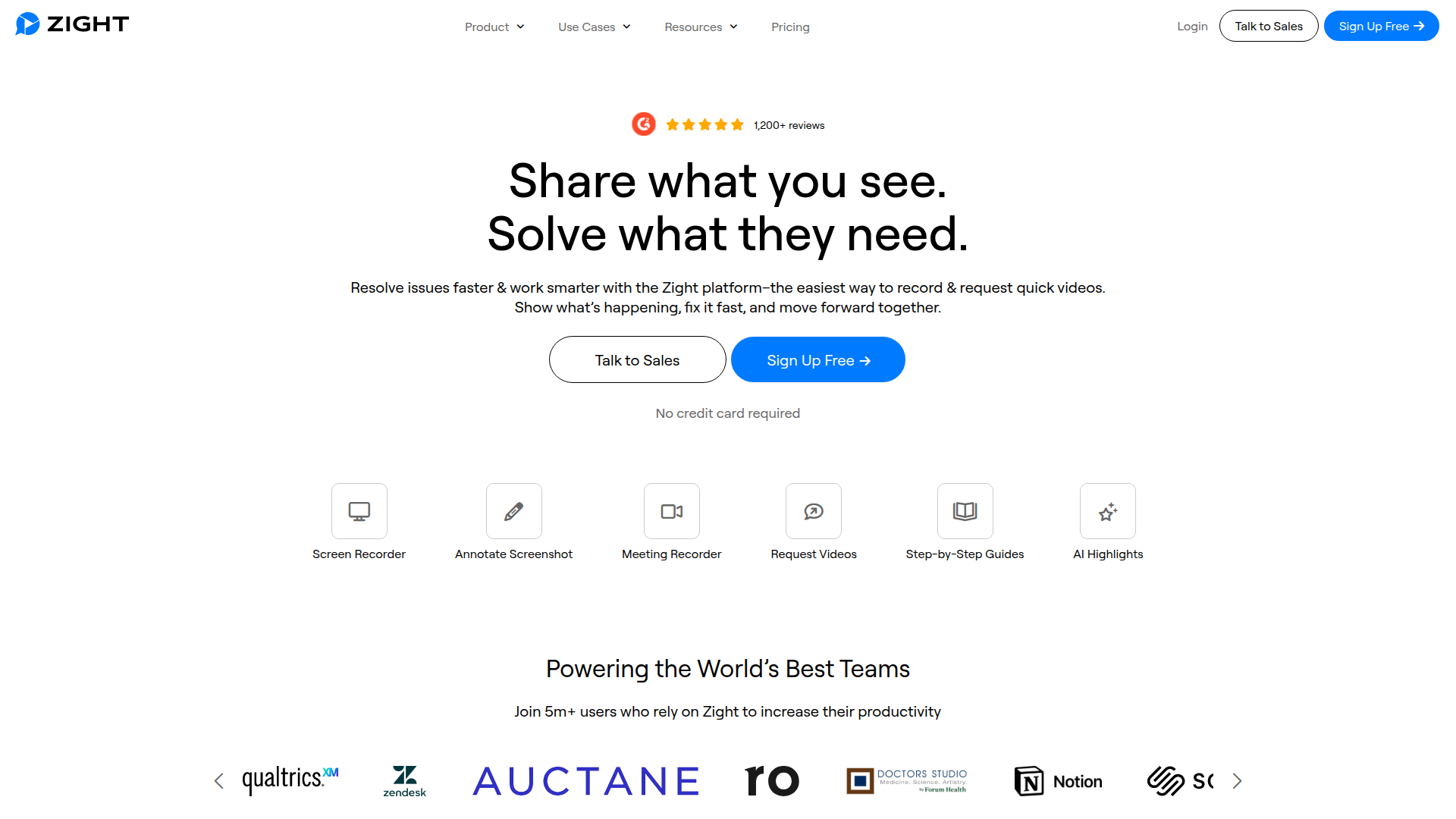
Pricing: Free for basic use; Pro at $9.95/month
Zight combines screenshots, GIFs, and video recording in one tool. Perfect for bug reports where annotated screenshots outshine videos. The simple workflow clicks with Mac, Windows, and iOS users alike.
What We Liked
- Screenshots, GIFs, and videos in one
- Useful for quick visual feedback
- Cross-platform compatibility
What Could Be Better
- Limited uploads on free plan
- Minimal video editing features
Growth Hacker Take: Ideal for design teams and customer support where a snapshot speaks louder than a thousand words.
Zight Pricing | Capterra Reviews (4.6/5)7. Komodo Decks — Best for Sales Demos with Slides
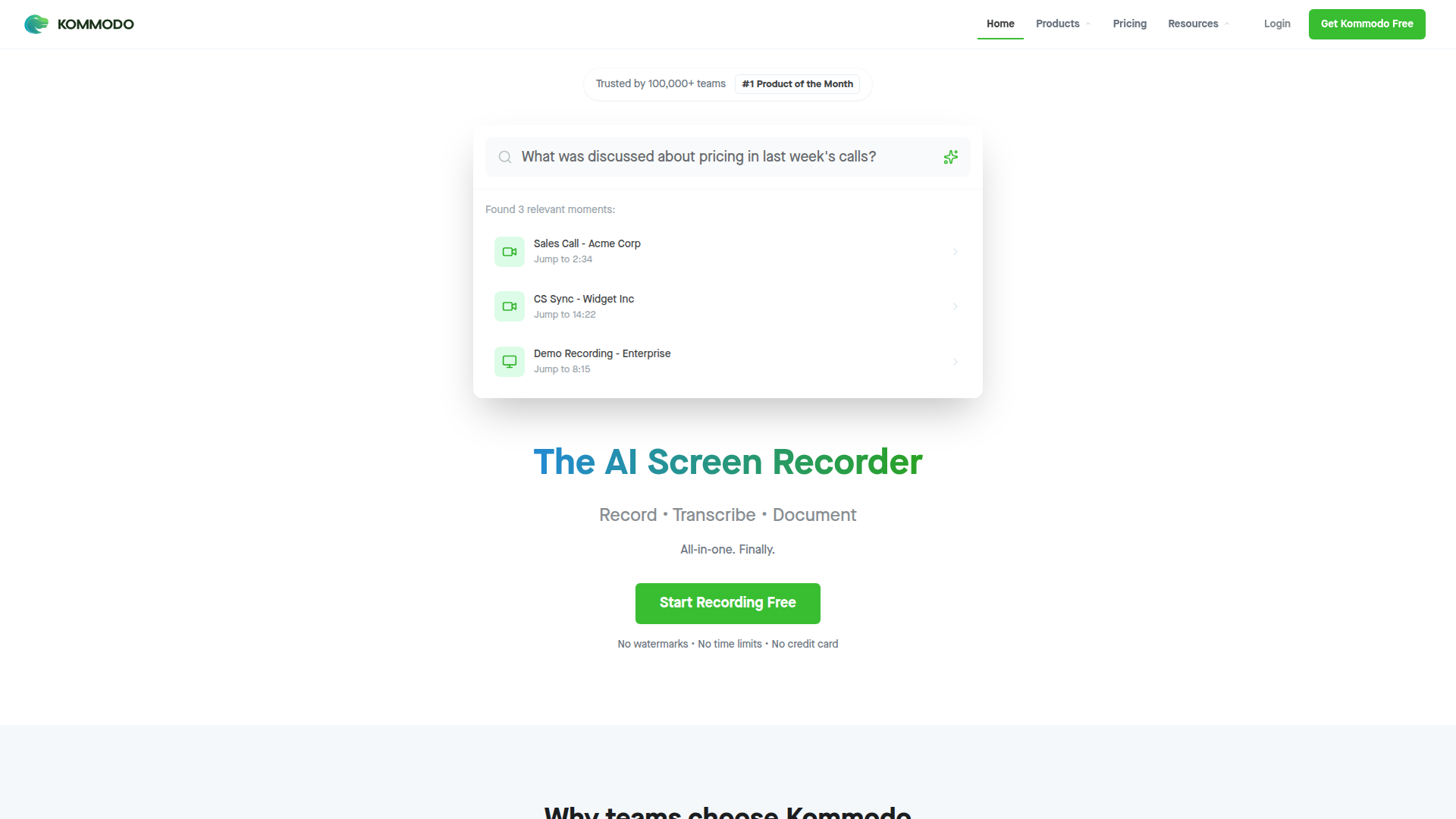
Pricing: Free for basic use; Pro at $29/month
Komodo Decks combines slide decks with screen recordings, ideal for sales demos. Create interactive presentations that allow viewers to control the pace, complete with analytics to track engagement.
What We Liked
- Combines slides and video for engaging presentations
- Viewers control pace, improving engagement
- Lead capture and detailed analytics
What Could Be Better
- Learning curve for setup
- Pricier than basic screen recorders
Growth Hacker Take: Best for structured demos and launches. For internal use, it's overdone.
Komodo Decks Pricing | Product Hunt Discussion8. Vidyard — Best for Sales Teams
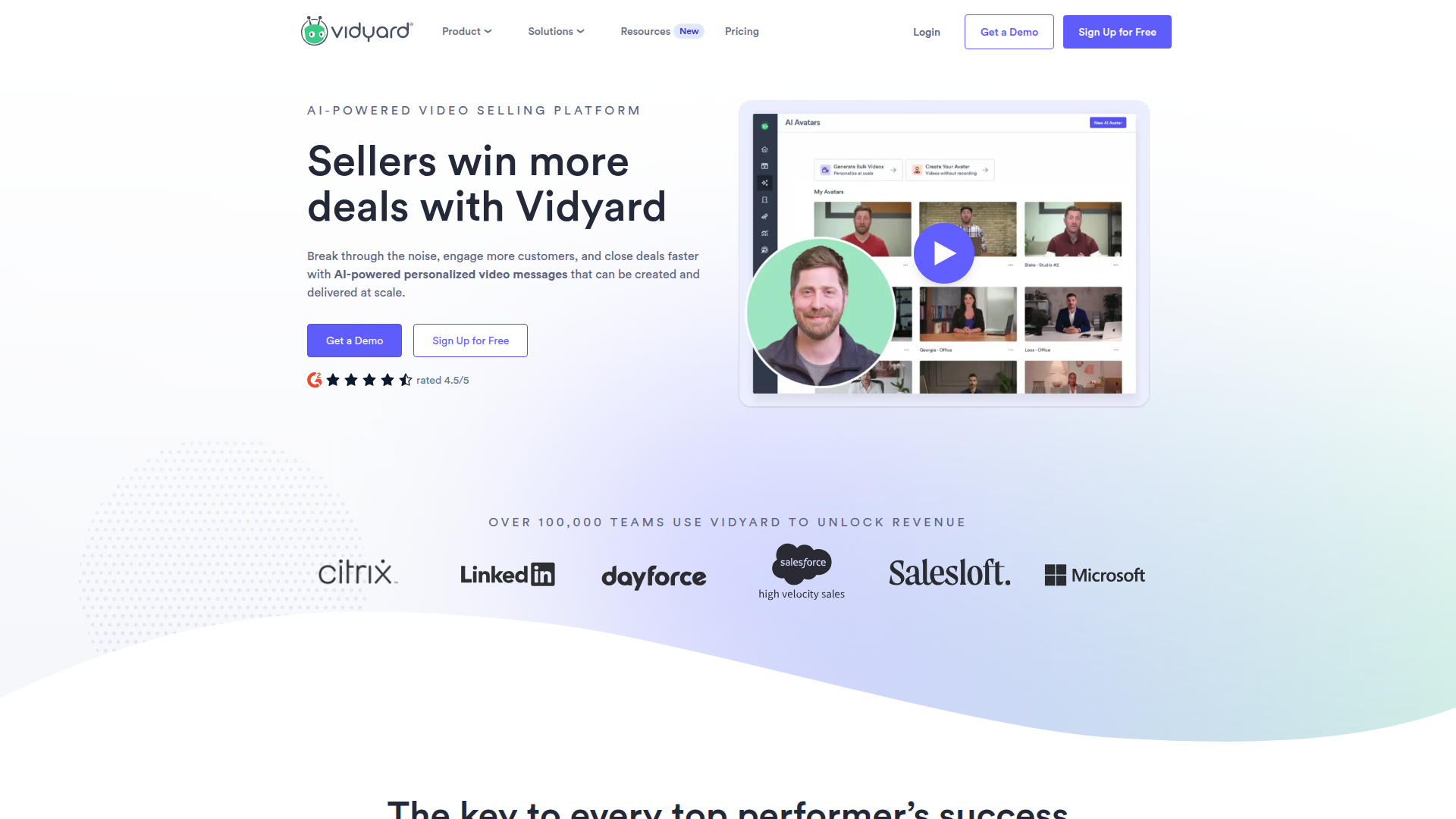
Pricing: Free for 25 videos; Pro at custom pricing
Built for sales, Vidyard's free plan allows 25 videos, with powerful CRM integrations and analytics in paid plans. Personalize video messages for prospects and track viewing data for sales follow-ups, making video outreach effortless.
What We Liked
- CRM integration for actionable video data
- Personalized video thumbnails boost engagement
- Automated follow-up triggers based on engagement
What Could Be Better
- Geared heavily towards sales use cases
- Custom pricing can be a hurdle
Growth Hacker Take: Essential for B2B sales teams needing video outreach insights. Otherwise, overkill for simple needs.
Vidyard Review — Boost Sales with Video in 2025?
How to Choose the Right Tool
Picking a Loom alternative comes down to three questions: what are you recording, who's watching, and what happens after they watch?
- For process documentation: Go with Tango. Screenshot workflows beat video for step-by-step guides.
- For tight budgets: Screencastify at $8/month or Screenity for $0. Both handle basic recording and sharing.
- For team collaboration: BerryCart offers the best free tier (75 videos).
- For sales and marketing: Vidyard for CRM integration, or Komodo Decks for structured presentations.
- For professional video hosting: Vimeo Record integrates recording with a full platform.
- For visual feedback: Zight combines screenshots, GIFs, and video.
- For privacy and control: Screenity keeps everything local until you upload.
Frequently Asked Questions
Is there a completely free Loom alternative with no limits?
Yes. Screenity is fully open-source with unlimited recording and no watermarks. You handle your own video hosting, though. Meanwhile, Tango offers unlimited screenshot workflows, and BerryCart outperforms Loom with 75 videos free.
Which Loom alternative has the best free tier for video recording?
BerryCart tops with 75 storage spaces compared to Loom's 25. For unlimited recording, opt for Screenity, despite the need for personal hosting.
Do any alternatives offer better transcription than Loom?
Tools like Vimeo Record and Vidyard provide slightly enhanced transcription for technical terms due to their specialization in business content.
Can I use these tools offline or do they require internet?
Screenity works offline and saves recordings locally, while Screencastify uploads via Google Drive post-recording.
Which alternative is best for recording tutorial videos over 30 minutes?
Screenity provides limitless recording. Vimeo Record on paid plans also supports extended recordings with better compression.
About the Author
Marco Delvane
Growth Team at Vibe Growth Stack. Tested 100+ growth tools so you don't have to. Writes about what actually works for startups — no fluff, no affiliate bias.
More in this series
View full guide →Related Articles
Get growth tips in your inbox
No-BS growth hacks, tool reviews, and best-value picks. Weekly.
Unsubscribe anytime. We hate spam too.