Best Typeform Alternatives in 2026: Top Form Builders
Discover the best Typeform alternatives in 2026. Compare pricing, features, and free plans of top form builders like Tally, Fillout, and SurveyMonkey.

Marco Delvane
Growth Team
Key Takeaways
- Typeform's pricing jumped 40% in 2024, pushing many bootstrapped founders to explore alternatives with better freemium tiers
- Modern form builders like Tally and Fillout offer unlimited forms and responses on free plans—something Typeform caps at 10 responses/month
- If you need advanced logic and integrations, SurveyMonkey and Jotform provide enterprise features at mid-tier pricing
- For conversational UX without the Typeform tax, tools like involve.me and Paperform deliver similar vibes at 50-60% lower cost
- Most alternatives integrate with Zapier/Make, so switching won't break your existing workflows
Why Founders Are Ditching Typeform in 2026
Typeform built its reputation on gorgeous forms, but in 2026, the costs are a dealbreaker. The beautiful UX now costs $29/month for just 100 responses, jumping to $59/month for 101+. For bootstrapped startups, these costs climb fast.
Typeform’s free plan is laughably restrictive—10 responses/month hardly cuts it. Advanced features like A/B testing and white-labeling are locked behind pricey plans, pushing users towards competitors with better free tiers and transparent pricing.
Many indie hackers are switching after hitting response limits mid-campaign. One founder moved from Typeform to Tally, cutting monthly costs from $59 to $0. That's not a minor improvement; it’s a new perspective on form software costs in 2026.
Quick Comparison: Typeform vs. Alternatives
| Tool | Starting Price | Best For | Free Tier? | VGS Verdict |
|---|---|---|---|---|
| Tally | Free (Pro at $29/month) | Unlimited forms & responses | Yes, unlimited | Best free alternative, period |
| SurveyMonkey | $25/month | Market research & surveys | Limited (10 questions) | Enterprise features, mid-tier price |
| Fillout | Free (Pro at $19/month) | Notion/Airtable integration | Yes, generous | Hidden gem for data workflows |
| Jotform | $34/month | Template library & widgets | Yes (5 forms, 100 responses) | Ugly but reliable workhorse |
| involve.me | $29/month | Interactive content marketing | Limited (3 projects) | Typeform vibes, better pricing |
| Paperform | $24/month | Payment collection & bookings | 14-day trial only | Swiss Army knife for service businesses |
| Google Forms | Free | Internal team surveys | Yes, fully free | Zero frills, zero cost |
| Formbricks | Free (Cloud at $99/month) | Open-source customization | Yes, self-hosted | Developer-first alternative |
1. Tally — The Free Tier That Actually Works
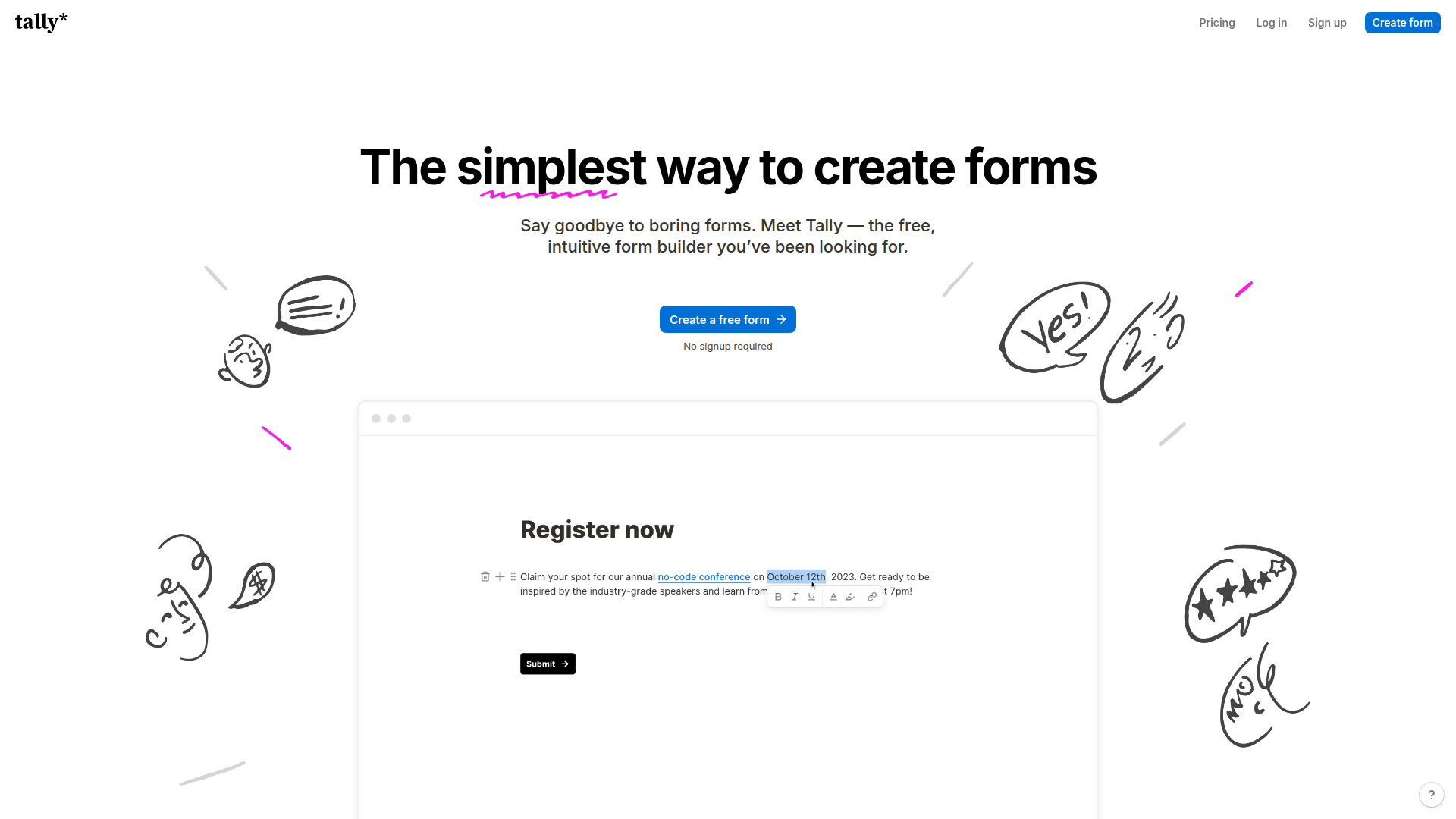
Pricing: Free forever (unlimited forms, unlimited responses) | Pro at $29/month for white-label and advanced features
Tally offers unlimited forms with a simple interface. Think Notion's clean blocks mixed with Typeform's elegance. The standout feature? Native Notion integration, perfect for teams living in that ecosystem. With no credit card or upgrade surprises needed, it’s a dream for small teams needing functional, free form solutions.
What We Liked
- Unlimited forms and responses on free plan
- Native Notion integration eliminates Zapier needs
- Distraction-free builder focused on functionality
- Custom CSS support for full design control
What Could Be Better
- Minimal template library
- White-labeling requires a paid plan
- Basic analytics needs external tools
Growth Hacker Take: For zero-budget form infrastructure, Tally's unbeatable. Its Notion integration streamlines workflows, making it a go-to for lead gen and user research forms.
Tally Review — Tally.so Tutorial for Beginners (2026)
Check out Tally's pricing page and read user reviews on G2.
2. SurveyMonkey — Enterprise Power Without Enterprise Pain
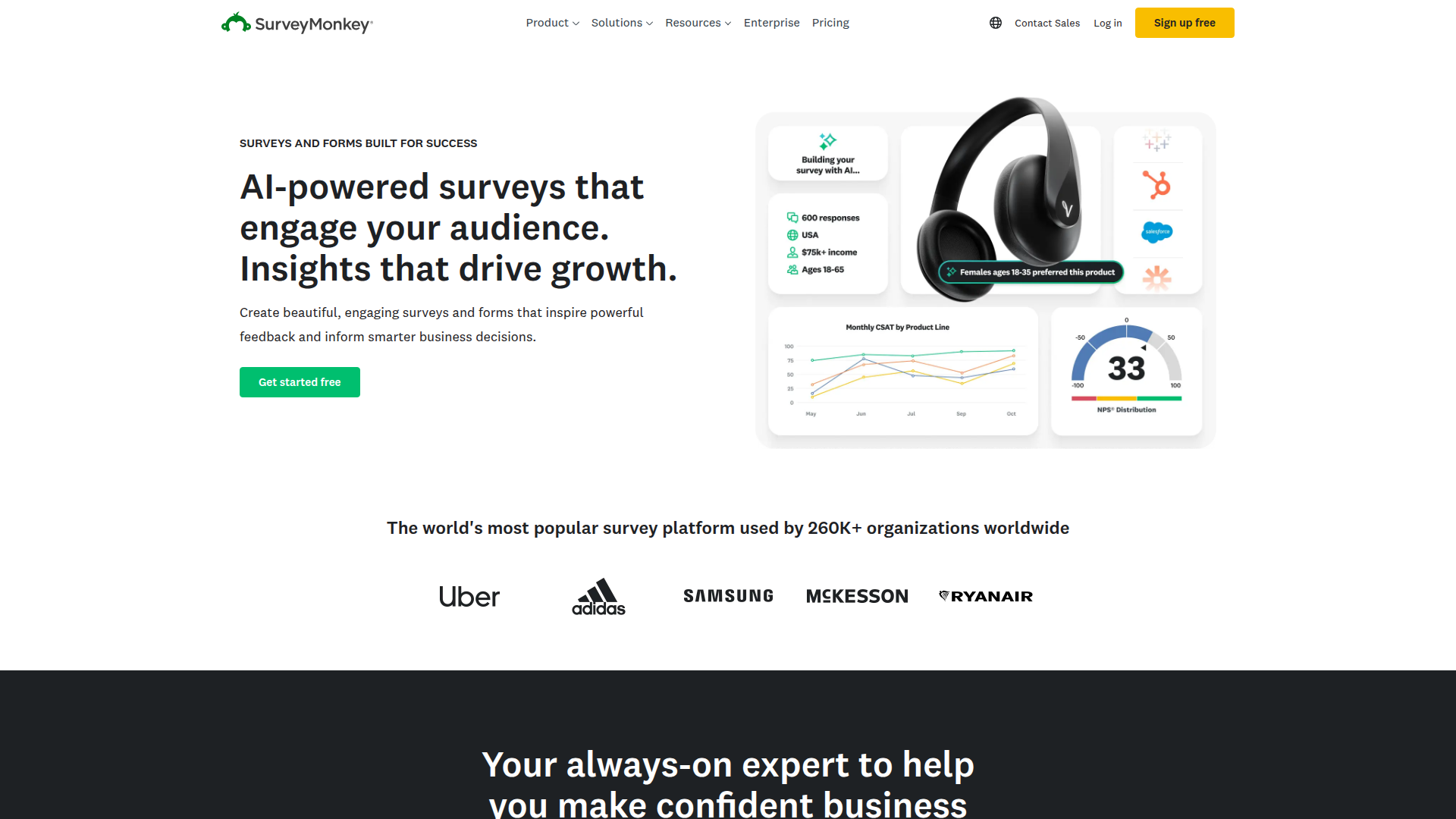
Pricing: Team Advantage at $25/month per user | Team Premier at $75/month per user | Enterprise custom pricing
SurveyMonkey offers powerful survey tools with AI insights and in-depth analysis. Its strong methodology helps design robust surveys, and supports advanced logic branching. For market research or feedback, SurveyMonkey’s pricing gives significant value against Typeform's basic tier.
What We Liked
- AI-powered analysis for open-ended responses
- Sound survey templates designed by professionals
- Advanced data analysis and filtering tools
- CRM and marketing automation integrations
What Could Be Better
- Quickly gets costly for teams
- Interface looks dated
- Overkill for simple forms
Growth Hacker Take: For comprehensive surveys needing AI analysis, SurveyMonkey is invaluable. Its analytical tools save time, making it worthwhile despite a higher price.
SurveyMonkey Review — Quick Overview & Review (2026)
Compare plans at SurveyMonkey's pricing page and see what users say on Capterra.
3. Fillout — The Database-First Form Builder
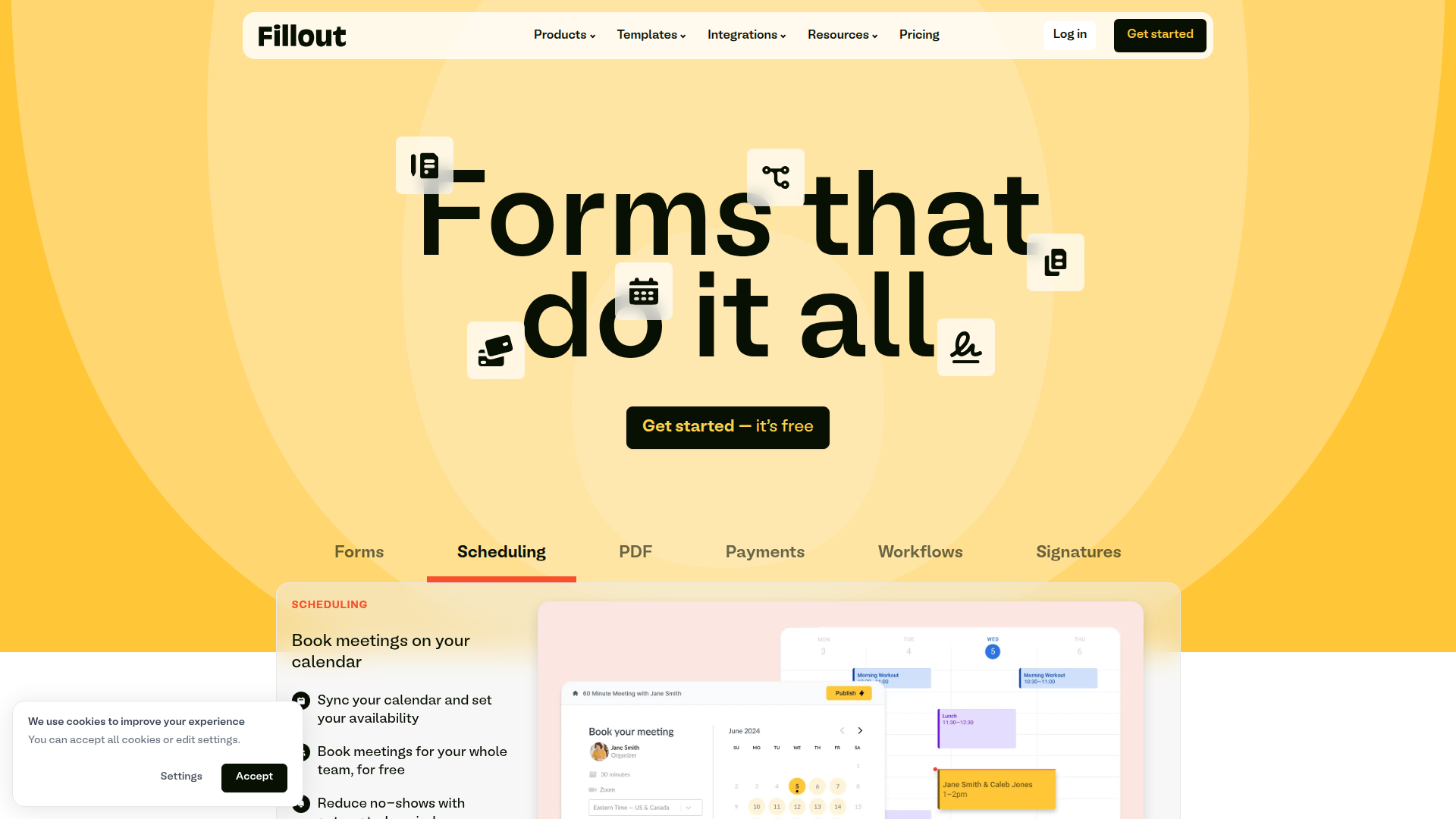
Pricing: Free (unlimited forms, 1000 responses/month) | Pro at $19/month (10,000 responses) | Business at $49/month (unlimited)
Fillout is a lesser-known gem for database integration. Its seamless sync with Airtable and Notion is invaluable; form submissions become direct database entries. Ideal for those avoiding Zapier, it offers real-time data transfer and logic to handle standard form needs.
What We Liked
- Direct Airtable and Notion integration
- 1000 free responses/month
- Flat team pricing
- Form scheduling for campaigns
What Could Be Better
- Limited design customization
- Smaller template library
- Relies on external tools for analytics
Growth Hacker Take: Perfect for teams in Airtable or Notion ecosystems, Fillout replaces complex automation needs. A hidden asset, it simplifies database-centric workflows.
Fillout Review — No-Code Expert Tests Fillout Forms — First Impressions
See Fillout's pricing details and check Product Hunt reviews.
4. Jotform — The Ugly Duckling That Gets Stuff Done
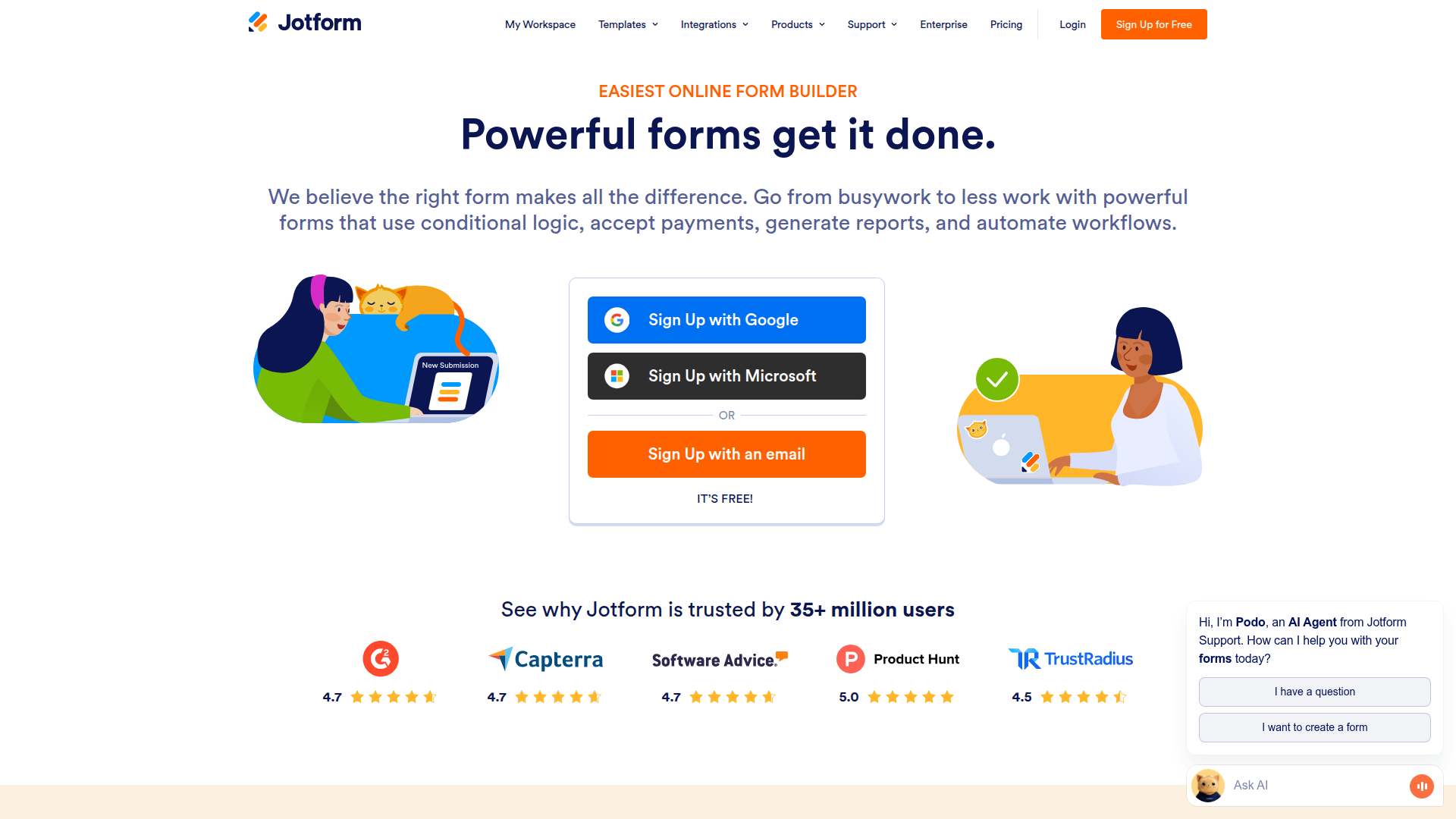
Pricing: Bronze at $34/month (25 forms, 1000 submissions) | Silver at $39/month (100 forms, 10,000 submissions) | Gold at $99/month (unlimited)
Jotform isn't sleek but boasts an expansive template ecosystem. With 10,000+ templates and 300+ widgets, it handles complex needs like appointment bookings and payment collections. Despite its dated UI, Jotform's depth in features remains unmatched.
What We Liked
- 10,000+ templates for comprehensive needs
- 300+ specialized widgets
- Detailed analytics with conversion funnels
- 30+ payment gateway integrations
What Could Be Better
- Dated UI design
- Basic default themes
- Can feel sluggish with complex forms
Growth Hacker Take: Jotform is the practical choice for complex forms with widgets and payment processing. A reliable option that’s feature-rich, despite its outdated looks.
Jotform Review — Typeform vs Jotform — Which One Is Actually Worth It?
Review Jotform's pricing tiers and read feedback on G2.
5. involve.me — Conversational Forms Meet Content Marketing
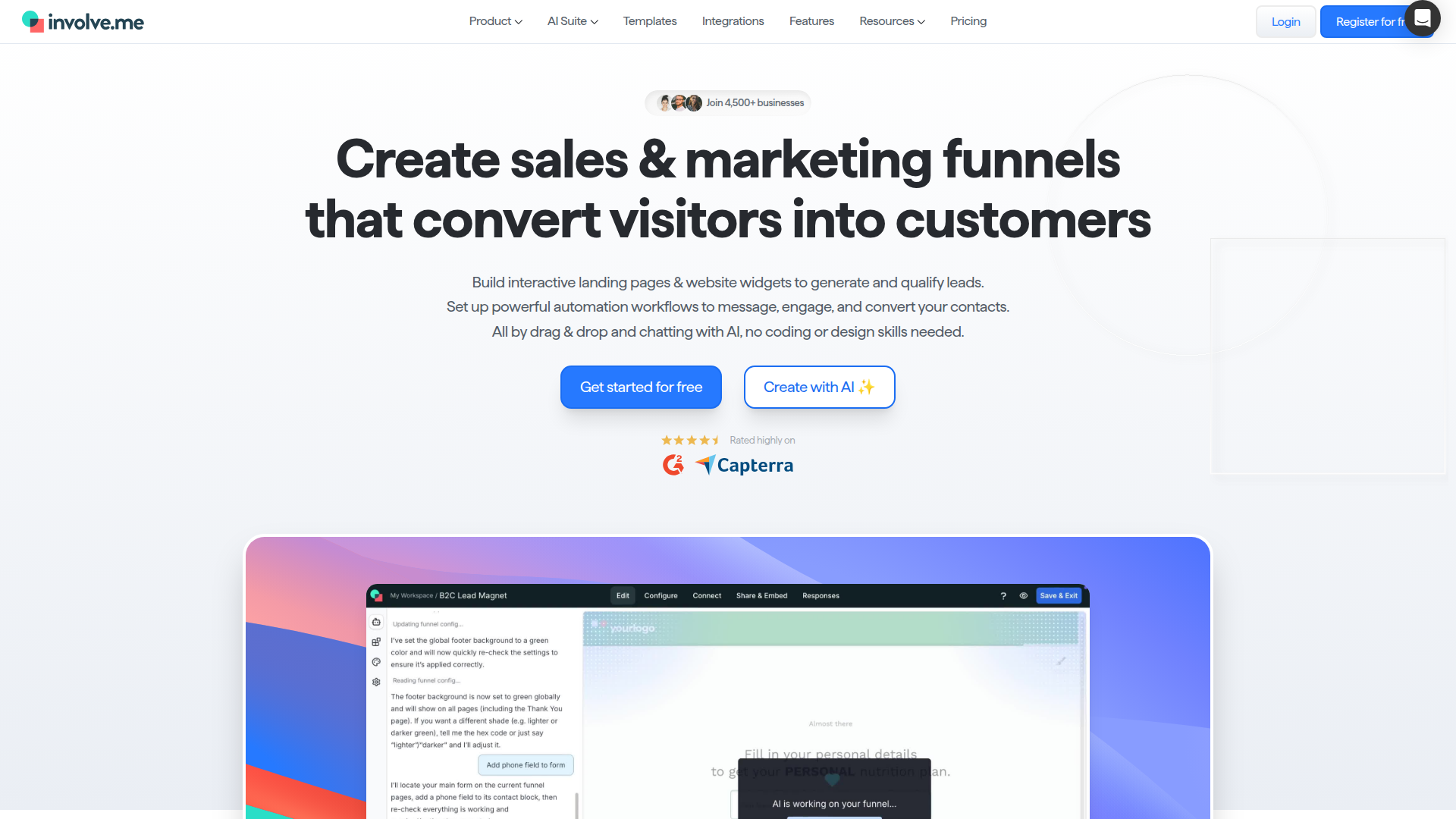
Pricing: Start at $29/month (3 projects, 100 submissions) | Professional at $79/month (10 projects, 1000 submissions) | Business at $149/month (unlimited)
involve.me blends form building with interactive content creation. It excels at quizzes, assessments, and calculators that boost lead gen. While ideal for content-driven campaigns, project limits can be restrictive for expanding needs.
What We Liked
- Engaging quizzes and interactive content forms
- Personalized results for lead capture
- Strong analytics beyond basic completions
- Tracks partial responses for retargeting
What Could Be Better
- Restrictive project limits
- Steeper learning curve
- Capped submissions relative to price
Growth Hacker Take: involve.me is gold for content-driven lead gen. With engaging tools, it generates high conversions but watch out for project constraints.
Compare plans at involve.me's pricing page.
6. Paperform — The Swiss Army Knife for Service Businesses
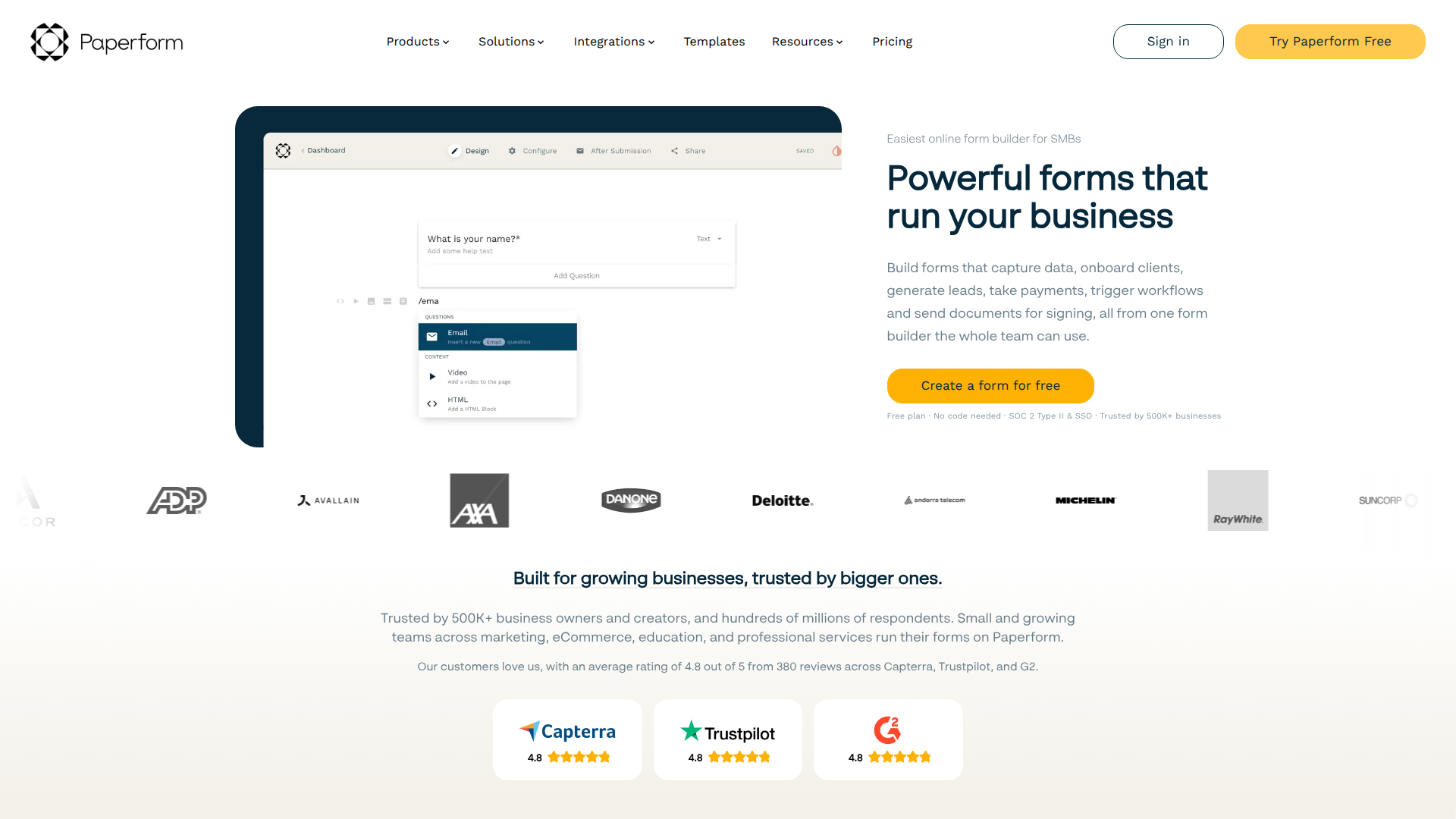
Pricing: Essentials at $24/month (1 user, unlimited forms) | Pro at $44/month (5 users, priority support) | Agency at $159/month (10 users, white-label)
Paperform combines forms with bookings and payments, perfect for consultants and service businesses. Its ability to replace multiple SaaS solutions is a major budget-saver, despite lacking a free tier.
What We Liked
- Everything under one roof: booking, payments, forms
- Robust scheduling akin to dedicated tools
- Handles e-commerce functions smoothly
- Fast form creation with text-based editor
What Could Be Better
- No free tier, costly trial shifts to paid
- Single-user limit on Essentials plan
- Requires grasping a text-based editor approach
Growth Hacker Take: For service providers, Paperform consolidates bookings, payments, and forms. It’s worth it for the one-stop functionality, especially if you’re paying for separate tools.
See feature breakdown at Paperform's pricing page and read reviews on Capterra.
7. Google Forms — The Free Fallback That Actually Works
Pricing: Free (forever, unlimited everything)
Google Forms is the go-to for zero-cost, simple forms. Unlimited forms and responses, plus seamless Google Sheets integration, offer functionality without bells and whistles. For internal use, it gets the job done consistently.
What We Liked
- Completely free with unlimited access
- Real-time data analysis via Sheets
- File uploads up to 10GB
- Simple to use, no learning curve
What Could Be Better
- Lacks conversational UX engagement
- Customization options are basic
- No native payment or complex features
Growth Hacker Take: If budget is zero, Google Forms delivers. Perfect for straightforward needs where design is secondary. Use it for team surveys and quick data collection.
Learn more at Google Forms homepage.
8. Formbricks — The Open-Source Developer's Choice
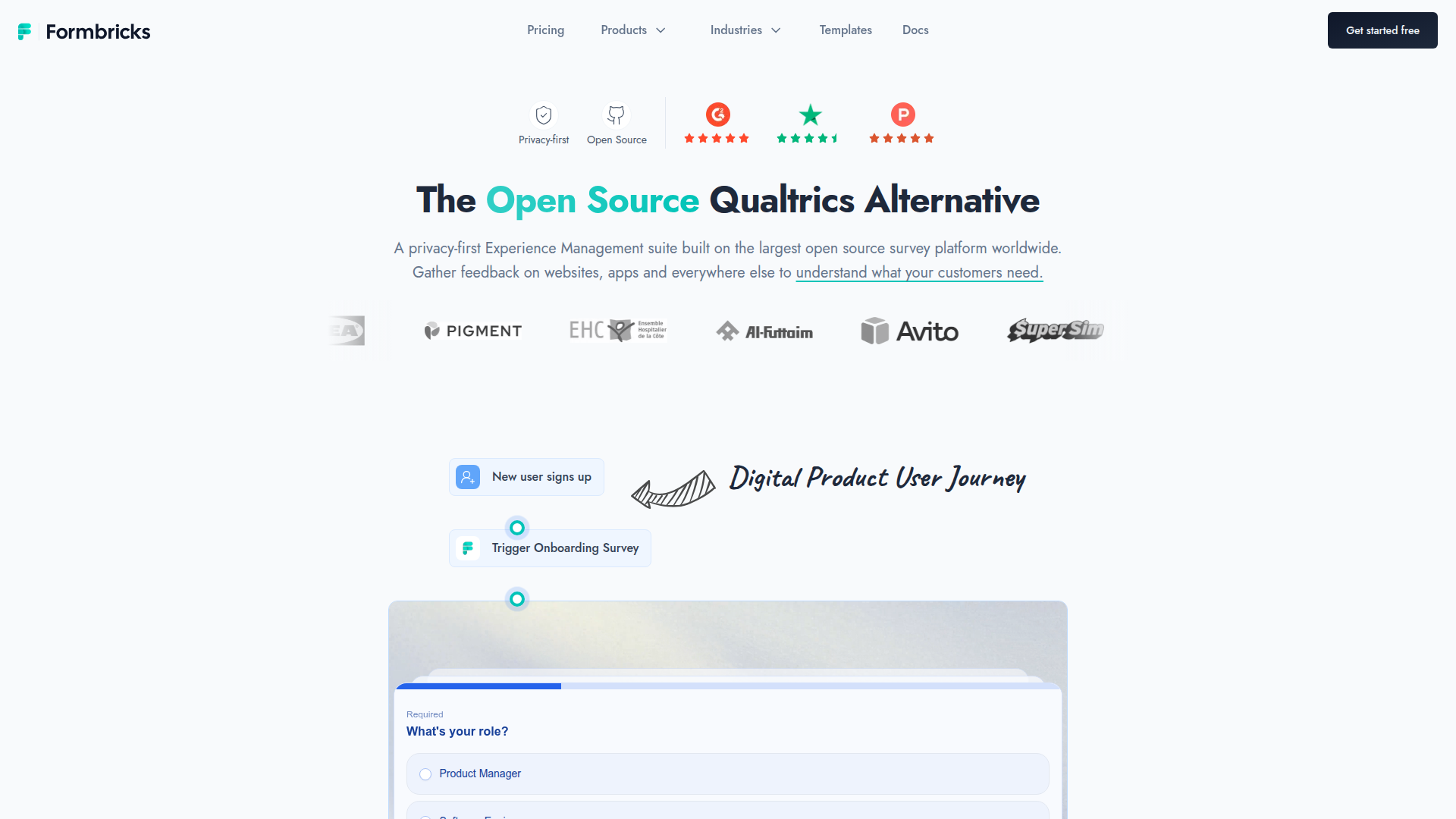
Pricing: Free (self-hosted, unlimited) | Cloud at $99/month (2,000 responses) | Enterprise custom pricing
Formbricks appeals to devs wanting control. An open-source tool for in-product surveys, it allows full customization and data ownership. Hosting complexity means it's best for technical teams comfortable with Docker.
What We Liked
- Complete open-source flexibility
- Behavior-based in-product surveys
- Strong community support on GitHub
- Behavioral targeting and A/B testing
What Could Be Better
- Requires technical skills for self-hosting
- Cloud gets expensive at scale
- Focuses on surveys, not standalone forms
Growth Hacker Take: For SaaS devs, Formbricks offers self-hosted control over user feedback. Powerful but best for those with tech chops.
Check out the Formbricks GitHub repo and read about their approach on the official blog.
How to Choose the Right Typeform Alternative
The "best" form builder depends entirely on what you're actually building and how your traffic looks. Here's some guidance:
- Bootstrapped founders: Try Tally or Google Forms for no-cost forms without limits.
- Airtable/Notion users: Opt for Fillout, designed to sync directly, simplifying workflows.
- Lead gen and content marketing: Use involve.me for quizzes or Tally for lead forms.
- Market research and surveys: SurveyMonkey for superior analytical tools if survey quality is critical.
- Service businesses: Paperform consolidates booking, forms, and payments cleverly.
- Require widgets and features: Explore Jotform for a robust template library and specialized widgets.
- Technical teams in SaaS: Formbricks for self-hosted, in-product survey control without vendor lock-in.
Don’t ask “which tool is best?” Instead, ask “what’s the smallest solution that gets the job done?” Typeform sold the myth of needing premium pricing for quality forms—2026 alternatives prove otherwise. Most indie hackers can manage entire form needs on free or sub-$30/month setups without real compromises.
Frequently Asked Questions
Can I migrate my existing Typeform forms to alternatives?
Most do not offer direct imports, necessitating manual rebuilding. The good news? Form builders are faster now, with tools like Tally expediting recreation. Export Typeform responses as CSV to preserve historical data prior to cancelling.
Do free alternatives actually work for real businesses?
Absolutely. Tally's unlimited free tier powers several six-figure SaaS operations I know. Google Forms manages enterprise surveys seamlessly. Industry has shifted to genuine, functional free plans as cloud costs dropped.
What about GDPR compliance and data privacy?
Most form builders here comply with GDPR, offering data agreements and EU hosting. SurveyMonkey and Jotform boast mature compliance programs. Formbricks allows total control self-hosting, a perk for maximum compliance needs.
Which tool has the best mobile experience?
Typeform’s mobile-friendly interaction is met by involve.me and Paperform. Tally offers compact layouts but isn’t strictly conversational. Google Forms works on mobile but lacks pizzazz.
Can these alternatives handle payment collection?
Payment capabilities vary. Paperform excels at e-commerce, whereas Tally and Jotform handle simpler collections well. Google Forms and Formbricks require third-party solutions for payments.
About the Author
Marco Delvane
Growth Team at Vibe Growth Stack. Tested 100+ growth tools so you don't have to. Writes about what actually works for startups — no fluff, no affiliate bias.