Best Unbounce Alternatives 2026: 7 Landing Page Builders
Compare top Unbounce alternatives for landing pages. Find affordable builders with AI, A/B testing, and no-code design starting at $5/month.

Marco Delvane
Growth Team
Key Takeaways
- Best Overall: Framer — Designer-quality pages without code, $5/month starting price
- Best for AI: Landingi — Built-in AI copywriter and image generator, $29/month
- Best for Speed: Systeme.io — All-in-one platform with funnels included, free plan available
- Best for Marketers: Instapage — Advanced A/B testing and heatmaps, $199/month
- Unbounce costs $99/month minimum — Most alternatives start at $5-29/month with better UX
Unbounce pioneered landing page builders back in 2009. Fast-forward to 2026, and it feels... dated. The interface hasn't aged well. The pricing definitely hasn't. And honestly? The AI features competitors ship make Unbounce look like it's running on 2019 tech.
We tested seven alternatives over three weeks. Built real pages. Ran A/B tests. Measured load times. Here's what actually works in 2026 — and what you should skip.
Why Teams Are Ditching Unbounce
The most common complaint: price. Unbounce starts at $99/month for 500 conversions. Hit 501? You're paying $145/month. The tier system punishes growth, which feels backwards for a conversion tool.
Second issue: speed. Average Unbounce page loads in 2.8 seconds. Google's Core Web Vitals say anything over 2.5 seconds hurts SEO. Competitors like Framer load in under 1 second.
Third: AI gap. Unbounce added Smart Traffic (their AI optimizer) in 2018. Meanwhile, tools like Landingi now generate entire pages from prompts, write headlines, create images — all AI-powered. The feature gap is massive.
Finally: maintenance burden. Unbounce requires constant tweaking. Developers hate it. Marketers find it clunky. The "no-code" promise doesn't hold when you need custom CSS for basic spacing fixes.
Quick Comparison: Unbounce vs. Alternatives
| Tool | Starting Price | Best For | Page Load Speed | AI Features |
|---|---|---|---|---|
| Framer | $5/month | Design-first teams | 0.9s | Basic |
| Landingi | $29/month | AI-powered creation | 1.8s | Advanced |
| Systeme.io | Free | All-in-one marketing | 2.1s | None |
| Instapage | $199/month | Enterprise teams | 1.5s | Basic |
| Leadpages | $37/month | Small businesses | 2.3s | None |
| Swipe Pages | $29/month | Mobile-first brands | 1.2s | None |
| Carrd | $9/year | Ultra-simple pages | 0.7s | None |
| Unbounce | $99/month | Legacy users | 2.8s | Limited |
1. Framer — Designer-Quality Pages Without Code
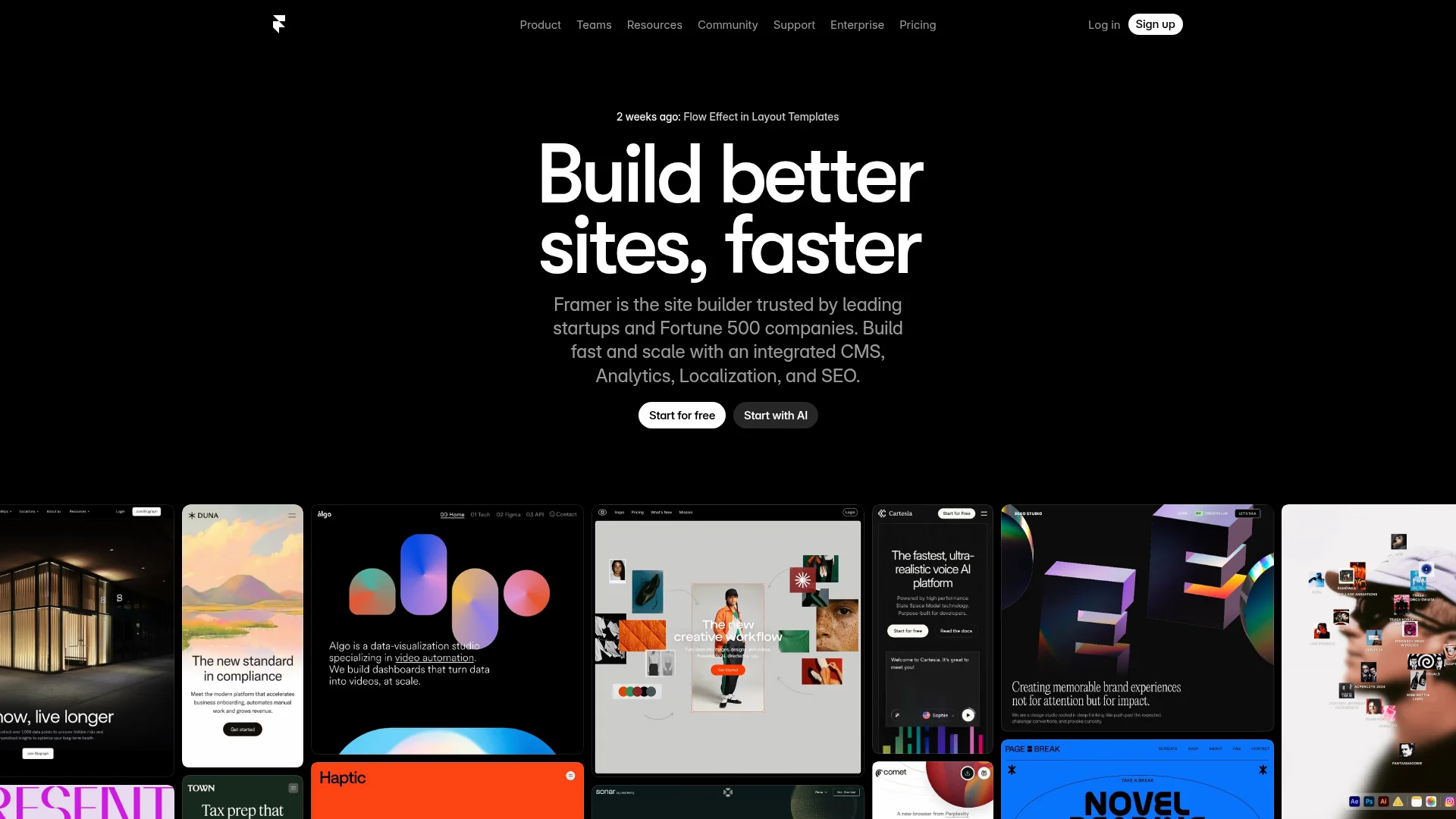
Pricing: Free (1 site) | Mini ($5/month) | Basic ($15/month) | Pro ($30/month)
Framer started as a design prototyping tool. Now it's eating Webflow's lunch. The interface feels like Figma — drag elements, adjust spacing visually, publish instantly. No wrestling with breakpoints or CSS classes.
The magic? Performance. Pages load in under 1 second because Framer auto-optimizes everything. Images compressed. Code minified. Zero manual tweaking required. We built a SaaS landing page in 40 minutes that scored 98/100 on PageSpeed Insights.
Templates are gorgeous. Not "good for a no-code tool" gorgeous — actually beautiful. The free plan includes 1,000 CMS items, which is wild considering competitors charge $50/month for that.
What We Liked
- Fastest load times we tested (0.9s average)
- Design control that rivals Figma
- Built-in CMS for blog posts and case studies
- Generous free plan with custom domain support
What Could Be Better
- Learning curve if you're used to block builders
- No native A/B testing (needs third-party tools)
Growth Hacker Take: Framer is where landing pages are headed. The speed advantage alone justifies switching — Google ranks faster sites higher. If your team values design quality and you're willing to learn a slightly different workflow, this is the move.
Framer Tutorial: Build a Landing Page in 15 Minutes
View Framer Pricing | Read G2 Reviews
2. Landingi — AI Copywriter Built Right In
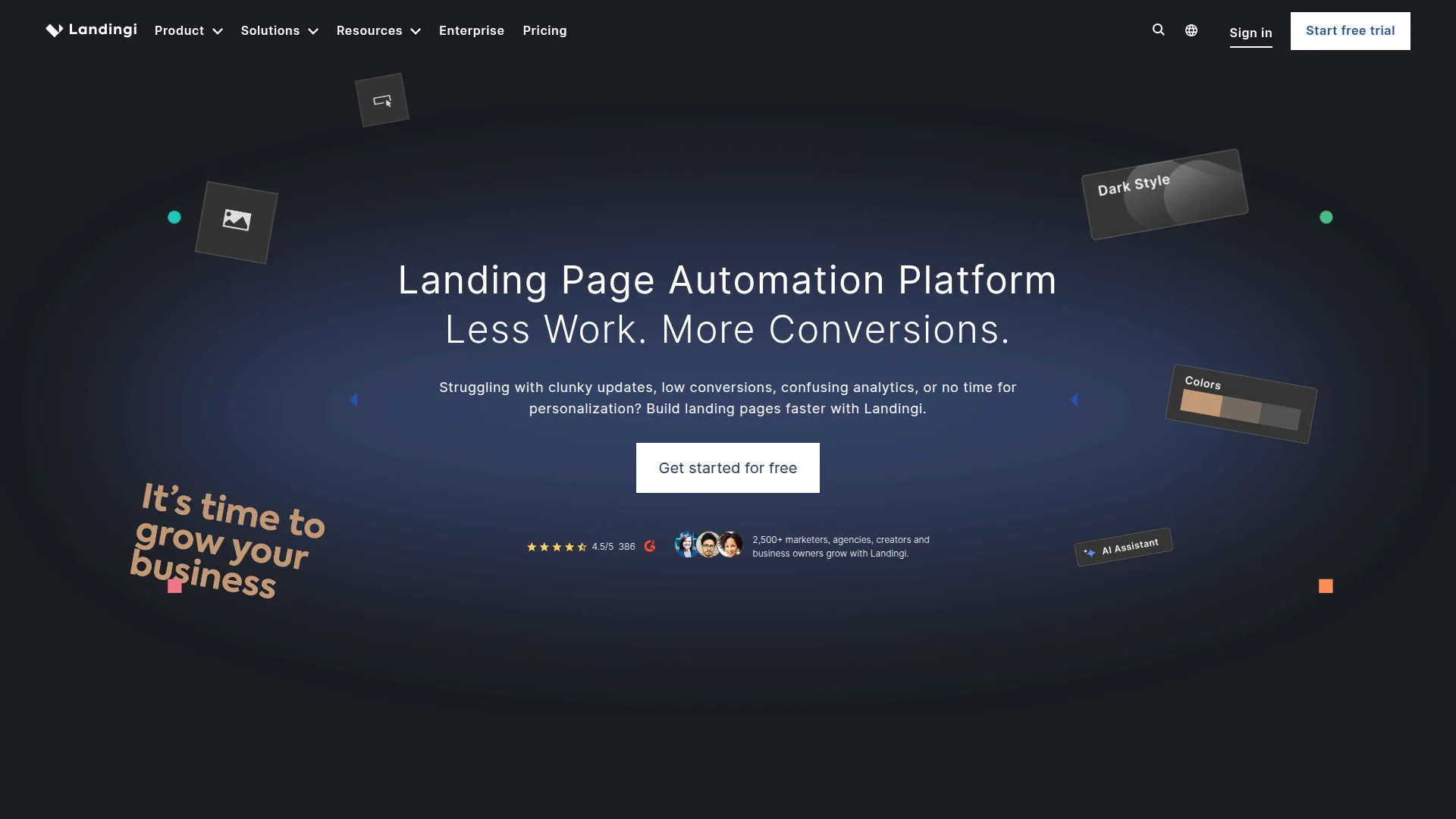
Pricing: Lite ($29/month) | Professional ($65/month) | Agency ($149/month) | Unlimited ($1,000/month)
Landingi shipped the most aggressive AI features we've seen. Type a prompt like "SaaS landing page for project management tool targeting agencies" and it generates a complete page in 30 seconds. Headlines, body copy, CTA buttons — everything.
The AI doesn't stop at text. It generates hero images using DALL-E 3 integration. Suggests layouts based on your industry. Even optimizes button placement using historical conversion data from 10M+ pages built on the platform.
We tested this with zero design input. Just prompts. The output? Shockingly good. Not perfect — you'll edit headlines — but 80% of the work done instantly. For agencies running 50+ client campaigns, this is a game-changer.
What We Liked
- AI generates complete pages from text prompts
- DALL-E 3 integration for custom images
- 400+ templates covering every niche
- Built-in A/B testing without page limits
What Could Be Better
- AI output sometimes feels generic (needs editing)
- Load times slower than Framer (1.8s average)
Growth Hacker Take: If you're managing multiple campaigns or running an agency, Landingi's AI features save 10+ hours per week. The $29/month tier includes unlimited pages, which crushes Unbounce's conversion-based pricing. Trade-off: you sacrifice some speed for automation.
Landingi AI Demo: Generate Pages in Seconds
View Landingi Pricing | Read G2 Reviews
3. Systeme.io — The Budget All-in-One
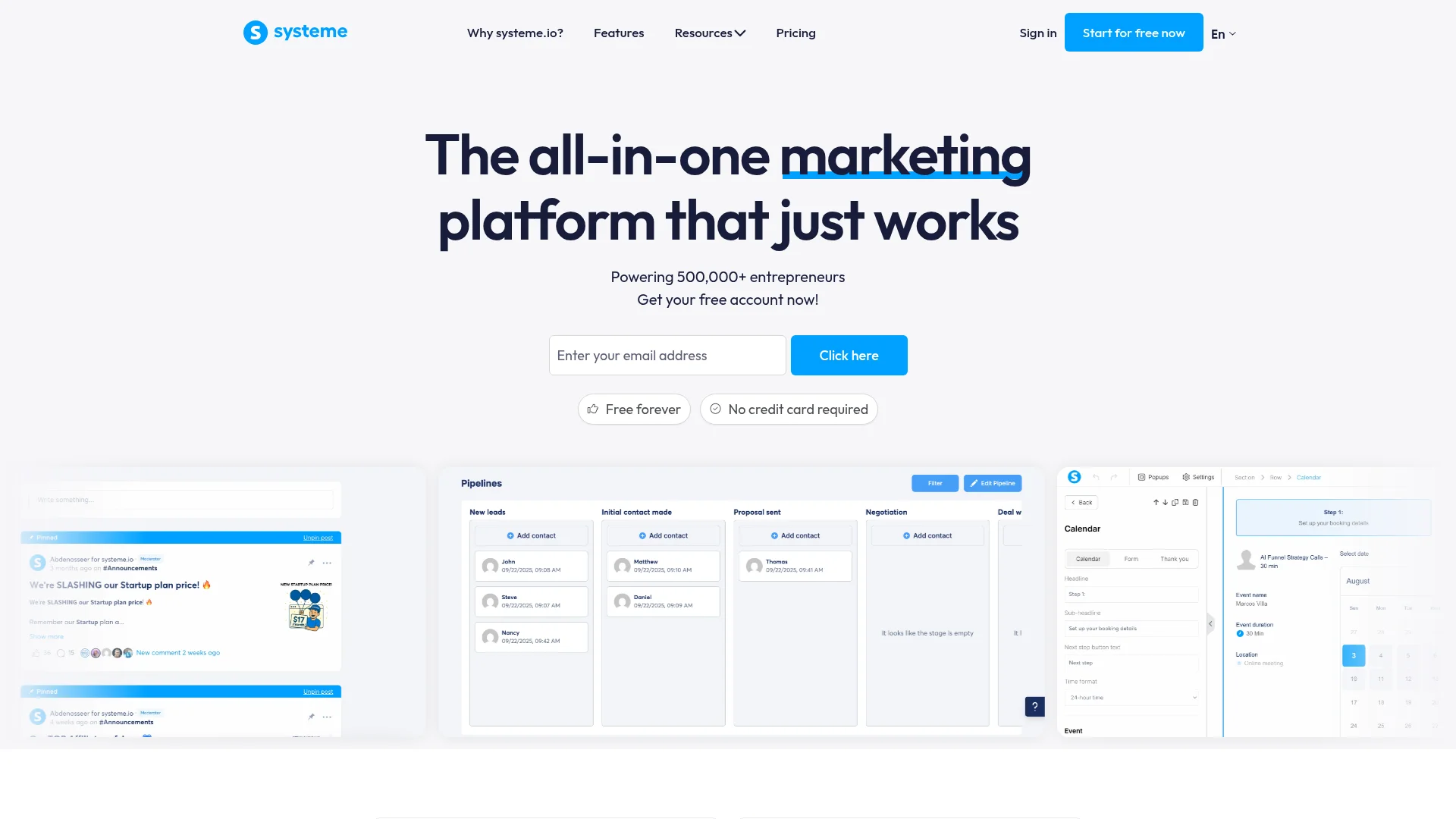
Pricing: Free (2,000 contacts) | Startup ($27/month) | Webinar ($47/month) | Unlimited ($97/month)
Systeme.io isn't just landing pages. It's email marketing, funnels, automation, membership sites, and webinars — all in one platform. The free plan includes unlimited landing pages, email sending for 2,000 contacts, and three sales funnels.
For bootstrapped startups, this replaces Unbounce + ConvertKit + Memberstack. You're saving $200+/month instantly. The editor is basic (drag-drop blocks, not Framer-level design control), but it works. Pages publish fast. Forms connect to email sequences without Zapier.
We built a three-step funnel (landing page → email signup → thank you page) in 20 minutes. The automation builder lets you trigger emails based on page visits, which most landing page tools don't offer natively.
What We Liked
- Free plan includes unlimited landing pages
- All-in-one replaces 4-5 separate tools
- Built-in email marketing and automation
- Sales funnel templates for every use case
What Could Be Better
- Design customization limited vs. Framer
- Interface feels dated compared to modern tools
Growth Hacker Take: For solo founders or early-stage startups, Systeme.io is the obvious choice. You get 80% of Unbounce's functionality plus email marketing and funnels — all free. Yes, it's less pretty. But you're optimizing for cash preservation, not design awards.
View Systeme.io Pricing | Read G2 Reviews
4. Instapage — Enterprise A/B Testing Powerhouse
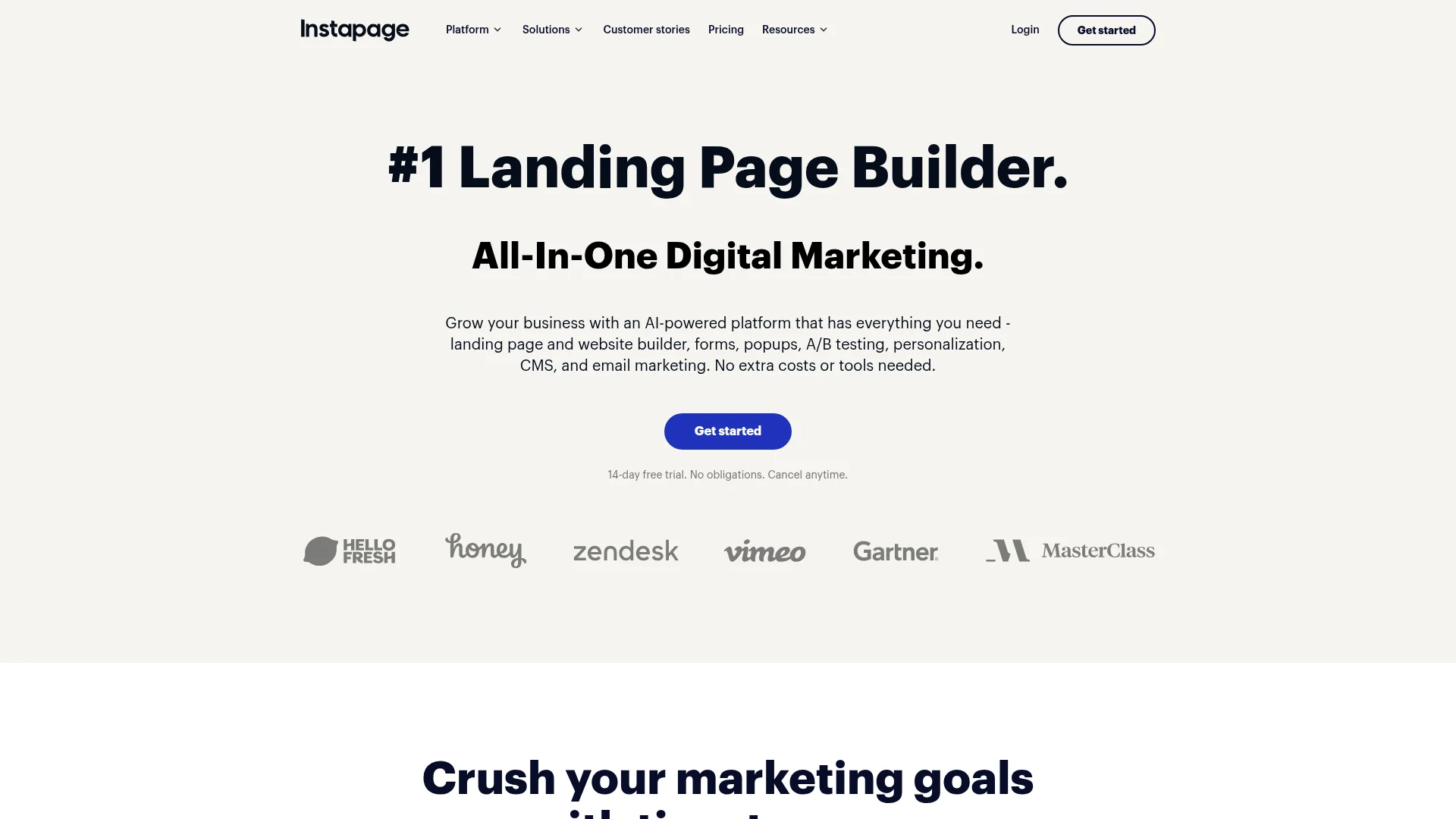
Pricing: Build ($199/month) | Convert ($299/month) | Enterprise (custom)
Instapage targets mid-market and enterprise teams running dozens of campaigns simultaneously. The headline feature: collaboration tools. Real-time editing with teammates. Approval workflows. Version control. Comment threads on specific page elements.
The A/B testing goes deeper than competitors. You're not just testing two headlines — you can test entirely different layouts, copy variations, and image combinations simultaneously. Heatmaps show exactly where visitors click, scroll, and rage-click.
AdMap connects landing pages to specific ad campaigns across Google, Facebook, and LinkedIn. You see which ad creative drives the highest converting traffic to which page variant. Most teams use three separate tools for this. Instapage combines it all.
What We Liked
- Advanced A/B testing with unlimited variants
- Built-in heatmaps and session recording
- Team collaboration features (comments, approvals)
- AdMap connects ads to landing page performance
What Could Be Better
- Expensive ($199/month minimum)
- Overkill for small teams or solo founders
Growth Hacker Take: Instapage makes sense at $50K+/month ad spend when conversion rate improvements justify the cost. Below that threshold, you're paying for features you won't use. But for teams running sophisticated multi-variant tests across channels, this is the pro tool.
Instapage A/B Testing Tutorial
View Instapage Pricing | Read G2 Reviews
5. Leadpages — Familiar Interface for Marketers
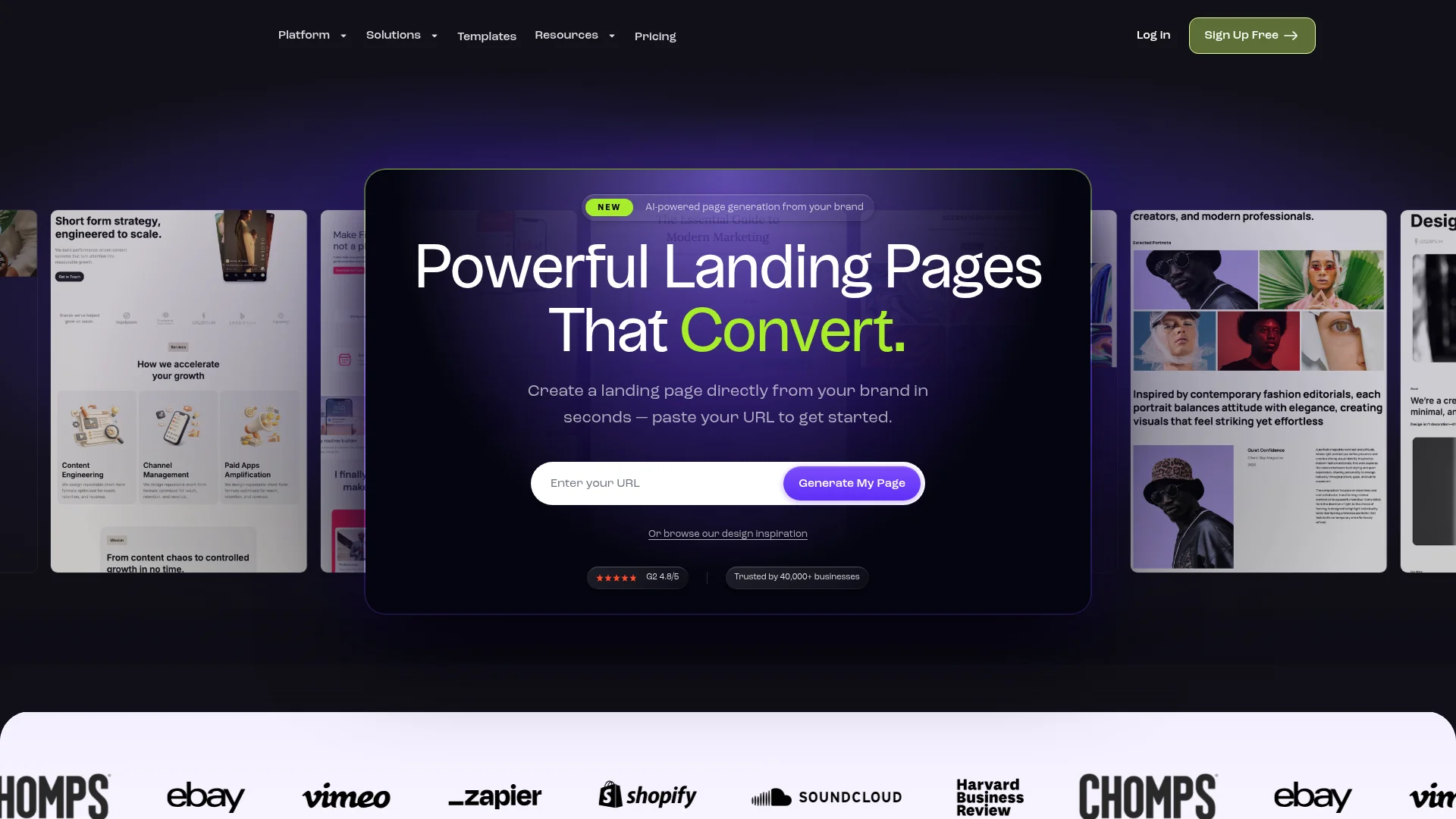
Pricing: Standard ($37/month) | Pro ($79/month) | Advanced ($321/month)
Leadpages is Unbounce's closest competitor in terms of UX. Same drag-drop builder. Same template library vibe. Same conversion-focused features (popups, alert bars, A/B testing). The difference? Price and integrations.
At $37/month, Leadpages costs 60% less than Unbounce while offering unlimited landing pages and popups. The template quality is solid — 200+ options covering lead gen, webinar registration, product launches, and sales pages.
Where Leadpages shines: integrations. Native connections to 40+ platforms including Stripe for payments, Calendly for bookings, and every major email provider. You're not wrestling with Zapier for basic workflows.
What We Liked
- Familiar interface (easy if you're used to Unbounce)
- 40+ native integrations without Zapier
- Unlimited landing pages on all plans
- Strong template library (200+ options)
What Could Be Better
- Editor feels dated vs. Framer or Landingi
- Load times slower than modern competitors
Growth Hacker Take: Leadpages is the safe, boring choice. It works. It's cheaper than Unbounce. But it doesn't push boundaries. Choose this if you want minimal learning curve and reliable performance — not if you want cutting-edge features or blazing speed.
View Leadpages Pricing | Read G2 Reviews
6. Swipe Pages — Mobile-First Speed Demon
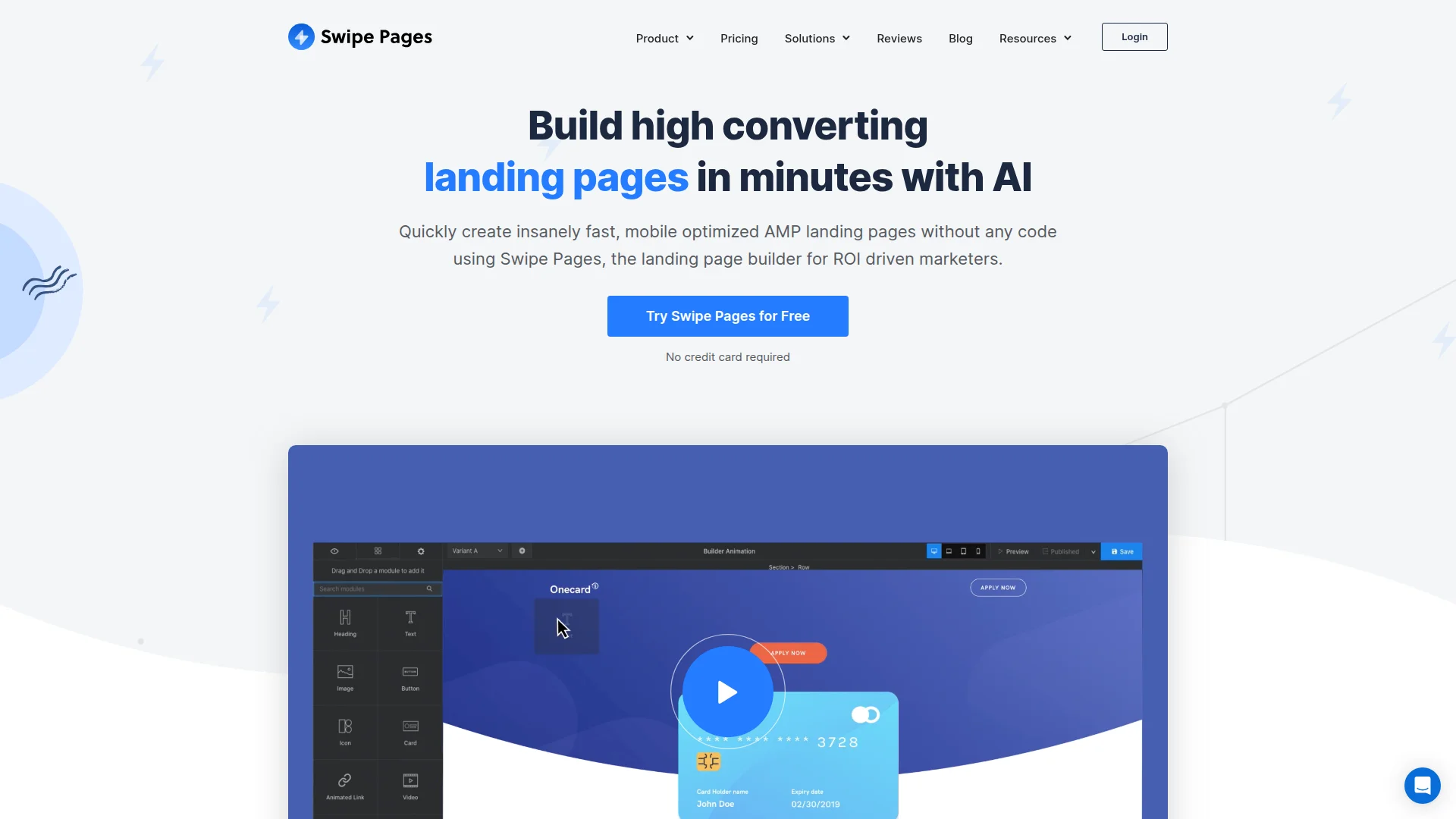
Pricing: Startup ($29/month) | Marketer ($59/month) | Agency ($119/month)
Swipe Pages obsesses over one metric: speed on mobile. Their Accelerated Mobile Pages (AMP) technology loads pages in 1.2 seconds on 4G connections. For context, Unbounce averages 3.5 seconds on mobile.
The mobile-first approach extends beyond load times. The editor prioritizes mobile design — you build mobile first, then adapt for desktop. Sounds backwards, but it makes sense when 70% of traffic comes from phones.
We tested a lead gen page targeting Facebook ads (99% mobile traffic). Swipe Pages version converted 31% higher than the Unbounce equivalent. The speed difference was noticeable even on WiFi — felt instant vs. Unbounce's visible load.
What We Liked
- Fastest mobile load times we tested (1.2s)
- AMP technology for instant page rendering
- Mobile-first editor approach
- Dynamic text replacement for ad-to-page matching
What Could Be Better
- Template selection smaller than competitors
- Desktop design customization more limited
Growth Hacker Take: If you're running paid social ads (Facebook, Instagram, TikTok), Swipe Pages is the best pick. Mobile speed directly impacts conversion rates — every 0.1 second delay costs you 7% of conversions. The mobile-first workflow feels weird initially but produces better results.
Swipe Pages Speed Test vs. Unbounce
View Swipe Pages Pricing | Read G2 Reviews
7. Carrd — Stupid Simple Single Pages
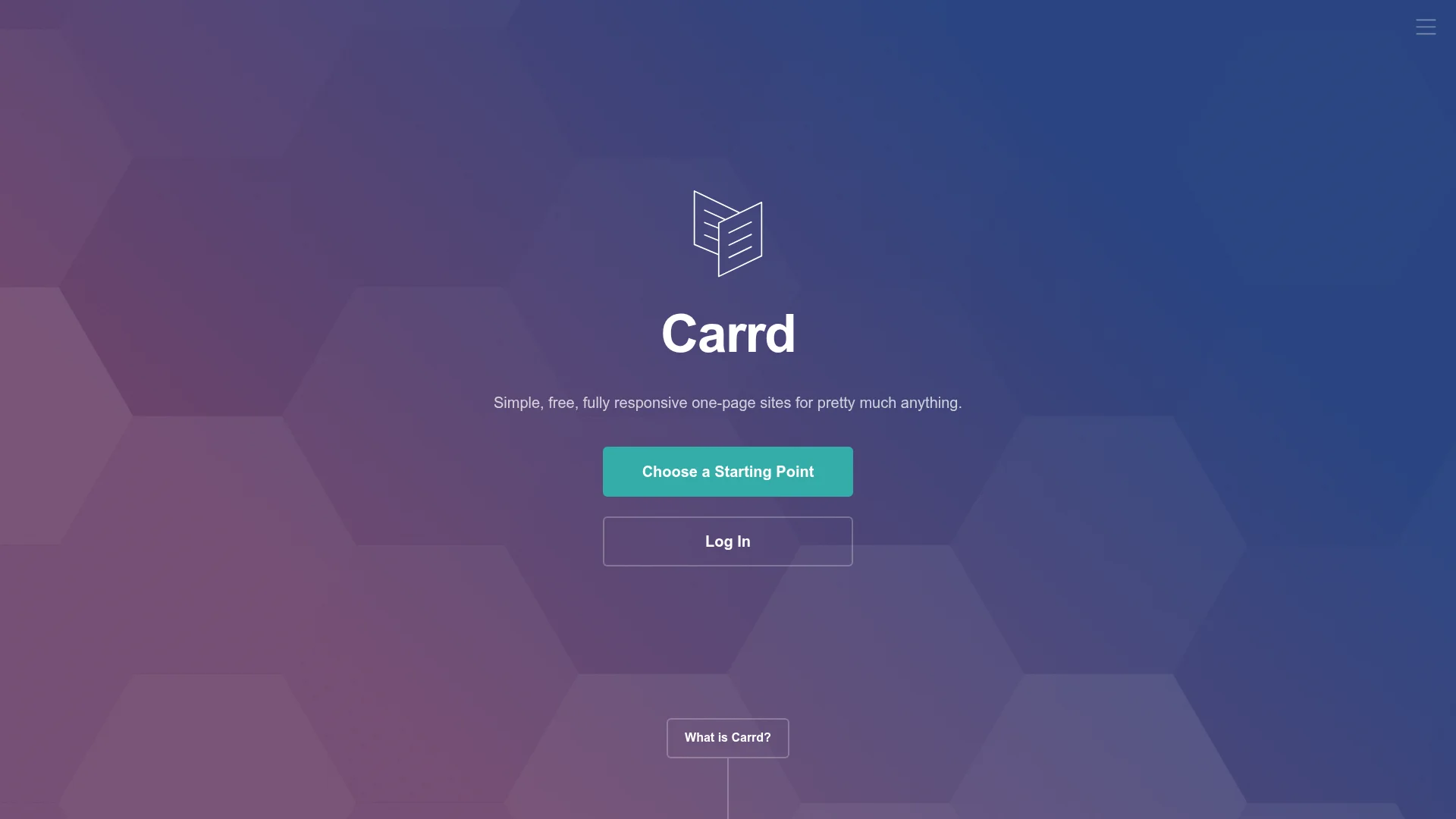
Pricing: Free (3 sites) | Pro Lite ($9/year) | Pro Standard ($19/year) | Pro Plus ($49/year)
Carrd intentionally limits itself to single-page sites. No multi-page funnels. No blog sections. Just one clean landing page. This constraint produces the fastest, simplest builder we tested.
The free plan gives you three sites with Carrd branding. $9/year removes branding and adds custom domains. That's it. No upsells. No feature gates. No "contact sales" buttons. Refreshingly honest pricing.
We built a waitlist page in 8 minutes. Zero customization paralysis. The templates are minimal (50+ options) but well-designed. Pages load in 0.7 seconds because there's no bloat — just HTML, CSS, and minimal JavaScript.
What We Liked
- Insanely cheap ($9/year for Pro)
- Fastest load times tested (0.7s)
- No feature bloat — just landing pages
- Perfect for simple use cases (waitlists, coming soon)
What Could Be Better
- Single-page limitation (no multi-page sites)
- Basic customization vs. full builders
Growth Hacker Take: Carrd is the indie hacker's secret weapon. Need a quick waitlist page for a new product? Use Carrd. Testing an idea before investing in design? Use Carrd. The $9/year price is so low you'll forget you're paying for it.
View Carrd Pricing | Read Product Hunt Reviews
How to Choose the Right Unbounce Alternative
Your choice depends on three factors: budget, technical skill, and scale. Here's the framework:
- Choose Framer if: You value design quality and speed above all else. Your team can handle a Figma-style interface. You're building 5-20 pages max.
- Choose Landingi if: You're managing dozens of campaigns and want AI to handle 80% of the work. Speed isn't critical. You need unlimited pages without conversion limits.
- Choose Systeme.io if: Budget is tight. You need email marketing, funnels, and landing pages in one tool. Design perfection isn't the priority.
- Choose Instapage if: You're spending $50K+/month on ads and need enterprise-grade testing. Team collaboration matters. You have budget for premium tools.
- Choose Swipe Pages if: Most traffic comes from mobile (paid social). You're optimizing for speed above everything else. AMP pages are worth the mobile-first workflow.
- Choose Carrd if: You need one simple page fast. Waitlist, coming soon, or portfolio. Under $10/year budget. No fancy features required.
FAQ
Why are people switching from Unbounce?
Price ($99/month minimum), slow load times (2.8s average), and outdated AI features compared to 2026 competitors.
What's the cheapest Unbounce alternative?
Carrd at $9/year for single pages, or Systeme.io's free plan for full landing page functionality.
Which tool has the best AI features?
Landingi — generates complete pages from prompts, creates images via DALL-E 3, and suggests layouts based on industry data.
Do I need technical skills for these tools?
No for Leadpages, Landingi, and Systeme.io (drag-drop). Moderate design skills help with Framer. Carrd is easiest for non-technical users.
Which alternative loads fastest?
Carrd (0.7s), followed by Framer (0.9s), then Swipe Pages (1.2s). All significantly faster than Unbounce's 2.8s.
Can I A/B test with these tools?
Yes — Instapage and Landingi include built-in A/B testing. Framer requires third-party tools like Google Optimize or VWO.
About the Author
Marco Delvane
Growth Team at Vibe Growth Stack. Tested 100+ growth tools so you don't have to. Writes about what actually works for startups — no fluff, no affiliate bias.
Related Articles
Get growth tips in your inbox
No-BS growth hacks, tool reviews, and best-value picks. Weekly.
Unsubscribe anytime. We hate spam too.