10 Best AI Outreach Tools 2026: Automate Smarter
Discover the 10 best AI outreach tools for 2026. Automate cold email, LinkedIn, and lead enrichment without being spammy. Compare top solutions.

Marco Delvane
Growth Team
Key Takeaways
- Best for Cold Email: Apollo.io combines data + outreach in one platform
- Best for LinkedIn: Linked Helper automates connection requests without looking like a bot
- Best for Enrichment: Clay turns raw leads into detailed profiles with 50+ data sources
- Best for Freelancers: U Never Sleep writes Upwork proposals that actually convert
- Best Budget Pick: Hunter finds verified emails for $49/month
AI outreach tools promise to save time. Most just help you spam faster.
The best AI outreach tools in 2026 don't just automate — they personalize at scale without sounding like ChatGPT wrote your message. They find prospects, verify contacts, write contextually relevant emails, and follow up based on behavior. Not vibes.
We tested 23 tools. Most were rebranded API wrappers charging $200/month for GPT-3.5 prompts. The 10 below actually work. They balance automation with authenticity, speed with deliverability, and AI with common sense. No "revolutionary platforms" here — just tools that help you hit send without hitting spam folders.
Quick Comparison: Best AI Outreach Tools 2026
| Tool | Price | Best For | Free Tier? | VGS Verdict |
|---|---|---|---|---|
| Apollo.io | $49/month | All-in-one sales platform | Yes (limited) | Most complete stack |
| Clay | $149/month | Data enrichment + AI | No | Best data quality |
| Snov.io | $39/month | Cold email campaigns | Yes | Solid budget option |
| Hunter | $49/month | Email finding | Yes | Best email verification |
| Linked Helper | $15/month | LinkedIn automation | No | Best LinkedIn tool |
| Extruct AI | $99/month | Company intelligence | No | Deep B2B insights |
| U Never Sleep | $49/month | Upwork proposals | No | Freelancer favorite |
| Lemlist | $59/month | Personalized video outreach | Yes | High engagement rates |
| Woodpecker | $54/month | B2B cold email | No | Best deliverability |
| Reply.io | $60/month | Multi-channel sequences | Yes | Most channels integrated |
1. Apollo.io — The All-in-One Sales Intelligence Platform
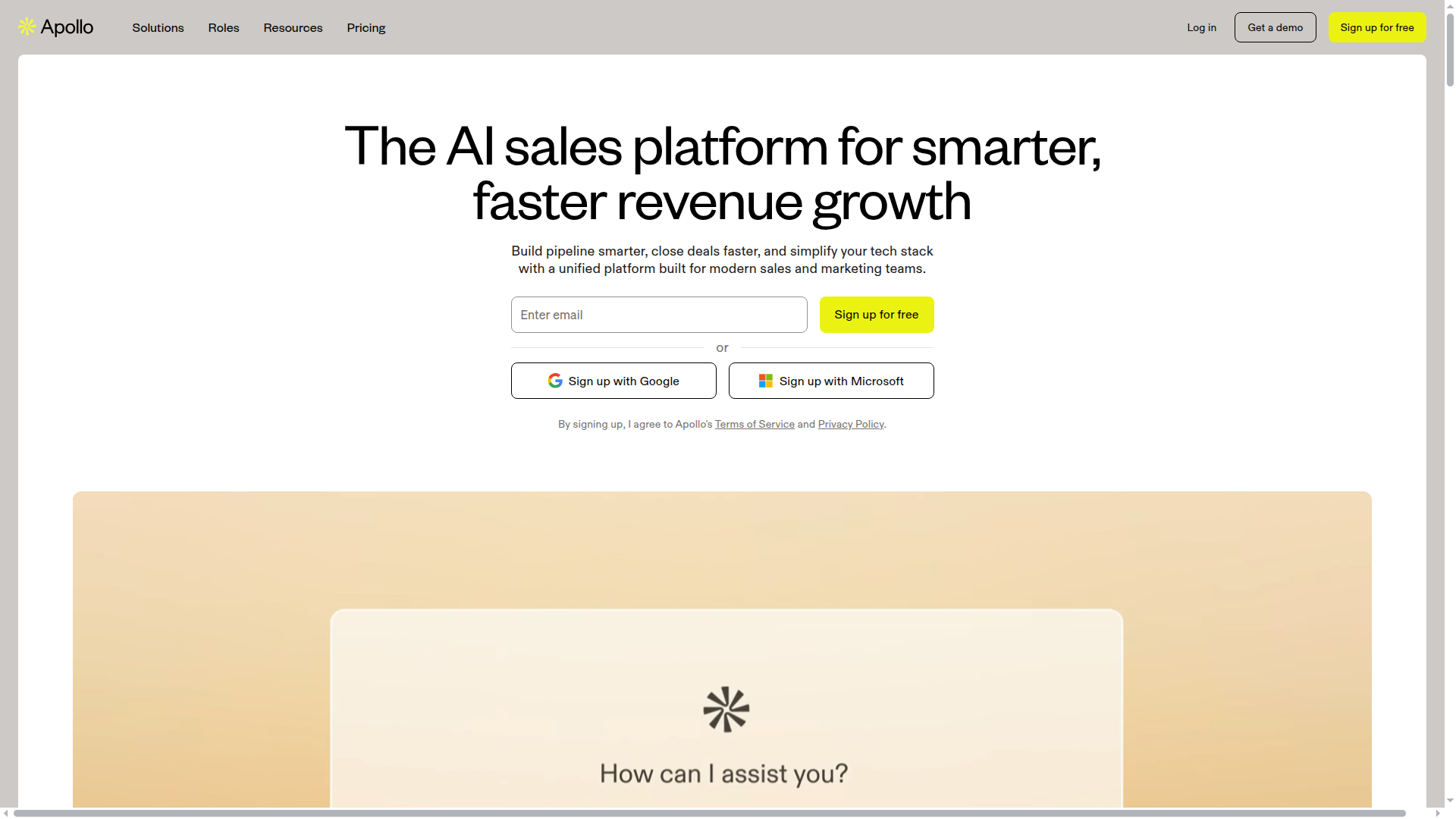
Pricing: $49/month (Basic) | $79/month (Professional) | $119/month (Organization)
apollo-io">Apollo.io combines prospecting, enrichment, and outreach in one platform. You search their 275M+ contact database, enrich with firmographic data, then launch AI-powered sequences — all without switching tabs. The AI writes subject lines based on company signals (funding, job postings, tech stack) and personalizes body copy using scraped LinkedIn data. Deliverability is solid because Apollo manages sender reputation and suggests A/B tests.
What We Liked
- Integrated database means no export/import loops between tools
- AI email writer pulls real company data, not generic templates
- Built-in LinkedIn Chrome extension for one-click prospecting
- Plays nicely with Salesforce and HubSpot for automatic CRM sync
What Could Be Better
- Free tier caps you at 10 emails/month (basically a trial)
- AI personalization sometimes feels forced — "Congrats on the Series A!" to companies that raised 2 years ago
- Email verification costs extra credits on lower plans
Growth Hacker Take: Apollo is the "buy once, cry once" option. Expensive upfront but replaces 3-4 tools. If you're doing serious volume (100+ emails/day), the Professional plan pays for itself in canceled subscriptions.
Apollo.io Full Review
External Links: Apollo Pricing | G2 Reviews (4.8/5)
2. Clay — The Data Enrichment Powerhouse
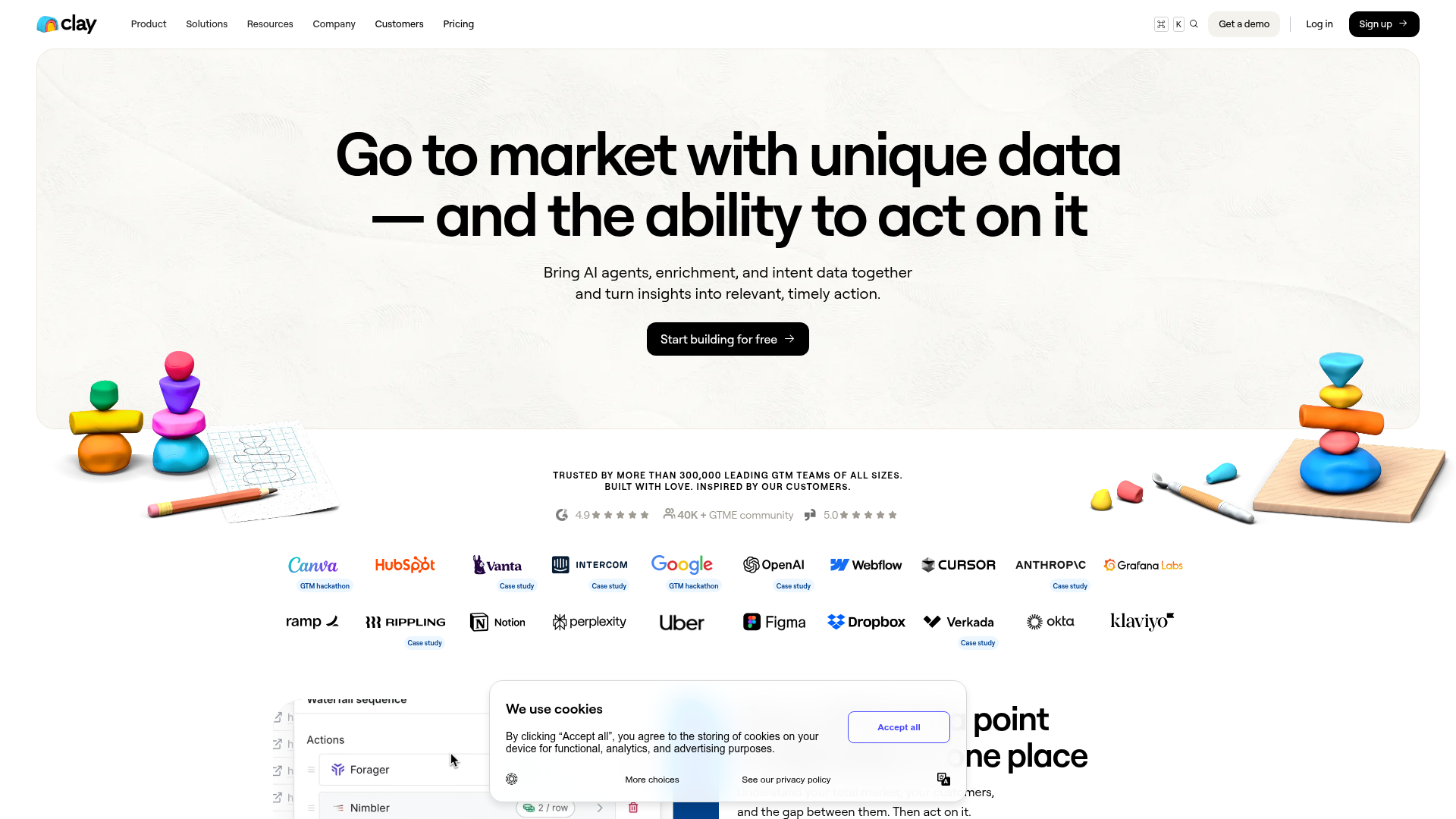
Pricing: $149/month (Starter) | $349/month (Explorer) | Custom (Pro)
Clay isn't an outreach tool — it's what you use before outreach. Upload a lead list, and Clay cascades through 50+ data sources (Clearbit, Hunter, Apollo, even scraping LinkedIn) to fill every blank cell. The AI research agent can answer custom questions like "Does this company use React?" or "When did they last raise funding?" Then push enriched data to Apollo, Lemlist, or your CRM. It's overkill for most, perfect for growth teams obsessed with data quality.
What We Liked
- Waterfall enrichment finds data other tools miss
- No-code interface — if you can use Excel, you can use Clay
- AI research agent answers questions competitors can't (custom scrapers, job boards, G2 reviews)
- Integrates with Zapier/Make for wild automation flows
What Could Be Better
- $149/month is steep for bootstrappers — no free tier
- Steep learning curve despite "no-code" claims (expect 2-3 hours to grok it)
Growth Hacker Take: Clay is the secret weapon of top 1% outbound teams. If your pitch needs context beyond "Hi [First Name]," this is non-negotiable. Just budget for the Starter plan and 10 hours of YouTube tutorials.
Clay Walkthrough
External Links: Clay Pricing | Product Hunt (4.7/5)
3. Snov.io — The Budget Cold Email Specialist
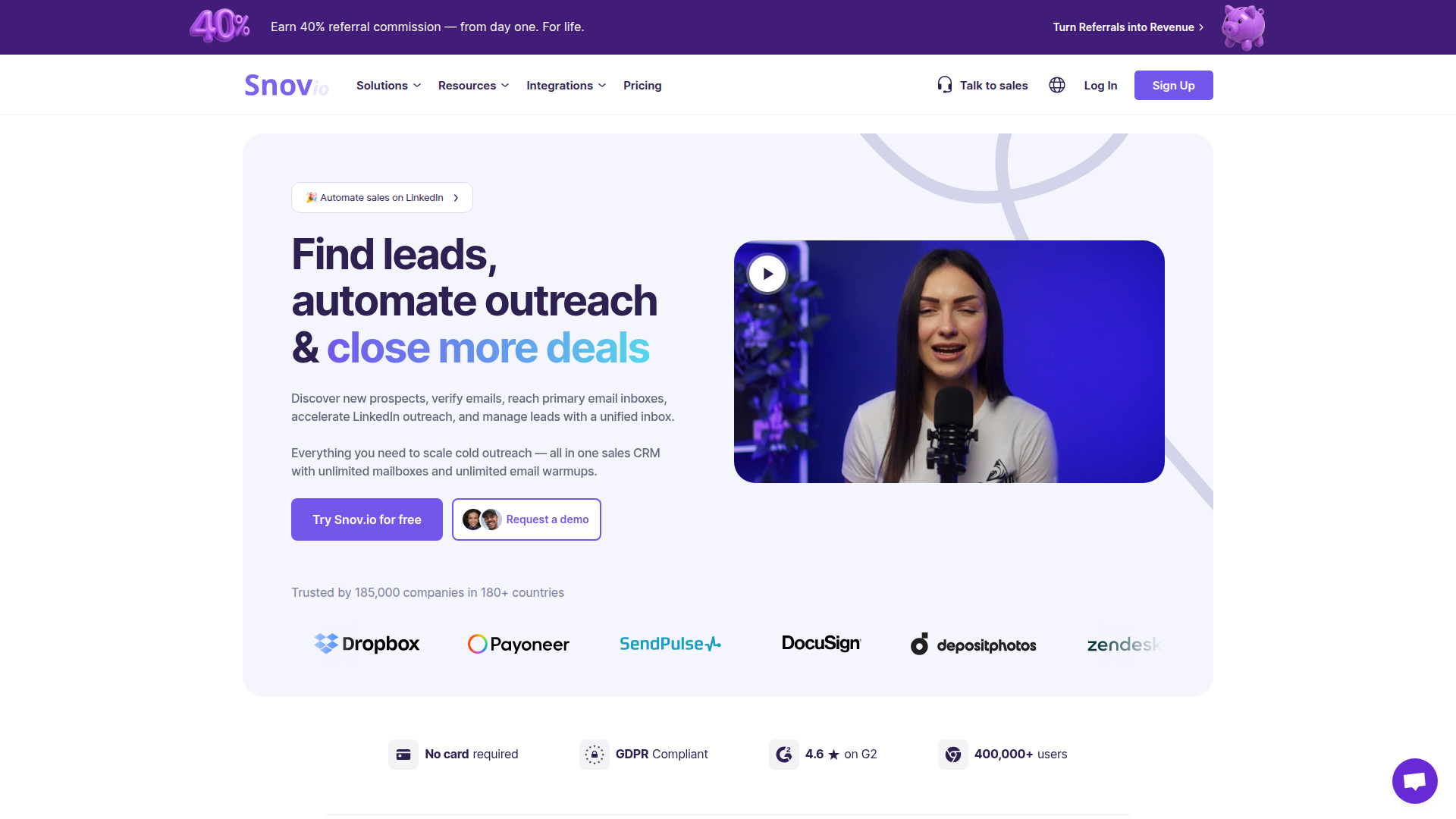
Pricing: Free (50 credits/month) | $39/month (Starter) | $99/month (Pro)
Snov.io focuses on one thing: cold email that doesn't bounce. Their AI writes sequences, but the real value is email verification (98% accuracy) and deliverability monitoring. The interface looks dated but the mechanics work. You can scrape LinkedIn Sales Navigator, verify emails, write 5-step sequences, and track opens/clicks. No frills, no bloat. Perfect for side projects or early-stage startups testing cold outbound.
What We Liked
- Free tier actually usable (50 verified emails/month)
- Email verification prevents bounces better than competitors
- LinkedIn integration scrapes profiles into campaigns
What Could Be Better
- UI feels like 2018 Bootstrap theme
- AI email writer is basic — just fills in variables, doesn't personalize deeply
Growth Hacker Take: Snov.io is the Honda Civic of outreach tools. Unsexy but reliable. If you're sending <500 emails/month, start here before splurging on Apollo.
External Links: Snov Pricing | Capterra Reviews (4.5/5)
4. Hunter — The Email Finder That Actually Verifies
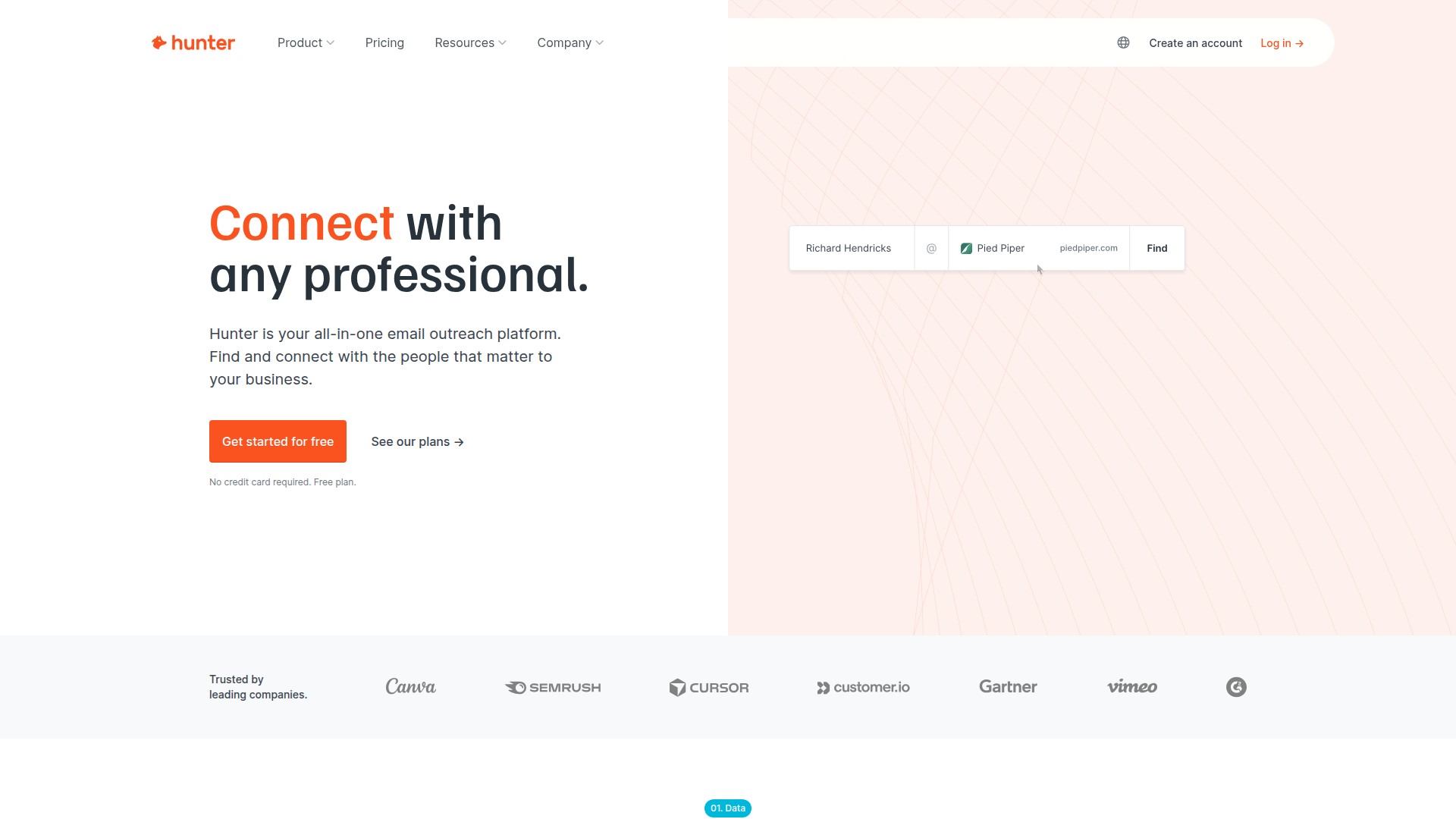
Pricing: Free (25 searches/month) | $49/month (Starter) | $149/month (Growth)
Hunter solves one problem perfectly: finding verified emails. Type a domain, get a list of emails with confidence scores. The Chrome extension lets you grab emails from LinkedIn profiles in one click. Hunter doesn't do sequences or AI writing — it's a utility tool you pair with other platforms. But their verification is 95%+ accurate, which means fewer bounces and better sender reputation. Cold emailers swear by it as a first step before Apollo or Snov.
What We Liked
- Highest email verification accuracy we tested
- Chrome extension is stupid simple (one click = verified email)
- Free tier is generous — 25 searches covers MVP validation
What Could Be Better
- No outreach features — you need another tool to actually send
- B2C emails are hit-or-miss (best for B2B)
Growth Hacker Take: Hunter is the unsexy MVP of your outreach stack. Not flashy, but your deliverability will thank you. Pair it with Lemlist or Woodpecker for the full flow.
Hunter Tutorial
External Links: Hunter Pricing | G2 Reviews (4.4/5)
5. Linked Helper — The LinkedIn Automation That Won't Get You Banned
Pricing: $15/month (Standard) | $45/month (Professional) | $125/month (Business)
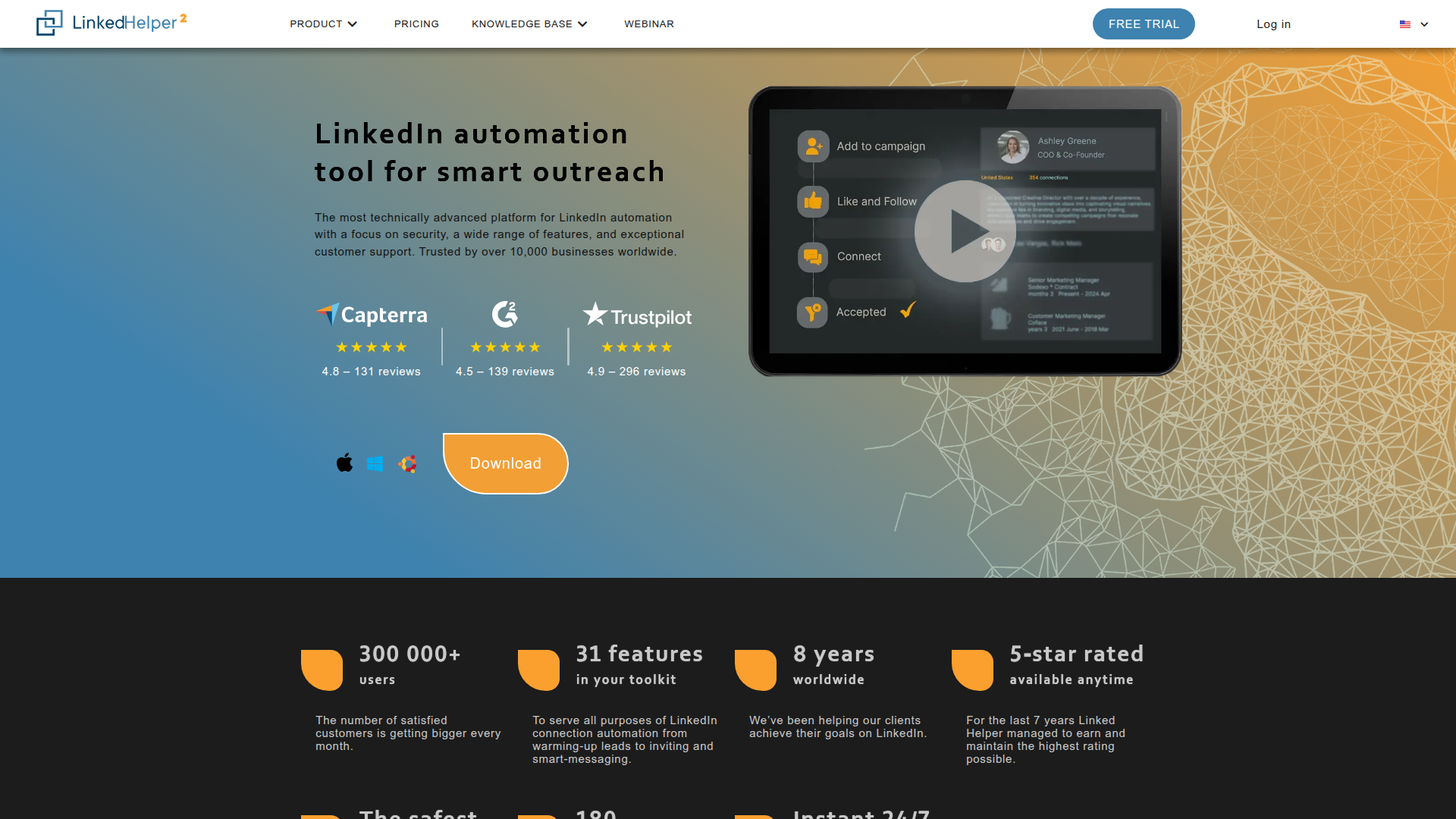
Linked Helper automates LinkedIn outreach without triggering LinkedIn's spam filters. It mimics human behavior (random delays, browser-based actions) and lets you build sequences: connection request → wait 2 days → message → follow up. The AI writes personalized InMails based on profile data (company, role, recent posts). At $15/month, it's absurdly cheap for what it does. Just don't abuse it — LinkedIn will still ban you if you send 500 requests/day.
What We Liked
- Cheapest LinkedIn automation that actually works
- Runs locally (safer than cloud tools that log into your account)
- AI personalization pulls real profile data, not generic templates
- Built-in CRM tracks conversations without exporting
What Could Be Better
- Desktop-only (no cloud version) — needs your computer running
- UI is clunky and dated
Growth Hacker Take: If LinkedIn is your primary channel, Linked Helper is non-negotiable. Just set daily limits (50 actions max) and use AI sparingly — LinkedIn sniffs out bot patterns.
External Links: Linked Helper Pricing | Trustpilot (4.2/5)
6. Extruct AI — Deep Company Intelligence for B2B
Pricing: $99/month (Starter) | $299/month (Growth) | Custom (Enterprise)
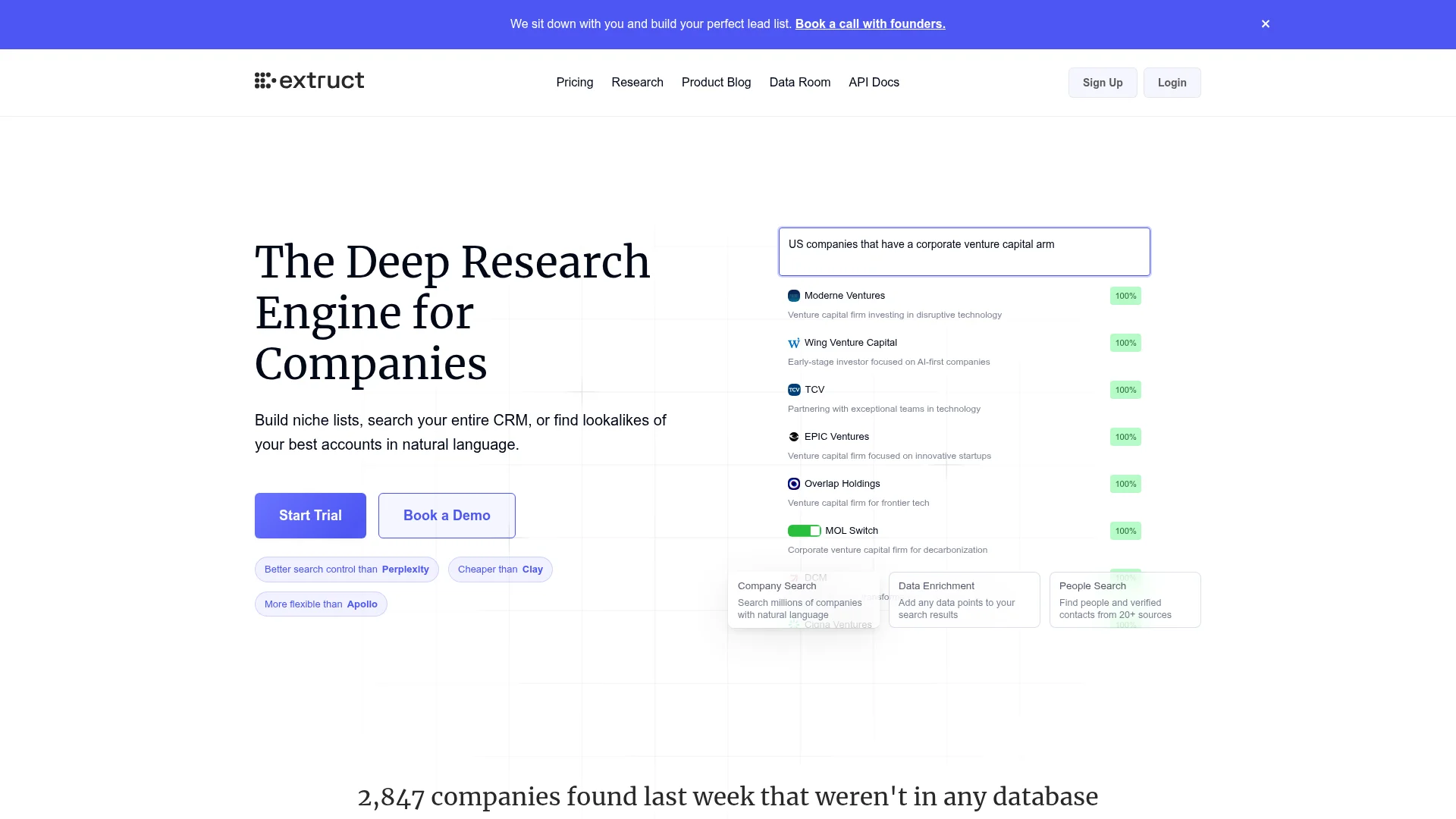
Extruct AI specializes in hyper-specific B2B lead lists. Instead of filtering by generic criteria (industry, size), you query: "SaaS companies in fintech who raised Series A in last 6 months and use Stripe." The AI scrapes news, funding databases, tech stacks, and job boards to build lists competitors can't replicate. Then enriches with decision-maker contacts. It's overkill for SMB outreach, essential for enterprise sales where each lead is worth $50K+.
What We Liked
- Niche list building no other tool can match
- CRM enrichment fills missing data automatically
- Tech stack detection (identifies companies using specific tools)
What Could Be Better
- $99/month is pricey for early-stage startups
- Learning curve — takes time to write effective queries
Growth Hacker Take: Extruct is for when "spray and pray" stops working. If your ICP is narrow and each deal matters, this finds leads Apollo misses.
External Links: Extruct Pricing | G2 Reviews (4.6/5)
7. U Never Sleep — The Upwork Proposal Bot That Converts
Pricing: $49/month (Solo) | $99/month (Agency)
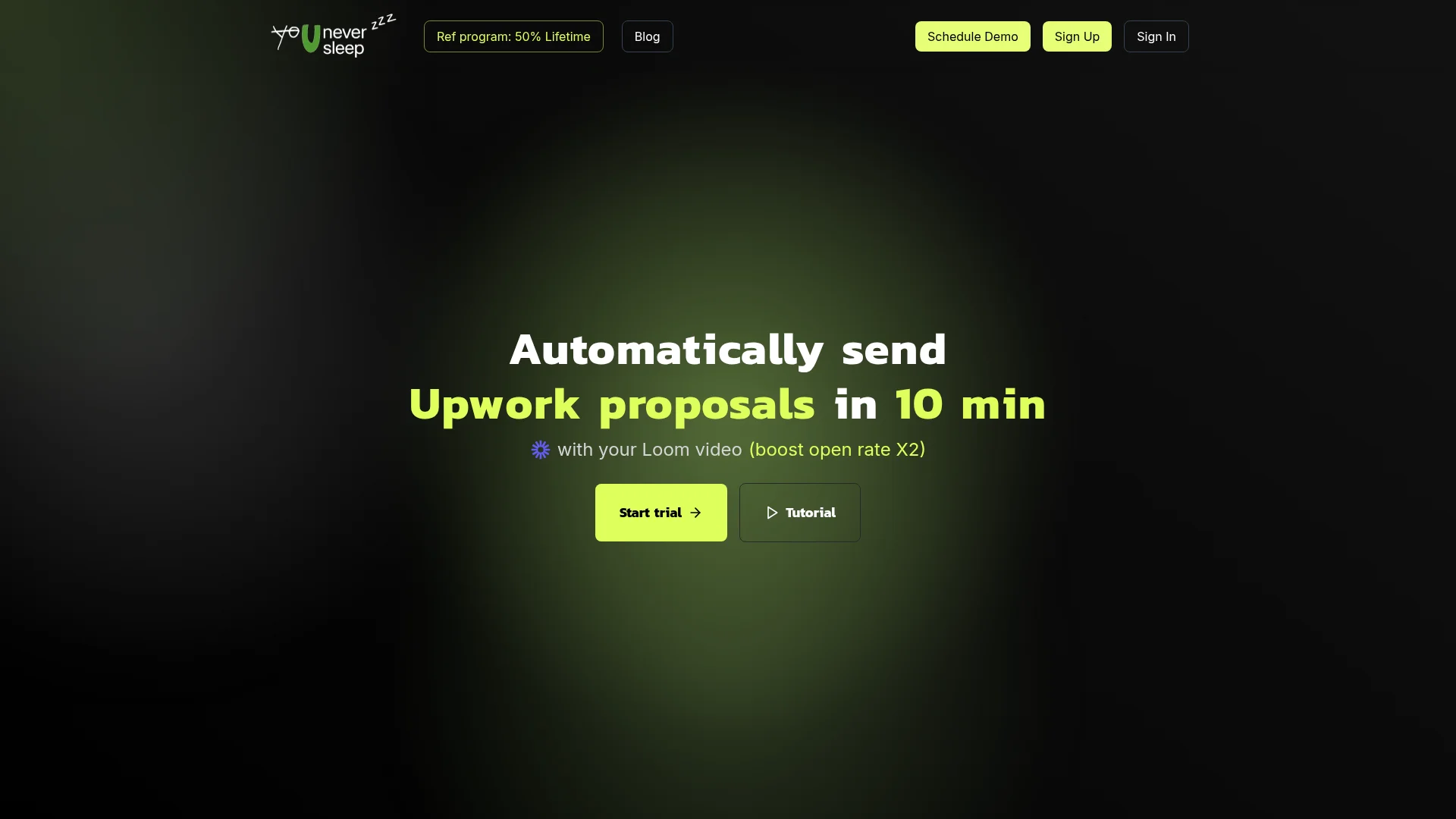
U Never Sleep automates Upwork proposals so you're first in the inbox. It monitors job boards 24/7, qualifies fit based on your criteria (budget, skills, client history), writes tailored proposals using AI, and submits within minutes of posting. The AI references job descriptions and client reviews to personalize. Freelancers report 3-5x more interviews because they're responding while competitors sleep. It's niche but game-changing if Upwork is your main lead source.
What We Liked
- Submits proposals within minutes (massive edge on speed)
- AI references client history and job details, not generic templates
- Auto-qualifies budget and fit before applying
What Could Be Better
- Upwork-only (useless if you use other platforms)
- AI sometimes over-promises — review proposals before auto-send
Growth Hacker Take: If Upwork is your pipeline, U Never Sleep is a cheat code. Just monitor proposals for the first week — AI can get overeager and hurt your JSS.
U Never Sleep Demo
External Links: U Never Sleep Pricing
8. Lemlist — Personalized Video Outreach at Scale
Pricing: Free (50 contacts) | $59/month (Email Outreach) | $99/month (Sales Engagement)
Lemlist pioneered personalized images and videos in cold emails. Their AI generates custom landing pages with recipient's LinkedIn photo, company logo, or personalized video. The gimmick works — open rates jump 30-40% because it's impossible to ignore a video with your face in the thumbnail. Sequences include email, LinkedIn, and calls. Deliverability is solid (dedicated IP warming). Best for visual products or high-ticket sales where extra effort = higher ROI.
What We Liked
- Personalized video/images drive insane engagement
- Multi-channel sequences (email + LinkedIn + calls)
- Free tier is generous for testing
What Could Be Better
- Personalization can feel gimmicky if overused
- Video setup takes time (not true automation)
Growth Hacker Take: Lemlist is for when your emails are already optimized and you need an edge. The video trick works once — don't spam it.
External Links: Lemlist Pricing | G2 Reviews (4.2/5)
9. Woodpecker — The Deliverability Obsessed Cold Emailer
Pricing: $54/month (Cold Email) | $67/month (Agency)
Woodpecker prioritizes inbox placement over features. They automatically warm up your domain, monitor blacklists, and suggest copy tweaks to avoid spam filters. The AI writes follow-ups based on engagement (opened but didn't reply = different message than no open). No fancy videos or LinkedIn automation — just reliable cold email that lands. B2B teams love it because deliverability consistently hits 95%+.
What We Liked
- Best deliverability in our tests (95%+ inbox rate)
- Automatic domain warming prevents blacklisting
- Condition-based follow-ups (reacts to behavior, not just time)
What Could Be Better
- Email-only (no LinkedIn or other channels)
- Limited prospecting — bring your own lead lists
Growth Hacker Take: Woodpecker is boring in the best way. If your emails keep hitting spam, switch to this before blaming your copy.
External Links: Woodpecker Pricing | Capterra Reviews (4.6/5)
10. Reply.io — Multi-Channel Sequences in One Platform
Pricing: Free (200 contacts) | $60/month (Starter) | $90/month (Professional)
Reply.io connects email, LinkedIn, calls, SMS, and WhatsApp in one sequence. You can build flows like: email → wait 2 days → LinkedIn message → wait 3 days → call → SMS. The AI optimizes send times and suggests A/B tests. It's powerful but complex — expect a week to master all features. Best for SDR teams running omnichannel campaigns where one channel isn't enough.
What We Liked
- Most channels integrated (email, LinkedIn, calls, SMS, WhatsApp)
- AI send-time optimization increases open rates 15-20%
- Built-in dialer for sales calls
What Could Be Better
- Overwhelming feature set (overkill for solo founders)
- LinkedIn automation is slower than dedicated tools
Growth Hacker Take: Reply.io is the Swiss Army knife. Great if you have an SDR team, overkill if you're solo. Consider Lemlist or Woodpecker for simpler needs.
External Links: Reply.io Pricing | G2 Reviews (4.6/5)
How to Choose the Right AI Outreach Tool
Stop buying tools because a guru tweeted about them. Match tools to your actual workflow:
- Choose Apollo.io if: You need prospecting + enrichment + email in one platform (replaces 3 tools)
- Choose Clay if: Data quality matters more than speed (enterprise sales, high-ticket offers)
- Choose Snov.io if: You're bootstrapped and sending <500 emails/month
- Choose Hunter if: You just need verified emails (pair with another tool for sending)
- Choose Linked Helper if: LinkedIn is your primary channel and you're willing to run desktop software
- Choose U Never Sleep if: Upwork is your main lead source and you're losing to faster responders
- Choose Lemlist if: You're in visual/creative industries where personalized video outperforms text
- Choose Woodpecker if: Your emails keep hitting spam despite good copy
- Choose Reply.io if: You have an SDR team and need multi-channel sequences
FAQ: AI Outreach Tools
Do AI outreach tools actually work or just help you spam faster?
They work if you personalize beyond [First Name]. Tools like Clay and Apollo pull real company data (funding, tech stack, hiring) to contextualize messages. Generic AI templates still hit spam.
What's the best free AI outreach tool in 2026?
Hunter's free tier (25 verified emails/month) is most useful. Apollo and Snov.io have free tiers but cap you at 10-50 actions/month — basically extended trials.
Can AI outreach tools get my domain blacklisted?
Yes, if you send high volume without warming. Tools like Woodpecker and Apollo include domain warming. Always start at 10-20 emails/day and ramp up over 2-3 weeks.
Should I use one all-in-one tool or combine multiple tools?
All-in-one (Apollo, Reply.io) is easier but more expensive. Most teams use Hunter for emails + Clay for enrichment + Lemlist for sending — costs more but gives best-of-breed at each step.
How do I avoid sounding like ChatGPT wrote my emails?
Edit AI output. Remove phrases like "I hope this email finds you well" and "I'd love to hop on a quick call." Reference specific company details (recent blog post, product update, hiring page).
What's the ROI of AI outreach tools vs manual outreach?
Tools cost $50-150/month but save 10-20 hours/month. If your time is worth $50/hour, break-even is 1-3 hours saved. Most teams see 3-5x more emails sent with better personalization.
Ready to automate your outreach without sounding like a bot? Start with Hunter's free tier to verify emails, then pick your outreach platform based on channel (Apollo for email, Linked Helper for LinkedIn, U Never Sleep for Upwork). The best tool is the one you'll actually use consistently.
About the Author
Marco Delvane
Growth Team at Vibe Growth Stack. Tested 100+ growth tools so you don't have to. Writes about what actually works for startups — no fluff, no affiliate bias.
Related Articles
Get growth tips in your inbox
No-BS growth hacks, tool reviews, and best-value picks. Weekly.
Unsubscribe anytime. We hate spam too.