Growth Tech Stack 2026: Build Without Wasting Money
Learn how to build a lean growth tech stack with 6 core tools instead of 20. Discover freemium SaaS solutions and open-source alternatives that scale with your startup.

Marco Delvane
Growth Team
Key Takeaways
- Start lean: You need 6 core tools, not 20. Analytics, email, support, forms, scheduling, and product analytics cover 90% of early-stage needs.
- Freemium is your friend: Tools like Umami, Tally, and PostHog offer generous free tiers that scale with you.
- Open-source = flexibility: Self-host tools like Plausible or Umami for $5/month vs. $50+ for SaaS alternatives.
- Privacy-first wins: GDPR-compliant tools aren't just ethical—they're better marketing (no cookie banners, faster sites, higher trust).
- Audit quarterly: Every 3 months, kill tools you haven't opened in 30 days. Real founders use 6-8 tools max, not 25.
You don't need 47 browser tabs and a $500/month SaaS bill to grow your startup. You need 6-8 actually useful tools and the discipline to say "no" to shiny dashboards you'll check twice then forget.
The best growth tech stack in 2026 costs under $100/month until you hit $10K MRR. After that, you pay for what you use, not what sounds impressive.
Why Most Startup Tech Stacks Fail
Tool creep. You add a new tool for every problem. Suddenly you're paying $400/month and half the tools don't talk to each other.
Wrong priorities. You install analytics before you have traffic. You set up marketing automation before you have product-market fit. The best tool is the one you'll actually use this week.
No audit process. Tools accumulate like browser tabs. You signed up during a launch, got the annual discount, forgot to cancel. Studies show companies waste 30% of their SaaS spend on unused licenses.
The 6-Tool Minimum Viable Stack
Every startup needs these six categories:
- Web Analytics — Where do people come from? What do they do? (Umami, Plausible)
- Product Analytics — Which features get used? Where do users get stuck? (PostHog, Amplitude)
- Email — Transactional emails and newsletters. (Resend, Loops)
- Support — Customer messages and knowledge base. (Crisp, Plain)
- Forms — Lead capture, surveys, waitlists. (Tally, Formbricks)
- Scheduling — Sales calls and demos without the email tennis. (Cal.com, SavvyCal)
Add other tools only when you feel actual pain, not because a growth guru's Twitter thread said you need them.
Quick Stack Comparison
| Tool | Category | Price | Best For | Free Tier? |
|---|---|---|---|---|
| Umami | Web Analytics | Free (self-host) | Privacy-first traffic tracking | Yes |
| Plausible | Web Analytics | $9/month | Simple, GDPR-compliant analytics | 30-day trial |
| PostHog | Product Analytics | Free to $450/month | Feature flags + product analytics | 1M events/month |
| Amplitude | Product Analytics | Free to custom | Deep behavioral analytics | 10M events/month |
| Crisp | Customer Support | Free to $95/month | Omnichannel support with AI | 2 seats, unlimited messages |
| Tally | Forms | Free to $29/month | Beautiful forms, unlimited submissions | Unlimited everything |
1. Umami — Privacy-First Web Analytics
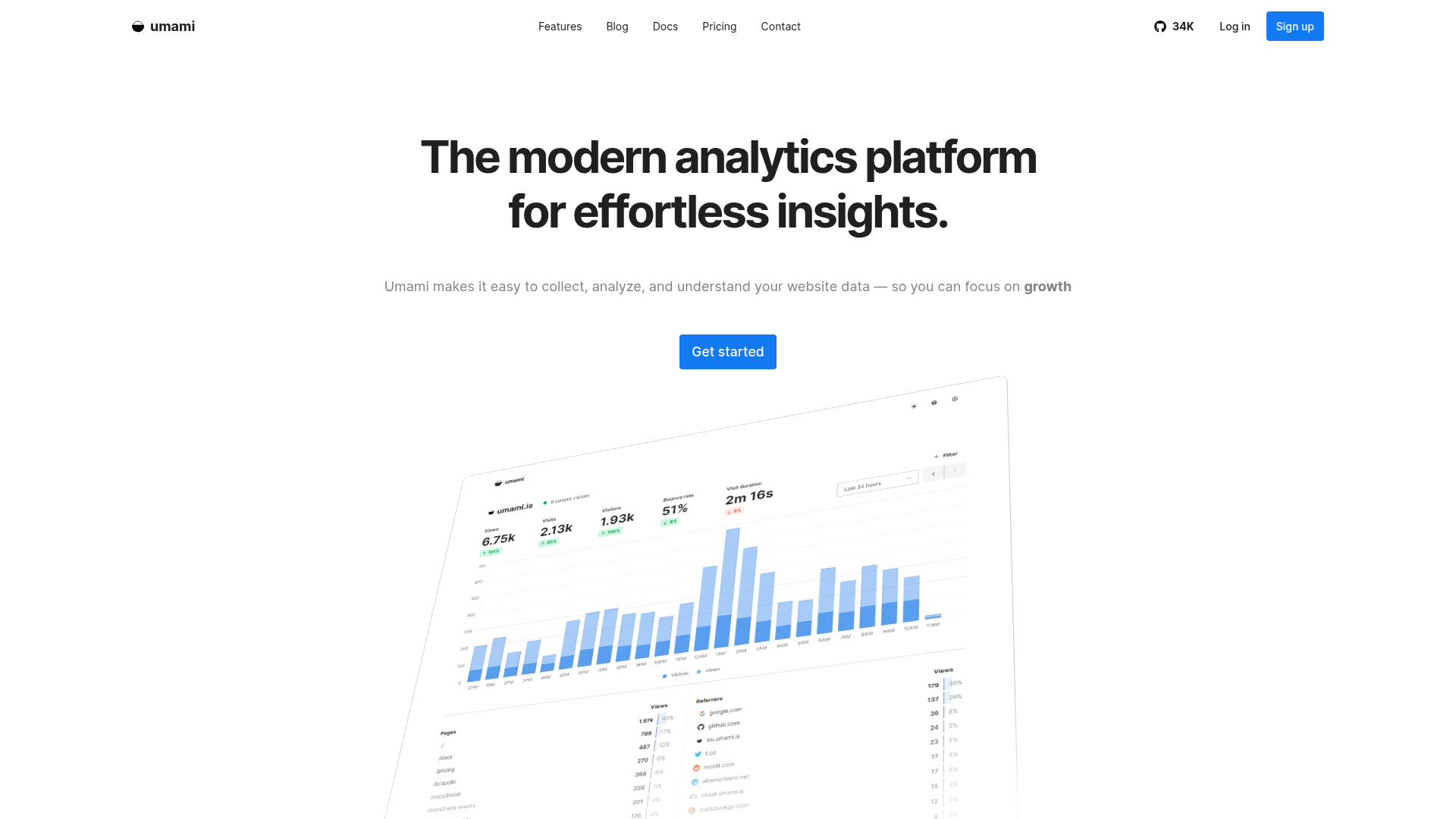
Price: Free (self-hosted) or $9/month (cloud, 100K events)
Umami is what Google Analytics should've been—clean data without the privacy nightmare. Self-host on Vercel or Railway for $0, or use their cloud for $9/month. No cookies, no GDPR banners, no selling user data.
The dashboard loads in under 1 second. You can share public stats pages. The API makes custom reporting dead simple.
What We Liked
- Free tier is actually free—self-host for $0 on Vercel with 100K events/month included
- No cookie banners needed, loads 15x faster than GA4
- Public dashboards for transparent metrics
- Clean UI that shows what matters
What Could Be Better
- Limited funnel visualization compared to PostHog
- Self-hosting requires basic dev knowledge
- Reporting features are basic
Growth Hacker Take: If you're shipping a landing page or SaaS product and don't want to deal with GA4 setup, Umami is perfect. Self-host it, forget about it, check stats when needed.
Check out Umami's pricing and G2 reviews.
2. PostHog — All-in-One Product Analytics
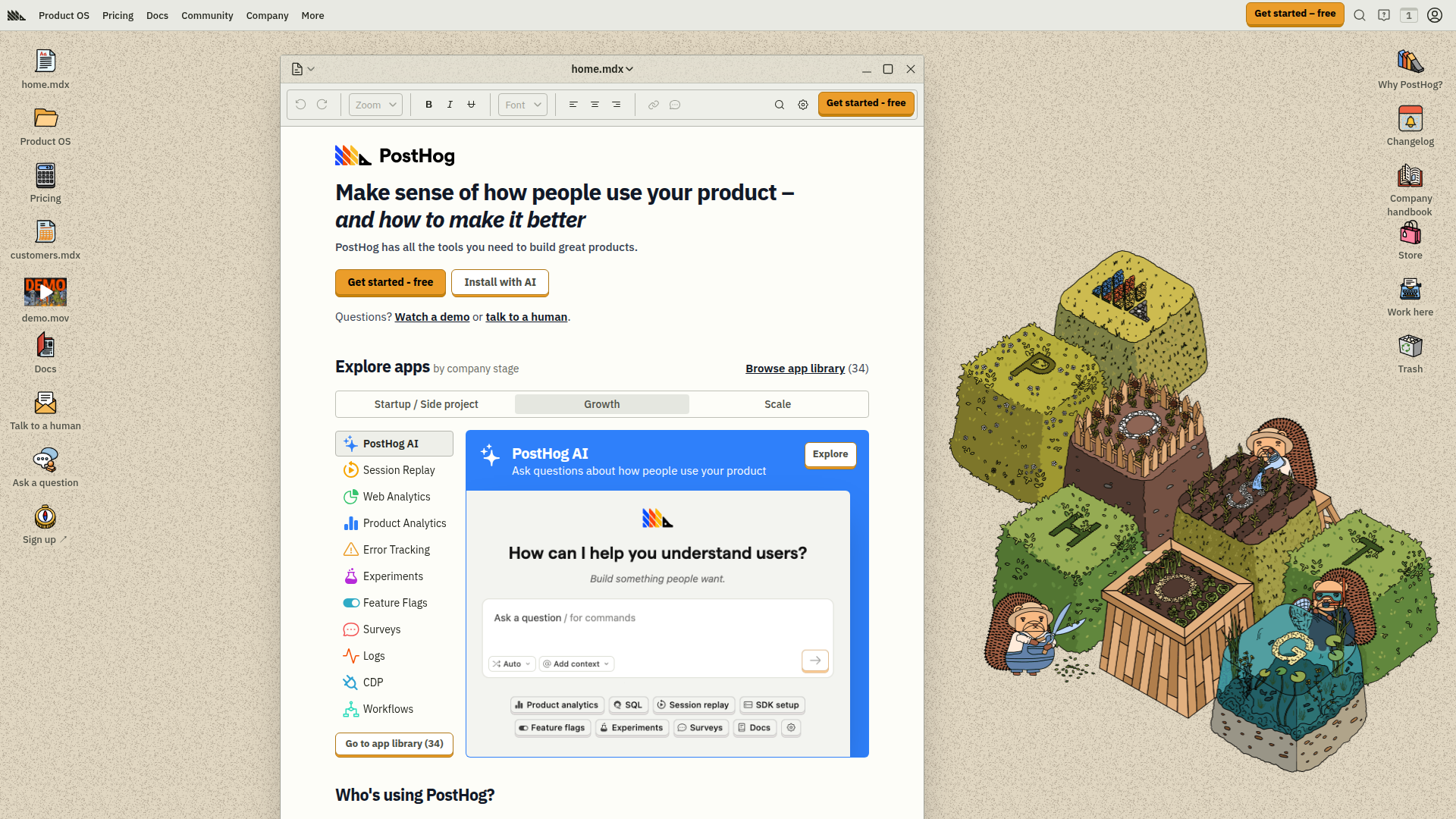
Price: Free (1M events/month) to $450+/month
PostHog is the "why did users drop off at step 3?" tool. You get product analytics, session replay, feature flags, A/B testing, and surveys—all in one platform. The free tier is absurdly generous (1M events/month covers most early startups).
Session replay shows exactly what users did before they churned. Feature flags let you test pricing changes on 10% of traffic. It's what Mixpanel charges $300/month for.
What We Liked
- 1M events/month free tier—most startups stay free for 6-12 months
- Session replay + heatmaps show why users bounce
- Feature flags + A/B testing built in
- Self-hostable with full feature parity
What Could Be Better
- Learning curve is steeper than Amplitude
- Event volume can rack up fast if not careful
- UI can feel overwhelming with all features
Growth Hacker Take: PostHog is the "I want to understand my users without a PhD in analytics" tool. If you're past MVP and need to figure out why people aren't converting, this is it.
Read PostHog's pricing and G2 reviews.
3. Plausible Analytics — Lightweight Web Analytics
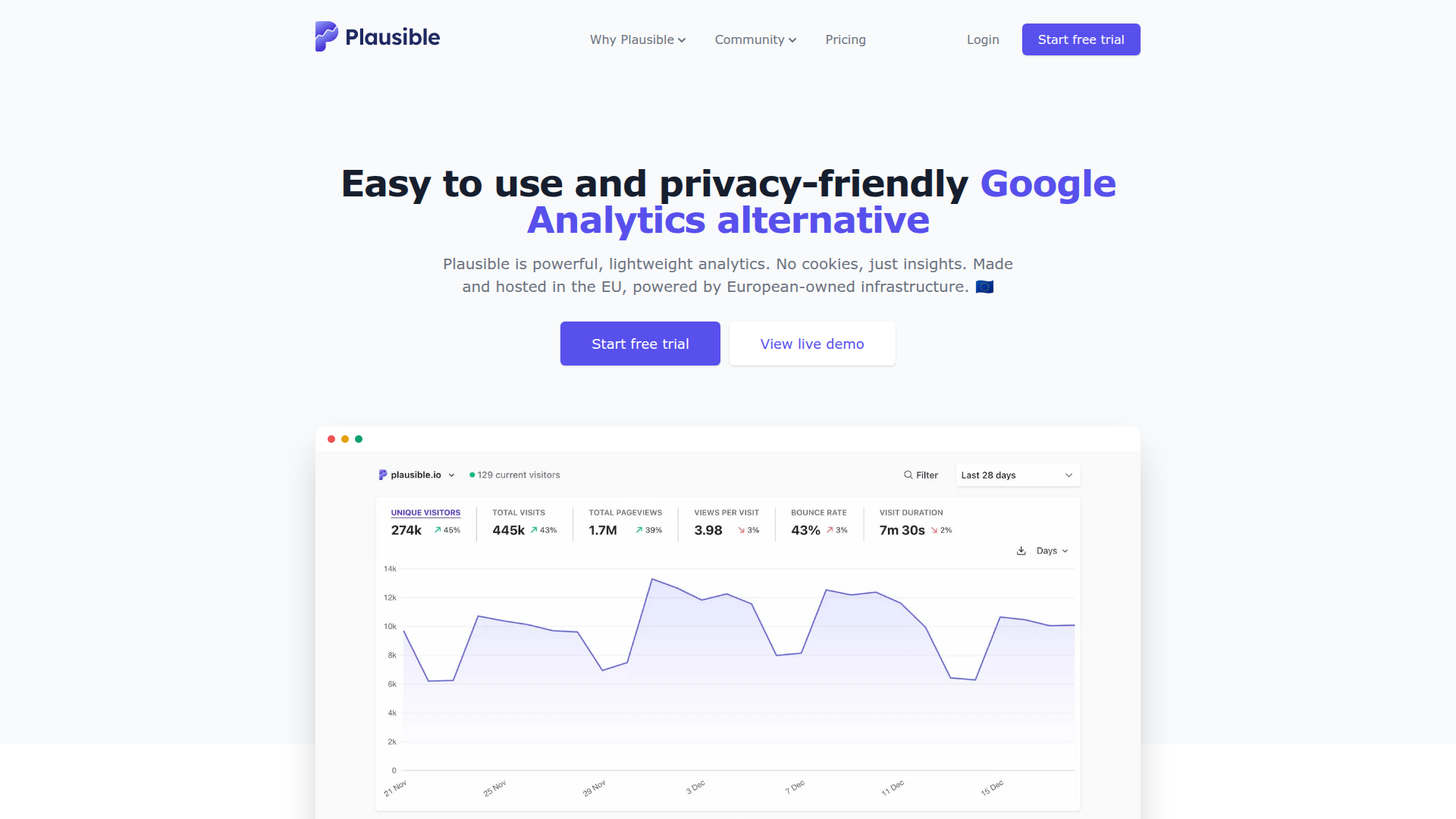
Price: $9/month (10K pageviews) to $150/month (10M pageviews)
Plausible is Umami's slightly more polished sibling. Pay $9/month, paste one script tag, get real-time analytics without Google baggage. The script is under 1KB (GA4 is 45KB). Your site loads faster, ranks better, and you don't need cookie consent popups.
What We Liked
- Script is 45x smaller than GA4—measurable SEO boost
- Email reports every Monday with key metrics
- Public dashboard URLs great for transparency
- 30-day trial, cancel anytime
What Could Be Better
- No self-hosting option (use Umami if needed)
- Limited compared to product analytics tools
- Pageview limits can get pricey at scale
Growth Hacker Take: If you want analytics that "just work" and you're allergic to Google, Plausible is perfect. It won't tell you why users bounce, but it'll tell you if they're bouncing.
See Plausible's pricing and G2 reviews.
4. Crisp — Customer Support That Doesn't Suck
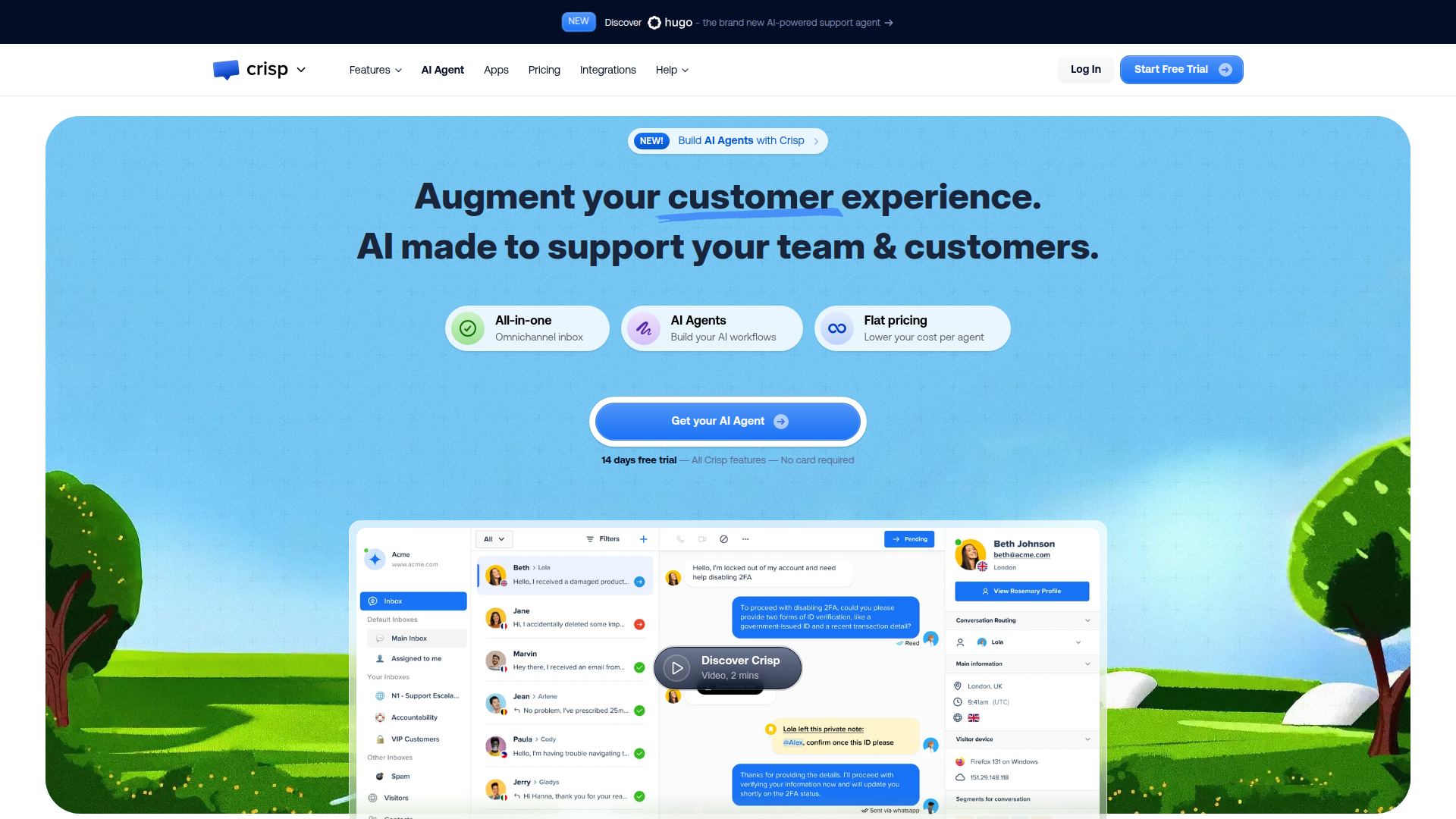
Price: Free (2 seats) to $95/month (unlimited seats)
Crisp is live chat, email, knowledge base, and status page in one. The free tier gives you 2 seats and unlimited messages. You can reply from Slack, set up chatbots, and see what page a user's on before they message you.
The AI features (summarize conversations, suggest replies) actually work. Integrates with Stripe so you see customer LTV in the chat window.
What We Liked
- Free tier is legitimately useful—2 seats, unlimited messages
- AI summarizes threads and suggests replies
- See customer data right in chat sidebar
- Status page + knowledge base included
What Could Be Better
- Free tier limited to 2 team members
- Mobile app is clunky compared to desktop
- Advanced automation requires Pro plan
Growth Hacker Take: Crisp free tier handles support for most startups until $50K+ MRR. If you're pre-revenue, this is your support tool. Period.
Check out Crisp's pricing and G2 reviews.
5. Tally — Forms That Don't Look Like Crap
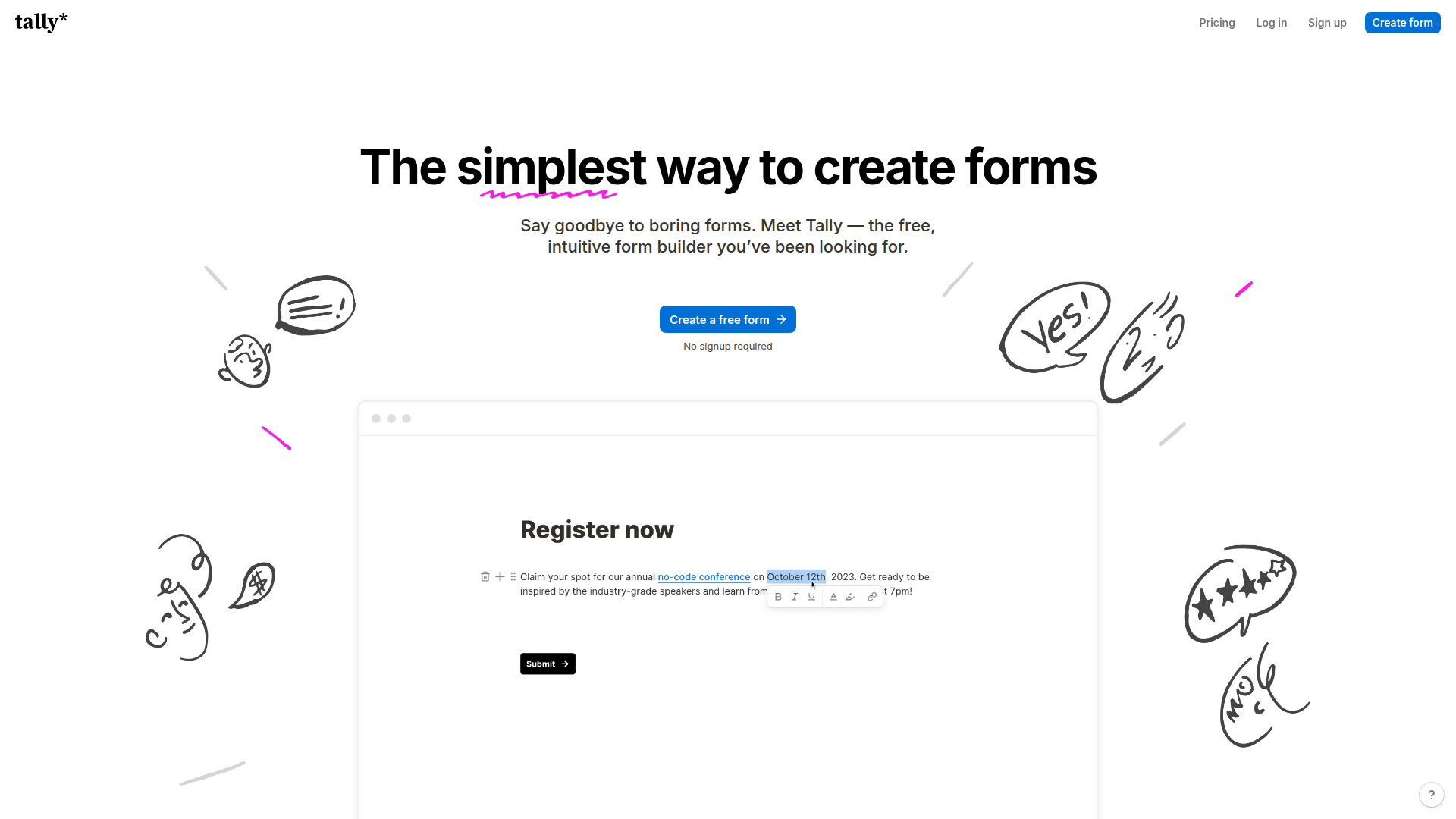
Price: Free (unlimited) to $29/month (remove branding, custom domains)
Tally is Notion for forms. Build contact forms, surveys, waitlists, job applications. The free tier is unlimited: unlimited forms, submissions, fields. The paid tier removes the "Powered by Tally" footer and adds custom domains.
Forms embed anywhere, load fast, work on mobile. You can accept payments via Stripe, schedule follow-ups, and pipe responses to Slack.
What We Liked
- Actually free—unlimited forms, submissions, logic jumps, file uploads
- Notion-style editor makes building forms easy
- Stripe integration for payment collection
- Clean designs that don't scream "form builder"
What Could Be Better
- Free tier shows "Powered by Tally" footer
- Analytics are basic
- Custom CSS requires Pro plan
Growth Hacker Take: Tally free tier is borderline unfair to competitors. You get everything Typeform Pro offers for $0. Pay $29/month only when you care about removing their footer.
See Tally's pricing and Product Hunt reviews.
6. Amplitude — Deep Behavioral Analytics
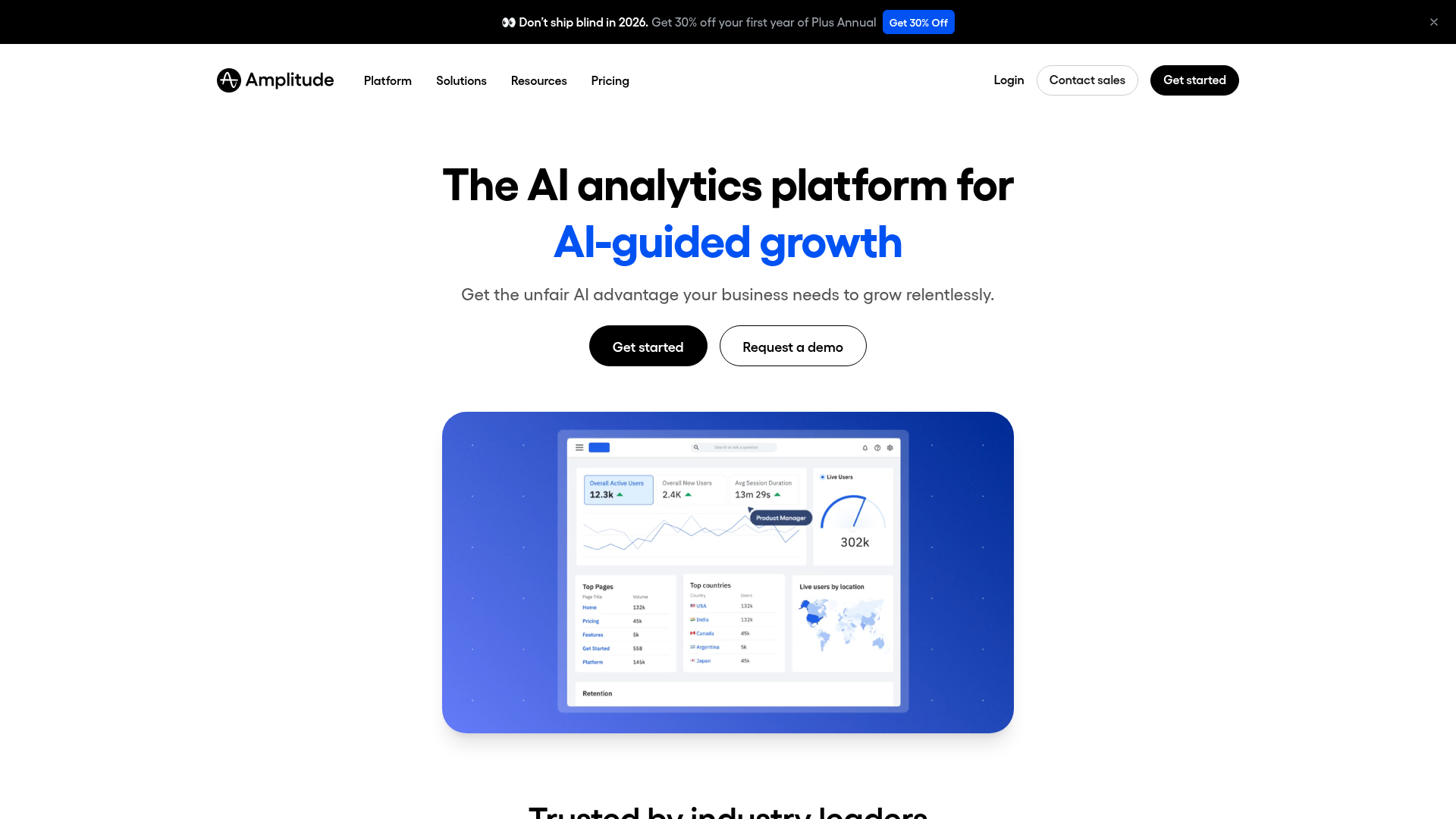
Price: Free (10M events/month) to custom enterprise pricing
Amplitude is the "we're serious about growth now" analytics tool. You get cohort analysis, retention curves, user paths, and predictive analytics powered by AI. The free tier (10M events/month) covers most startups.
The AI features analyze your data and suggest insights you'd miss. It's more powerful than PostHog but less developer-friendly.
What We Liked
- 10M events/month free tier is enormous
- AI-powered insights surface patterns you'd never find
- Retention and cohort analysis are best-in-class
- Integrates with data warehouses
What Could Be Better
- Steeper learning curve than PostHog
- No session replay or feature flags
- Enterprise pricing is opaque
Growth Hacker Take: Amplitude is overkill until you're at $50K+ MRR. Use PostHog for scrappy startups, switch to Amplitude when you have a dedicated growth team.
Read Amplitude's pricing and G2 reviews.
How to Choose the Right Tools
Pick based on your actual constraints:
- Choose Umami if: You're technical, want to self-host, and just need basic traffic data ($0/month).
- Choose Plausible if: You want analytics that "just work" without setup complexity ($9/month).
- Choose PostHog if: You need product analytics + feature flags + session replay in one tool (free to $100/month).
- Choose Amplitude if: You're scaling fast, have a growth team, and need AI-powered insights (free to $2K+/month).
- Choose Crisp if: You need support chat + knowledge base + status page without the Intercom price tag (free to $95/month).
- Choose Tally if: You're collecting any kind of user input and don't want to pay Typeform $35/month (free to $29/month).
Start with free tiers. Upgrade when you feel pain. The best stack is the one you actually use.
Frequently Asked Questions
How much should a startup tech stack cost in 2026?
Under $100/month until you hit $10K MRR. Use free tiers of Umami, PostHog, Crisp, and Tally for core functions. Only pay for tools you open daily.
Should I use open-source or SaaS tools?
Open-source if you're technical and want control. SaaS if you'd rather ship features than maintain infrastructure. The cost difference shrinks at scale—do the math for your hourly rate.
What's the difference between web analytics and product analytics?
Web analytics tracks traffic: where visitors come from, what pages they view. Product analytics tracks behavior: which features get used, where users drop off. You need both, but web analytics comes first.
When should I upgrade from free tiers?
When you hit the limits and it hurts. Never upgrade "just in case" or because you crossed some revenue milestone.
How do I avoid tool bloat?
Audit every 3 months. Kill anything you haven't used in 30 days. Set a rule: add one tool, remove one tool. Real startups run on 6-8 tools, not 25.
What tools should I avoid in 2026?
Anything with "enterprise" in the name before you're at $1M+ ARR. Tools that charge per seat when you're a 2-person team. Platforms that lock you into annual contracts with no trial.
Ready to build your stack? Start with Umami for analytics, Tally for forms, and Crisp for support. All free. Upgrade only when you feel the pain. Browse more tools in our categories directory.
About the Author
Marco Delvane
Growth Team at Vibe Growth Stack. Tested 100+ growth tools so you don't have to. Writes about what actually works for startups — no fluff, no affiliate bias.
Related Articles
Get growth tips in your inbox
No-BS growth hacks, tool reviews, and best-value picks. Weekly.
Unsubscribe anytime. We hate spam too.