Best Jira Alternatives 2026: Top Project Management Tools
Explore the best Jira alternatives for 2026. Compare Linear, Height, ClickUp, Asana, Trello and more project management tools for your team.

Marco Delvane
Growth Team
Part of our Best Project Management Tools for Startups 2026 guide
Key Takeaways
- Best Overall: Linear — Built for speed, loved by engineering teams shipping fast
- Best for Startups: Height — AI-native, zero setup friction, $0 forever for small teams
- Best Visual: ClickUp — Everything view imaginable, customization heaven
- Best Simple: Asana — Non-technical teams, clean UX, proven workflows
- Best Free: Trello — Kanban simplicity, unlimited boards, generous limits
Jira is everywhere in 2026. But so is Jira fatigue. Engineering teams waste hours configuring workflows instead of shipping code. PMs drown in ticket soup. Designers avoid it like the plague.
The good news? You don't need Atlassian's enterprise bloat to run an agile team. Modern project management tools are faster, cleaner, and built for teams that actually ship. Linear loads in milliseconds. Height has AI that writes your standup notes. ClickUp gives you 15 different views without the bloat.
We tested 12 Jira alternatives across 6 months. Here's what actually works for teams moving fast in 2026.
Quick Comparison: Best Jira Alternatives
| Tool | Starting Price | Best For | Free Tier? | VGS Verdict |
|---|---|---|---|---|
| Linear | $8/user/month | Engineering teams | Yes (unlimited) | Speed demon |
| Height | $0 forever (≤10) | AI-first startups | Yes | Hidden gem |
| ClickUp | $7/user/month | Power users | Yes | Feature beast |
| Asana | $10.99/user/month | Cross-functional | Yes | Reliable workhorse |
| Notion | $8/user/month | Docs + tasks hybrid | Yes | Wiki killer |
| Trello | $5/user/month | Simple kanban | Yes (10 boards) | Stupid simple |
| Monday.com | $9/user/month | Non-tech teams | No | Colorful chaos |
| Shortcut | $8.50/user/month | Small dev teams | Yes | Underrated |
1. Linear — The Speed-Obsessed Developer's Choice
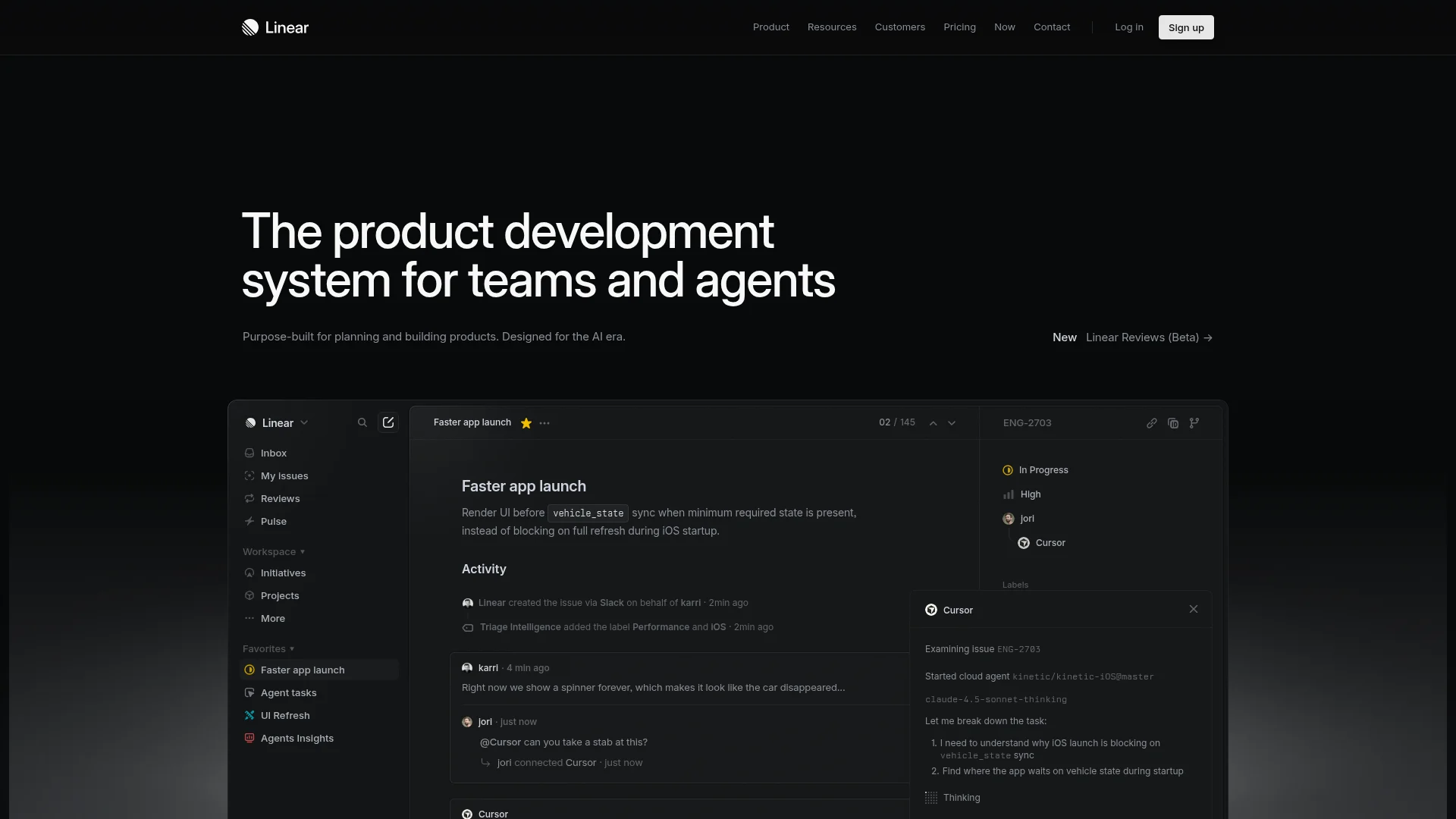
Pricing: Free (unlimited users) | Standard ($8/user/month) | Plus ($14/user/month)
Linear launched with one goal: be faster than Jira. They succeeded. The interface loads instantly. Keyboard shortcuts for everything. GitHub sync happens in real-time. Engineering teams at Vercel, Ramp, and Cash App ship on Linear because it gets out of your way.
The Cycles feature replaces clunky sprints with rolling 2-week iterations. Roadmaps visualize without Excel hell. Triage mode clears your backlog in minutes. Everything feels designed by engineers who actually use it daily.
What We Liked
- Keyboard-first design loads in milliseconds (seriously, try it)
- GitHub/GitLab integration syncs PRs automatically to issues
- Free tier has no user limits — entire startup can use it
- Clean API and Slack integration for custom workflows
What Could Be Better
- No time tracking built-in (needs third-party like Toggl)
- Learning curve for non-technical teammates
Growth Hacker Take: If your team measures velocity in PRs merged, not meetings attended, Linear is your tool. The free tier alone beats paid Jira for most startups.
Linear Full Review & Demo
2. Height — AI That Actually Does Your PM Work

Pricing: Free forever (up to 10 users) | Team ($6.99/user/month) | Business ($10.99/user/month)
Height's AI actually works. It reads Slack threads and creates tasks automatically. Writes your standup notes from activity. Suggests assignees based on workload. Other tools bolt AI onto legacy systems. Height built AI-first from the ground up in 2023.
The spreadsheet view feels like Airtable met Linear. Chat view shows tasks as conversations. Kanban, Gantt, Calendar — it morphs instantly. And the "Copilot" feature writes task descriptions, acceptance criteria, even estimates subtasks.
What We Liked
- AI Copilot generates task breakdowns and estimates in seconds
- Slack integration creates tasks from threads without switching apps
- Free forever for teams up to 10 (not a trial, actually free)
- Multiple views without ClickUp's overwhelming UI
What Could Be Better
- Smaller integration ecosystem than established players
- AI features require paid plan for teams over 10
Growth Hacker Take: Hidden gem. Literally no one talks about this. Best free tier in project management, and the AI isn't a gimmick — it actually saves hours weekly.
Height AI Features Demo
3. ClickUp — The Everything App (For Better or Worse)
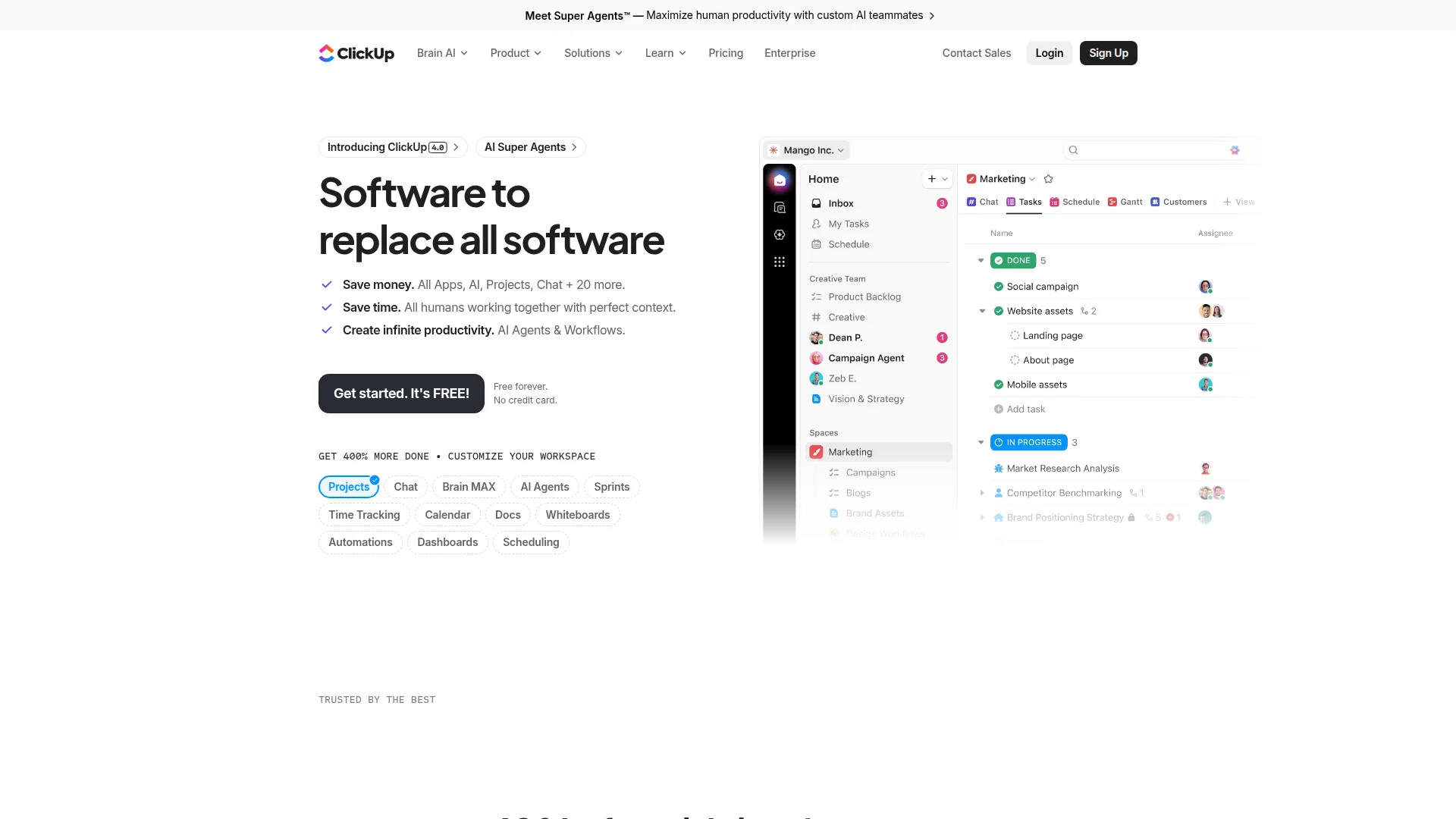
Pricing: Free (limited) | Unlimited ($7/user/month) | Business ($12/user/month) | Enterprise (custom)
ClickUp wants to replace every tool you use. Tasks, docs, goals, time tracking, whiteboards, chat, forms — it does everything. List view, board view, Gantt, calendar, timeline, workload, table, map, activity, mind map, doc, embed, chat views. Fifteen ways to see your work.
Power users love this flexibility. Marketing teams build custom workflows. Agencies manage clients. Remote teams track time across projects. But it's overwhelming for new users. Expect a week of setup before shipping anything.
What We Liked
- 15+ view types without switching tools
- Native time tracking, goals, and docs eliminate tool sprawl
- Automations rival Zapier for internal workflows
- Free tier actually usable (100MB storage, unlimited tasks)
What Could Be Better
- Steep learning curve — expect 1-2 weeks onboarding
- Feature overload creates decision paralysis for simple teams
Growth Hacker Take: If you need one tool to rule them all and have time to configure it, ClickUp delivers. But small teams shipping fast should choose something simpler.
ClickUp Complete Walkthrough
4. Asana — The Boring, Reliable Workhorse
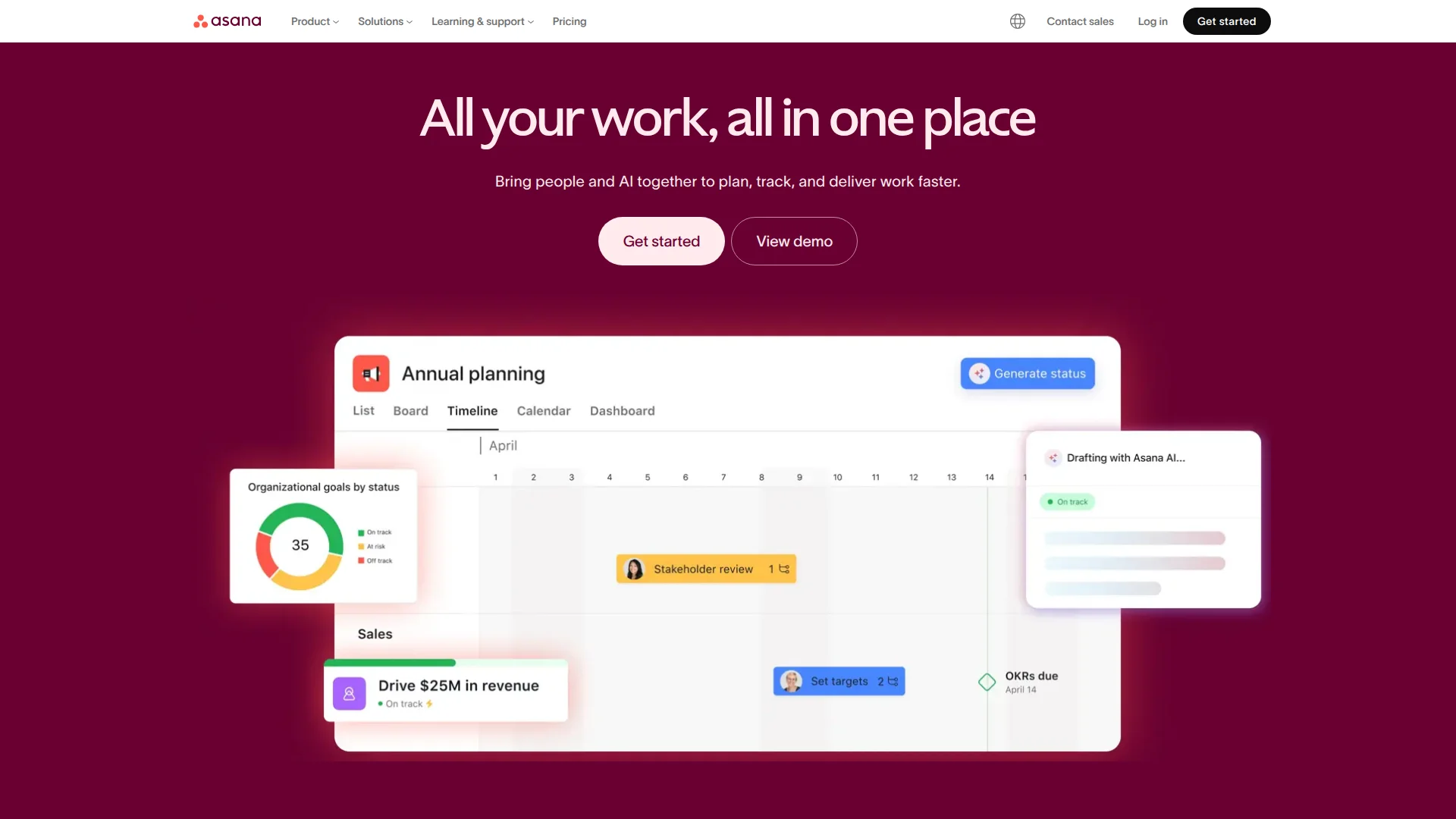
Pricing: Free (15 users) | Premium ($10.99/user/month) | Business ($24.99/user/month)
Asana doesn't chase trends. It does task management extremely well without reinventing wheels. Marketing teams love it. Product managers trust it. Non-technical teams onboard in hours, not days. The UI hasn't changed much since 2016 because it works.
Timeline view (Gantt charts) shows dependencies clearly. Portfolios group projects by team or goal. Forms capture requests without email chaos. And the mobile app actually works for approvals on the go.
What We Liked
- Non-technical teams onboard instantly (no keyboard shortcuts required)
- Timeline view for dependencies beats most Gantt implementations
- 200+ integrations including Slack, Google Drive, GitHub
- Proven at scale (used by Airbnb, Uber, Pinterest)
What Could Be Better
- Pricing jumps quickly as teams grow past 15 users
- Engineering teams find it too simple vs. Linear/Shortcut
Growth Hacker Take: Boring is good when you need cross-functional alignment. Asana won't excite engineers, but your entire company can actually use it.
5. Notion — When Tasks Meet Documentation
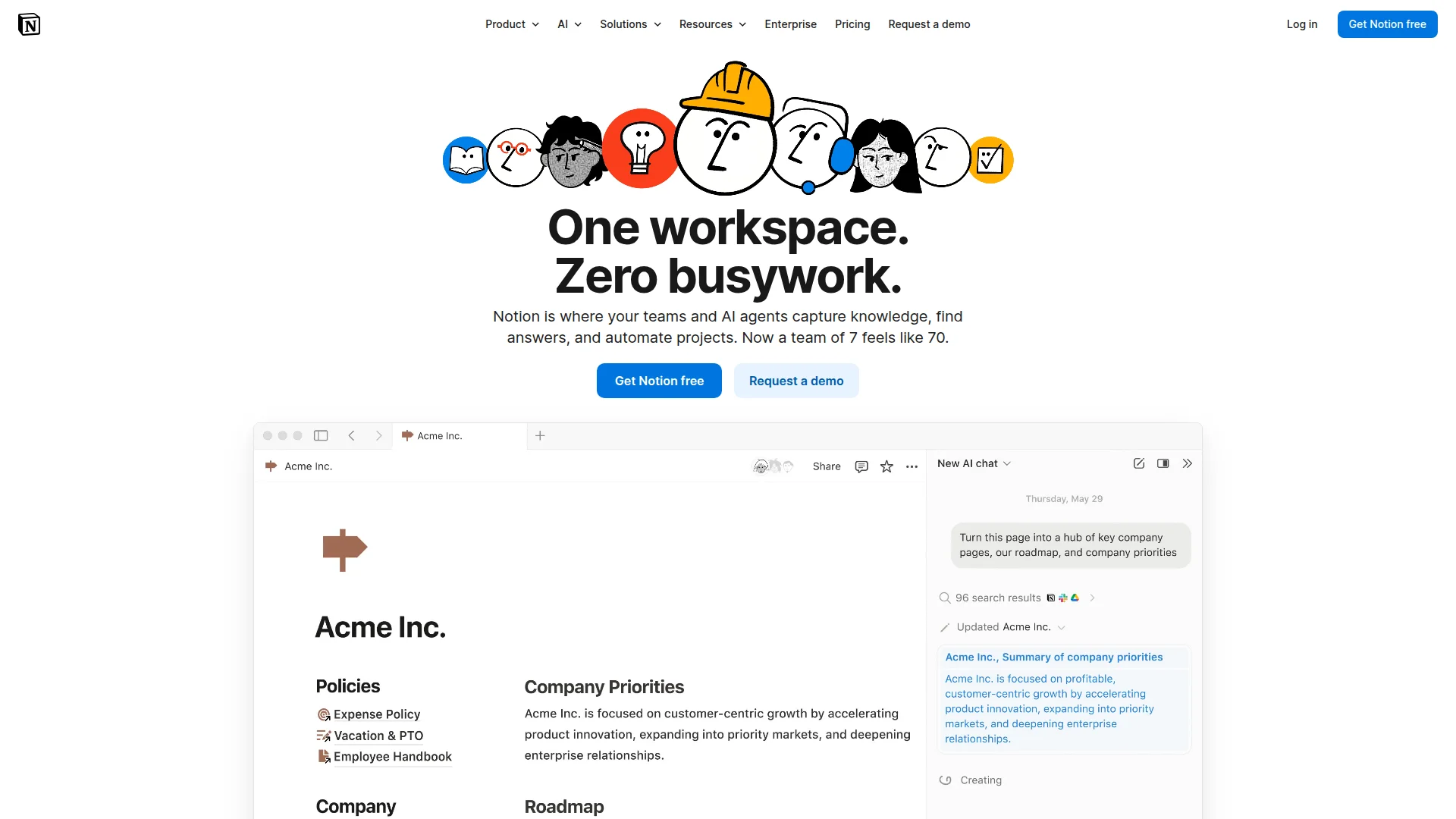
Pricing: Free (individuals) | Plus ($8/user/month) | Business ($15/user/month) | Enterprise (custom)
Notion killed internal wikis. Now it's coming for project management. Database views turn pages into kanban boards. Relations link tasks to docs. Templates ship workflows instantly. The flexibility is unmatched — build exactly what you need.
But that flexibility becomes complexity. Small teams spend weeks building "the perfect system." And real-time collaboration lags behind native task tools. Best used when documentation matters as much as task tracking.
What We Liked
- Unified docs + tasks eliminates Confluence/Jira split
- Templates marketplace has pre-built systems for every workflow
- AI writing assistant (Notion AI) for documentation
- Generous free tier for individuals and small teams
What Could Be Better
- Not built for pure project management (hybrid tool tradeoffs)
- Performance degrades with large databases (500+ items)
Growth Hacker Take: Choose Notion if your tasks need context from specs, meeting notes, and research. Otherwise, use a dedicated PM tool.
Notion for Project Management
6. Trello — The Kanban Classic That Refuses to Die
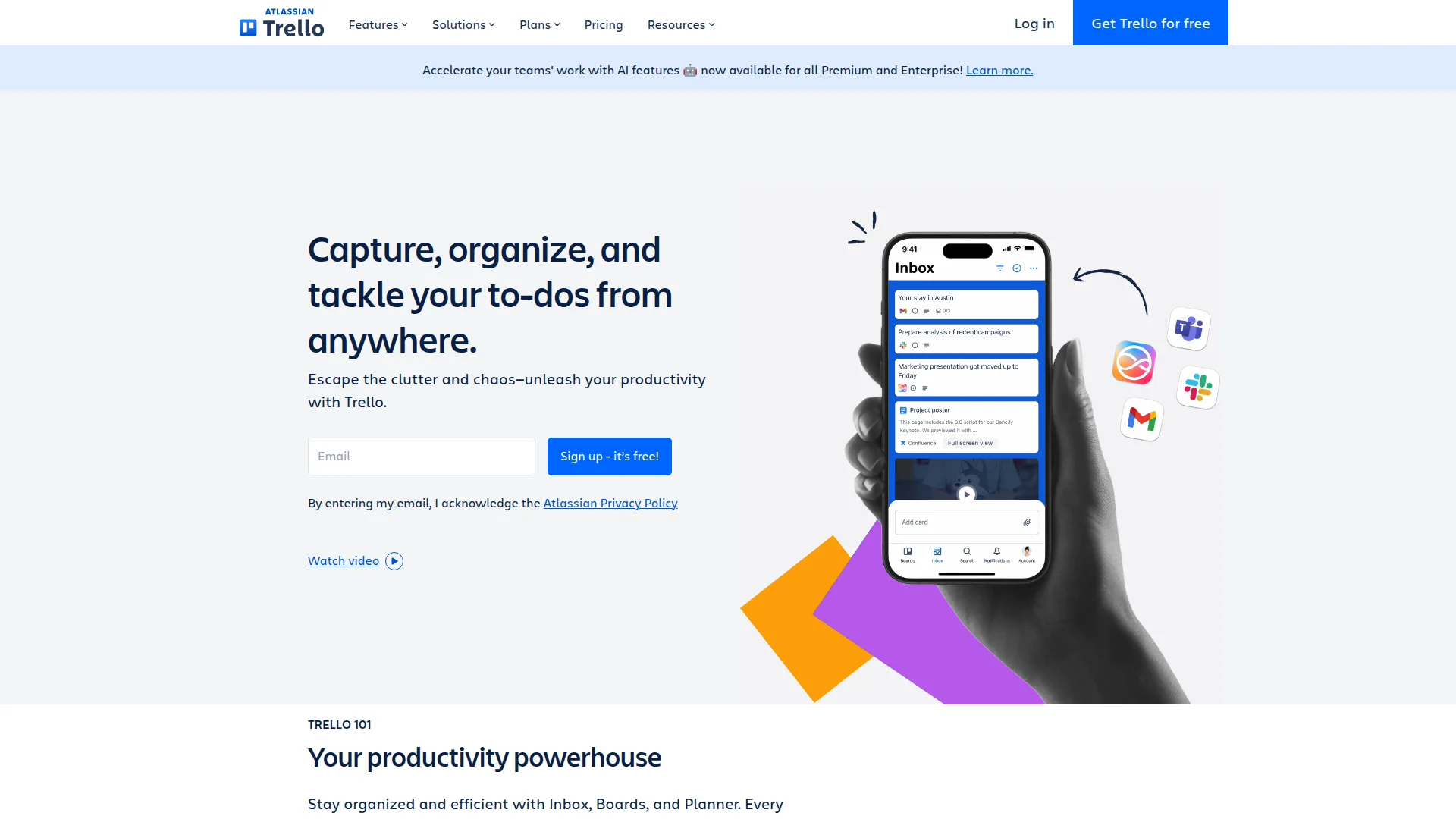
Pricing: Free (10 boards) | Standard ($5/user/month) | Premium ($10/user/month) | Enterprise ($17.50/user/month)
Trello pioneered kanban boards in 2011. Fifteen years later, it's still the simplest way to visualize work. Drag cards between columns. Add checklists. Attach files. Done. Your grandma could use Trello without training.
Power-Ups extend functionality (Calendar view, Slack integration, voting). Butler automation handles repetitive tasks. And the free tier gives you 10 boards — enough for most small teams forever.
What We Liked
- Zero learning curve — literally anyone can use it
- Free tier includes 10 boards and unlimited cards
- Power-Ups add features without complexity
- Mobile app perfect for quick updates on the go
What Could Be Better
- Limited views (basically just kanban)
- Weak for complex projects with dependencies
Growth Hacker Take: Still the best "getting started" tool. Don't overthink it — Trello for simple workflows, upgrade when you actually need more.
7. Monday.com — CRM Meets Project Management

Pricing: No free tier | Basic ($9/user/month, 3 users min) | Standard ($12/user/month) | Pro ($19/user/month)
Monday.com uses color-coded boards and visual automation builders. Sales teams track deals. Marketing manages campaigns. Operations coordinate cross-functional work. The "Work OS" branding isn't wrong — it's more platform than point solution.
Non-technical teams love the visual interface. Building automations feels like playing with blocks. But engineers find it gimmicky. And starting at $27/month (3-user minimum) prices out bootstrapped startups.
What We Liked
- Visual automation builder (no code required)
- 200+ templates for every use case imaginable
- Time tracking and workload views built-in
- Strong for sales/marketing/operations (not just dev teams)
What Could Be Better
- No free tier — minimum $27/month for 3 users
- Engineering teams find it too "colorful" and slow
Growth Hacker Take: Great for operations-heavy teams coordinating non-dev work. Dev teams should look elsewhere.
8. Shortcut — Jira's Simpler Cousin
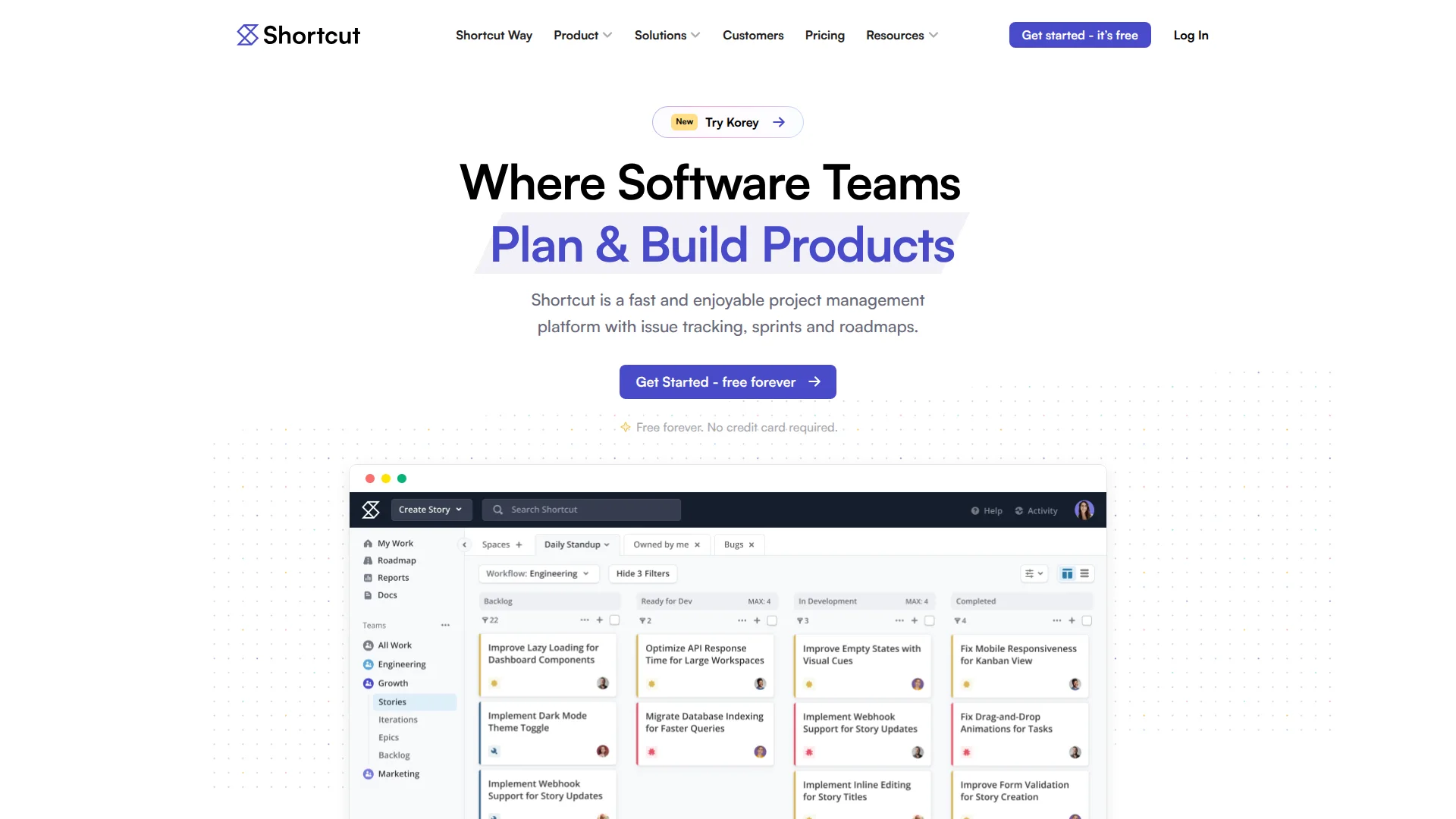
Pricing: Free (10 users) | Team ($8.50/user/month) | Business ($12/user/month) | Enterprise (custom)
Shortcut (formerly Clubhouse) delivers agile workflows without Jira's complexity. Epics, stories, iterations — all the scrum terminology engineers expect, but with Linear's speed philosophy. GitHub integration is native. Roadmaps visualize quarters, not Excel nightmares.
The team view shows everyone's workload. Iterations auto-archive finished work. And the free tier supports 10 users with full features — no crippled demo mode.
What We Liked
- Full agile features (epics, sprints, story points) without bloat
- Free tier includes 10 users with complete functionality
- Native GitHub/GitLab integration syncs bi-directionally
- Team workload view prevents burnout and bottlenecks
What Could Be Better
- Less customization than ClickUp or Jira
- Smaller community and fewer integrations than bigger players
Growth Hacker Take: Underrated. If Linear feels too minimal and Jira too heavy, Shortcut hits the sweet spot for agile teams under 50 people.
How to Choose Your Jira Alternative
Pick based on your team's actual workflow, not feature lists. Here's the decision tree:
- Choose Linear if: Engineering team, ship velocity matters, love keyboard shortcuts, want free forever tier
- Choose Height if: Startup under 10 people, want AI to handle busywork, need zero-config setup
- Choose ClickUp if: Need one tool for everything, have time to configure, power users love customization
- Choose Asana if: Cross-functional teams, non-technical majority, proven workflows matter more than speed
- Choose Notion if: Documentation as important as tasks, building internal wiki, flexible database needs
- Choose Trello if: Simple kanban enough, tiny team, zero budget, need it working in 5 minutes
- Choose Monday.com if: Sales/marketing/ops heavy, visual workflows, budget for paid tool from day one
- Choose Shortcut if: Agile workflows required, Linear too minimal, Jira too heavy, under 50 people
Most teams overthink this. Start with a free tier. Ship for two weeks. If you're fighting the tool, switch. If you forget it exists (in a good way), you found your fit.
FAQ
Is Linear better than Jira?
For engineering teams under 100 people shipping fast, absolutely. Linear loads 10x faster and costs less. Jira wins for enterprise compliance and deep customization needs.
What's the best free Jira alternative?
Linear (unlimited users) or Height (10 users) have the most generous free tiers with full features. Trello and ClickUp also offer usable free plans.
Can I migrate from Jira without losing data?
Yes. Linear, ClickUp, Asana, and Shortcut all offer Jira import tools. Expect 1-2 days mapping custom fields and testing workflows before going live.
Do I need agile/scrum features?
Only if your team actually practices scrum ceremonies. Most startups claim "agile" but just need task boards and sprints — which every tool here provides.
What about time tracking?
ClickUp and Monday.com have native time tracking. Others integrate with Toggl, Harvest, or Clockify. Most teams track time separately anyway.
Which tool has the best mobile app?
Asana and Trello have the most polished mobile experiences. Linear's mobile app ships fast but lacks some desktop features.
About the Author
Marco Delvane
Growth Team at Vibe Growth Stack. Tested 100+ growth tools so you don't have to. Writes about what actually works for startups — no fluff, no affiliate bias.
More in this series
View full guide →Linear vs Jira 2026: Which Project Management Tool Wins?
Compare Linear vs Jira for project management. Discover speed, pricing, and features to find the best tool for your team's needs.
Best ClickUp Alternatives 2026: 7 Project Management Tools
Discover the best ClickUp alternatives in 2026. Compare 7 top project management tools including Notion, Monday.com, Asana, Linear, and Basecamp for your team.
Notion vs Obsidian 2026: Which Note-Taking App Wins?
Compare Notion vs Obsidian in 2026. Discover which note-taking app is best for teams, individuals, and knowledge workers.
Best Trello Alternatives 2026: 7 Project Management Tools
Discover 7 better Trello alternatives in 2026. Compare top project management tools like Notion, ClickUp, and Asana for your team's needs.
7 Best Asana Alternatives 2026: Simpler Project Management
Compare top Asana alternatives like Notion, ClickUp, and Trello. Find the best project management tool for your team's needs with our 2026 guide.
Best Notion Alternatives 2026: Simpler Tools
Related Articles
Get growth tips in your inbox
No-BS growth hacks, tool reviews, and best-value picks. Weekly.
Unsubscribe anytime. We hate spam too.