Best Notion Alternatives 2026: Simpler Tools
Discover the best Notion alternatives in 2026. Compare simpler productivity tools, project management apps, and note-taking solutions that work better for your needs.

Marco Delvane
Growth Team
Part of our Best Project Management Tools for Startups 2026 guide
Key Takeaways
- Best for simplicity: Obsidian — offline-first, Markdown-native, no bloat ($0 for personal use)
- Best for visual thinkers: Capacities — object-based knowledge management with daily notes ($12/month)
- Best for teams: ClickUp — all-in-one project management without Notion's learning curve ($7/month)
- Best for databases: Airtable — spreadsheet-database hybrid that actually feels intuitive (free tier available)
- Hidden gem: Anytype — local-first, encrypted, zero monthly fees (100% free)
Why People Are Ditching Notion
Notion hit $10 billion valuation in 2021. By 2026, founders are quietly switching away. Not because it's bad — because it's too much.
The complaints are consistent: bloated interface, slow loading times, overwhelming feature set. What started as "one tool for everything" became "one tool that does everything poorly." Teams spend more time configuring databases than actually working.
The 2026 productivity landscape split into two camps: teams wanting Notion's power with better UX, and individuals wanting distraction-free tools that just work. This guide covers both. Every alternative here solves a specific Notion pain point without replicating its complexity.
Quick Comparison Table
| Tool | Price | Best For | Free Tier? | VGS Verdict |
|---|---|---|---|---|
| Obsidian | $0 personal, $50/year sync | Writers, researchers | Yes | Fastest note-taking, zero bloat |
| Capacities | $12/month | Visual knowledge workers | No | Daily notes + objects = chef's kiss |
| ClickUp | Free, $7/month Pro | Project management teams | Yes | Replaces 5 tools, actual PM features |
| Airtable | Free, $20/month Plus | Database-heavy workflows | Yes | Spreadsheets that don't suck |
| Anytype | $0 forever | Privacy-focused individuals | Yes (full version) | Local-first future, zero fees |
| Craft | Free, $10/month Pro | Mac/iOS native experience | Yes | Beautiful UI, Apple ecosystem only |
| Coda | Free, $10/month Pro | Workflow automation | Yes | Notion's power, better execution |
| Logseq | $0 forever | Networked thinking | Yes (full version) | Roam Research without the price tag |
1. Obsidian — Offline-First Markdown Powerhouse
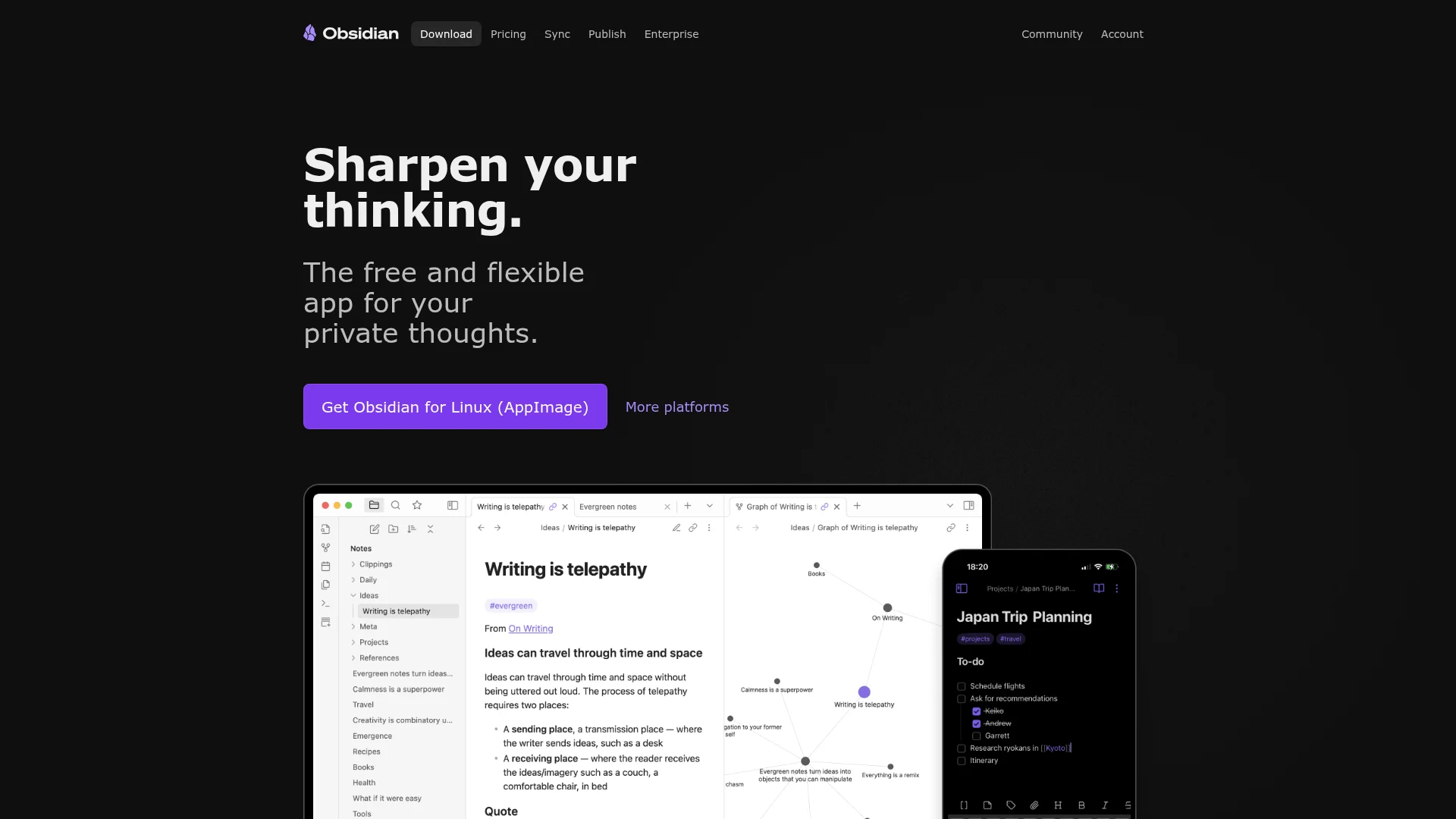
Pricing: Free for personal use. $50/year for Sync. $96/year for Publish.
Obsidian stores notes as plain Markdown files on your local drive. No cloud dependency, no loading spinners, no monthly fees. The graph view visualizes connections between notes — perfect for building a personal knowledge base. Community plugins extend functionality (Kanban boards, calendar views, PDF annotation). Sync works across devices but you control the data.
What We Liked
- Instant loading — no cloud latency ever
- Your data stays yours (plain text files you can read anywhere)
- 1,000+ community plugins for customization
- Graph view reveals hidden connections between ideas
What Could Be Better
- Steeper learning curve than Notion for beginners
- No native collaboration features (workarounds exist)
Growth Hacker Take: Writers and researchers swear by this. If you value speed and ownership over team collaboration, Obsidian crushes Notion. The local-first approach means you're never locked into a platform.
Obsidian Complete Walkthrough
External links: Pricing details | G2 reviews
2. Capacities — Object-Based Knowledge Management
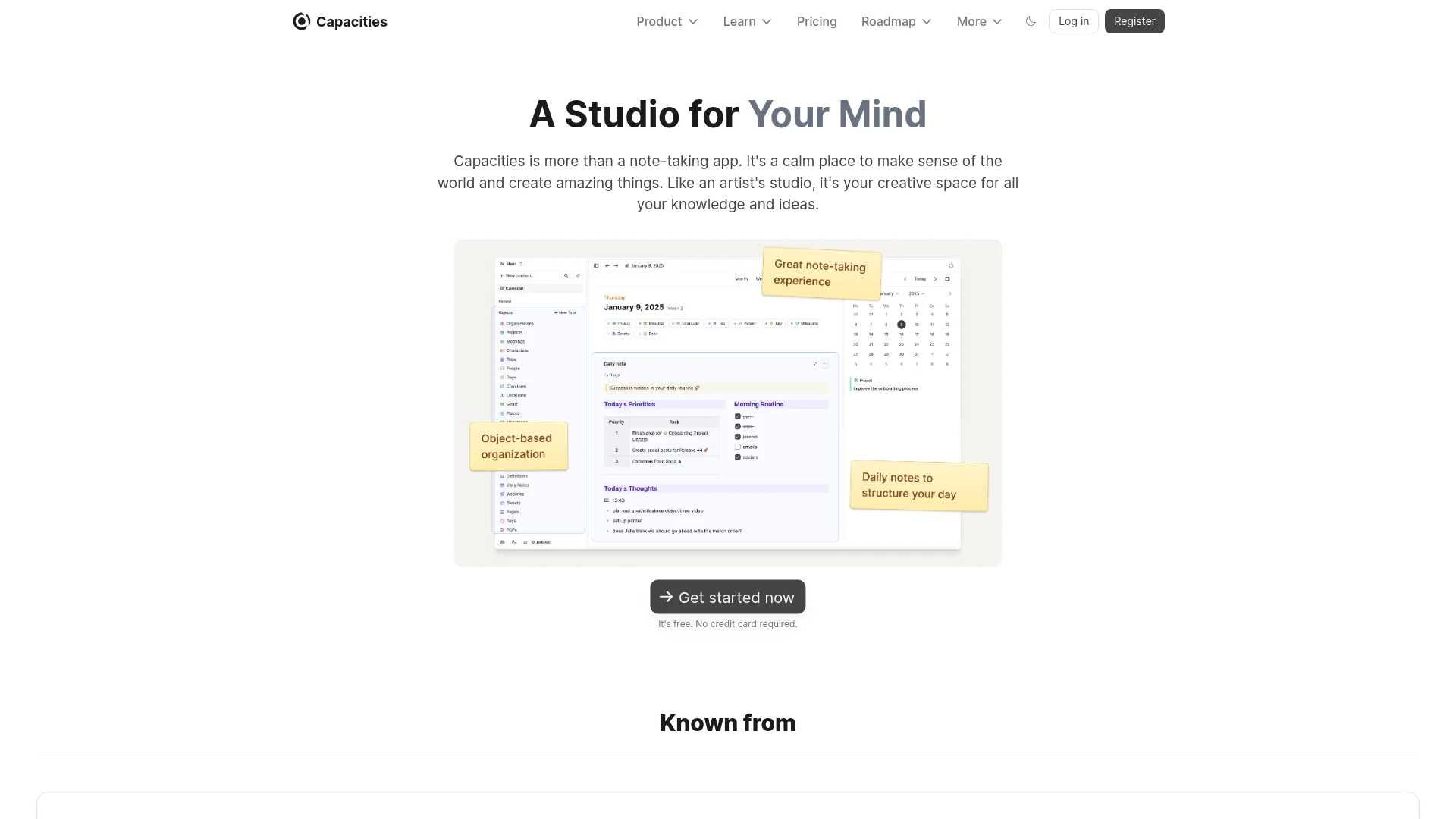
Pricing: $12/month (individual). $18/month (team pricing coming 2026).
Capacities treats everything as structured objects — people, meetings, books, projects. Daily notes anchor your workflow, automatically linking to these objects. Visual cards display information contextually (meeting attendees appear automatically when you reference them). The database feels intuitive unlike Notion's relation hell. Graph visualization shows how everything connects without manual linking.
What We Liked
- Daily notes with automatic object linking
- Beautiful UI without performance sacrifice
- Object types organize information naturally
What Could Be Better
- No free tier (14-day trial only)
- Mobile apps still catching up to desktop
Growth Hacker Take: This is where Notion should have gone. Objects make databases feel human. Visual thinkers who found Notion clunky will love this.
Why Capacities Beats Notion
External links: Pricing page | Product Hunt reviews
3. ClickUp — Project Management That Scales
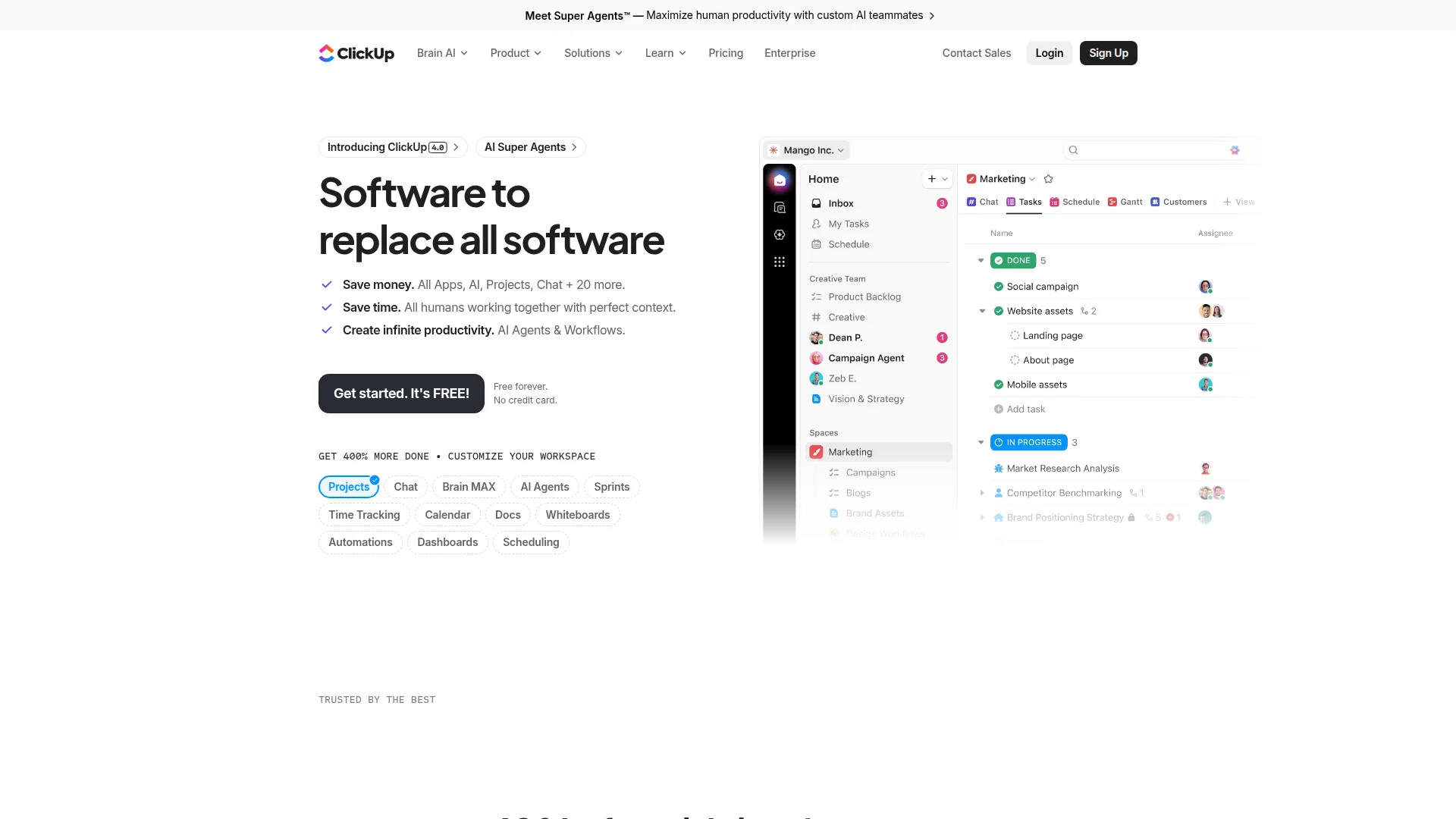
Pricing: Free (unlimited tasks). Unlimited $7/month. Business $12/month. Enterprise custom.
ClickUp built actual project management features instead of pretending databases could replace them. Multiple views (List, Board, Calendar, Gantt, Timeline) without hacky workarounds. Time tracking, goals, and sprint planning work natively. AI writes task descriptions and meeting summaries. Custom fields and automations rival Notion's flexibility without the setup headache. Teams managing client work choose this over Notion consistently.
What We Liked
- Real PM features (dependencies, critical path, workload view)
- Time tracking and goal tracking built-in
- Generous free tier with unlimited tasks
- Native integrations with 1,000+ tools
What Could Be Better
- Overwhelming feature set initially (ironic given Notion complaint)
- Performance lags with 10,000+ tasks
Growth Hacker Take: If your team actually ships products, ClickUp delivers. Notion users trying to force-fit PM workflows switch here and never look back. The free tier alone replaces Asana, Trello, and half of Notion.
ClickUp vs Notion for Teams
External links: Pricing details | G2 reviews (4.7/5)
4. Airtable — Databases That Don't Suck
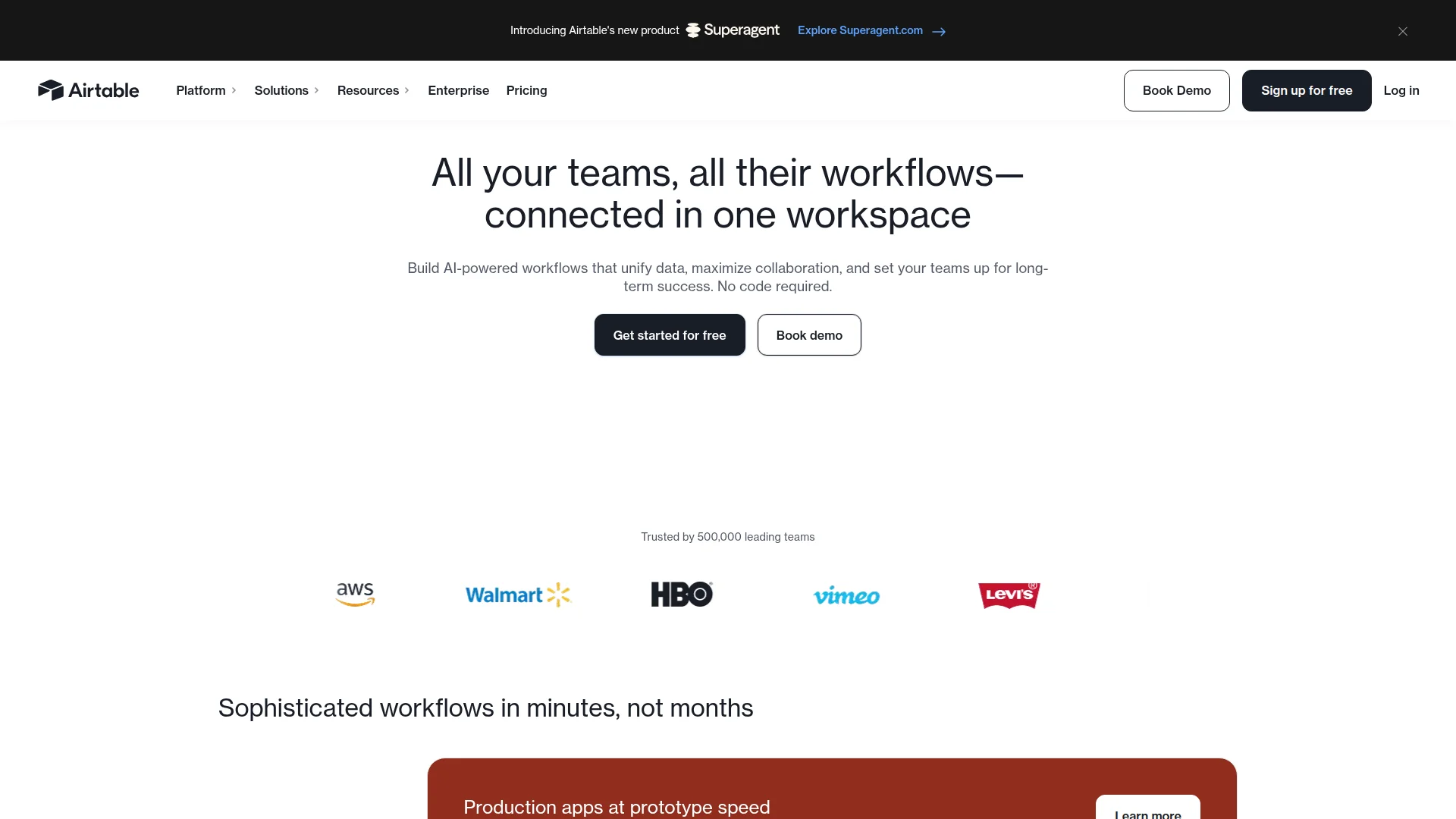
Pricing: Free (unlimited bases, 1,000 records/base). Plus $20/month. Pro $45/month. Enterprise custom.
Airtable looks like a spreadsheet but acts like a database. Relations, lookups, and rollups work intuitively — no Notion-style confusion. Multiple views (Grid, Calendar, Kanban, Gallery, Form) adapt to use cases. Automations trigger on record changes. API access enables custom integrations. The interface performance stays consistent even with 50,000+ records. Teams running CRMs, content calendars, and product roadmaps prefer this over Notion's database blocks.
What We Liked
- Spreadsheet familiarity with database power
- Reliable performance at scale
- Forms for external data collection
What Could Be Better
- Not designed for long-form writing
- Free tier caps at 1,000 records per base
Growth Hacker Take: If databases are 80% of your Notion usage, just use Airtable. The learning curve is gentler and performance is rock-solid. Pairs well with Obsidian for writing.
External links: Pricing page | Capterra reviews (4.7/5)
5. Anytype — Local-First, Zero Fees Forever
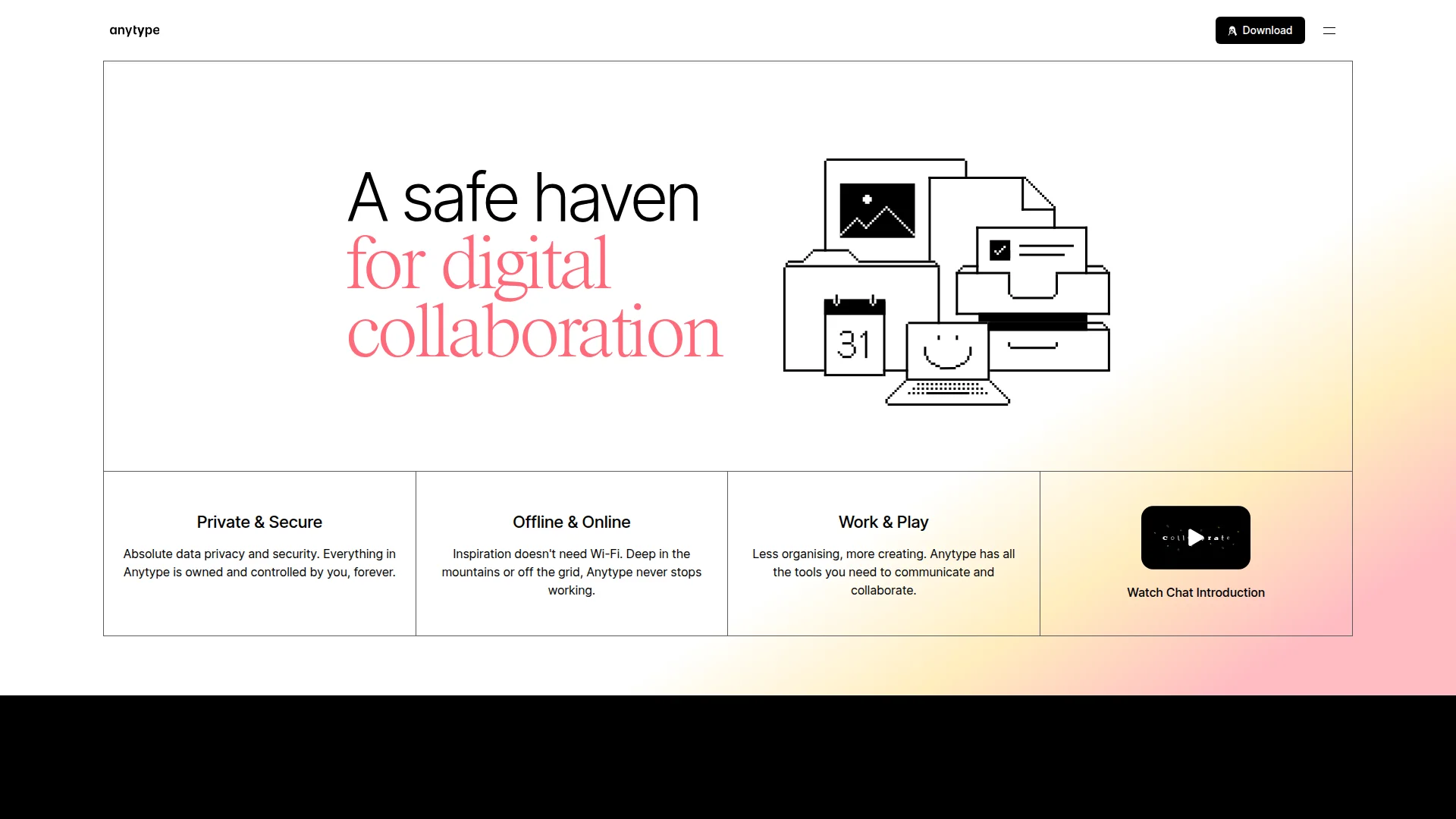
Pricing: $0 forever. No paid tiers planned.
Anytype encrypts everything locally then syncs peer-to-peer (no central servers). You own the data completely — no company can access it or shut down your workspace. Object-based structure similar to Capacities but fully open-source. Graph view, templates, and relations work offline-first. The alpha/beta tags are misleading — it's production-ready for individuals. Privacy-conscious teams choose this over Notion's cloud dependency.
What We Liked
- 100% free with no limits or paid tiers coming
- End-to-end encryption (zero-knowledge)
- Offline-first with automatic sync
- Open-source and actively developed
What Could Be Better
- Still in alpha (though stable)
- Smaller plugin ecosystem than Obsidian
Growth Hacker Take: Hidden gem. No monthly fees, no data mining, no lock-in. The future of productivity tools is local-first — Anytype is already there.
Anytype: The Free Notion Alternative
External links: Official website | GitHub repository
6. Craft — Native Mac/iOS Experience

Pricing: Free (limited docs). Pro $10/month. Business $22/month.
Craft feels native to macOS/iOS in ways Notion never will. Smooth animations, gesture controls, and performance optimized for Apple silicon. The editor handles rich media elegantly (inline images, videos, code blocks). Daily notes, calendar integration, and quick capture rival dedicated apps. Publishing creates gorgeous web pages. Limited to Apple ecosystem but that's the point — they chose focus over cross-platform mediocrity.
What We Liked
- Buttery smooth on Mac/iPad/iPhone
- Beautiful document publishing
- Native widgets and shortcuts
What Could Be Better
- Apple-only (dealbreaker for mixed teams)
- No databases or project management features
Growth Hacker Take: Apple ecosystem users love this. If your team runs Windows or Android, skip it. For Mac-only shops, Craft delivers the native experience Notion promised but never achieved.
External links: Pricing page | Product Hunt (4.8/5)
7. Coda — Notion's Power, Better Execution
Pricing: Free (unlimited docs). Pro $10/month. Team $30/month. Enterprise custom.
Coda's tagline "docs as powerful as apps" undersells it. Formulas and automations surpass Notion's capabilities. Packs (pre-built integrations) connect to Slack, Gmail, GitHub, Figma natively. Tables work like spreadsheets but link across documents. Buttons trigger complex workflows. The learning curve exists but documentation actually helps. Teams building internal tools choose Coda over Notion for reliability and power.
What We Liked
- Advanced formulas that actually work
- Native packs for 300+ integrations
- Buttons enable no-code workflows
What Could Be Better
- Steeper learning curve than Notion
- Interface feels less polished
Growth Hacker Take: For teams who maxed out Notion's limits, Coda delivers. The formula system alone justifies the switch. Not simpler than Notion, but more powerful.
External links: Pricing details | G2 reviews (4.7/5)
8. Logseq — Open-Source Networked Thinking
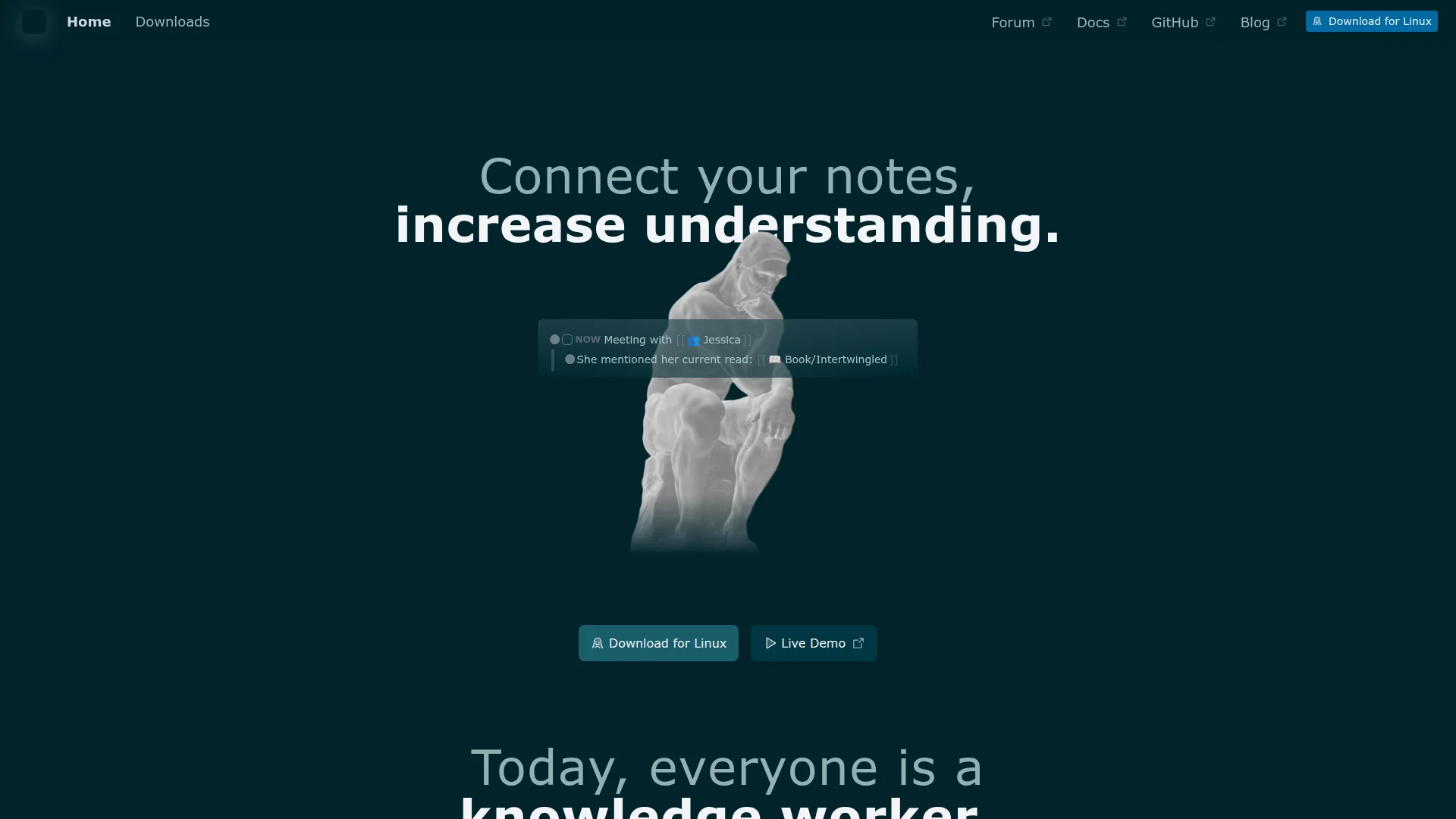
Pricing: $0 forever (open-source). Optional sync $5/month.
Logseq pioneered outliner-based note-taking before Notion added toggle lists. Every bullet becomes a block you can link, embed, or query. Graph view visualizes knowledge networks. Daily journaling workflow encourages consistent capture. Local-first storage (plain Markdown files) means vendor independence. Plugin system extends functionality (flashcards, PDF annotation, task management). Roam Research users switched here to escape $15/month pricing.
What We Liked
- Completely free and open-source
- Outliner structure for quick capture
- Queries build dynamic views without databases
What Could Be Better
- Outliner paradigm feels weird initially
- Sync requires paid tier or DIY solutions
Growth Hacker Take: Best free alternative for networked thinking. The outliner approach clicks once you get it. Perfect for researchers building second brains.
External links: Official website | GitHub (28K+ stars)
How to Choose Your Notion Alternative
Stop trying to replicate Notion exactly. Pick tools matching your actual workflow:
- Choose Obsidian if: You write daily, value speed over collaboration, want offline-first, or need local file ownership.
- Choose Capacities if: Visual structure helps you think, daily notes anchor your workflow, or Notion's databases felt clunky.
- Choose ClickUp if: Your team ships products, needs real PM features (Gantt charts, dependencies), or manages client work.
- Choose Airtable if: Databases dominate your usage, you need external forms, or manage structured data (CRM, inventory, content calendar).
- Choose Anytype if: Privacy matters, you hate monthly fees, want end-to-end encryption, or believe in local-first future.
- Choose Craft if: Everyone uses Apple devices, native performance matters, or you publish beautiful documents regularly.
- Choose Coda if: You maxed out Notion's limits, need advanced automations, or build internal tools for teams.
- Choose Logseq if: Networked thinking resonates, you want free forever, or research/knowledge work dominates.
The best stack? Combine tools. Obsidian for writing + Airtable for databases + ClickUp for projects beats trying to force Notion to do everything.
FAQ
Why are people switching from Notion in 2026?
Performance issues, feature bloat, and complexity. Teams want tools solving specific problems well instead of one tool doing everything poorly.
What's the best free Notion alternative?
Obsidian (personal use) and Anytype (full version forever free) lead. ClickUp's free tier is generous for teams.
Which Notion alternative is best for teams?
ClickUp for project management, Airtable for databases, Coda for power users. Depends on primary use case.
Can I migrate my Notion data easily?
Most tools import Notion exports (Markdown or CSV). Obsidian and Logseq handle Markdown directly. Airtable imports CSVs cleanly.
Is Notion still worth using in 2026?
For small teams wanting all-in-one simplicity, yes. For specific use cases, dedicated tools outperform it consistently.
What's the fastest Notion alternative?
Obsidian (local-first) and Craft (native Mac) load instantly. Notion's cloud dependency introduces unavoidable latency.
Do any alternatives offer Notion's AI features?
ClickUp AI, Coda AI, and Craft AI match or exceed Notion AI. Obsidian plugins enable similar functionality.
About the Author
Marco Delvane
Growth Team at Vibe Growth Stack. Tested 100+ growth tools so you don't have to. Writes about what actually works for startups — no fluff, no affiliate bias.
More in this series
View full guide →Linear vs Jira 2026: Which Project Management Tool Wins?
Compare Linear vs Jira for project management. Discover speed, pricing, and features to find the best tool for your team's needs.
Best ClickUp Alternatives 2026: 7 Project Management Tools
Discover the best ClickUp alternatives in 2026. Compare 7 top project management tools including Notion, Monday.com, Asana, Linear, and Basecamp for your team.
Notion vs Obsidian 2026: Which Note-Taking App Wins?
Compare Notion vs Obsidian in 2026. Discover which note-taking app is best for teams, individuals, and knowledge workers.
Best Trello Alternatives 2026: 7 Project Management Tools
Discover 7 better Trello alternatives in 2026. Compare top project management tools like Notion, ClickUp, and Asana for your team's needs.
7 Best Asana Alternatives 2026: Simpler Project Management
Compare top Asana alternatives like Notion, ClickUp, and Trello. Find the best project management tool for your team's needs with our 2026 guide.
Best Jira Alternatives 2026: Top Project Management Tools
Related Articles
Get growth tips in your inbox
No-BS growth hacks, tool reviews, and best-value picks. Weekly.
Unsubscribe anytime. We hate spam too.