Best Project Management Tools for Startups 2026
Compare top project management tools for startups in 2026. Find the best PM software for your team with our complete guide to task management solutions.

Marco Delvane
Growth Team
Key Takeaways
- Best overall for startups: Linear ($8/user/month) — Clean design, fast performance, perfect for product teams
- Best for async teams: Height ($6.99/user/month) — AI-powered automation with Slack-like chat
- Best budget option: ClickUp (free up to 5 users) — Feature-packed with custom workflows
- Best for remote teams: Basecamp ($15/user/month) — Simple, focused, no overwhelm
- Avoid: Jira unless you're enterprise. It's overkill for startups and kills velocity.
Picking project management software is like choosing your tech stack — get it wrong and you'll feel the pain for years. Too complex and your team ignores it. Too simple and you outgrow it in three months.
The 2026 landscape is wild. AI is handling task creation, status updates, and priority scoring automatically. No-code automation replaces manual busywork. Linear clones are everywhere because founders finally realized Jira sucks for startups.
This guide covers the best project management tools for startups in 2026, organized by use case. We tested 30+ tools. These are the ones that actually ship product.
Quick Comparison: Top PM Tools for Startups
| Tool | Price | Best For | Free Tier? | VGS Verdict |
|---|---|---|---|---|
| Linear | $8/user/month | Product/engineering teams | Yes (unlimited) | Gold standard for startups |
| Height | $6.99/user/month | Async/remote teams | Yes (solo use) | AI automation champion |
| ClickUp | Free-$19/user/month | Complex workflows | Yes (5 users) | Most features per dollar |
| Notion | Free-$15/user/month | Docs + tasks combined | Yes (10 users) | All-in-one workspace |
| Basecamp | $15/user/month | Remote/distributed teams | Yes (3 projects) | Simplicity wins |
| Asana | Free-$24.99/user/month | Marketing/operations | Yes (15 users) | Solid generalist |
Best PM Tools for Engineering & Product Teams
Engineering teams need speed, keyboard shortcuts, GitHub integration, and zero friction. Jira is out. Linear is in. The modern stack looks like Linear for product, Slack for communication, GitHub for code, and that's it.
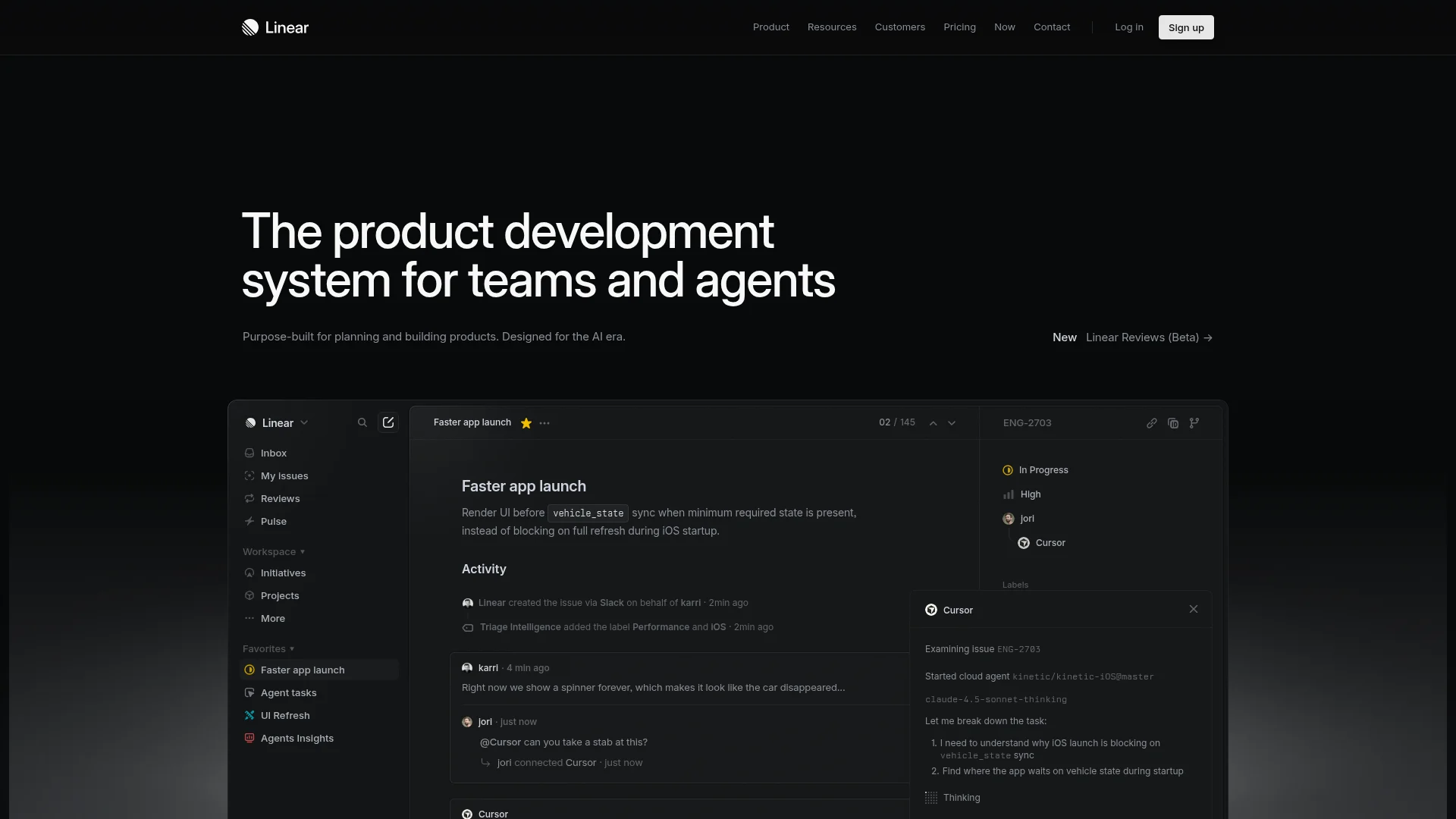
Linear ($8/user/month) dominates because it's fast. Like, actually fast. Every interaction feels instant. Keyboard shortcuts for everything. GitHub two-way sync. Automatic sprint planning. No meetings required.
Height ($6.99/user/month) brings AI to project management in ways that actually work. It auto-creates tasks from Slack messages, automatically updates status based on activity, and predicts project timelines. The chat interface feels like Slack but with tasks embedded.
For detailed comparisons of engineering-focused tools, see our Best Jira Alternatives 2026 guide.
Linear Review: Why Engineering Teams Choose It
Best Tools for Async & Remote Teams
Remote teams need async-first tools. Meetings kill productivity. The best project management tools for distributed teams reduce real-time communication while increasing clarity.
Basecamp ($15/user/month) invented remote work tooling. Message boards replace Slack chaos. To-do lists stay organized. Automatic check-ins replace standups. No notification overload. It's opinionated and that's the point.
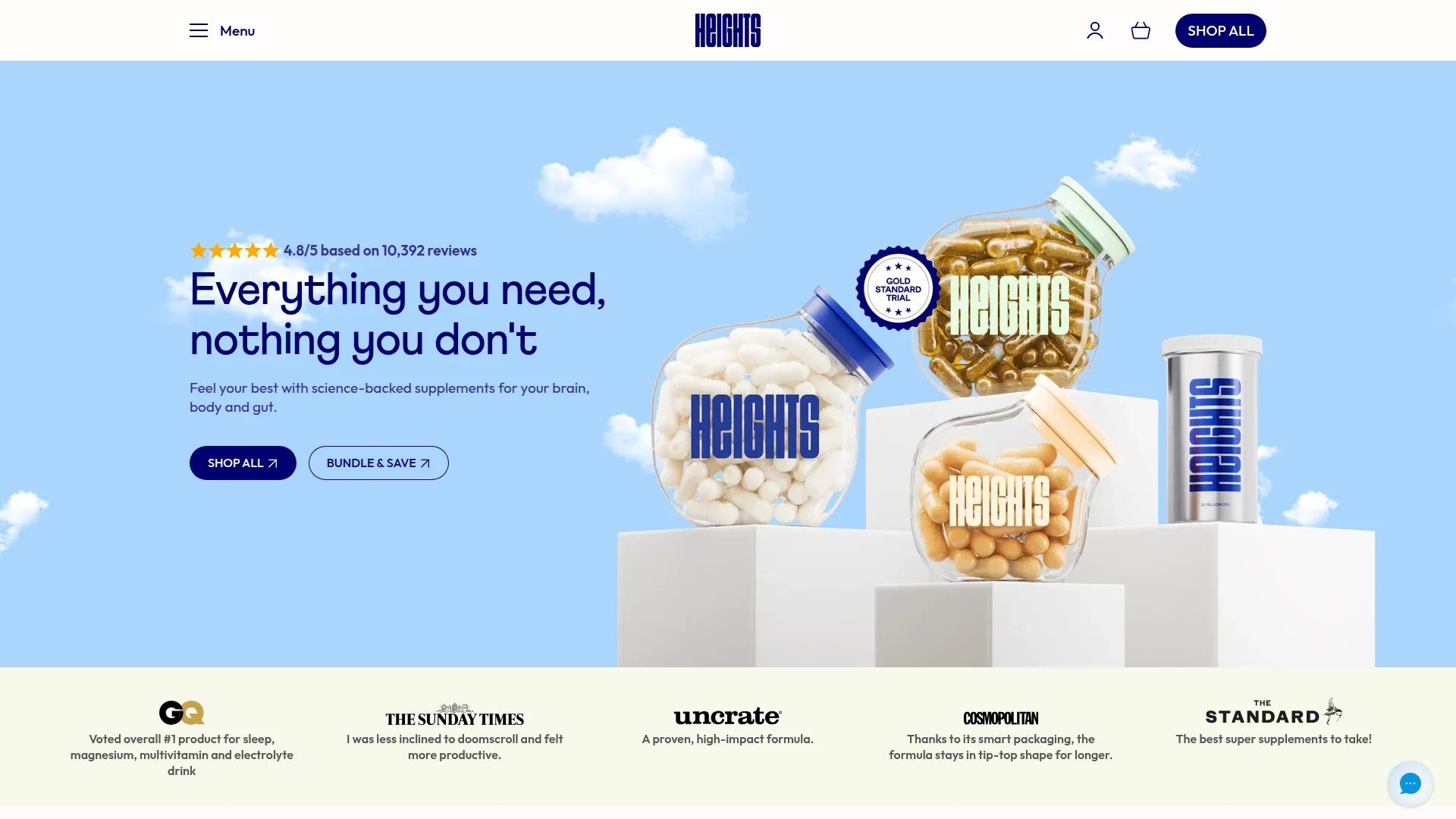
Height combines chat with tasks seamlessly. Your conversation about a feature automatically becomes a task. Status updates happen automatically based on activity. Sprint planning happens in the background. It's like having an AI project manager.
Twist by Doist focuses on threaded conversations over real-time chat. Every conversation lives in a searchable thread. No FOMO from missed messages. Works across time zones naturally.
Best All-in-One Workspace Tools
Some startups want docs, wikis, tasks, and databases in one place. The all-in-one workspace category exploded because context switching kills momentum. Why jump between Confluence, Jira, and Google Docs when one tool can handle everything?
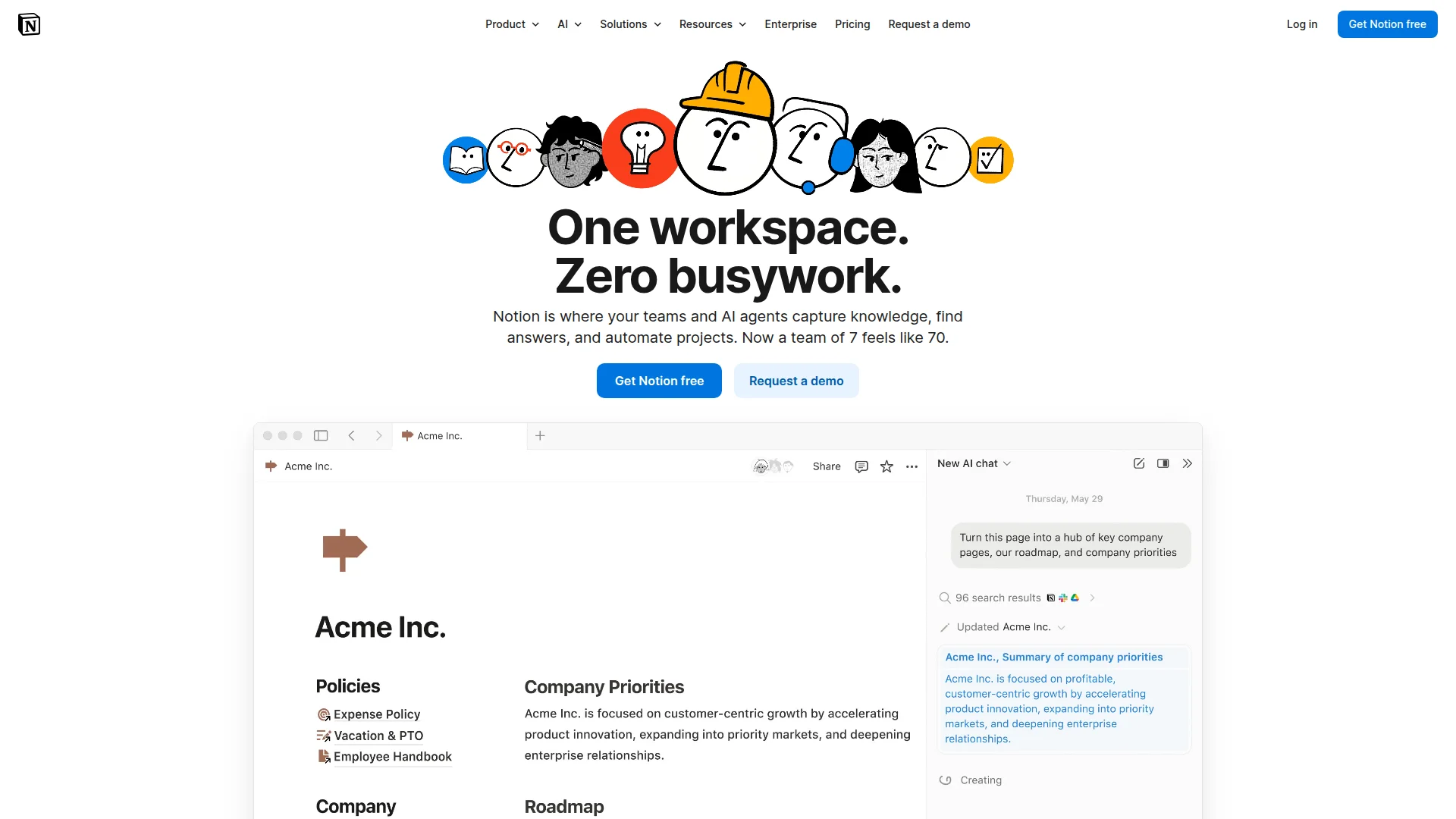
Notion (free up to 10 users, $15/user/month for Plus) became the default startup workspace. Wikis, databases, kanban boards, calendars, and docs all live together. The learning curve is steep but the payoff is huge. Templates accelerate setup.
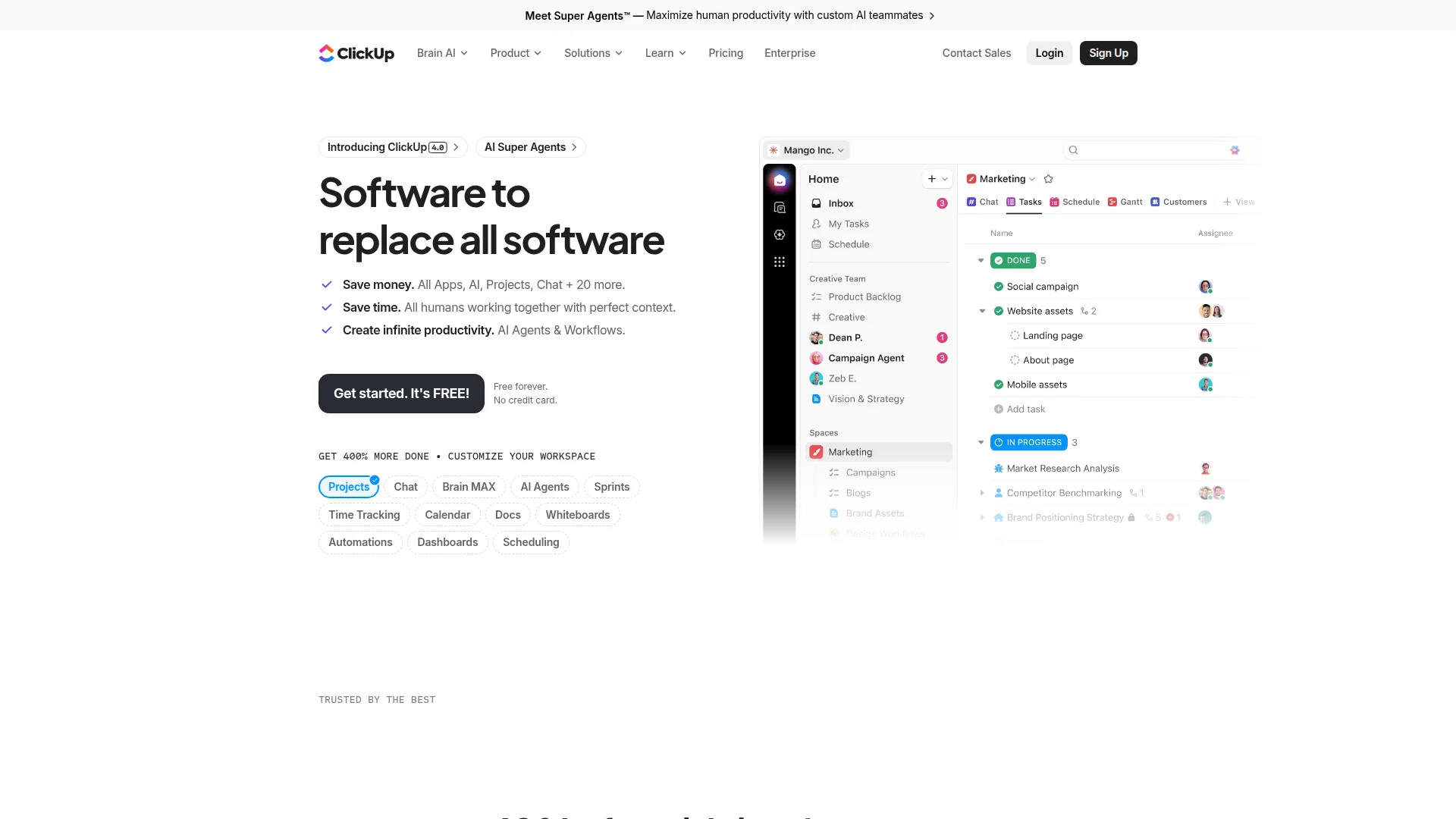
ClickUp (free up to 5 users, $10-19/user/month paid) tries to replace everything. Docs, tasks, wikis, time tracking, goals, forms, whiteboards. It's overwhelming at first but insanely powerful once configured. Custom fields and automations rival enterprise tools.
For simpler alternatives to Notion's complexity, check out our Best Notion Alternatives 2026 guide.
Notion vs ClickUp: Which All-in-One Tool Wins?
Best PM Tools for Marketing & Operations
Marketing teams need visual workflows, campaign tracking, and deadline management. Operations teams need process documentation and repeatable workflows. Different beast from engineering.
Asana (free up to 15 users, $10.99-24.99/user/month) excels at campaign management. Timeline view shows dependencies. Custom fields track campaign status. Templates for recurring processes. Forms collect requests. The portfolio view gives executives visibility.
Monday.com ($8-16/user/month) looks like a colorful spreadsheet but it's powerful. Marketing teams love the visual boards. Automation eliminates repetitive tasks. 200+ templates cover every use case. Integrations connect to every tool.
Airtable (free up to 5 users, $20-45/user/month) is a database that doesn't feel like one. Marketing teams use it for content calendars, campaign tracking, and vendor management. The relational database structure beats spreadsheets for complex workflows.
Best Simple Task Management Tools
Not every startup needs complex project management. Sometimes you just need a shared to-do list that doesn't suck. Simple task managers work for small teams (under 10 people) or side projects.
Todoist (free, $4-6/user/month paid) is personal task management that scales to teams. Natural language input ("tomorrow at 2pm") creates tasks instantly. Priority levels, labels, and filters organize chaos. Karma gamification keeps you motivated.
Trello (free, $5-17.50/user/month paid) pioneered kanban boards. Drag-and-drop simplicity. Power-ups add functionality. Butler automation handles repetitive tasks. Perfect for content calendars and simple workflows.
Things 3 ($49.99 one-time for Mac, $19.99 for iOS) is beautiful task management for Apple users. No subscription. Clean design. Projects, areas, and tags organize tasks logically. The Today view keeps you focused.
Best Free & Budget-Friendly Options
Bootstrapped startups need tools that don't destroy runway. The best free project management tools rival paid options until you hit team size limits.
Best free tiers:
- Linear — Unlimited users, full features forever
- Notion — Up to 10 users with full features
- ClickUp — Up to 5 users with 100MB storage
- Asana — Up to 15 users with basic features
- Trello — Unlimited boards, 10 boards per workspace
Budget winners under $10/user/month:
- Linear at $8/user/month
- Height at $6.99/user/month
- Monday.com at $8/user/month (Basic tier)
Tools with the Best Integrations
Your project management tool lives in an ecosystem. Integration quality matters more than feature quantity. The best tools connect seamlessly to Slack, GitHub, Figma, Google Drive, and your CRM.
ClickUp leads with 1,000+ native integrations plus Zapier support. Connect literally everything. Email, time tracking, dev tools, design tools, communication platforms.
Notion integrations improved dramatically in 2025. Native Slack, GitHub, and Figma connectors work well. The API enables custom integrations. Third-party tools like Zapier and Make fill gaps.
Linear focuses on developer tools. Two-way GitHub sync is flawless. Slack integration surfaces updates automatically. Figma embeds show designs in-context. Sentry integration links errors to issues.
How to Integrate Your Project Management Stack
AI-Powered Project Management in 2026
AI went from gimmick to necessity in 2024-2026. The best project management tools use AI for automation, not just content generation. We're talking about predicting delays, auto-assigning tasks, and eliminating status updates.
Height leads AI innovation:
- Auto-creates tasks from Slack conversations
- Predicts project completion dates based on velocity
- Suggests task assignments based on expertise
- Automatically updates task status based on activity
- Generates sprint summaries and retrospectives
Notion AI ($10/user/month add-on):
- Drafts project briefs from prompts
- Summarizes long documents instantly
- Translates content into multiple languages
- Generates action items from meeting notes
ClickUp AI (included in plans):
- Writes task descriptions and project updates
- Generates subtasks from parent tasks
- Creates templates from existing workflows
- Summarizes comment threads
Best Mobile Apps for Project Management
Your team works from phones. Mobile-first design matters. The best project management apps work offline, sync instantly, and support quick task creation.
Top mobile experiences:
- Linear — Fast, keyboard shortcuts work via gestures
- Height — Chat interface feels native
- Todoist — Quick capture from lock screen
- Things 3 — Beautiful iOS design, Apple Watch support
- Notion — Full feature parity with desktop
Avoid on mobile: Jira (nightmare), Monday.com (clunky), ClickUp (feature overload on small screens).
Enterprise Security & Compliance
Even startups need SOC 2, GDPR compliance, and SSO. Investors and enterprise customers demand it. The best project management tools offer security features without enterprise pricing.
Security leaders:
- Linear — SOC 2 Type II, SAML SSO, data residency options
- Notion — SOC 2, SOC 3, GDPR compliant, enterprise SSO
- Asana — SOC 2 Type II, ISO 27001, HIPAA on Enterprise
- ClickUp — SOC 2, GDPR, SSO on Business+ plans
How to Choose the Right PM Tool for Your Startup
Pick based on team type, not feature count. Every tool claims to do everything. What matters is what your specific team actually uses daily.
- Choose Linear if: You're a product/engineering team, speed matters, and you want keyboard-first workflows
- Choose Height if: You work async, want AI automation, and prefer chat-based collaboration
- Choose ClickUp if: You need deep customization, have complex workflows, and want one tool for everything
- Choose Notion if: You want docs and tasks combined, need a company wiki, and value flexibility
- Choose Basecamp if: You're remote-first, hate notification overload, and want simplicity over features
- Choose Asana if: You're marketing/ops focused, need timeline views, and want a proven generalist
Red flags to avoid:
- Tools requiring extensive training sessions
- Platforms with 50+ settings pages
- Products built for enterprises forced onto startups
- Anything that requires a consultant to set up
- Tools with poor mobile apps
FAQ
What's the best free project management tool for startups?
Linear offers unlimited users forever on the free plan with full features. Notion is second with 10 free users.
Should startups use Jira?
No. Jira is enterprise software that kills startup velocity. Use Linear, Height, or even Asana instead. Read our Jira alternatives guide for details.
What's better: Notion or ClickUp?
Notion wins for docs-heavy teams and company wikis. ClickUp wins for complex task workflows and automation. Try both — free tiers let you test before committing.
Do I need project management software with under 5 people?
Yes, but keep it simple. Linear or Trello work great for small teams. Shared Google Docs is chaos disguised as collaboration.
How much should startups spend on project management tools?
Budget $8-15/user/month. Free tiers work initially but paid plans unlock automation, integrations, and AI features that save hours weekly.
What integrations matter most for project management?
Slack (communication), GitHub/GitLab (code), Figma (design), and Google Drive/Notion (docs). Zapier/Make enable custom workflows between tools.
Is Asana better than Monday.com?
Asana is better for task-focused teams and simpler workflows. Monday.com is better for visual thinkers and custom automations. Both are solid generalists.
About the Author
Marco Delvane
Growth Team at Vibe Growth Stack. Tested 100+ growth tools so you don't have to. Writes about what actually works for startups — no fluff, no affiliate bias.
Related Articles
Get growth tips in your inbox
No-BS growth hacks, tool reviews, and best-value picks. Weekly.
Unsubscribe anytime. We hate spam too.