7 Best Asana Alternatives 2026: Simpler Project Management
Compare top Asana alternatives like Notion, ClickUp, and Trello. Find the best project management tool for your team's needs with our 2026 guide.

Marco Delvane
Growth Team
Part of our Best Project Management Tools for Startups 2026 guide
Key Takeaways
- Best Overall Alternative: Notion ($8/month) — All-in-one workspace combining docs, databases, and tasks
- Best for Teams: ClickUp (Free tier available) — Replaces multiple tools with customizable views and automation
- Best for Simplicity: Trello ($5/month) — Visual boards perfect for small teams and straightforward workflows
- Best for Agencies: Monday.com ($9/seat/month) — Client-facing dashboards with powerful automations
- Best Free Option: ClickUp — Unlimited tasks and users on free plan, making it startup-friendly
Asana built its reputation on helping teams organize work. But in 2026, many teams are ditching it for simpler, cheaper alternatives. The complaints are consistent: Asana feels bloated, the pricing jumps fast, and the learning curve frustrates new users.
The project management space evolved. Tools like Notion and clickup">ClickUp now offer more flexibility at lower prices. Trello keeps things dead simple. Linear moves at developer speed. Each tool has a clear philosophy, unlike Asana's everything-for-everyone approach.
This guide covers 7 proven Asana alternatives. We tested each one, checked real pricing (no hidden fees), and identified the best use cases. Whether you're a 3-person startup or a 50-person agency, one of these tools will fit better than Asana.
Quick Comparison: Best Asana Alternatives
| Tool | Starting Price | Best For | Free Tier? | VGS Verdict |
|---|---|---|---|---|
| Notion | $8/month | Docs + tasks in one place | Yes (unlimited blocks) | Best all-in-one workspace |
| ClickUp | Free / $7/month | Teams wanting customization | Yes (unlimited users) | Most features per dollar |
| Trello | $5/month | Visual thinkers, small teams | Yes (10 boards) | Simplest interface |
| Monday.com | $9/month | Client-facing work, agencies | No (14-day trial) | Best for external stakeholders |
| Basecamp | $15/month flat | Remote teams, async work | No (30-day trial) | Unlimited users, one price |
| Linear | $8/month | Product/engineering teams | Yes (unlimited users) | Fastest keyboard-first interface |
| Airtable | $20/month | Database-heavy workflows | Yes (1,000 records) | Best for data + tasks combo |
1. Notion — All-in-One Workspace That Actually Works
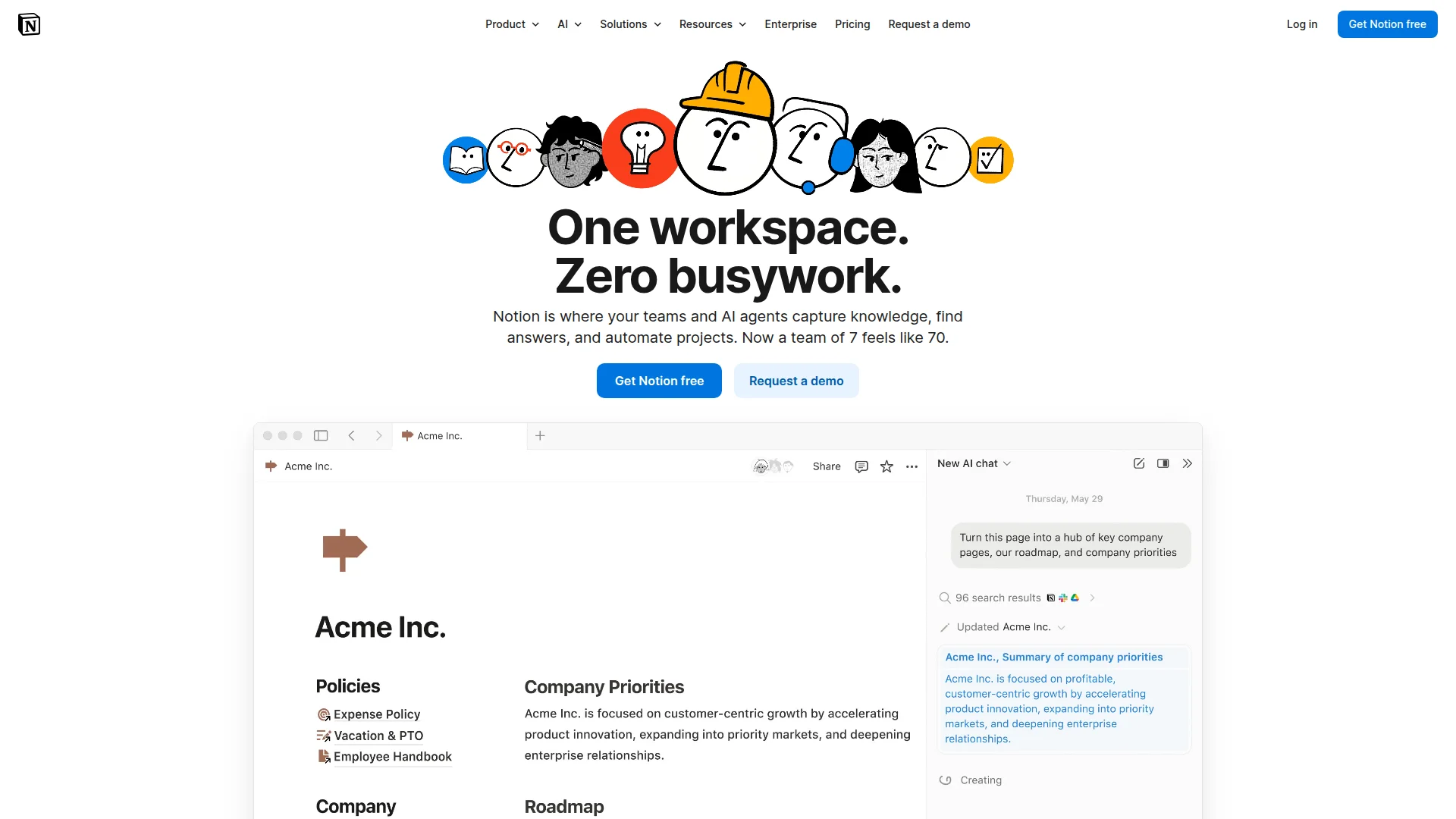
Pricing: Free (unlimited blocks) | Plus $8/month | Business $15/month | Enterprise custom
Notion combines wikis, databases, and project management into one tool. You build exactly what you need using blocks—no forced structure. Teams use it for everything: product roadmaps, meeting notes, task tracking, knowledge bases, and customer databases. The AI features write, summarize, and translate content across your workspace. Integration with Slack, Google Drive, and 100+ apps keeps workflows connected.
What We Liked
- Replaces 3-4 separate tools (wiki, docs, tasks, databases)
- Unlimited blocks on free plan—perfect for testing with full teams
- Templates for every use case (sprints, OKRs, CRM, knowledge base)
- AI assistant handles writing, summarization, and translation
What Could Be Better
- Learning curve steeper than simple task boards
- Performance slows with massive databases (10K+ rows)
Growth Hacker Take: Notion wins when teams need docs and tasks in one place. The free plan is absurdly generous—unlimited users and blocks. Start there, upgrade only when you need advanced permissions or automation.
Notion Project Management Tutorial
External Links: Notion Pricing | G2 Reviews (4.7/5)
2. ClickUp — The Everything App for Project Management
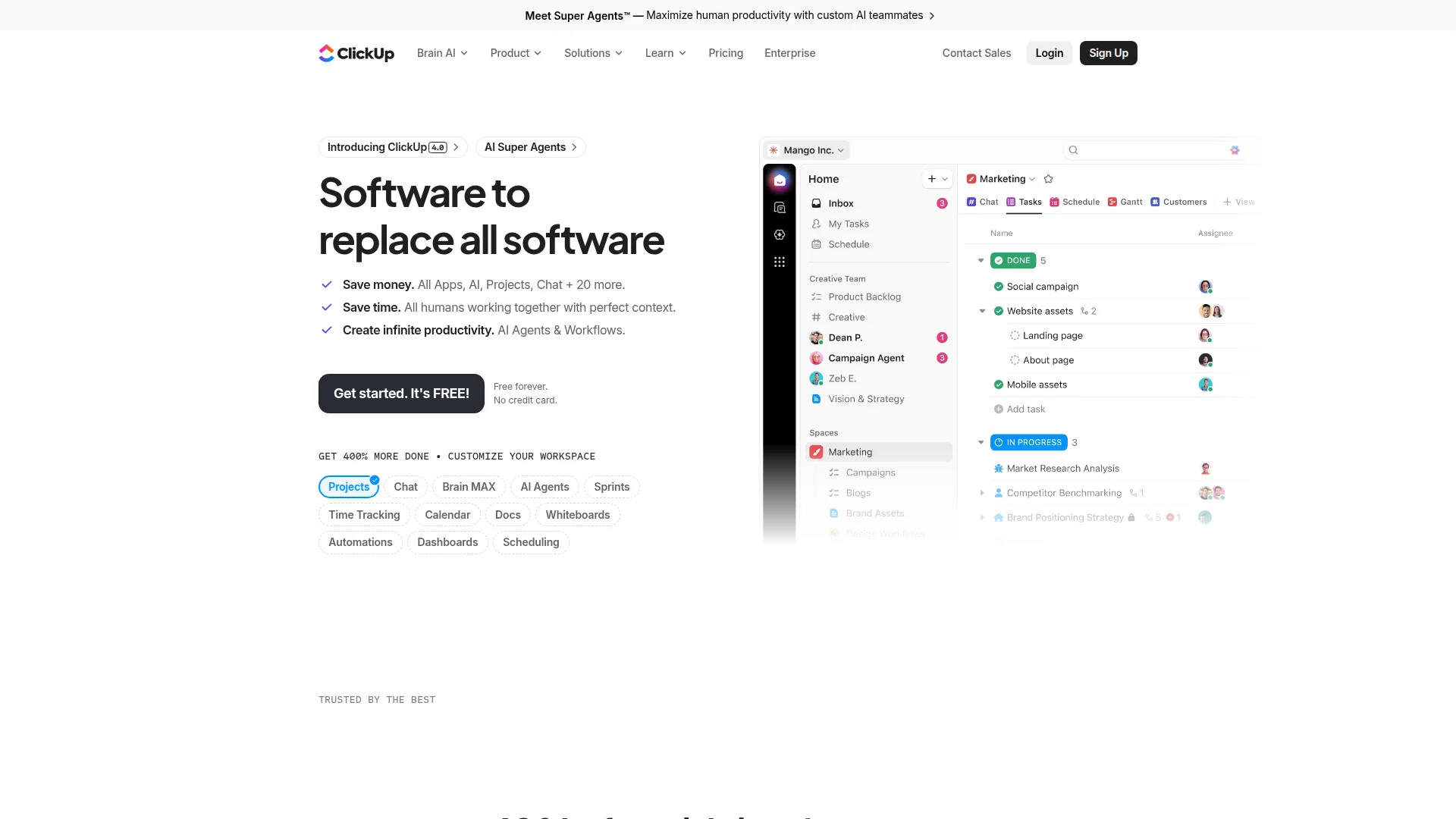
Pricing: Free (unlimited tasks, users) | Unlimited $7/month | Business $12/month | Enterprise custom
ClickUp packs every project management feature into one platform. You get list, board, calendar, Gantt, timeline, and workload views. Custom fields, automations, and dashboards let you build workflows exactly how you want. The free tier includes unlimited users and tasks—rare at this level. Brain AI answers questions about your projects using natural language. Over 1,000 integrations connect your entire tech stack.
What We Liked
- Free plan includes unlimited users and tasks (unmatched value)
- 15+ view types—switch between list, board, Gantt, calendar instantly
- Automation builder handles repetitive task workflows
- Brain AI searches across tasks, docs, and messages
What Could Be Better
- Interface feels cluttered with all the features crammed in
- Mobile app lags behind desktop experience
Growth Hacker Take: ClickUp delivers the most features per dollar. The free plan alone beats most competitors' paid tiers. Perfect if you want customization without coding. Just prepare for a setup period—there's a lot to configure initially.
ClickUp Complete Guide 2026
External Links: ClickUp Pricing | G2 Reviews (4.7/5)
3. Trello — Visual Simplicity That Just Works
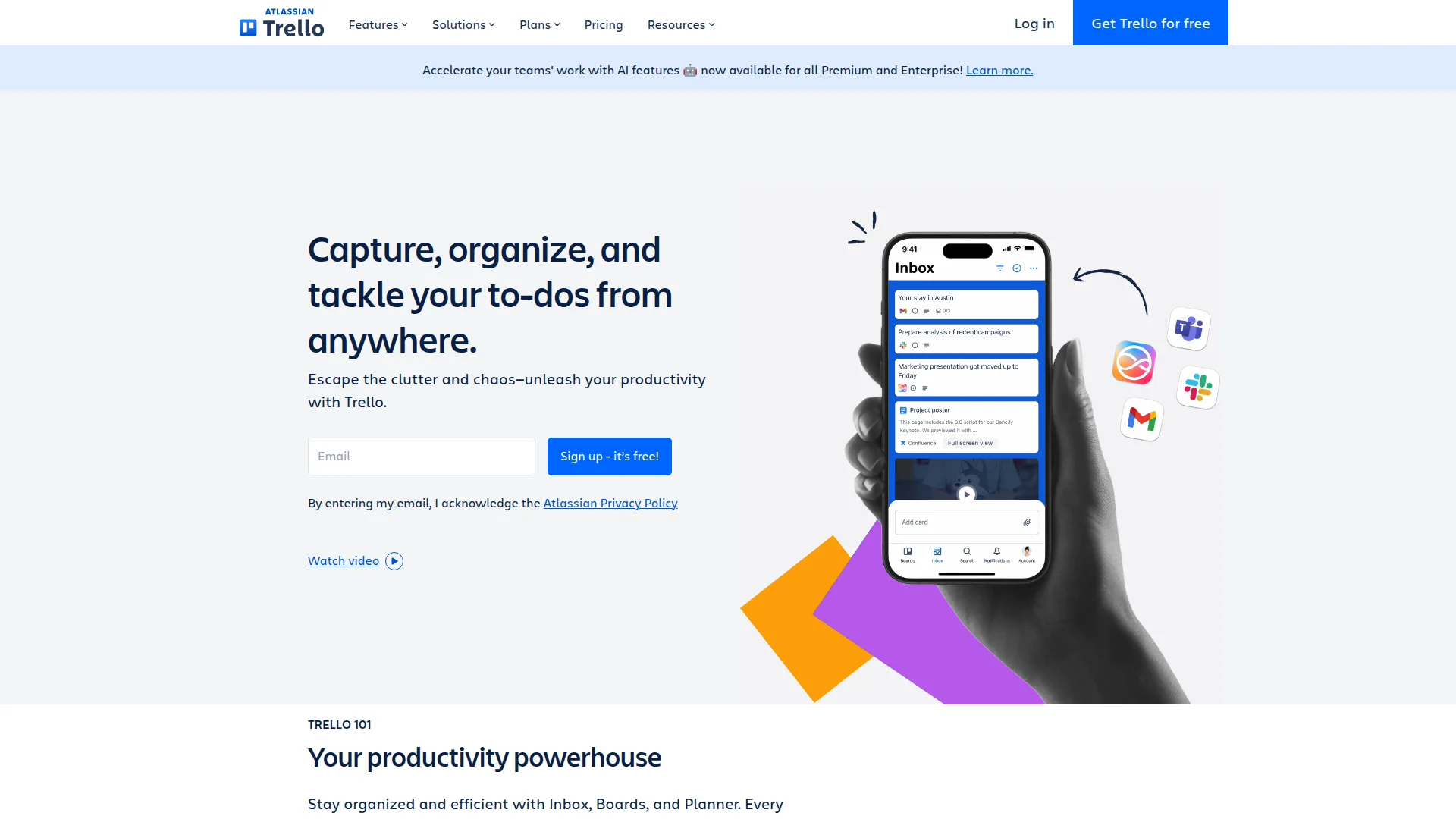
Pricing: Free (10 boards) | Standard $5/month | Premium $10/month | Enterprise $17.50/month
Trello uses cards and boards—that's it. Drag tasks from "To Do" to "Doing" to "Done." Add attachments, checklists, due dates, and team members to cards. Power-Ups extend functionality with calendar views, automation, integrations, and custom fields. Butler automation handles repetitive actions without code. The interface hasn't changed much in 10 years because it doesn't need to.
What We Liked
- Anyone learns it in 5 minutes—zero training needed
- Free plan covers 10 boards with unlimited cards
- Butler automation included on paid plans
- Mobile app matches desktop perfectly
What Could Be Better
- Limited views beyond boards (no Gantt, timeline, calendar on free)
- Reporting and analytics require third-party Power-Ups
Growth Hacker Take: Trello wins when simplicity matters more than features. Perfect for marketing teams, content calendars, and small projects. The Standard plan at $5/month adds unlimited boards and basic automation—worth it for most teams.
Trello Tutorial for Beginners
External Links: Trello Pricing | G2 Reviews (4.4/5)
4. Monday.com — Client-Facing Work Management
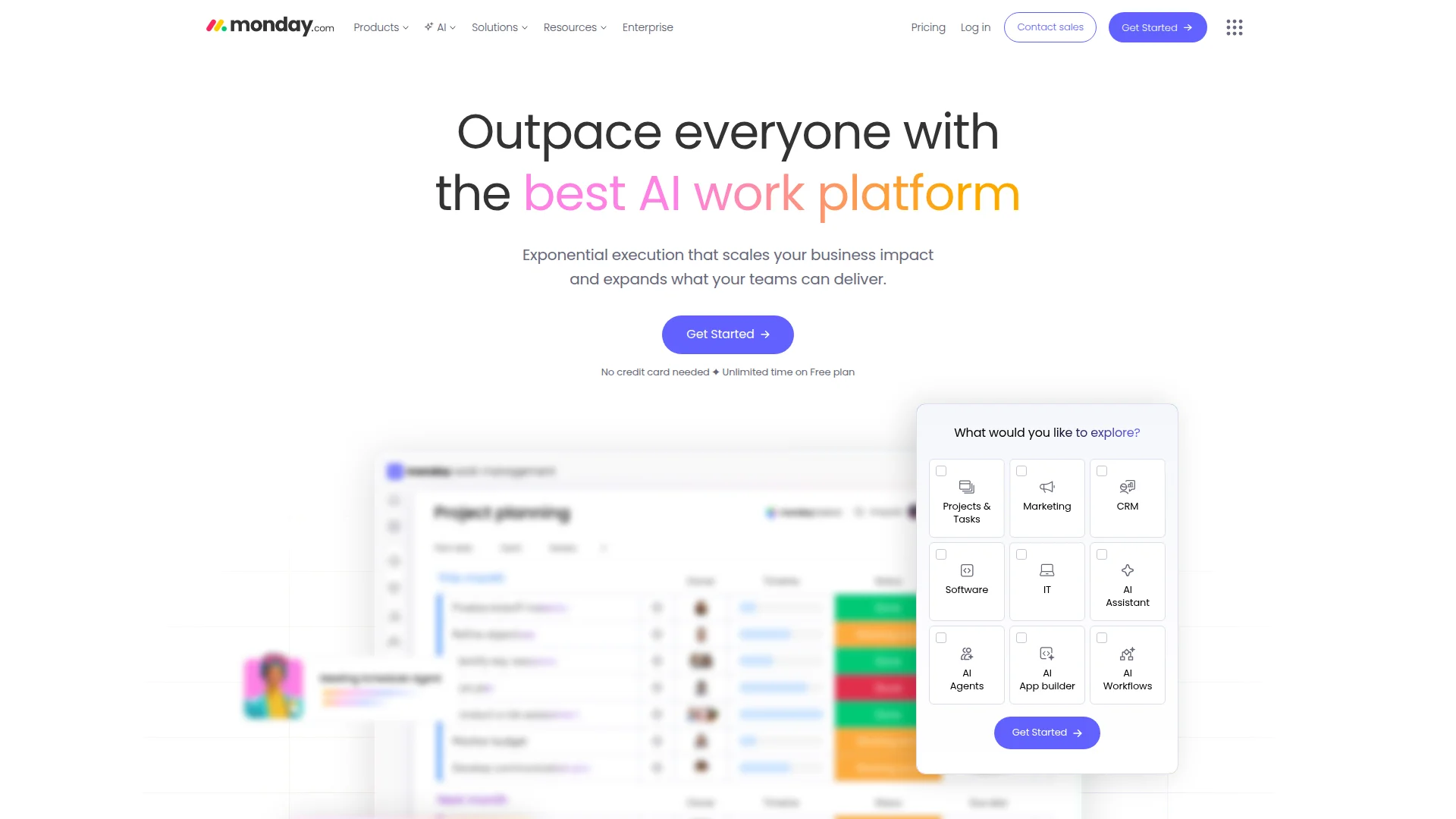
Pricing: Free (2 seats, 3 boards) | Basic $9/seat/month | Standard $12/seat/month | Pro $19/seat/month | Enterprise custom
Monday.com turns spreadsheets into visual workflows. The colorful interface impresses clients and stakeholders. Automations handle status updates, notifications, and integrations without code. Over 200 templates cover sales pipelines, marketing campaigns, project tracking, and CRM workflows. Dashboards combine data from multiple boards into executive-friendly reports. Time tracking, forms, and file management all live in one place.
What We Liked
- Client-facing dashboards look professional and polished
- No-code automation builder handles complex workflows
- 200+ templates speed up setup significantly
- Integrations with Slack, Zoom, Microsoft Teams, Google Workspace
What Could Be Better
- Pricing jumps fast—3-seat minimum on paid plans
- No free plan for real teams (free tier limited to 2 seats)
Growth Hacker Take: Monday.com shines for agencies and client services teams. The visual boards impress stakeholders, and automations save hours weekly. Pricing gets steep fast, so calculate per-seat costs before committing.
External Links: Monday.com Pricing | G2 Reviews (4.7/5)
5. Basecamp — Flat Pricing for Remote Teams
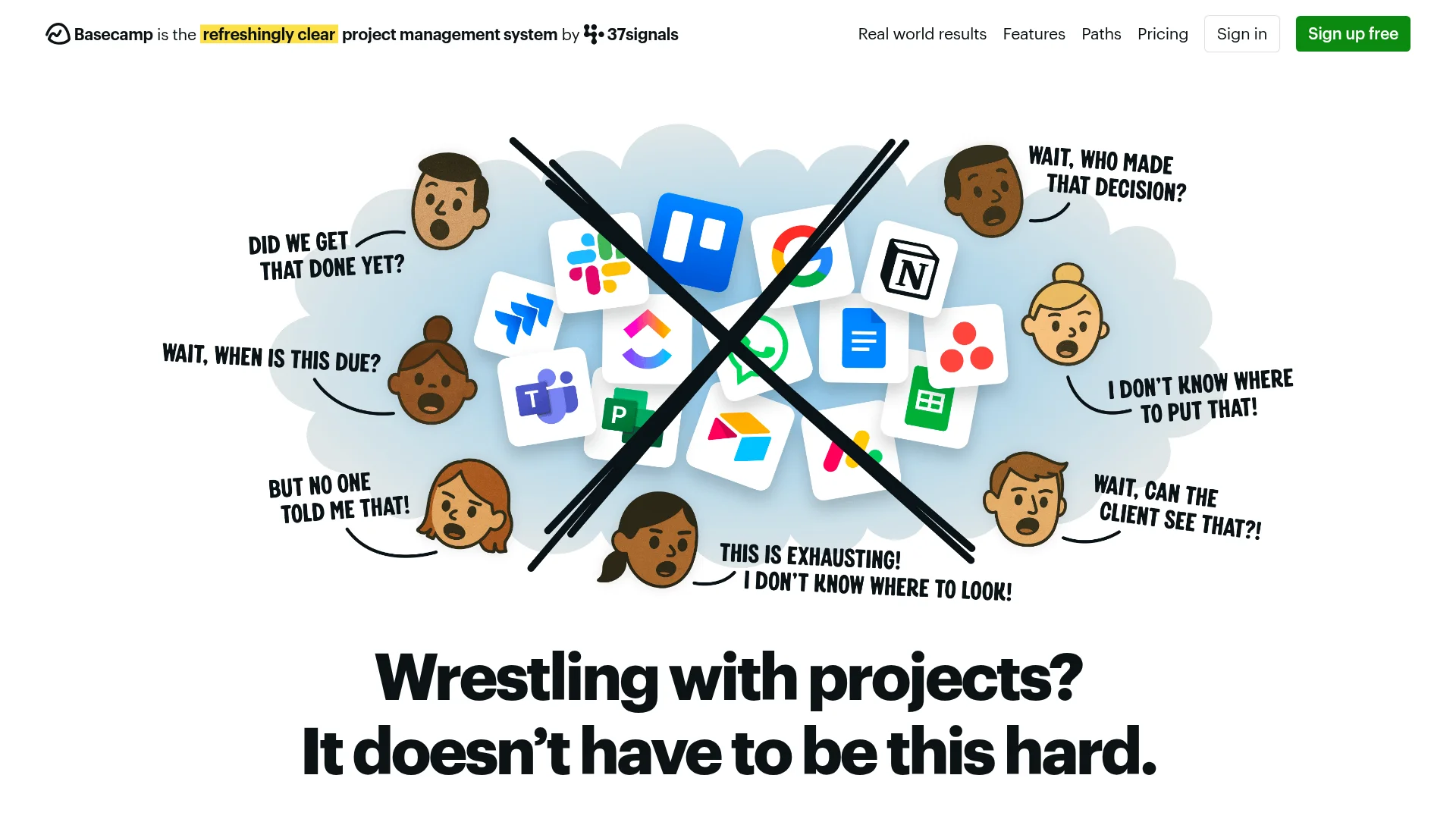
Pricing: Basecamp (free for freelancers, students, teachers) | Basecamp Pro Unlimited $15/month (flat rate, unlimited users)
Basecamp charges $15/month total—not per user. You get unlimited projects, unlimited users, and 500GB storage. The interface focuses on async communication: message boards, to-do lists, schedules, docs, and file storage. Hill Charts visualize project progress without micromanaging. Automatic check-ins replace daily standups. No @mentions, no read receipts, no notification chaos.
What We Liked
- Flat $15/month pricing regardless of team size—insane value for 10+ people
- Async-first design reduces meeting culture
- Hill Charts show project momentum visually
- Simple interface without overwhelming features
What Could Be Better
- No advanced views (Gantt charts, timelines, dependencies)
- Limited third-party integrations compared to others
Growth Hacker Take: Basecamp works for remote teams embracing async work. The pricing model crushes competitors for teams over 5 people. Not ideal if you need tight integrations or complex project dependencies.
External Links: Basecamp Pricing | G2 Reviews (4.1/5)
6. Linear — Built for Product and Engineering Teams
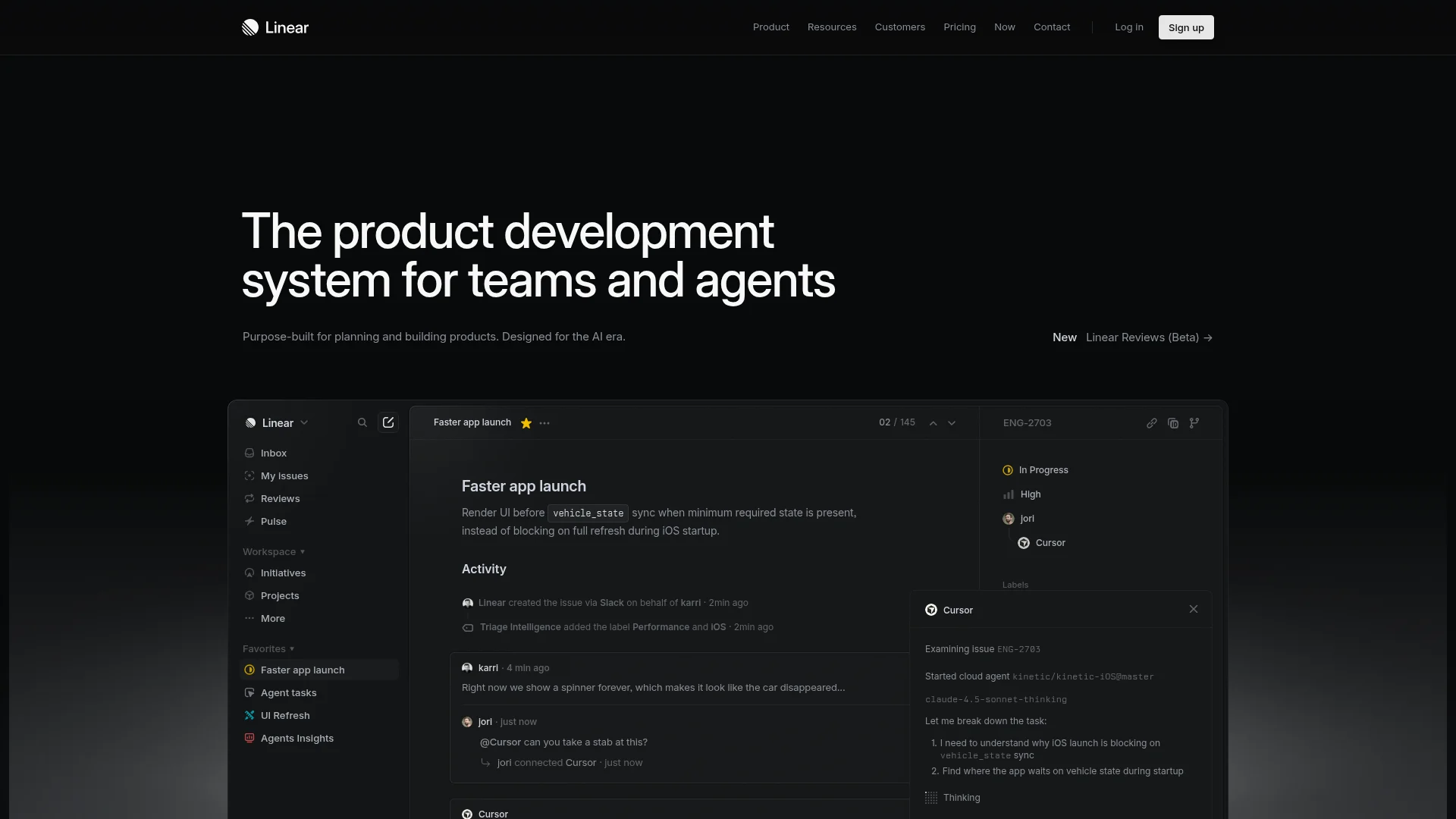
Pricing: Free (unlimited users, viewers) | Standard $8/month | Plus $14/month | Enterprise custom
Linear moves at developer speed. Keyboard shortcuts handle everything—create issues, assign teammates, set priorities, all without touching the mouse. The interface loads instantly and feels native on every platform. Cycles replace sprints with flexible 1-4 week iterations. Roadmaps visualize long-term planning. GitHub, GitLab, Figma, and Slack integrations keep context in one place. Built by ex-Airbnb engineers who got tired of slow project tools.
What We Liked
- Keyboard-first interface—fastest tool we tested
- Free plan includes unlimited users and issues
- Cycles framework more flexible than rigid sprints
- Built-in roadmaps without third-party plugins
What Could Be Better
- Designed for technical teams—not great for marketing or ops
- Minimal customization compared to ClickUp or Notion
Growth Hacker Take: Linear dominates for product and engineering teams. The speed difference is noticeable immediately. Not suitable for non-technical teams—stick with Trello or ClickUp instead.
Linear vs Jira: Why Teams Switch
External Links: Linear Pricing | G2 Reviews (4.6/5)
7. Airtable — Spreadsheets Meet Databases Meet Tasks
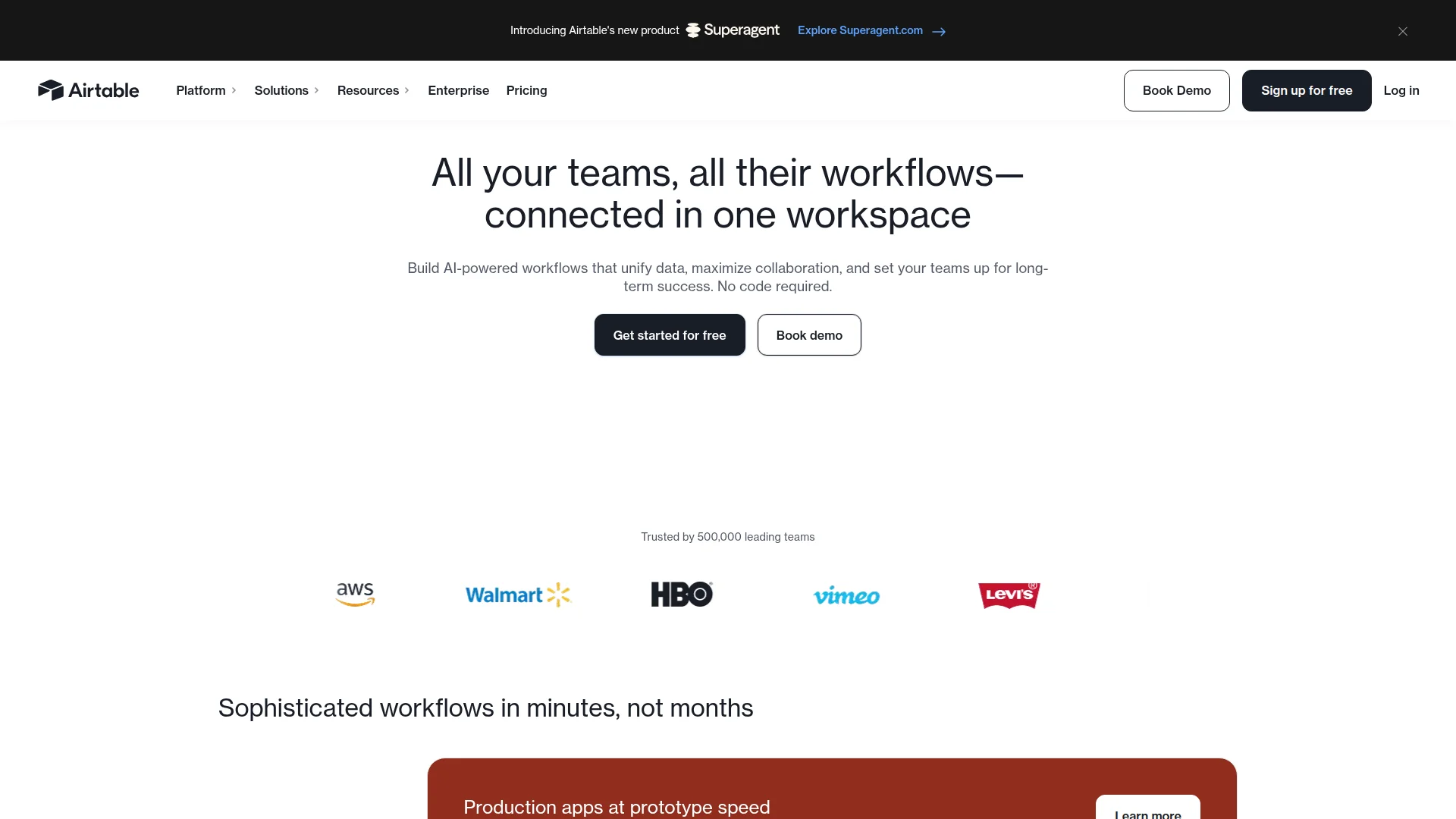
Pricing: Free (1,000 records) | Team $20/month | Business $45/month | Enterprise Scale custom
Airtable combines spreadsheet flexibility with database power. Each base holds multiple tables with relationships between them. Views include grid, kanban, calendar, gallery, and form. Automation runs based on triggers and conditions. Interface Designer builds custom apps on top of your data without code. Extensions add functionality like charts, maps, and external API calls. Over 1,000 templates cover CRM, content calendars, product roadmaps, and event planning.
What We Liked
- Powerful relational databases for complex workflows
- Interface Designer creates custom apps from your data
- Automations connect to Slack, Gmail, Salesforce, and 1,000+ tools
- Free tier includes 1,000 records per base
What Could Be Better
- Higher learning curve than simple task boards
- Pricing jumps significantly at Team tier ($20/month)
Growth Hacker Take: Airtable excels when tasks connect to structured data. Use it for content calendars with SEO data, CRM with deal tracking, or product roadmaps with customer feedback. Overkill if you just need basic task lists.
External Links: Airtable Pricing | G2 Reviews (4.6/5)
How to Choose the Right Asana Alternative
Pick based on your team's actual workflow, not feature lists. Here's how to decide:
- Choose Notion if: You want docs, wikis, and tasks in one tool. Your team writes a lot of documentation and needs flexible databases.
- Choose ClickUp if: You need every project management feature available and want value on the free tier. You don't mind spending time customizing.
- Choose Trello if: Simple visual boards are enough. You prioritize ease of use over advanced features. Your team is under 10 people.
- Choose Monday.com if: You manage client projects and need impressive dashboards. Visual appeal matters for stakeholder reporting.
- Choose Basecamp if: You have 10+ team members and want flat pricing. Your team works async and remote. You're avoiding notification overload.
- Choose Linear if: You're a product or engineering team. Speed and keyboard shortcuts matter more than customization.
- Choose Airtable if: Tasks connect to structured data (customer info, content metrics, inventory). You need relational databases with project views.
Budget reality check: Start with free tiers. Most teams don't need paid features initially. Upgrade only when you hit actual limits, not imagined ones.
FAQ
Why are teams leaving Asana?
Pricing jumps fast past the basic tier, the interface feels cluttered with unused features, and alternatives now offer better value with simpler workflows.
What's the cheapest Asana alternative?
ClickUp offers the best free plan (unlimited users and tasks), while Trello Standard at $5/month provides the cheapest full-featured paid option.
Can I migrate my Asana data to another tool?
Yes. Notion, ClickUp, and Monday.com all offer CSV import or direct Asana migration tools to transfer projects, tasks, and comments.
Which Asana alternative has the best mobile app?
Trello's mobile app matches its desktop experience perfectly, while Notion and ClickUp have solid mobile apps with most desktop features.
Do these alternatives integrate with Slack and Google Workspace?
All seven tools integrate with Slack and Google Workspace. ClickUp and Monday.com offer the most integration options overall (1,000+ apps each).
Which tool is best for remote teams?
Basecamp wins for async work with its flat pricing and message board structure, while Notion excels for remote teams needing docs and tasks together.
About the Author
Marco Delvane
Growth Team at Vibe Growth Stack. Tested 100+ growth tools so you don't have to. Writes about what actually works for startups — no fluff, no affiliate bias.
More in this series
View full guide →Linear vs Jira 2026: Which Project Management Tool Wins?
Compare Linear vs Jira for project management. Discover speed, pricing, and features to find the best tool for your team's needs.
Best ClickUp Alternatives 2026: 7 Project Management Tools
Discover the best ClickUp alternatives in 2026. Compare 7 top project management tools including Notion, Monday.com, Asana, Linear, and Basecamp for your team.
Notion vs Obsidian 2026: Which Note-Taking App Wins?
Compare Notion vs Obsidian in 2026. Discover which note-taking app is best for teams, individuals, and knowledge workers.
Best Trello Alternatives 2026: 7 Project Management Tools
Discover 7 better Trello alternatives in 2026. Compare top project management tools like Notion, ClickUp, and Asana for your team's needs.
Best Jira Alternatives 2026: Top Project Management Tools
Explore the best Jira alternatives for 2026. Compare Linear, Height, ClickUp, Asana, Trello and more project management tools for your team.
Best Notion Alternatives 2026: Simpler Tools
Related Articles
Get growth tips in your inbox
No-BS growth hacks, tool reviews, and best-value picks. Weekly.
Unsubscribe anytime. We hate spam too.