Notion vs Obsidian 2026: Which Note-Taking App Wins?
Compare Notion vs Obsidian in 2026. Discover which note-taking app is best for teams, individuals, and knowledge workers.

Marco Delvane
Growth Team
Part of our Best Project Management Tools for Startups 2026 guide
Key Takeaways
- Notion wins for teams: Better collaboration, databases, and all-in-one workspace features
- Obsidian wins for individuals: Faster, offline-first, markdown-native with bidirectional linking
- Price gap matters: Obsidian is free forever (one-time $50 for sync), Notion charges $10/user/month
- Knowledge workers prefer Obsidian: Writers, researchers, and PKM enthusiasts love its speed and flexibility
- Startups default to Notion: Wikis, project management, and client portals in one tool
Notion and Obsidian represent two fundamentally different philosophies. Notion is the all-in-one workspace trying to replace five tools. Obsidian is the focused thinking tool that treats your notes like a second brain. Both have massive followings. Both get the job done. But they solve different problems.
I've used both for 2+ years. Notion powers our team wiki at ColdIQ. Obsidian holds my personal knowledge base. Here's what actually matters when choosing between them in 2026.
Quick Comparison: Notion vs Obsidian
| Feature | Notion | Obsidian |
|---|---|---|
| Price | Free (limited), $10/user/month (Plus), $18/user/month (Business) | Free forever, $50/year (Sync), $96/year (Publish) |
| Best For | Teams, project management, wikis, databases | Personal knowledge management, research, writing |
| Collaboration | Real-time, comments, @mentions, permissions | Limited (via Sync or Git) |
| Speed | Slower (web-based) | Instant (local files) |
| Offline Mode | Limited functionality | Full functionality |
| Data Ownership | Stored on Notion servers | Local markdown files you own |
| VGS Verdict | ⭐⭐⭐⭐ (4/5) — Best for teams | ⭐⭐⭐⭐⭐ (5/5) — Best for individuals |
1. Notion — The All-in-One Workspace
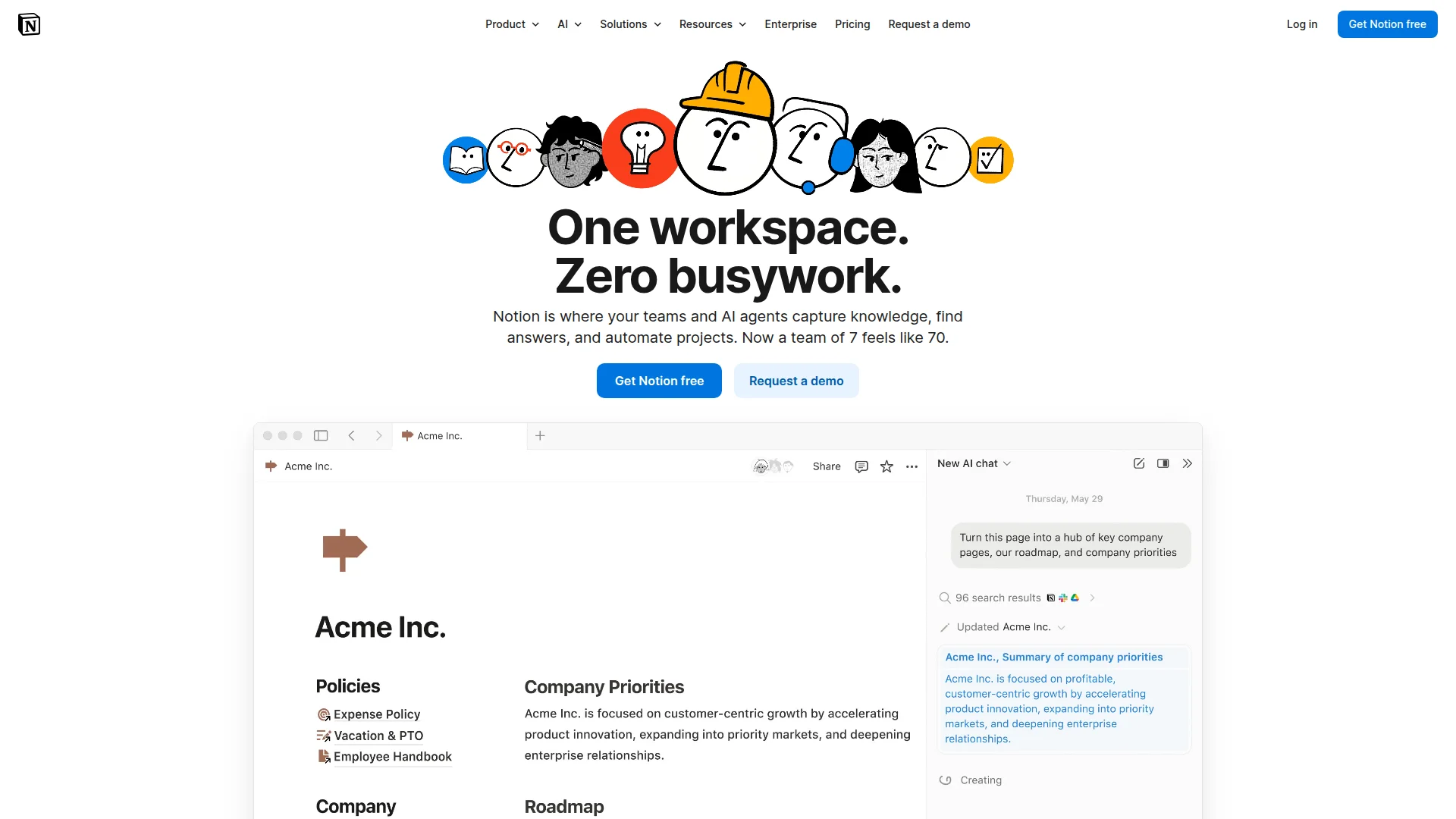
Pricing: Free (basic), $10/user/month (Plus), $18/user/month (Business)
Notion tries to be your entire workspace. Notes, wikis, databases, project management, CRM, roadmaps — all in one tool. It's built for teams but scales down to individual use. The UI is clean. The learning curve is steep. Once you master it, you can build almost anything.
We use Notion at ColdIQ for our team wiki, SOPs, and client project tracking. It replaced Confluence, Trello, and Google Docs. That consolidation alone saved us $200/month in tool costs.
What We Liked
- Databases: Build custom CRMs, content calendars, reading lists with filters and views
- Templates: 10,000+ community templates for every use case
- Collaboration: Real-time editing, comments, @mentions work seamlessly
- Integrations: Connect Slack, GitHub, Figma, and 50+ other tools
What Could Be Better
- Speed: Lags with large pages or slow internet
- Offline mode: Limited functionality without connection
- Lock-in: Export works but migrating away is painful
Growth Hacker Take: Notion is the default for startups. If you need a wiki, roadmap, and project tracker in one place, nothing beats it. But if you're a solo knowledge worker who values speed and data ownership, look elsewhere.
Notion Complete Tutorial 2026
2. Obsidian — The Second Brain for Thinkers
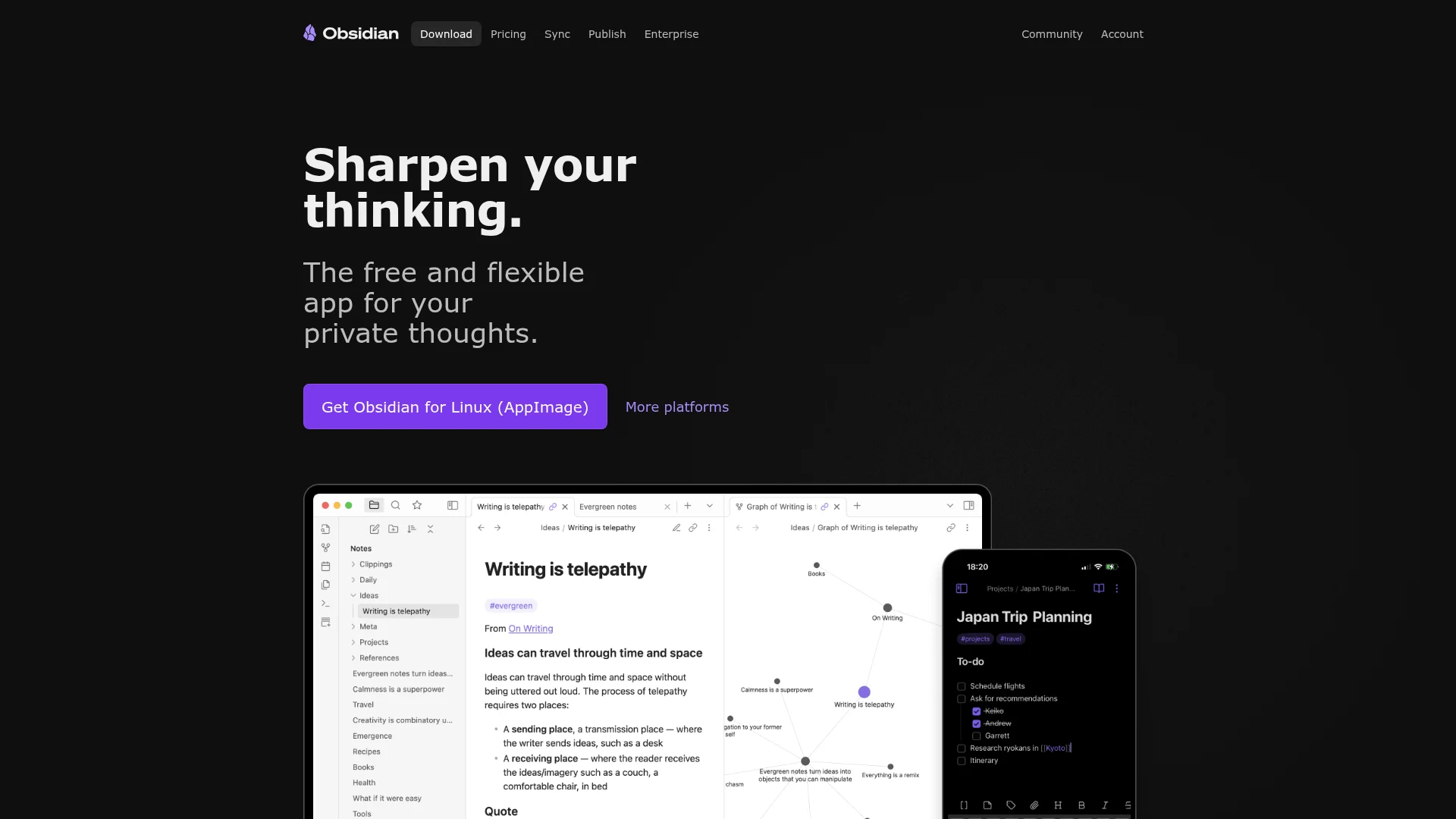
Pricing: Free (personal use), $50/year (Sync), $96/year (Publish)
Obsidian stores notes as local markdown files. You own your data. It's fast, offline-first, and built for linking ideas. The graph view shows connections between notes. It's designed for researchers, writers, and anyone building a personal knowledge management system.
I've used Obsidian for 3 years. 2,400+ notes. Every blog post, framework, and reading note lives there. The bidirectional linking changed how I think. When I write about GTM strategies, I can instantly see every related note, case study, and tool mentioned across my vault.
What We Liked
- Speed: Instant load times, no lag, works offline perfectly
- Markdown-native: Plain text files you can open in any editor
- Plugins: 1,000+ community plugins extend functionality infinitely
- Data ownership: Files stored locally, sync via iCloud/Dropbox/Git if you want
What Could Be Better
- Collaboration: Not built for teams, sharing is clunky
- Learning curve: Markdown and linking concepts require adjustment
- No databases: Can't build Notion-style tables or kanban boards natively
Growth Hacker Take: If you're building a personal knowledge base, Obsidian is unmatched. Writers, researchers, and deep thinkers should default here. But teams need something more collaborative.
Obsidian Tutorial for Beginners
When Notion Wins
Choose Notion if you:
- Need real-time team collaboration with 3+ people
- Want databases, kanban boards, and custom views
- Run a startup and need wiki + project management + CRM in one tool
- Value visual design and drag-and-drop interfaces
- Need to share public pages or client portals
- Want 50+ integrations (Slack, Figma, GitHub, etc.)
Real-world use cases:
- Team wikis documenting SOPs and processes
- Content calendars with status tracking and assignments
- Product roadmaps with stakeholder access
- Client project trackers with shared access
- Company hubs linking all documentation
When Obsidian Wins
Choose Obsidian if you:
- Work solo or want private personal notes
- Value speed, offline access, and data ownership
- Think in networks (linking ideas matters more than hierarchy)
- Write long-form content (books, research papers, technical docs)
- Want customization via community plugins
- Already use markdown or want future-proof plain text files
Real-world use cases:
- Zettelkasten personal knowledge management systems
- Academic research with bidirectional note linking
- Writing books or long-form content with version control
- Technical documentation stored in Git repositories
- Personal journals and daily notes you want to own forever
Feature-by-Feature Breakdown
Speed & Performance
Winner: Obsidian
Obsidian loads instantly. Notion lags on large pages or slow connections. For daily note-taking where speed matters, Obsidian wins decisively.
Collaboration
Winner: Notion
Notion was built for teams. Real-time editing, comments, permissions, and @mentions work seamlessly. Obsidian's collaboration requires third-party sync or Git workflows.
Databases & Views
Winner: Notion
Notion's database feature is unmatched. Create tables, galleries, calendars, and kanban boards with filters and sorts. Obsidian has plugins like Dataview but they're not as polished.
Bidirectional Linking
Winner: Obsidian
Both support linking between notes. Obsidian's graph view and backlinks are more powerful for knowledge management. Notion's linking is simpler but less visual.
Customization
Winner: Obsidian
1,000+ community plugins extend Obsidian infinitely. Custom CSS themes change everything. Notion has templates but limited customization.
Mobile Experience
Winner: Tie
Both have solid mobile apps. Notion's mobile UI is more polished. Obsidian's mobile app works fully offline and syncs via iCloud or their paid Sync service.
Data Ownership
Winner: Obsidian
Obsidian stores notes as local markdown files. You own them. If Obsidian shuts down, your files remain accessible. Notion stores everything on their servers.
Price
Winner: Obsidian
Obsidian is free forever for personal use. Notion charges $10/user/month after the limited free plan. For solo users, Obsidian saves $120/year.
The Hybrid Approach
Many power users run both. Here's how:
Notion for team stuff:
- Company wiki and SOPs
- Project management and roadmaps
- Client-facing documentation
- Databases (CRM, content calendar, deals)
Obsidian for personal knowledge:
- Daily notes and journaling
- Reading notes and research
- Writing drafts and long-form content
- Personal frameworks and mental models
This split works because they solve different problems. Notion handles shared, structured work. Obsidian handles private, networked thinking.
Other Note-Taking Apps to Consider
If neither Notion nor Obsidian fits, try:
- Roam Research ($15/month) — Outliner-based PKM with daily notes and bidirectional links
- Logseq (Free) — Open-source Roam alternative with local storage
- Craft ($10/month) — Beautiful Apple-native notes with collaboration
- OneNote (Free) — Microsoft's note-taking app with strong organization
- Evernote ($10/month) — Classic notes app with web clipper and OCR
How to Choose Between Notion and Obsidian
The decision comes down to three questions:
- Do you work solo or with a team? Solo → Obsidian. Team → Notion.
- What matters more: speed or features? Speed → Obsidian. Features → Notion.
- Do you value data ownership? Yes → Obsidian. No → Notion.
If you're a startup founder building a team wiki, Notion is the obvious choice. If you're a writer or researcher building a second brain, Obsidian is unmatched.
FAQ
Is Obsidian better than Notion?
For personal knowledge management, yes — Obsidian is faster, offers data ownership, and costs nothing. For team collaboration and databases, Notion is better.
Can I use Obsidian for free?
Yes, Obsidian is completely free for personal use. You only pay for optional add-ons like Sync ($50/year) or Publish ($96/year).
Does Notion work offline?
Notion has limited offline functionality. You can view cached pages but editing and syncing require internet. Obsidian works fully offline.
Which is better for students: Notion or Obsidian?
Obsidian is better for academic note-taking and research due to bidirectional linking. Notion is better if you need to share notes with study groups or track assignments in databases.
Can I migrate from Notion to Obsidian?
Yes, using tools like the Notion-to-Obsidian converter. Export Notion pages as markdown, then import into Obsidian. Links and formatting mostly transfer.
Is Notion or Obsidian better for business?
Notion is better for teams needing collaboration, databases, and project management. Obsidian works for solo founders or teams comfortable with Git workflows.
Ready to build your knowledge system? Try Obsidian for free or start with Notion's free plan. Both offer enough functionality to decide if they fit your workflow.
About the Author
Marco Delvane
Growth Team at Vibe Growth Stack. Tested 100+ growth tools so you don't have to. Writes about what actually works for startups — no fluff, no affiliate bias.
More in this series
View full guide →Linear vs Jira 2026: Which Project Management Tool Wins?
Compare Linear vs Jira for project management. Discover speed, pricing, and features to find the best tool for your team's needs.
Best ClickUp Alternatives 2026: 7 Project Management Tools
Discover the best ClickUp alternatives in 2026. Compare 7 top project management tools including Notion, Monday.com, Asana, Linear, and Basecamp for your team.
Best Trello Alternatives 2026: 7 Project Management Tools
Discover 7 better Trello alternatives in 2026. Compare top project management tools like Notion, ClickUp, and Asana for your team's needs.
7 Best Asana Alternatives 2026: Simpler Project Management
Compare top Asana alternatives like Notion, ClickUp, and Trello. Find the best project management tool for your team's needs with our 2026 guide.
Best Jira Alternatives 2026: Top Project Management Tools
Explore the best Jira alternatives for 2026. Compare Linear, Height, ClickUp, Asana, Trello and more project management tools for your team.
Best Notion Alternatives 2026: Simpler Tools
Related Articles
Get growth tips in your inbox
No-BS growth hacks, tool reviews, and best-value picks. Weekly.
Unsubscribe anytime. We hate spam too.