Linear vs Jira 2026: Which Project Management Tool Wins?
Compare Linear vs Jira for project management. Discover speed, pricing, and features to find the best tool for your team's needs.

Marco Delvane
Growth Team
Part of our Best Project Management Tools for Startups 2026 guide
Key Takeaways
- Linear wins for speed: Built for engineering teams who ship fast. Interface loads in 50ms vs Jira's 2-3 seconds.
- Jira wins for complexity: Enterprise workflows, custom fields, reporting. Handles 10,000+ issue backlogs without breaking.
- Pricing gap is real: Linear starts free, scales to $8/user/month. Jira Standard is $8.15/user/month, Premium jumps to $16/user/month.
- Best hybrid approach: Linear for dev sprints + Jira for stakeholder visibility. Many teams run both and sync via Zapier.
- The verdict: Choose Linear if you value velocity. Choose Jira if you need audit trails and governance.
You're not imagining it. Jira really did get slower. And Linear really is that fast.
The project management wars hit different in 2026. Linear went from "that minimalist tool for startups" to managing sprints at companies like Vercel and Runway. Jira added AI features but somehow got heavier. The question isn't whether Linear is viable anymore—it's whether Jira is still worth the friction.
This isn't a feature-by-feature spec sheet. We're comparing actual workflows, real team velocity changes, and the question every engineering leader asks: "Can we finally leave Jira behind?"
Quick Comparison: Linear vs Jira
| Feature | Linear | Jira |
|---|---|---|
| Best For | Engineering velocity, startups, product teams | Enterprise workflows, compliance, cross-functional |
| Starting Price | Free (unlimited viewers) → $8/user/month | Free (10 users) → $8.15/user/month |
| Interface Speed | 50ms load time, keyboard-first | 2-3 second page loads |
| Customization | Opinionated, limited custom fields | Endless custom fields, workflows, screens |
| Integrations | GitHub, Slack, Figma (100+ via API) | 3,000+ Atlassian Marketplace apps |
| Learning Curve | 30 minutes to productivity | 2-3 days onboarding typical |
| Reporting | Insights, cycle analytics, dashboards | Advanced roadmaps, custom JQL queries |
| AI Features | Ask Linear (natural language search) | Atlassian Intelligence (summaries, automation) |
| VGS Verdict | ⚡ Speed demons only | 🏢 Enterprise lock-in |
1. Linear — Built for Velocity, Not Meetings
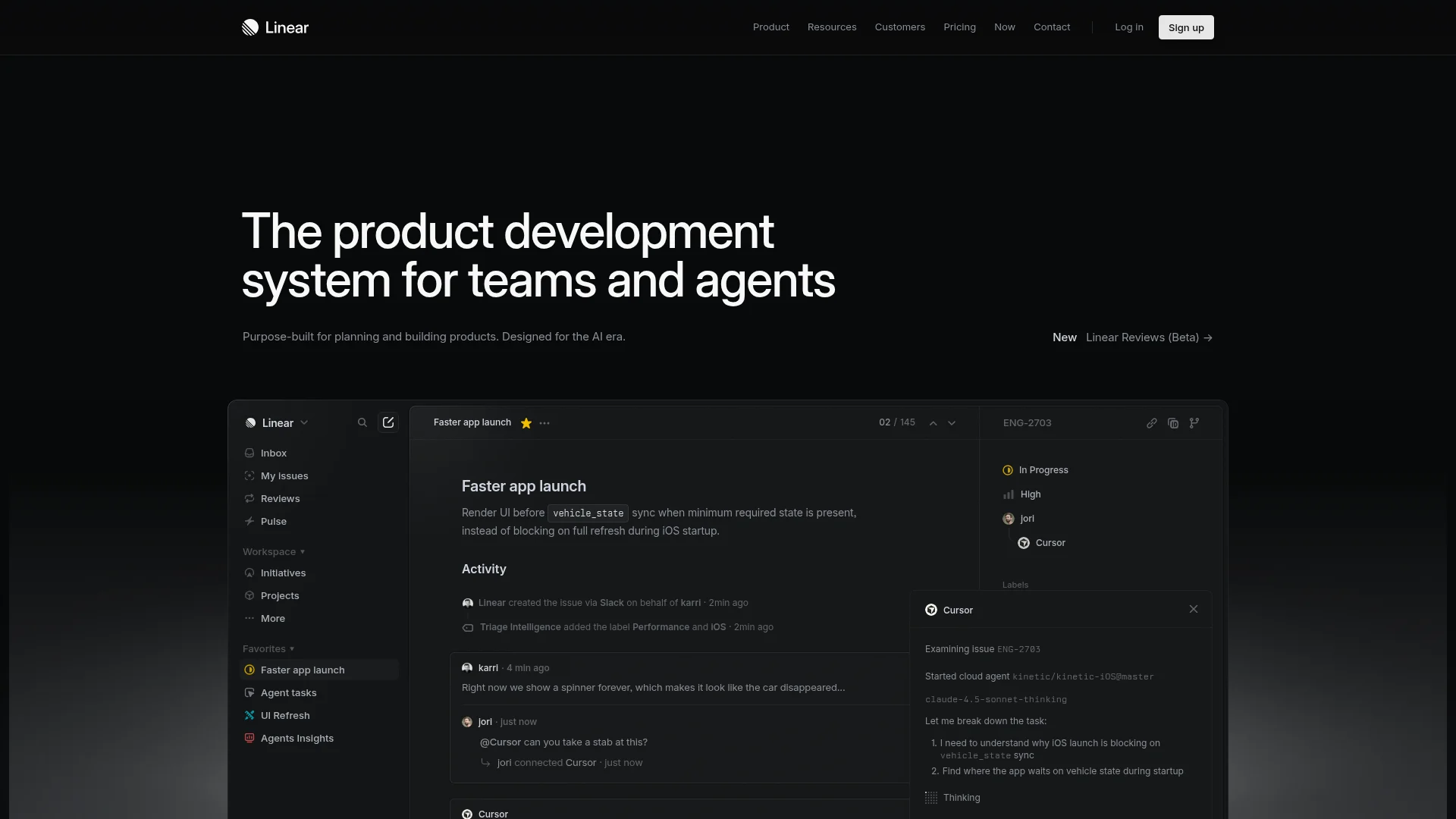
Pricing: Free (unlimited viewers) | Standard ($8/user/month) | Plus ($14/user/month)
Linear feels like someone finally asked developers what they actually wanted. The interface loads in 50 milliseconds. Keyboard shortcuts for everything. No loading spinners, no "Jira is thinking..." delays. You create an issue, assign it, and move on in under 5 seconds.
The product philosophy is opinionated: minimal custom fields, standardized workflows, built-in roadmaps. This drives Jira admins crazy ("where's the custom field configurator?") but keeps teams moving fast. GitHub sync is bidirectional and actually works. Slack notifications don't spam—they're contextual.
What We Liked
- Interface speed is genuinely transformative—50ms load times vs Jira's 2-3 seconds
- Keyboard shortcuts eliminate mouse usage (Cmd+K for command palette is addictive)
- GitHub integration syncs PRs, branches, commits automatically without plugins
- Cycles replace sprints with less ceremony—just ship continuously
What Could Be Better
- Limited customization frustrates teams migrating from heavily-configured Jira instances
- Reporting is basic compared to Jira's advanced roadmaps and custom dashboards
Growth Hacker Take: Linear is what happens when you optimize for maker time instead of manager visibility. If your bottleneck is engineering velocity, not stakeholder reporting, this is the move. Teams report 30-40% faster sprint completion after switching.
Linear Deep Dive Review
External links: Linear Pricing | G2 Reviews (4.6/5)
2. Jira — The Enterprise Standard (For Better or Worse)
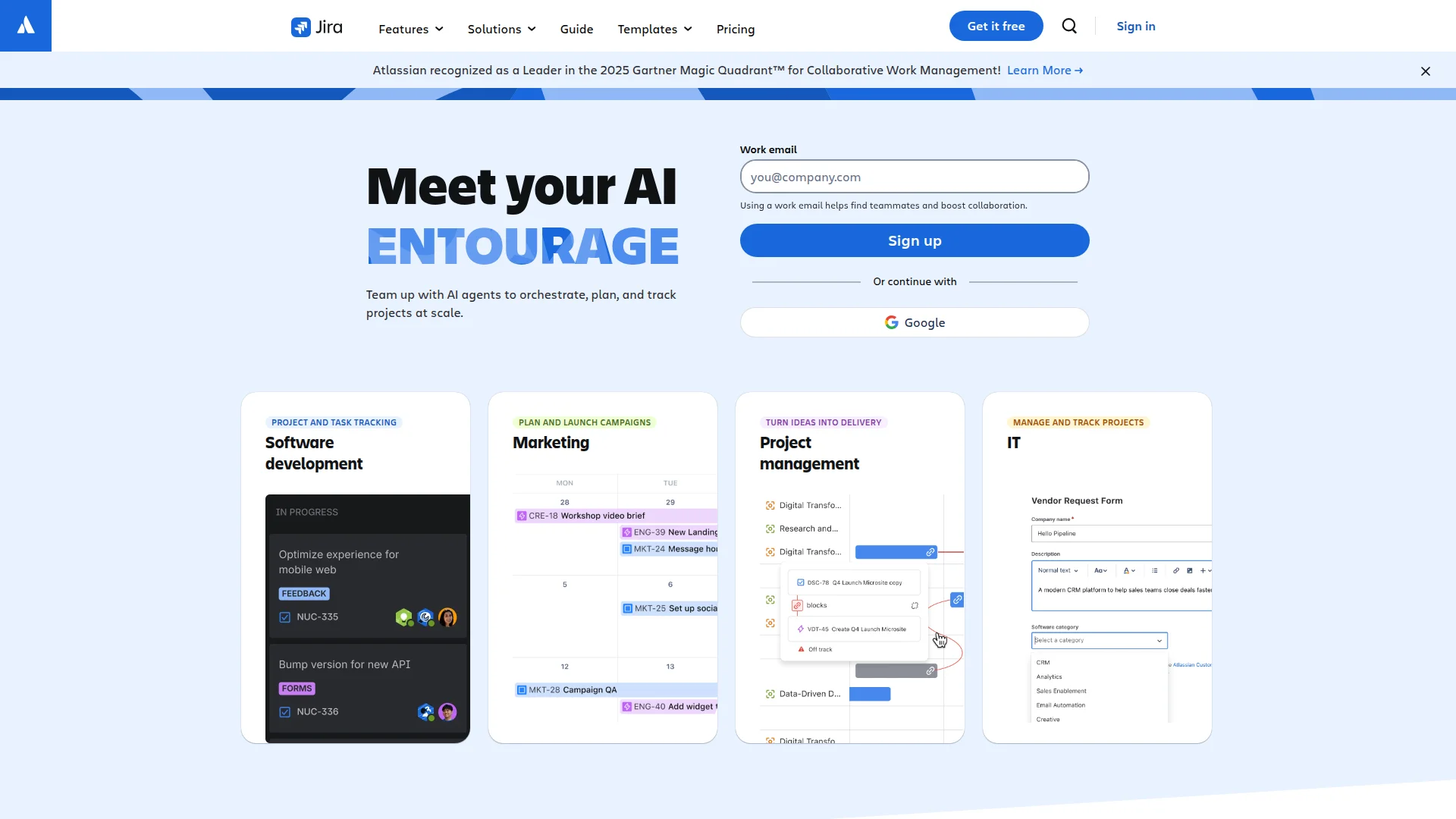
Pricing: Free (10 users) | Standard ($8.15/user/month) | Premium ($16/user/month) | Enterprise (custom)
Jira is what you get when Atlassian tries to be everything to everyone. It handles complex workflows, cross-functional coordination, compliance auditing, and custom reporting. The Atlassian Marketplace offers 3,000+ plugins. Confluence integration means docs live next to tickets. Advanced Roadmaps visualize dependencies across 50+ teams.
But holy hell, the bloat. Pages take 2-3 seconds to load. New users need training sessions to understand issue types, workflows, screens, and custom fields. The "simple" mode still has 47 configuration options. Atlassian Intelligence (their AI) tries to help but can't fix fundamental UX debt.
What We Liked
- Handles 10,000+ issue backlogs without performance degradation
- Advanced Roadmaps visualize cross-team dependencies enterprise-scale teams need
- JQL (Jira Query Language) enables surgical searches impossible in simpler tools
- Marketplace has plugins for literally every edge case workflow
What Could Be Better
- Interface feels like duct-taped legacy code—page loads take 2-3 seconds consistently
- Onboarding new team members requires 2-3 days of training vs Linear's 30 minutes
Growth Hacker Take: Jira is the project management equivalent of SAP. If you need audit trails for SOC 2, complex approval workflows, or your CEO demands specific reports, you're stuck with it. But don't pretend it's making your engineers faster.
Jira Software Complete Guide
External links: Jira Pricing | G2 Reviews (4.3/5)
3. Height — The AI-First Middle Ground

Pricing: Free (unlimited) | Teams ($6.99/user/month) | Enterprise (custom)
Height tries to split the difference. Faster than Jira, more flexible than Linear. The killer feature? AI that actually saves time. Auto-assigns tasks based on past patterns. Generates sprint summaries from Slack threads. Triages bug reports automatically.
The interface feels like Notion and Linear had a baby. Spreadsheet view, Kanban boards, Gantt charts—all available without plugins. Zapier integration connects 5,000+ tools. The AI co-pilot answers questions like "what's blocking the API migration?" in natural language.
What We Liked
- AI co-pilot genuinely useful for backlog grooming and sprint planning
- Multiple view types (spreadsheet, Kanban, Gantt) without configuration hell
- Free tier is generous—unlimited users, unlimited tasks
What Could Be Better
- Smaller integration ecosystem than Jira's 3,000+ Marketplace apps
- AI features require trust in third-party data processing
Growth Hacker Take: If you want AI that's more than marketing fluff, Height delivers. Best for teams tired of Jira's bloat but needing more structure than Linear provides.
External links: Height Pricing | Product Hunt Reviews
4. Notion — When Docs and Tasks Converge
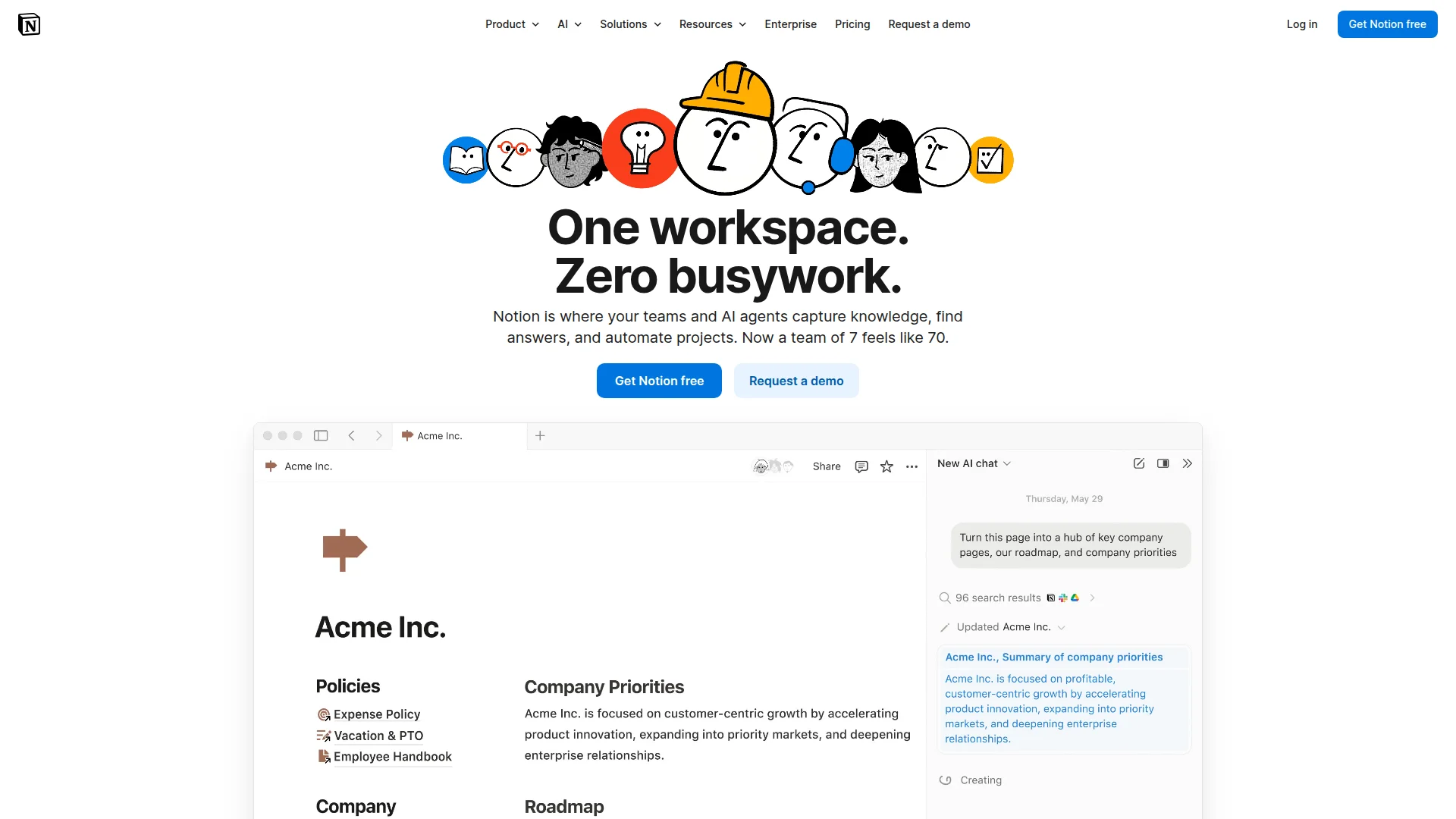
Pricing: Free (individuals) | Plus ($10/user/month) | Business ($18/user/month) | Enterprise (custom)
Notion isn't a project management tool—it's a canvas where teams build their own. Databases become roadmaps. Pages become sprint docs. Templates replicate workflows. The flexibility is intoxicating until you realize you're spending 10 hours configuring instead of shipping.
The AI features (Notion AI, $10/month extra) write drafts, summarize meetings, generate action items. GitHub sync exists but feels tacked-on. The killer use case? Teams that want project management, documentation, and wikis in one tool without switching contexts.
What We Liked
- Infinite customization—build exactly the workflow you need
- Documentation lives alongside tasks (no Confluence tax)
- AI writing assistant saves hours on meeting notes and project updates
What Could Be Better
- Configuration overhead means spending days building instead of shipping
- Performance degrades with large databases (500+ items get sluggish)
Growth Hacker Take: Notion is for teams who treat tooling as a competitive advantage. If you have a dedicated ops person to maintain it, the ROI is real. Otherwise, you're just cosplaying productivity.
Notion for Project Management Tutorial
External links: Notion Pricing | G2 Reviews (4.7/5)
5. ClickUp — Feature Overload as a Feature
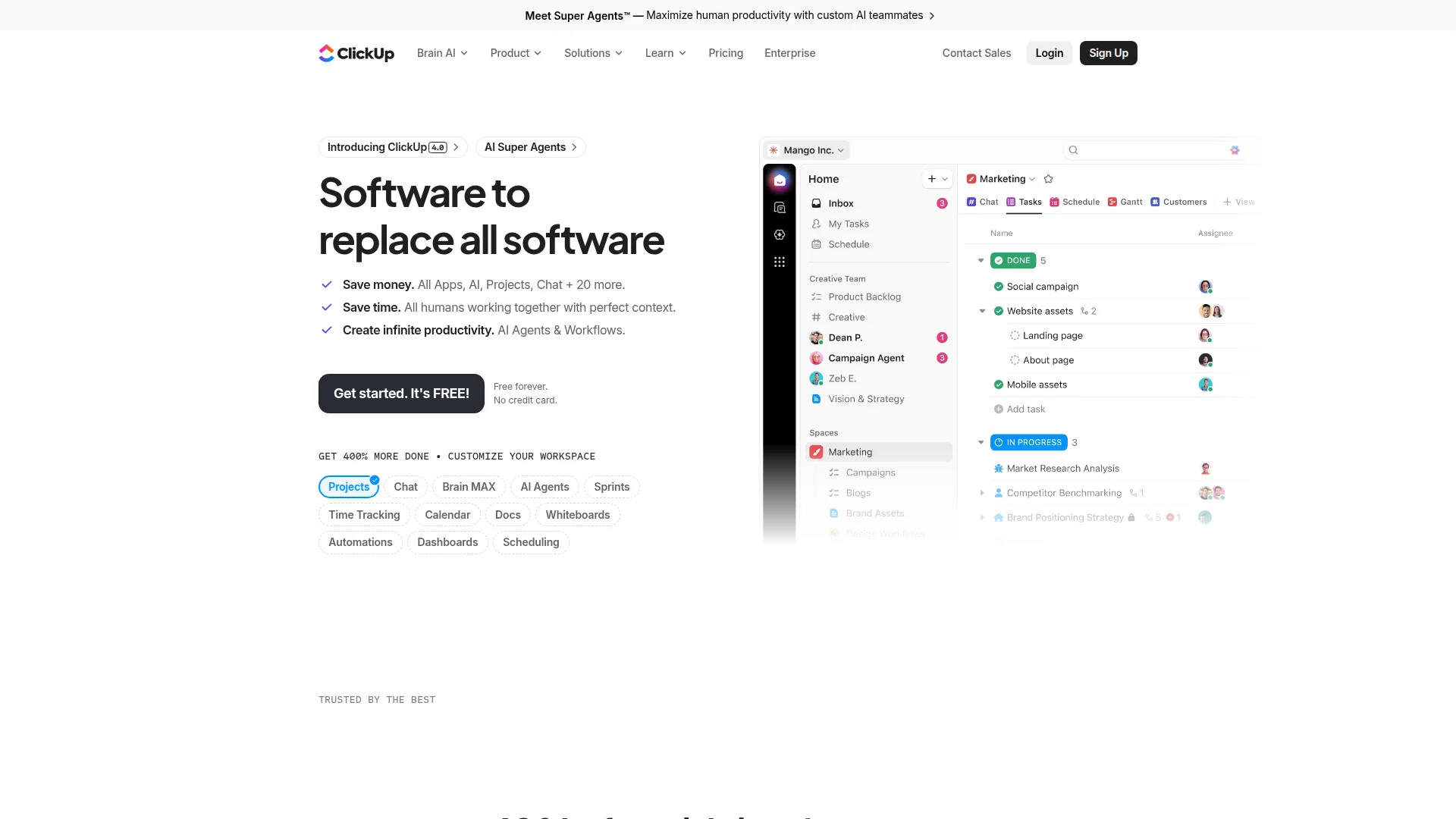
Pricing: Free (limited) | Unlimited ($7/user/month) | Business ($12/user/month) | Enterprise (custom)
ClickUp's tagline is "one app to replace them all." They mean it. Tasks, docs, spreadsheets, goals, whiteboards, time tracking, email—all built-in. The feature list reads like someone merged Jira, Notion, Monday.com, and Asana into one unholy chimera.
The customization rivals Jira. Custom fields, custom statuses, custom everything. ClickUp AI (included in paid plans) writes task descriptions, summarizes threads, generates subtasks. The learning curve is steep—60+ features means decision paralysis. But teams who master it report eliminating 3-4 other tools.
What We Liked
- Replace 5+ tools with one platform (saves $50-100/user/month)
- Hierarchy system (spaces, folders, lists, tasks) handles complex org structures
- Time tracking and resource management built-in (no Harvest or Toggl needed)
What Could Be Better
- Overwhelming for new users—60+ features create analysis paralysis
- Performance issues with large workspaces (5,000+ tasks slow to load)
Growth Hacker Take: ClickUp is Jira without the enterprise tax. If your team loves configuration and needs project management + time tracking + docs, this consolidates costs. Just accept the 2-week onboarding ramp.
External links: ClickUp Pricing | G2 Reviews (4.7/5)
6. Asana — Cross-Functional Coordination Without Chaos
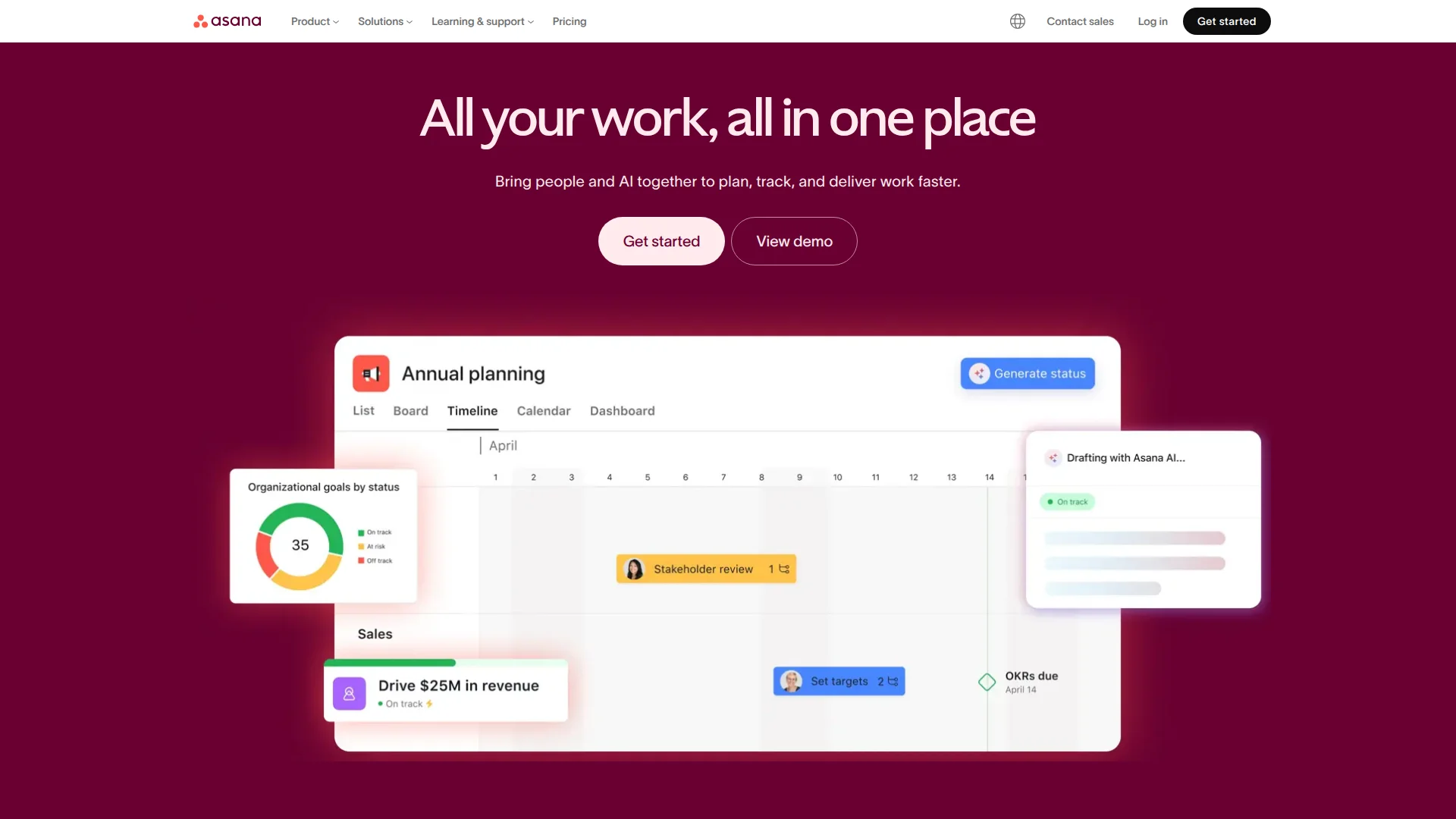
Pricing: Free (15 users) | Starter ($10.99/user/month) | Advanced ($24.99/user/month) | Enterprise (custom)
Asana occupies the space between Linear's simplicity and Jira's complexity. Popular with marketing, design, and product teams who need coordination without engineering-specific features. Timeline view visualizes dependencies. Portfolios track multiple projects. Forms intake requests without email threads.
The AI features (Asana Intelligence) auto-generate project plans from brief descriptions, suggest assignees based on workload, and summarize project status. Integrations cover Slack, Adobe Creative Cloud, Salesforce—geared toward cross-functional workflows rather than pure development.
What We Liked
- Timeline view clarifies dependencies better than Gantt charts
- Forms feature converts chaotic requests into structured tasks
- Portfolios give executive-level visibility without micromanagement
What Could Be Better
- GitHub integration feels like an afterthought (not for engineering-first teams)
- Pricing jumps significantly at Advanced tier ($24.99/user/month)
Growth Hacker Take: Asana is for teams where engineering is one function among many. If your product manager coordinates design, marketing, and dev, Asana's cross-functional features justify the cost. Pure dev teams should stick with Linear.
External links: Asana Pricing | G2 Reviews (4.3/5)
How to Choose: Linear vs Jira vs Alternatives
The right tool depends on your team's actual bottlenecks, not feature checklists.
- Choose Linear if: Engineering velocity is your bottleneck. You ship fast, value keyboard shortcuts, and don't need audit trails. Ideal for startups, dev teams under 50, product-led companies.
- Choose Jira if: You need enterprise governance, complex approval workflows, or have compliance requirements (SOC 2, HIPAA). Ideal for 100+ person companies, regulated industries, cross-functional orgs.
- Choose Height if: You want AI that actually works plus flexibility between Linear and Jira. Ideal for teams tired of Jira's bloat but needing more than Linear's opinionated structure.
- Choose Notion if: Project management is inseparable from documentation. You want one tool for roadmaps, sprint docs, wikis, and knowledge bases. Ideal for remote teams, design-heavy workflows.
- Choose ClickUp if: You're consolidating 5+ tools and have someone to configure it. You need time tracking, goals, docs, and tasks in one platform. Ideal for agencies, consulting firms, ops-heavy teams.
- Choose Asana if: Marketing, design, and product work together constantly. You need cross-functional visibility without engineering-specific complexity. Ideal for product-led companies, creative agencies.
FAQ
Is Linear really faster than Jira?
Yes—Linear loads in 50ms vs Jira's 2-3 seconds, and keyboard shortcuts eliminate mouse usage entirely.
Can I migrate from Jira to Linear without losing data?
Linear offers official Jira importers that preserve issues, comments, attachments, and history (custom fields require mapping).
Does Linear integrate with GitHub as well as Jira?
Linear's GitHub integration is bidirectional and works out-of-the-box; Jira requires plugins and configuration.
Which tool is better for enterprise teams?
Jira wins for enterprises needing compliance, audit trails, and complex workflows—Linear lacks advanced governance features.
What's the cheapest option for small teams?
Linear and Jira both offer free tiers, but Linear's unlimited viewer seats make it more cost-effective for teams under 20.
Do any tools combine Linear's speed with Jira's flexibility?
Height and ClickUp come closest, offering middle-ground options with AI features and multiple view types.
Can I run Linear and Jira simultaneously?
Yes—many teams use Linear for engineering sprints and sync to Jira for stakeholder reporting via Zapier or native integrations.
About the Author
Marco Delvane
Growth Team at Vibe Growth Stack. Tested 100+ growth tools so you don't have to. Writes about what actually works for startups — no fluff, no affiliate bias.
More in this series
View full guide →Best ClickUp Alternatives 2026: 7 Project Management Tools
Discover the best ClickUp alternatives in 2026. Compare 7 top project management tools including Notion, Monday.com, Asana, Linear, and Basecamp for your team.
Notion vs Obsidian 2026: Which Note-Taking App Wins?
Compare Notion vs Obsidian in 2026. Discover which note-taking app is best for teams, individuals, and knowledge workers.
Best Trello Alternatives 2026: 7 Project Management Tools
Discover 7 better Trello alternatives in 2026. Compare top project management tools like Notion, ClickUp, and Asana for your team's needs.
7 Best Asana Alternatives 2026: Simpler Project Management
Compare top Asana alternatives like Notion, ClickUp, and Trello. Find the best project management tool for your team's needs with our 2026 guide.
Best Jira Alternatives 2026: Top Project Management Tools
Explore the best Jira alternatives for 2026. Compare Linear, Height, ClickUp, Asana, Trello and more project management tools for your team.
Best Notion Alternatives 2026: Simpler Tools
Related Articles
Get growth tips in your inbox
No-BS growth hacks, tool reviews, and best-value picks. Weekly.
Unsubscribe anytime. We hate spam too.