Best ClickUp Alternatives 2026: 7 Project Management Tools
Discover the best ClickUp alternatives in 2026. Compare 7 top project management tools including Notion, Monday.com, Asana, Linear, and Basecamp for your team.

Marco Delvane
Growth Team
Part of our Best Project Management Tools for Startups 2026 guide
Key Takeaways
- Best Overall: Notion — $10/seat/month for unlimited flexibility and wiki-style docs
- Best for Agencies: Monday.com — Visual workflows and client portal features starting at $9/seat/month
- Best Free Plan: Asana — Unlimited tasks and projects for up to 15 users at $0
- Best for Developers: Linear — Built for speed, $8/seat/month, designed by ex-Airbnb engineers
- Most Affordable: Basecamp — Flat $299/month for unlimited users, no per-seat pricing
ClickUp promised to be "one app to replace them all." For many teams, it delivered. But after months of frozen loading screens, bloated feature menus, and a UI that feels like piloting a spaceship, founders are looking elsewhere.
The good news? The project management landscape in 2026 is better than ever. Tools have gotten faster, cleaner, and more opinionated about what they do best. Whether you need Notion's wiki-style flexibility, Linear's developer-focused speed, or Basecamp's flat pricing for growing teams, there's something better than ClickUp's everything-and-the-kitchen-sink approach.
This guide covers 7 ClickUp alternatives with real pricing, genuine pros/cons, and zero marketing fluff. Each tool is linked to Vibe Growth Stack where you can compare features, read user reviews, and find exclusive deals.
Why Teams Are Ditching ClickUp
ClickUp's core problem isn't what it does — it's that it tries to do everything. The result is a feature-bloated platform that slows teams down instead of speeding them up.
Here's what users complain about most:
- Performance issues: Loading times that make you question your internet connection
- Overwhelming UI: 47 different ways to view a task list isn't flexibility, it's decision paralysis
- Notification hell: Every comment, every status change, every emoji reaction triggers an alert
- Mobile experience: The app feels like a shrunken desktop version, not a native mobile tool
- Support quality: Growing pains mean longer ticket resolution times
According to G2 reviews, 23% of ClickUp users cite performance as a major issue. That's higher than any competitor in this guide.
| Tool | Starting Price | Best For | Free Plan? | VGS Verdict |
|---|---|---|---|---|
| Notion | $10/seat/month | Wiki-style docs + flexible databases | Yes, unlimited blocks | Most versatile, mild learning curve |
| Monday.com | $9/seat/month | Visual workflows, agencies, marketing teams | No, but 14-day trial | Best client-facing features |
| Asana | $10.99/seat/month | Task management, traditional teams | Yes, up to 15 users | Most generous free tier |
| Linear | $8/seat/month | Developer teams, product builders | Yes, unlimited viewers | Fastest, most opinionated |
| Airtable | $20/seat/month | Database-first workflows, operations | Yes, 1,000 records | Best for data-heavy work |
| Basecamp | $299/month flat | Growing teams (20+ people) | Yes, limited features | Best pricing at scale |
| Trello | $5/seat/month | Simple kanban, small teams | Yes, 10 boards | Easiest to learn |
1. Notion — The Wiki That Became a Workspace
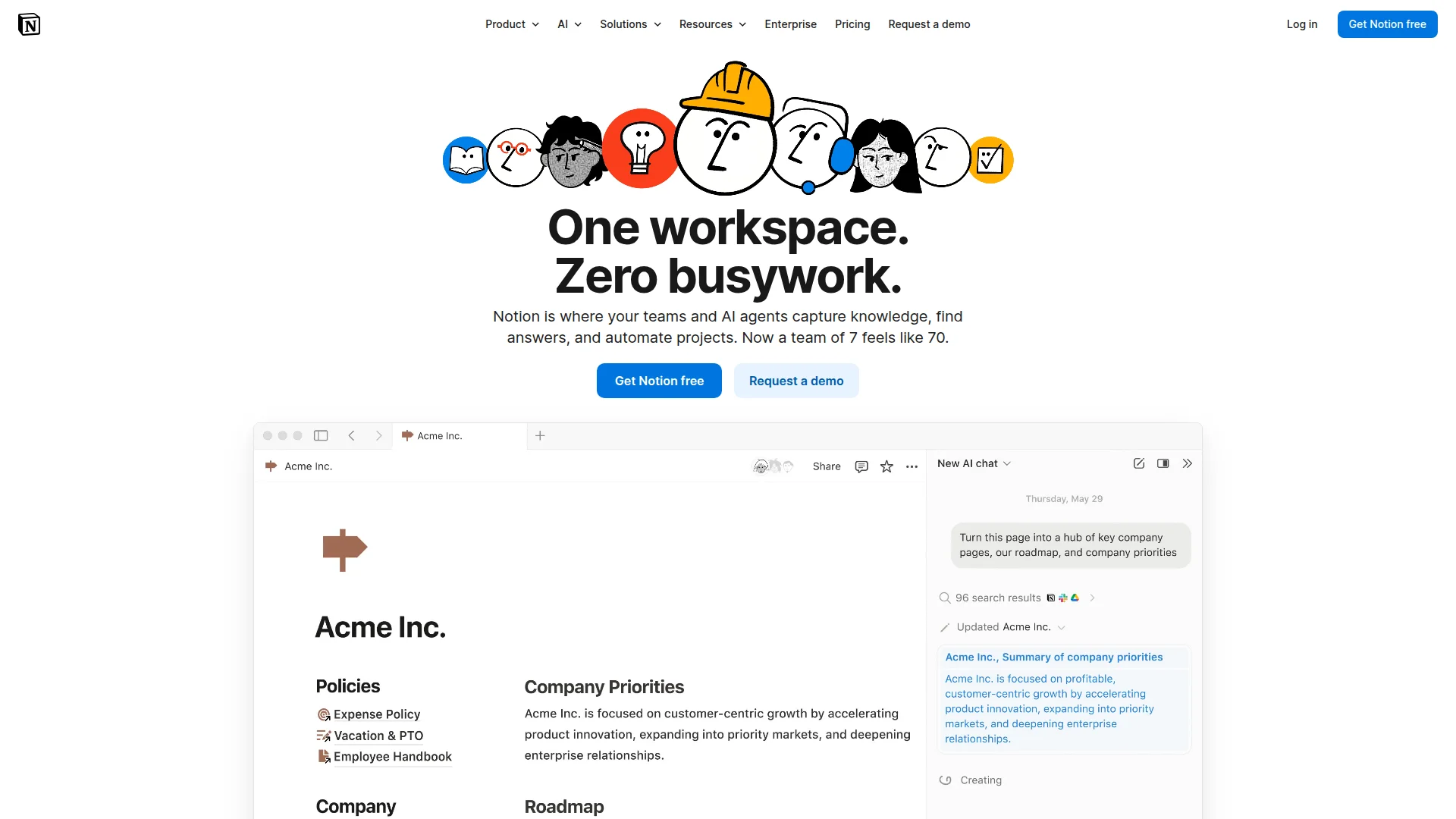
Pricing: Free (unlimited blocks) | Plus ($10/seat/month) | Business ($15/seat/month) | Enterprise (custom)
Notion started as a note-taking app and evolved into a full workspace. The magic is its database system — you can build kanban boards, calendars, tables, and galleries all from the same underlying data. One source of truth with infinite views.
Teams use Notion for everything: wikis, roadmaps, meeting notes, client portals, knowledge bases. The template gallery has thousands of pre-built setups, so you're not starting from scratch.
What We Liked
- Unlimited blocks on free plan (most generous among competitors)
- Database views (table, kanban, calendar, gallery, timeline) from one source
- Inline mentions and linked databases create connected workspaces
- AI features included in paid plans (summarize, translate, generate content)
What Could Be Better
- Offline mode is limited — needs internet for most features
- Learning curve for databases intimidates non-technical users
Growth Hacker Take: Notion wins when your team values flexibility over structure. It's the closest thing to a "build your own ClickUp" without the bloat. Perfect for startups that need docs, wikis, and project management in one tool.
Notion for Project Management Review
2. Monday.com — The Visual Workflow Builder

Pricing: Basic ($9/seat/month) | Standard ($12/seat/month) | Pro ($19/seat/month) | Enterprise (custom)
Monday.com treats everything as a visual board. Tasks move across color-coded columns, automations trigger without code, and dashboards aggregate data from multiple boards. It's built for teams that think in pipelines — marketing campaigns, client projects, sales funnels.
The standout feature is client-facing boards. Agencies use Monday to give clients real-time project visibility without sharing internal mess. Capterra reviews consistently praise this for reducing "Where are we?" emails by 80%.
What We Liked
- No-code automations (if status changes to X, notify Y, move to Z)
- Client portal features built-in — share boards without exposing backend
- 200+ integrations including Slack, Gmail, Zoom, HubSpot
- Workload view prevents team burnout by visualizing capacity
What Could Be Better
- No free plan — only 14-day trial
- Pricing jumps quickly as you add users and features
Growth Hacker Take: Best for agencies and marketing teams managing client work. The visual approach makes status instantly clear — no digging through nested folders. If your clients ask "what's the status?" more than once a week, Monday pays for itself.
Monday.com Deep Dive
3. Asana — The Task Management Workhorse
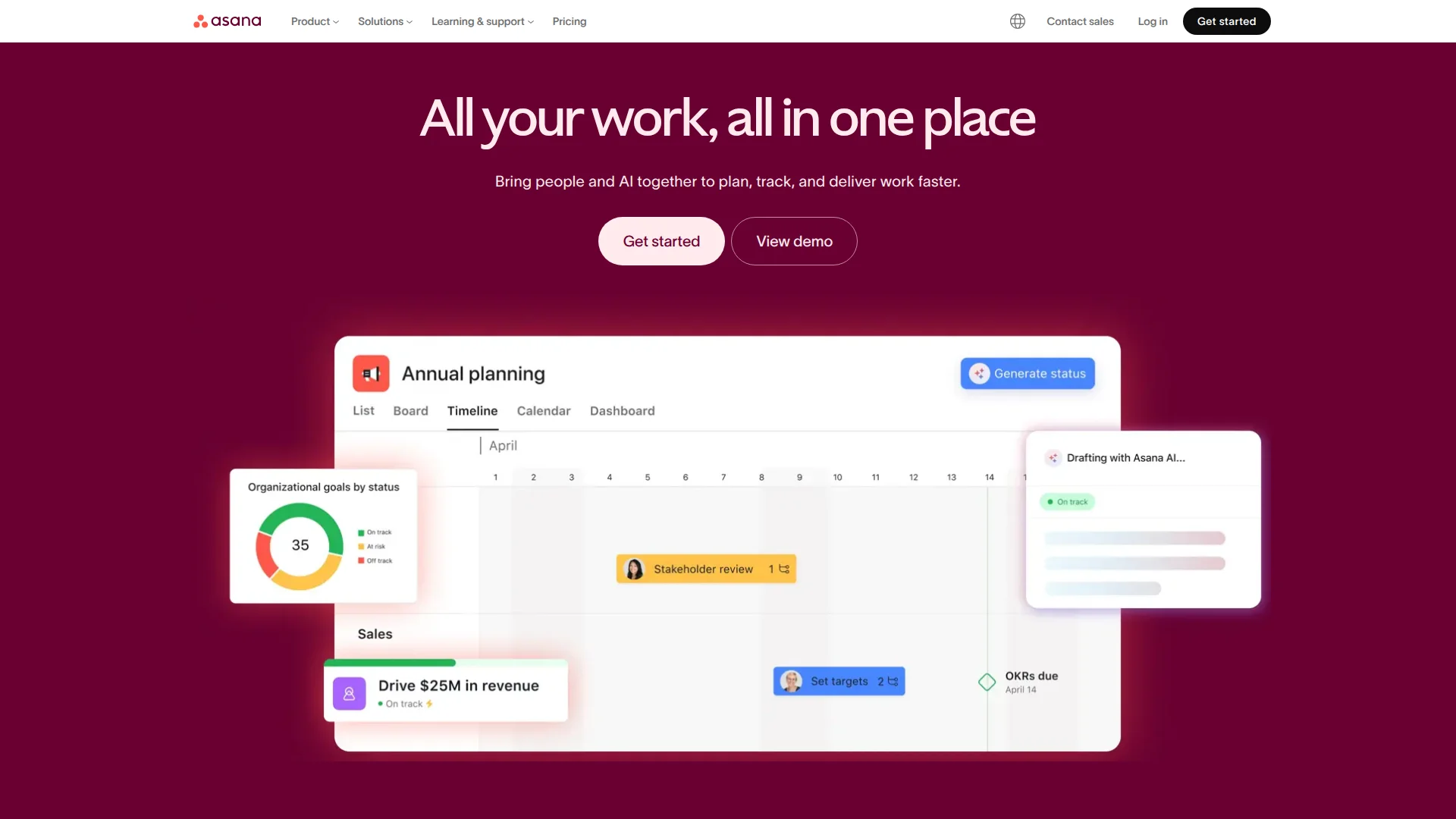
Pricing: Free (up to 15 users) | Starter ($10.99/seat/month) | Advanced ($24.99/seat/month) | Enterprise (custom)
Asana is the project management equivalent of Google Docs — everyone knows it, it works reliably, and it doesn't try to be clever. Tasks have subtasks, projects have sections, teams have portfolios. Hierarchy is clear, structure is enforced.
The free plan is absurdly generous: unlimited tasks, projects, and activity log for 15 users. Most startups don't need paid plans until they hit 20+ people or need advanced features like timeline dependencies.
What We Liked
- Free for 15 users with unlimited tasks and projects
- Timeline view (Gantt charts) included in Starter plan
- Rules automate repetitive work (assign tasks, set due dates, move sections)
- Mobile app is genuinely good — not a shrunk desktop version
What Could Be Better
- Rigid structure frustrates teams wanting flexibility
- No native docs — you're linking to Google Docs or Notion
Growth Hacker Take: If your team already thinks in tasks, projects, and deadlines, Asana is the safest bet. It won't blow your mind, but it also won't break. The free tier makes it risk-free to try.
4. Linear — Built for Speed
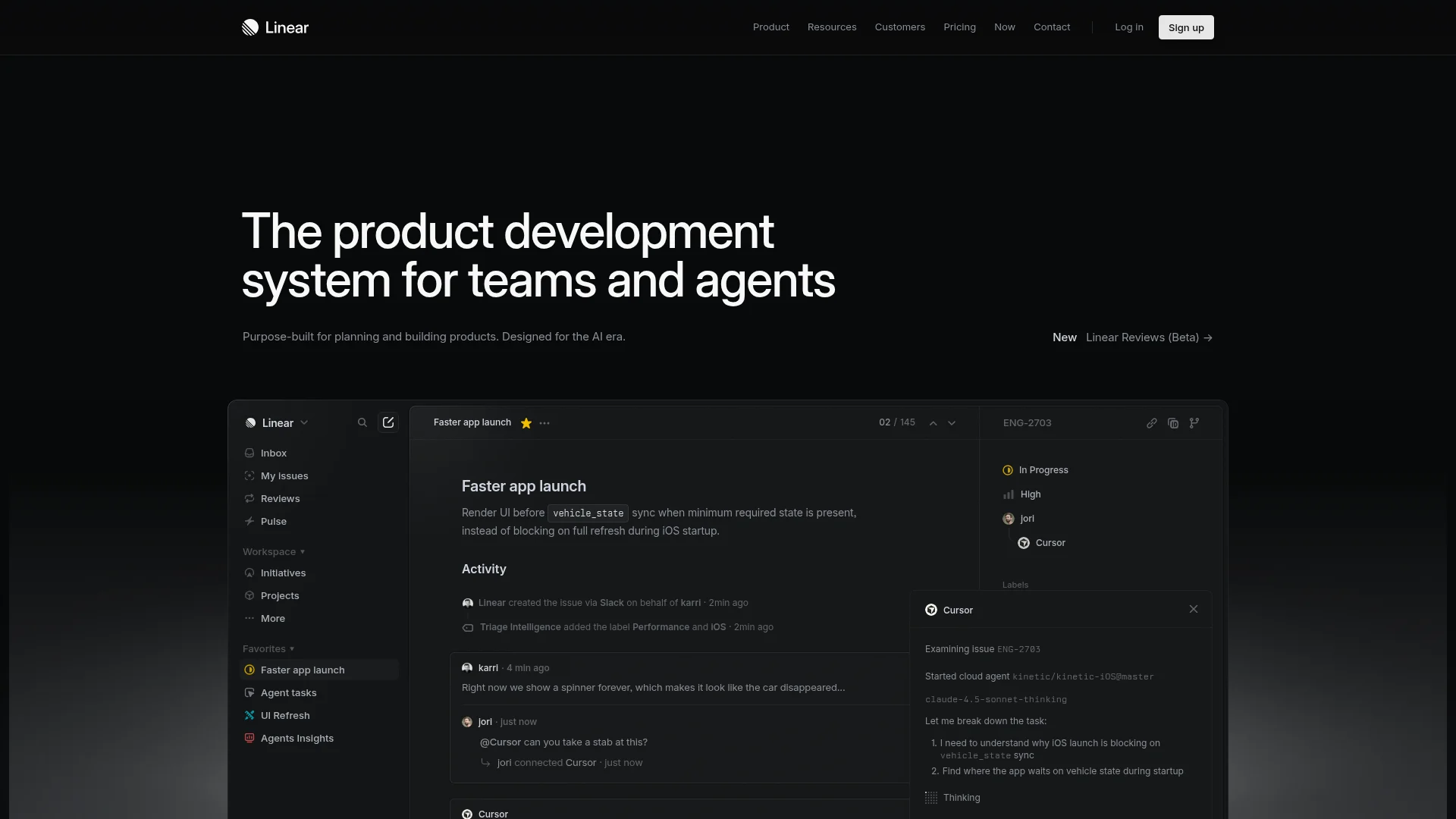
Pricing: Free (unlimited viewers) | Standard ($8/seat/month) | Plus ($14/seat/month) | Enterprise (custom)
Linear was built by ex-Airbnb engineers who got tired of slow, bloated project management tools. Every interaction is optimized for speed: keyboard shortcuts for everything, instant search, sub-200ms load times, offline-first architecture.
It's opinionated by design. One way to organize projects (cycles). One way to track issues. No customization for customization's sake. According to their official docs, 87% of Linear actions are completed via keyboard, not mouse clicks.
What We Liked
- Fastest tool in this list — genuinely feels like a native app
- GitHub integration syncs pull requests with Linear issues automatically
- Cycles (2-week sprints) enforce healthy cadence
- Unlimited viewer seats on free plan (great for stakeholders)
What Could Be Better
- Minimal customization frustrates non-developer teams
- No built-in time tracking or resource management
Growth Hacker Take: Developer teams will never go back after trying Linear. It's the only tool in this guide designed for people who think in GitHub issues and pull requests. If your team builds software, this is the answer.
Linear vs Jira Comparison
5. Airtable — Database-First Workflows
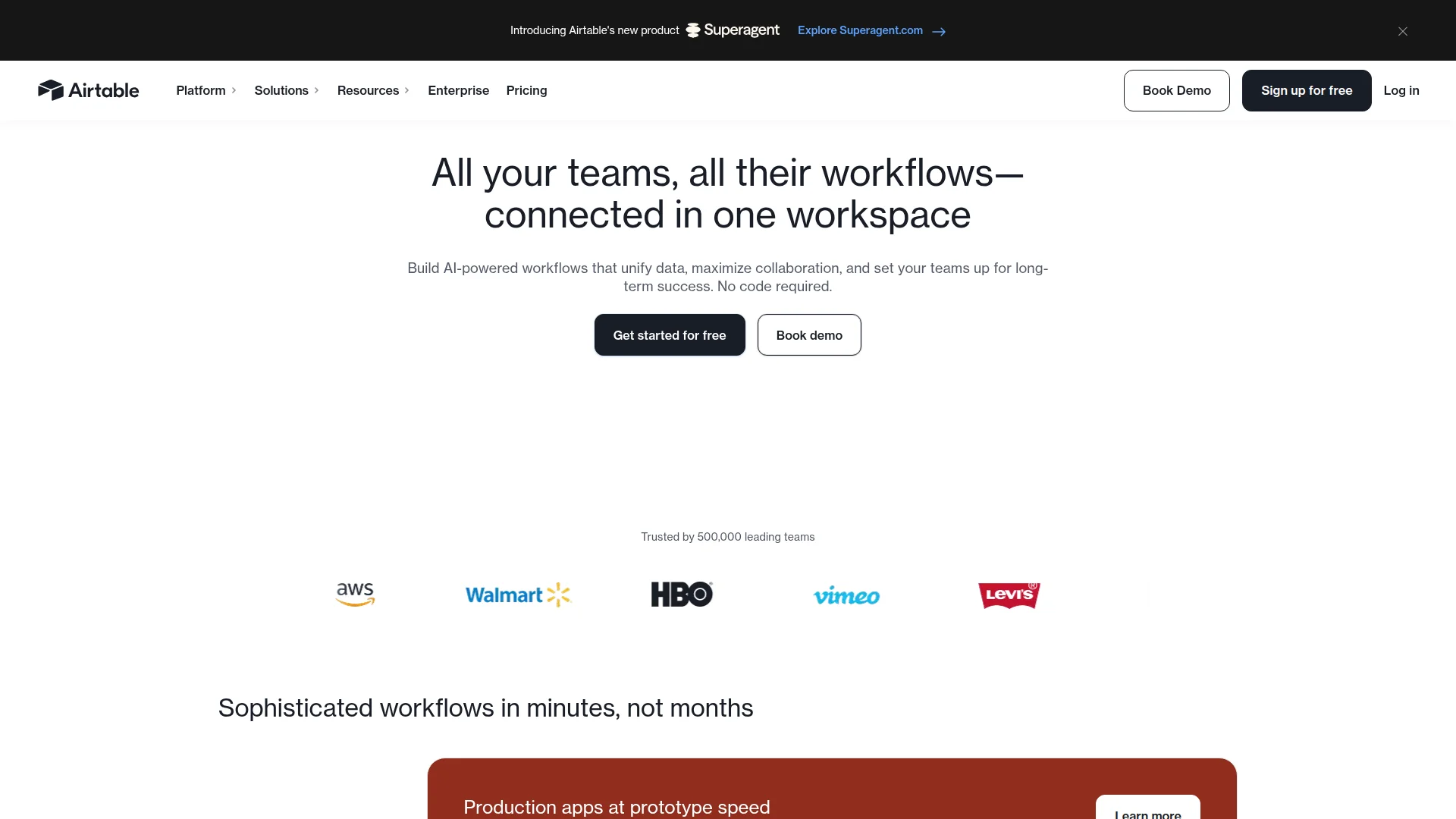
Pricing: Free (1,000 records) | Team ($20/seat/month) | Business ($45/seat/month) | Enterprise (custom)
Airtable is what you get when you cross Excel with a relational database and add a visual interface. Tables link to each other, views filter/sort/group data, and apps sit on top of your data model. It's not a project management tool — it's a database that teams use for project management.
Operations teams love Airtable for tracking complex workflows: customer onboarding pipelines, content calendars with 15 custom fields, recruiting funnels with linked candidate data. If your work is data-heavy, Airtable handles it.
What We Liked
- Linked records create relational databases (tasks connect to projects, projects connect to clients)
- Interface designer builds custom apps on top of your data
- Automations triggered by record changes, webhooks, or scheduled times
- Extensions add features like chart blocks, Miro boards, and Loom videos
What Could Be Better
- Steep learning curve for non-spreadsheet users
- Record limits on free plan (1,000) fill up fast
Growth Hacker Take: Airtable is overkill for simple task tracking. But if your projects involve complex data relationships — like tracking content through ideation → draft → review → published with linked authors, topics, and campaigns — nothing else comes close.
Airtable for Non-Developers
6. Basecamp — Flat Pricing for Growing Teams
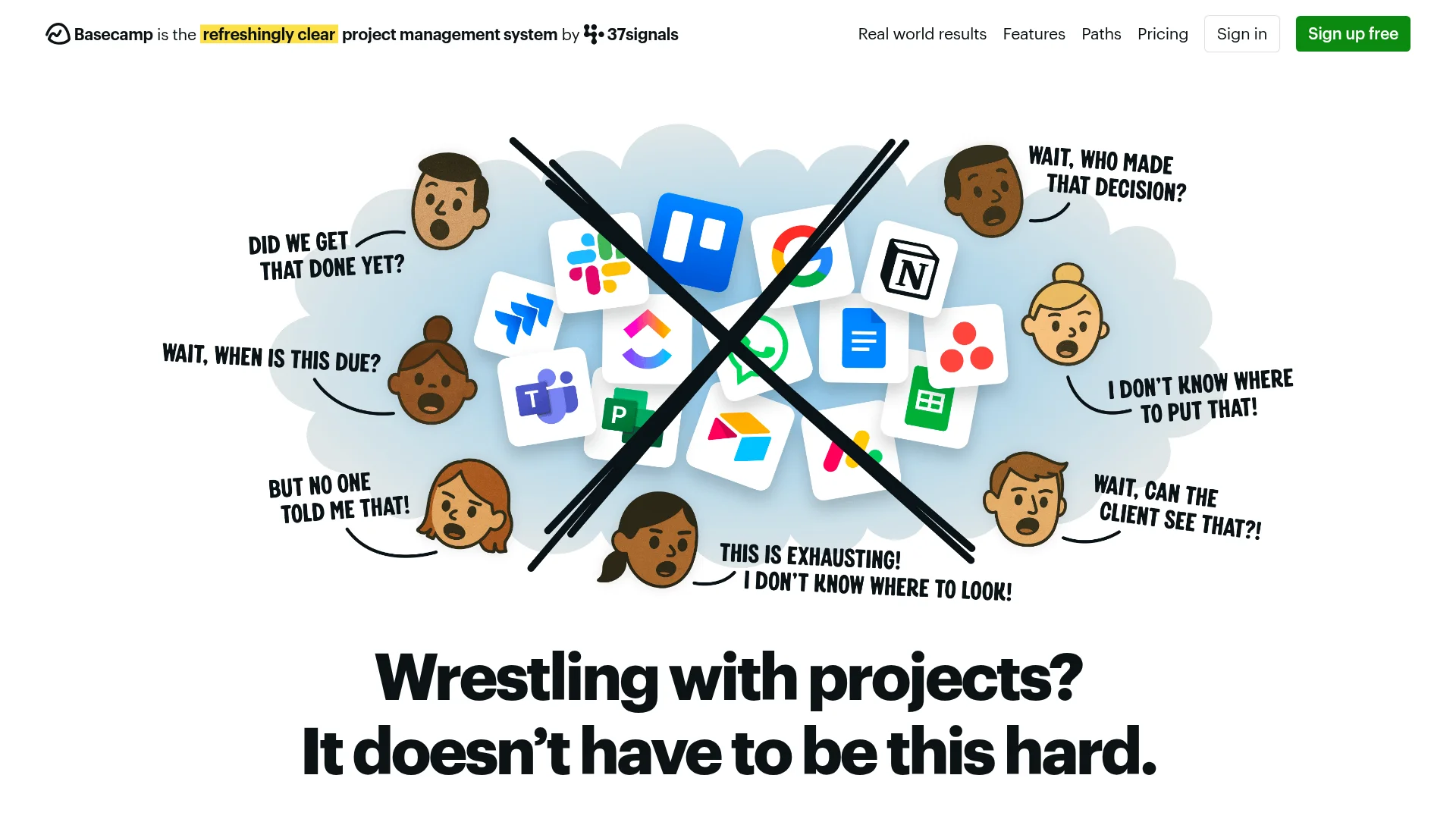
Pricing: Free (3 projects, 20 users) | Pro Unlimited ($299/month flat, unlimited everything)
Basecamp's pricing model is radical: $299/month for unlimited users, projects, and storage. No per-seat fees. No usage limits. For teams over 30 people, it's the cheapest option by far.
The tool itself is deliberately simple. To-do lists, message boards, schedules, docs, and file storage. No custom fields, no complex workflows, no integrations marketplace. It's project management for people who don't want to become project management experts.
What We Liked
- Flat $299/month pricing beats per-seat tools at scale
- Hill Charts visualize project progress intuitively
- Client access built-in — invite clients without extra seats
- One-on-one chat avoids notification overload from group channels
What Could Be Better
- Limited customization frustrates power users
- No advanced features (time tracking, Gantt charts, dependencies)
Growth Hacker Take: Basecamp is anti-ClickUp by design. If ClickUp's complexity drove you away, Basecamp's simplicity will feel refreshing. Do the math: at 30+ users, Basecamp costs less than every competitor here.
7. Trello — The Gateway Drug
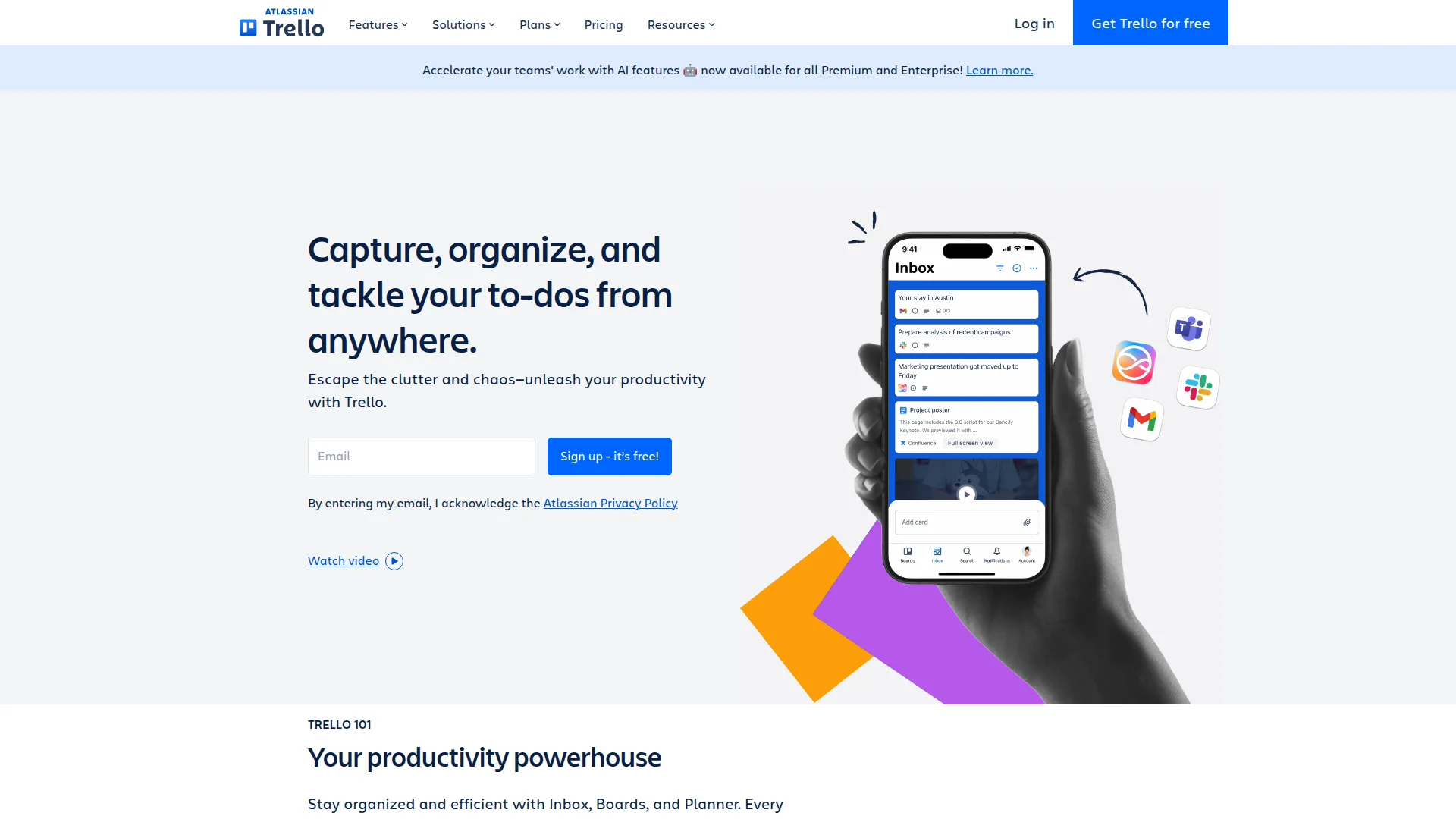
Pricing: Free (10 boards) | Standard ($5/seat/month) | Premium ($10/seat/month) | Enterprise ($17.50/seat/month)
Trello pioneered the kanban board interface that every tool now copies. Lists hold cards, cards move across lists, teams visualize work flowing from "To Do" to "Done." It's the simplest tool in this guide — and that's the point.
Owned by Atlassian since 2017, Trello integrates with Jira, Confluence, and the broader Atlassian ecosystem. Power-Ups add features (calendar view, voting, time tracking), but the core experience stays minimal.
What We Liked
- Easiest learning curve — anyone understands it in 5 minutes
- Free plan supports 10 boards and unlimited cards
- Butler automation (included on paid plans) eliminates repetitive actions
- Mobile app is excellent for quick updates
What Could Be Better
- Scales poorly — 50+ cards per board gets messy
- Limited views (only kanban, timeline on paid plans)
Growth Hacker Take: Trello works for simple workflows and small teams. If you outgrow it, graduate to Notion or Monday. But for "I just need a board," Trello remains unbeaten on simplicity and price.
How to Choose Your ClickUp Alternative
Pick based on how your team actually works, not aspirational workflows:
- Choose Notion if: You need docs, wikis, and databases in one tool. Your team values flexibility and doesn't mind a learning curve.
- Choose Monday.com if: You manage client work visually. Agencies, marketing teams, and operations benefit most from color-coded automations.
- Choose Asana if: You want traditional task management that just works. The free tier supports 15 users — start there.
- Choose Linear if: You're a developer team. The speed difference is genuinely transformative. GitHub integration alone justifies the switch.
- Choose Airtable if: Your projects involve complex data relationships. Think recruiting pipelines, content calendars, or event planning.
- Choose Basecamp if: You have 30+ team members and want flat pricing. Simple beats complex for most teams.
- Choose Trello if: You need a kanban board and nothing more. Perfect for side projects and small teams.
The best tool is the one your team actually uses. Start with free plans, test for 2 weeks, and pick what feels natural. Every tool here beats ClickUp on speed and simplicity.
FAQ
What's the best free ClickUp alternative?
Asana offers the most generous free plan with unlimited tasks and projects for up to 15 users. Notion and Trello also have strong free tiers.
Is Monday.com better than ClickUp?
Monday.com is faster and more visual but costs more. It excels for agency work and client-facing projects but lacks native docs.
Why is Linear so popular with developers?
Linear loads instantly, uses keyboard shortcuts for everything, and integrates natively with GitHub. Most developers switch and never look back.
Can Notion replace ClickUp completely?
Yes for most teams. Notion handles docs, wikis, tasks, and databases in one workspace. Missing features: native time tracking and Gantt charts.
What's the cheapest tool for large teams?
Basecamp at $299/month flat pricing beats per-seat tools once you hit 30+ users. Do the math before committing to per-seat pricing.
Do I need integrations with my other tools?
Probably. Check if your CRM, communication tools, and calendar sync before committing. Most tools integrate via Zapier or Make if native connections don't exist.
About the Author
Marco Delvane
Growth Team at Vibe Growth Stack. Tested 100+ growth tools so you don't have to. Writes about what actually works for startups — no fluff, no affiliate bias.
More in this series
View full guide →Linear vs Jira 2026: Which Project Management Tool Wins?
Compare Linear vs Jira for project management. Discover speed, pricing, and features to find the best tool for your team's needs.
Notion vs Obsidian 2026: Which Note-Taking App Wins?
Compare Notion vs Obsidian in 2026. Discover which note-taking app is best for teams, individuals, and knowledge workers.
Best Trello Alternatives 2026: 7 Project Management Tools
Discover 7 better Trello alternatives in 2026. Compare top project management tools like Notion, ClickUp, and Asana for your team's needs.
7 Best Asana Alternatives 2026: Simpler Project Management
Compare top Asana alternatives like Notion, ClickUp, and Trello. Find the best project management tool for your team's needs with our 2026 guide.
Best Jira Alternatives 2026: Top Project Management Tools
Explore the best Jira alternatives for 2026. Compare Linear, Height, ClickUp, Asana, Trello and more project management tools for your team.
Best Notion Alternatives 2026: Simpler Tools
Related Articles
Get growth tips in your inbox
No-BS growth hacks, tool reviews, and best-value picks. Weekly.
Unsubscribe anytime. We hate spam too.