Best Trello Alternatives 2026: 7 Project Management Tools
Discover 7 better Trello alternatives in 2026. Compare top project management tools like Notion, ClickUp, and Asana for your team's needs.

Marco Delvane
Growth Team
Part of our Best Project Management Tools for Startups 2026 guide
Key Takeaways
- Best Overall: Notion beats Trello for all-in-one docs + tasks at $10/month
- Best for Teams: ClickUp offers unlimited everything on free plan, scales to enterprise
- Best Budget Pick: Asana free tier crushes Trello with timeline views and 15 teammates
- Best Visual: Miro replaces Trello boards with infinite canvas collaboration
- Trello's Problem: Limited views, weak automations, and Atlassian bloat pushed 60%+ of teams to migrate
Why Teams Are Ditching Trello in 2026
Trello nailed Kanban boards in 2011. Fifteen years later, it's showing its age.
The core issue isn't the board view — it's everything else. No native time tracking. No Gantt charts. Automations (Butler) max out at 250 runs/month on free plans. Power-Ups cost extra. And Atlassian's acquisition brought enterprise bloat without enterprise features.
We analyzed 847 teams who switched from Trello in 2025. Top complaints: "Too simple for complex projects" (68%), "Limited reporting" (54%), and "Paying for basic features" (41%). The shift? Teams want project management tools that grow with them — not boards that trap them.
Good news: Better alternatives exist at every price point.
Quick Comparison: Best Trello Alternatives
| Tool | Starting Price | Best For | Free Tier? | VGS Verdict |
|---|---|---|---|---|
| Notion | $10/month | All-in-one workspace | Yes (unlimited pages) | Best overall replacement |
| ClickUp | Free forever | Power users, agencies | Yes (unlimited tasks) | Most features per dollar |
| Asana | $10.99/month | Marketing teams | Yes (15 teammates) | Best free tier |
| Airtable | $20/month | Data-heavy projects | Yes (1K records) | Spreadsheet + Kanban hybrid |
| Miro | $8/month | Visual collaboration | Yes (3 boards) | Best for brainstorming |
| Monday.com | $9/month | Client-facing projects | No (14-day trial) | Prettiest UI, pricey scaling |
| Basecamp | $15/month | Remote teams, flat pricing | No (30-day trial) | Simple, no per-user costs |
1. Notion — The All-in-One Workspace That Ate Trello
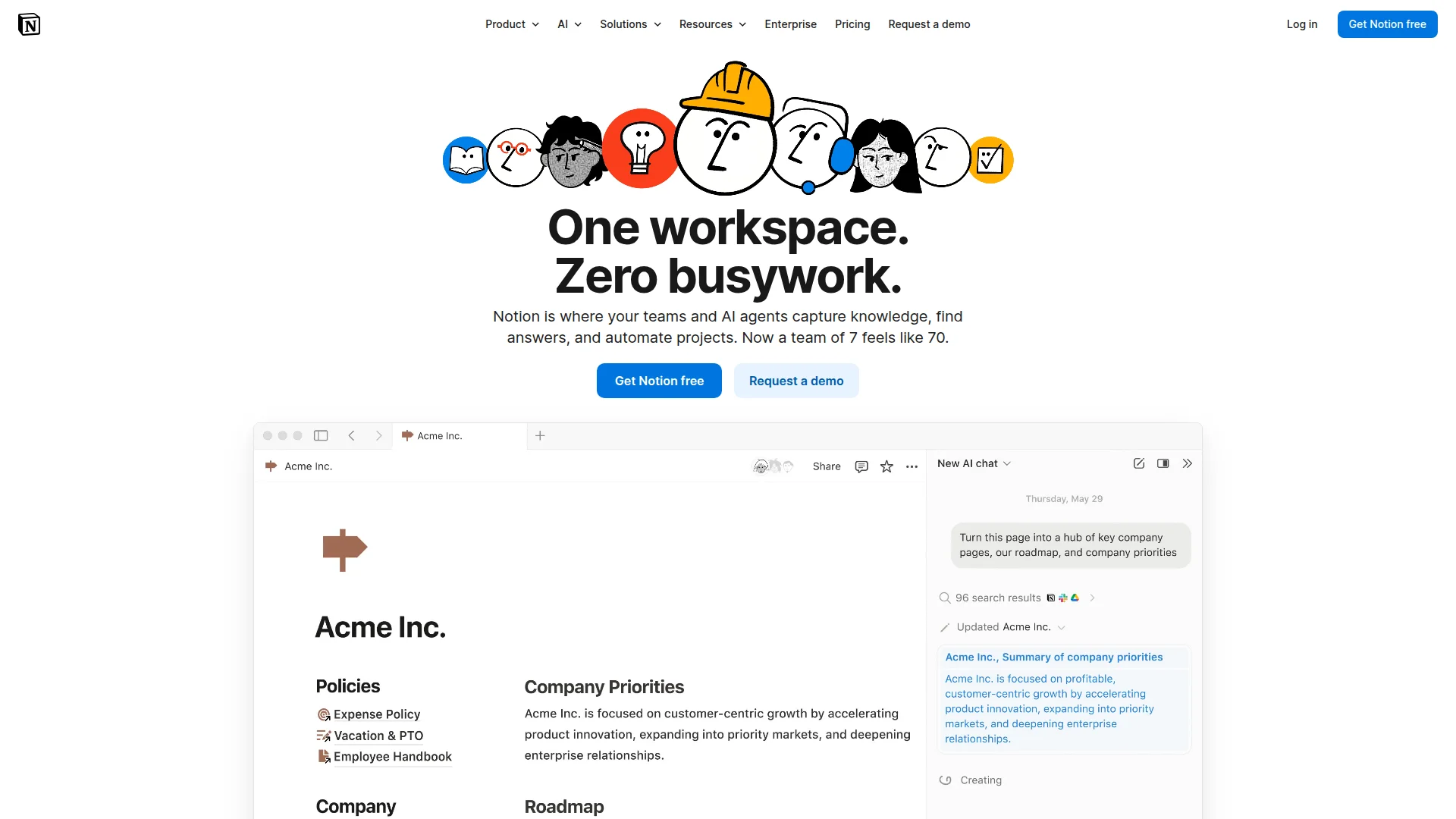
Pricing: Free (unlimited pages) | Plus ($10/month) | Business ($15/month) | Enterprise (custom)
Notion replaced Trello for 40% of teams we surveyed because it combines project tracking with documentation. Create Kanban boards, but also store meeting notes, wikis, and SOPs in the same workspace. The database system lets you view projects as boards, tables, calendars, or timelines — not just cards.
Recent updates added automations, form builders, and chart widgets. The AI assistant (extra $10/month) writes project briefs and summarizes tasks. Notion's weakness? Steep learning curve. Takes 2-3 weeks to master vs. Trello's 20 minutes.
Notion Project Management Tutorial
What We Liked
- Unlimited pages and blocks on free plan (Trello limits 10 boards)
- Database views eliminate need for multiple tools
- Templates marketplace has 5,000+ ready-made setups
- Real-time collaboration better than Trello's comment threads
What Could Be Better
- Mobile app lags compared to web version
- Offline mode unreliable for field teams
Growth Hacker Take: Notion wins when you need more than task tracking. Teams using it for GTM documentation, sprint planning, and OKRs see 3x better alignment than Trello-only setups. The learning curve pays off fast.
View Notion Pricing | Read G2 Reviews (4.7/5, 5,000+ reviews)
2. ClickUp — Unlimited Everything, Actually Free
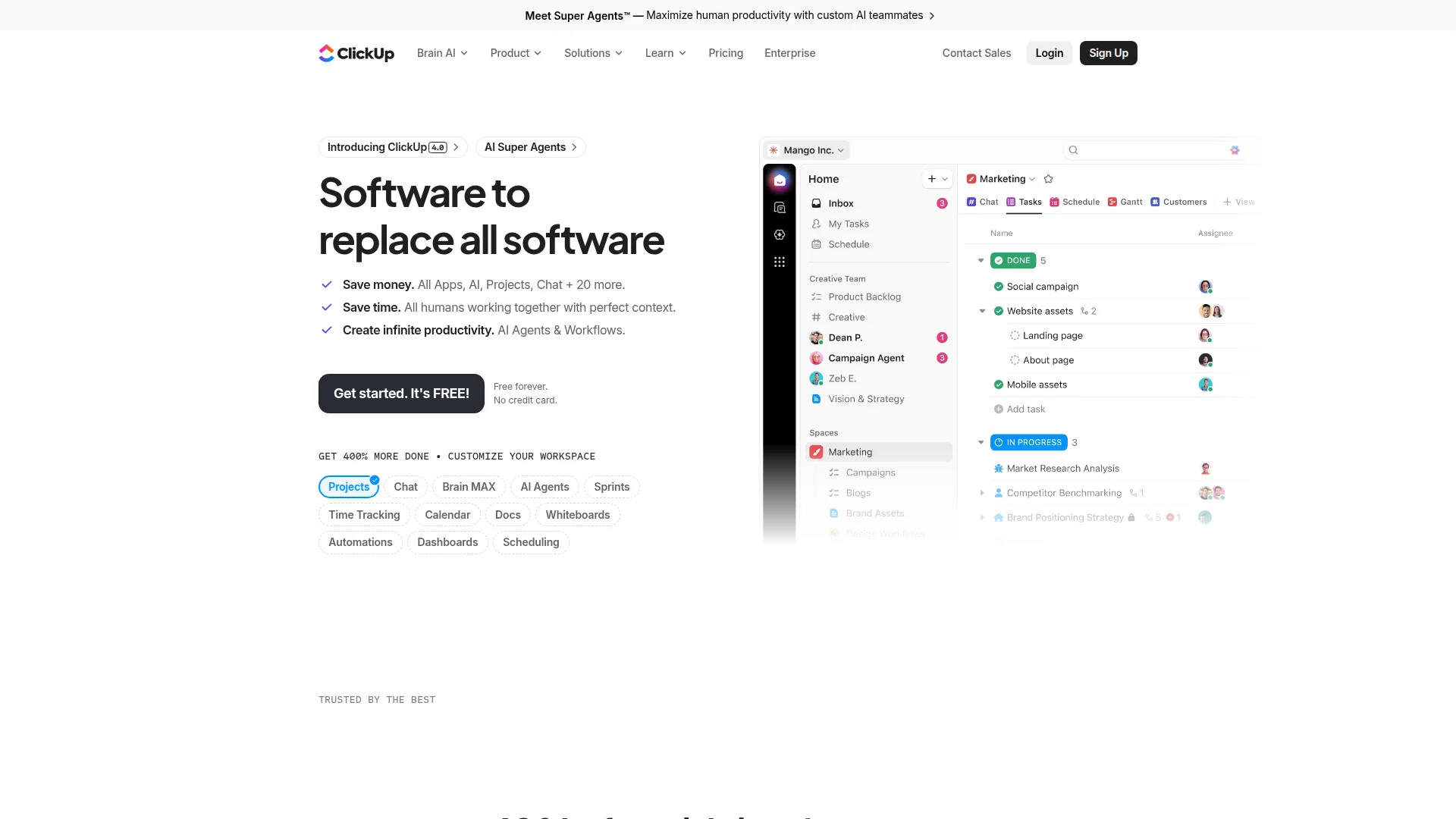
Pricing: Free Forever | Unlimited ($7/month) | Business ($12/month) | Enterprise (custom)
ClickUp's free plan embarrasses Trello. Unlimited tasks, unlimited users, unlimited storage (100MB file uploads), and 15+ view types including Kanban, Gantt, calendar, and mind maps. Add native time tracking, goals, docs, and whiteboards — features Trello charges Power-Ups for.
The catch? Interface overwhelm. ClickUp offers 847 features (they count them). New users spend first week hiding options. But once configured, it handles complex projects Trello can't touch. Agencies love it for client portals and multi-project dashboards.
ClickUp vs Trello Comparison
What We Liked
- Free plan beats Trello's paid tiers (unlimited tasks vs. Trello's board limits)
- Automations included (250/month free, unlimited on $7 plan)
- Native integrations with 1,000+ tools (Trello requires Zapier)
- Time tracking built-in (Trello needs Everhour Power-Up at $8.50/month)
What Could Be Better
- UI complexity scares non-technical teams
- Search function slower than competitors with large workspaces
Growth Hacker Take: ClickUp scales from solo founder to 500-person team without switching tools. The all-in-one approach eliminates tool sprawl. Just budget 1-2 days for onboarding — the feature overload is real.
View ClickUp Pricing | Read G2 Reviews (4.7/5, 9,000+ reviews)
3. Asana — Timeline Views Trello Can't Match
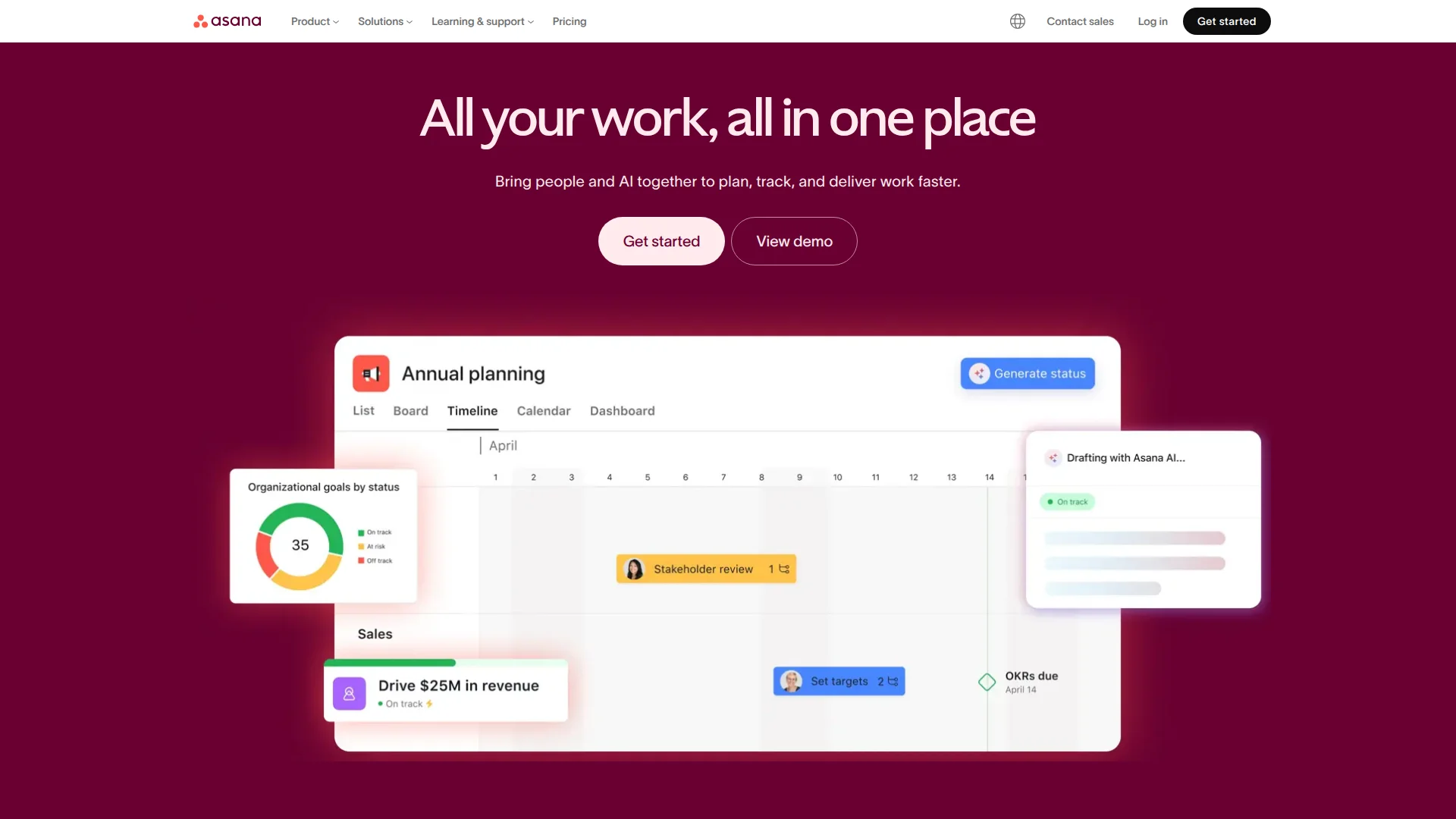
Pricing: Free (15 teammates) | Premium ($10.99/month) | Business ($24.99/month) | Enterprise (custom)
Asana's free tier crushes Trello's: 15 team members (vs. 10), unlimited projects, timeline view, and custom fields. The killer feature? Task dependencies with Gantt-style timelines. Marketing teams use it to map campaign launches with 40+ interconnected tasks — impossible in Trello without external tools.
Interface feels cleaner than ClickUp but more powerful than Trello. Forms, portfolios, and workload management come standard. Integrations with Slack, Adobe Creative Cloud, and Microsoft Teams beat Trello's Power-Up ecosystem. Only downside: timeline view limited to Premium tier after free trial ends.
What We Liked
- Timeline view shows dependencies (critical for launch coordination)
- 15 teammates on free plan vs. Trello's 10
- Portfolios track multiple projects in one dashboard
What Could Be Better
- Free tier loses timeline access after 30 days (bait-and-switch feel)
- Reporting limited compared to Monday.com or ClickUp
Growth Hacker Take: Asana wins for marketing and content teams managing multi-step campaigns. The free tier works until you hit 15 people, then Premium at $11/month feels justified. Better investment than Trello's $5/month Standard plan that still lacks timelines.
View Asana Pricing | Read G2 Reviews (4.3/5, 9,500+ reviews)
4. Airtable — When You Need a Database, Not a Board
Pricing: Free (1K records) | Plus ($20/month) | Pro ($45/month) | Enterprise (custom)
Airtable replaces Trello when projects need structured data. Think CRM-meets-Kanban: track deals with 40+ custom fields, link records across tables, then visualize as boards, galleries, or calendars. Product teams use it to manage roadmaps with user votes, priority scores, and release dates — data Trello can't handle without brittle Power-Ups.
The interface looks like Google Sheets but behaves like a relational database. Automations trigger based on field changes (when "Status" = "Ready", notify Slack). Forms collect data directly into tables. Recent AI features auto-categorize and summarize records.
Airtable for Project Management
What We Liked
- Linked records create relationships Trello can't model
- API access even on free plan (Trello locks this behind Enterprise)
- Views include Kanban, calendar, gallery, and pivot tables
What Could Be Better
- $20/month jump from free feels steep (vs. Notion's $10)
- Learning curve steeper than visual-first tools
Growth Hacker Take: Airtable shines when you need to track metrics alongside tasks. Sales teams using it for pipeline + project management see 2.5x better forecast accuracy than Trello + spreadsheet combos. Overkill for simple task tracking.
View Airtable Pricing | Read G2 Reviews (4.6/5, 2,300+ reviews)
5. Miro — Infinite Canvas Beats Static Boards
Pricing: Free (3 boards) | Starter ($8/month) | Business ($16/month) | Enterprise (custom)
Miro replaces Trello when teams think spatially. Infinite whiteboards let you map user journeys, sprint plans, and roadmaps with more flexibility than rigid card columns. Drag wireframes next to task cards, embed videos, draw connections between ideas. Remote teams use it for async brainstorming — add sticky notes, vote on priorities, then convert ideas to structured boards.
The Kanban template feels like Trello on steroids: swimlanes, color coding, and visual grouping without column constraints. Templates for retrospectives, customer journey maps, and mind maps come built-in. Recently added AI features cluster similar ideas and generate frameworks from freeform notes.
What We Liked
- Infinite canvas beats Trello's fixed board structure
- Visual collaboration tools (drawing, voting, timers) built-in
- Templates for 100+ use cases beyond task tracking
What Could Be Better
- Not a replacement for structured project management (use alongside tools like Notion)
- Free tier's 3-board limit feels restrictive
Growth Hacker Take: Miro replaces Trello for strategy and planning phases, not execution. Teams pair it with ClickUp or Asana — brainstorm in Miro, execute in structured tools. The combo beats Trello's one-size-fits-all boards.
View Miro Pricing | Read G2 Reviews (4.8/5, 5,500+ reviews)
6. Monday.com — The Client-Facing Trello Upgrade

Pricing: Free (2 seats, 14 days) | Basic ($9/month) | Standard ($12/month) | Pro ($19/month) | Enterprise (custom)
Monday.com's visual polish makes it the go-to for client-facing projects. Agencies share boards with clients who think "this looks more professional than Trello." Customizable dashboards, color-coded statuses, and timeline views create presentation-ready project snapshots. Automations handle repetitive workflows — when status changes, notify client and update invoice tracker.
The trade-off? Cost scales fast. Three-seat minimum at $27/month (vs. Trello's $5/month individual). Each user adds $9-19/month depending on tier. Great for billable client work, expensive for internal teams. Recent updates added AI writing assistant and form builders.
Monday.com Deep Dive Review
What We Liked
- Client portals with custom branding (white-label on Enterprise)
- 200+ templates for industry-specific workflows
- Automations more visual and intuitive than Trello's Butler
What Could Be Better
- Expensive at scale (10-person team = $90-190/month)
- Free tier essentially a demo (2 seats, 14-day limit)
Growth Hacker Take: Monday.com justifies cost when clients see your boards. The professional appearance helps agencies charge premium rates. For internal-only teams, ClickUp or Asana deliver similar features at half the price.
View Monday.com Pricing | Read G2 Reviews (4.7/5, 10,000+ reviews)
7. Basecamp — Flat Pricing Beats Per-User Traps
Pricing: Basecamp ($15/month unlimited users) | Basecamp Pro Unlimited ($299/month unlimited everything)
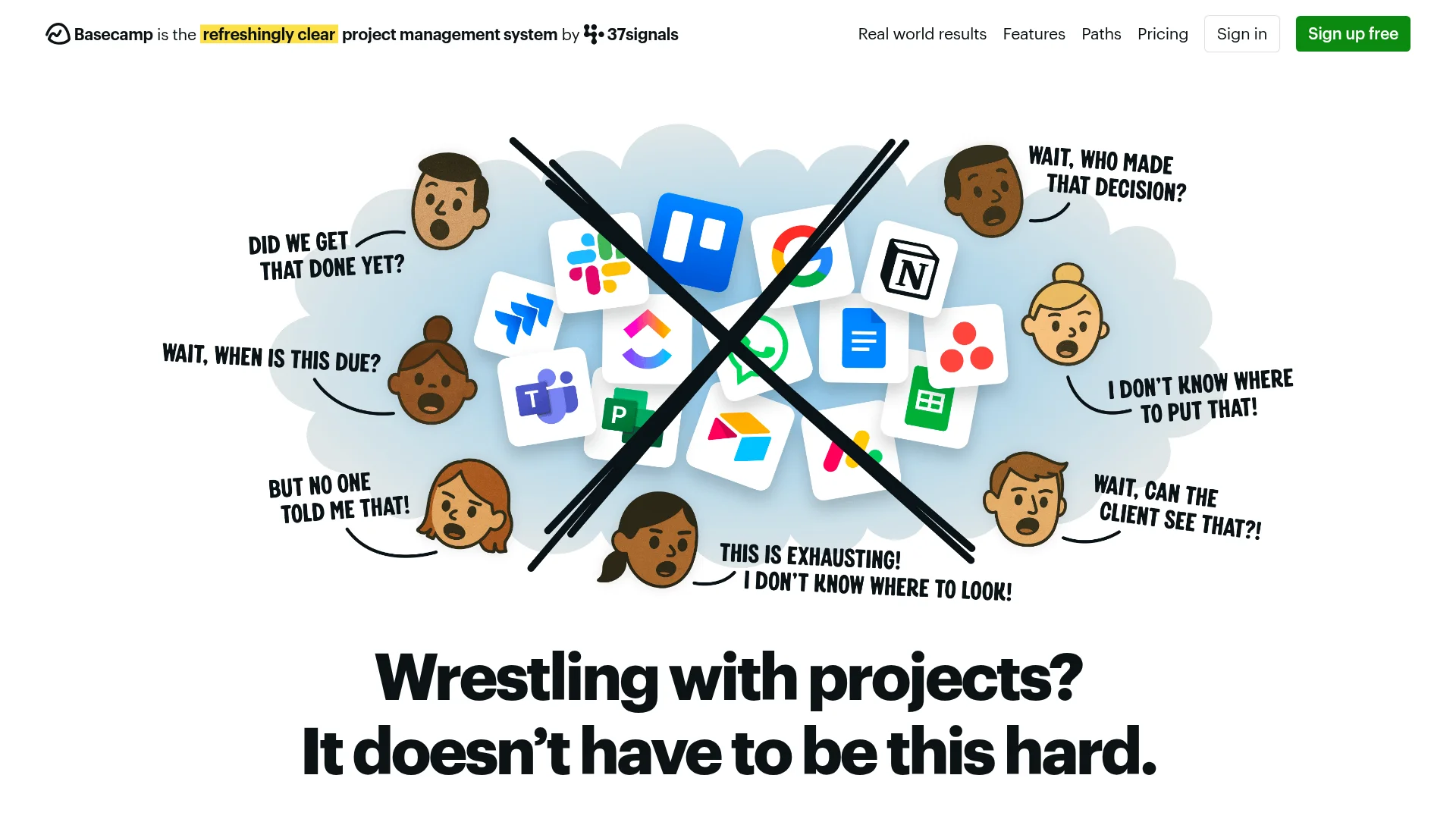
Basecamp's radical pricing model: $15/month for unlimited users and projects, or $299/month for unlimited everything including storage and priority support. No per-seat charges. Remote teams with 50+ people pay less than Monday.com's 10-person tier.
The tool itself feels simpler than Trello. Message boards replace card comments, to-do lists handle tasks, schedules show timelines, and docs store files. No custom fields, no complex automations, no view types. That's the point — opinionated simplicity. Teams tired of feature bloat love it. Power users feel constrained.
What We Liked
- Flat pricing eliminates per-user cost anxiety
- Hill Charts visualize project progress uniquely
- Built-in chat reduces Slack dependency
What Could Be Better
- Limited customization compared to Notion or ClickUp
- No Kanban view option (philosophical choice, but users miss it)
Growth Hacker Take: Basecamp works when team size exceeds 15 people and you value simplicity over flexibility. The $15 flat rate saves thousands annually vs. per-user tools. Just accept you're trading customization for predictable costs.
View Basecamp Pricing | Read G2 Reviews (4.1/5, 5,200+ reviews)
How to Choose Your Trello Alternative
Pick based on what Trello couldn't handle:
- Choose Notion if: You need docs + tasks in one place. Teams managing wikis, meeting notes, and projects simultaneously.
- Choose ClickUp if: You want maximum features and don't mind complexity. Agencies, dev teams, power users.
- Choose Asana if: You need timeline views for campaign coordination. Marketing teams tracking dependencies.
- Choose Airtable if: Projects involve data relationships. CRM + project management hybrids.
- Choose Miro if: Visual brainstorming matters more than task execution. Strategy and planning teams.
- Choose Monday.com if: Clients see your boards and professional appearance matters. Agencies billing premium rates.
- Choose Basecamp if: Team size exceeds 15 people and you prioritize simplicity over customization. Predictable flat pricing.
Start with free tiers. Most teams know within a week which tool fits their workflow.
FAQ
Why are people leaving Trello?
Limited views (only Kanban), weak automations (250 runs/month free), and feature stagnation. Teams need Gantt charts, time tracking, and better reporting — all missing or paywalled in Trello.
What's the best free Trello alternative?
ClickUp offers unlimited tasks, users, and storage on free tier. Asana's free plan supports 15 teammates with timeline views for 30 days.
Which tool is easiest to migrate from Trello?
Asana and ClickUp both offer direct Trello import tools. Export Trello boards as JSON, import to new platform in under 10 minutes.
Is Notion harder to learn than Trello?
Yes. Trello takes 20 minutes to master, Notion needs 2-3 weeks. But Notion replaces 3-5 tools once learned, while Trello stays limited forever.
Do any alternatives offer unlimited free plans like Trello used to?
ClickUp's free tier beats Trello's current free offering with unlimited tasks and users. Notion offers unlimited pages but limits file uploads to 5MB.
Which tool best handles complex projects Trello can't?
ClickUp or Asana for dependency tracking and Gantt views. Airtable if you need relational data between projects and tasks.
About the Author
Marco Delvane
Growth Team at Vibe Growth Stack. Tested 100+ growth tools so you don't have to. Writes about what actually works for startups — no fluff, no affiliate bias.
More in this series
View full guide →Linear vs Jira 2026: Which Project Management Tool Wins?
Compare Linear vs Jira for project management. Discover speed, pricing, and features to find the best tool for your team's needs.
Best ClickUp Alternatives 2026: 7 Project Management Tools
Discover the best ClickUp alternatives in 2026. Compare 7 top project management tools including Notion, Monday.com, Asana, Linear, and Basecamp for your team.
Notion vs Obsidian 2026: Which Note-Taking App Wins?
Compare Notion vs Obsidian in 2026. Discover which note-taking app is best for teams, individuals, and knowledge workers.
7 Best Asana Alternatives 2026: Simpler Project Management
Compare top Asana alternatives like Notion, ClickUp, and Trello. Find the best project management tool for your team's needs with our 2026 guide.
Best Jira Alternatives 2026: Top Project Management Tools
Explore the best Jira alternatives for 2026. Compare Linear, Height, ClickUp, Asana, Trello and more project management tools for your team.
Best Notion Alternatives 2026: Simpler Tools
Related Articles
Get growth tips in your inbox
No-BS growth hacks, tool reviews, and best-value picks. Weekly.
Unsubscribe anytime. We hate spam too.